How to Add Friends on Sweatcoin on iPhone or iPad
Open the Sweatcoin app.. Tap the bar graph icon in the bottom menu.. Tap the white profile icon with a plus sign in the top right corner.
Steps
1
Open the Sweatcoin app.
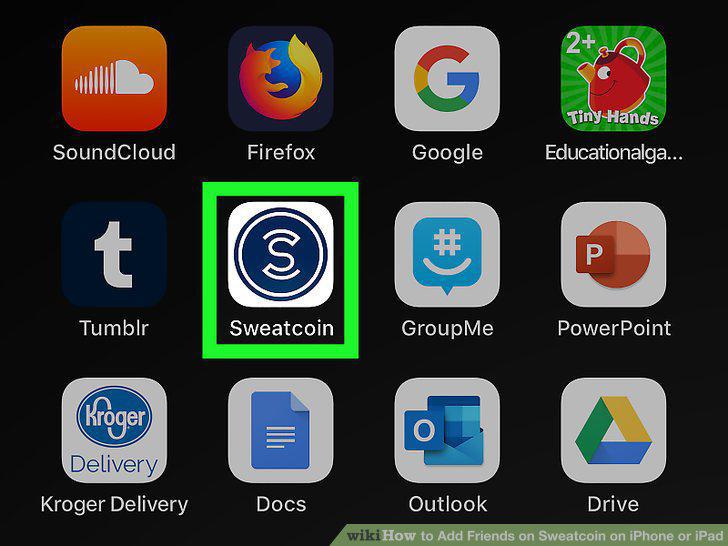
Open the Sweatcoin app.
2
Tap the bar graph icon in the bottom menu.
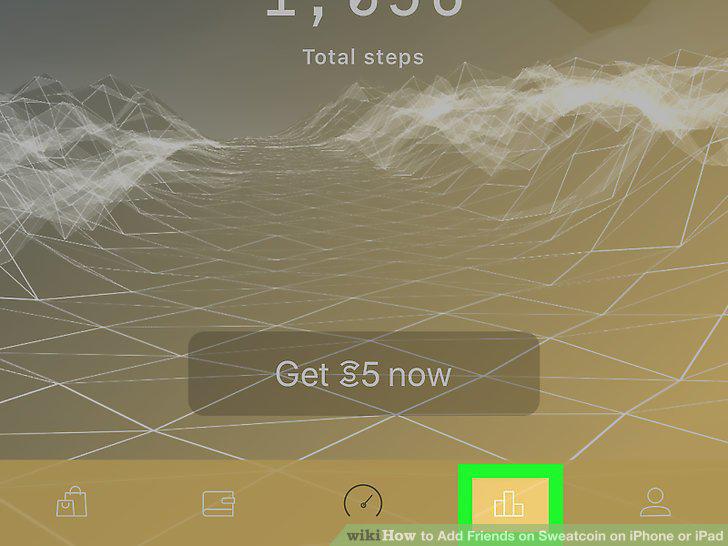
Tap the bar graph icon in the bottom menu.
3
Tap the white profile icon with a plus sign in the top right corner.

Tap the white profile icon with a plus sign in the top right corner.
4
Add friends through Snapchat, Messages, or by sharing a link.

Add friends through Snapchat, Messages, or by sharing a link.
5
Tap the address book icon at the top to add friends from your contacts.
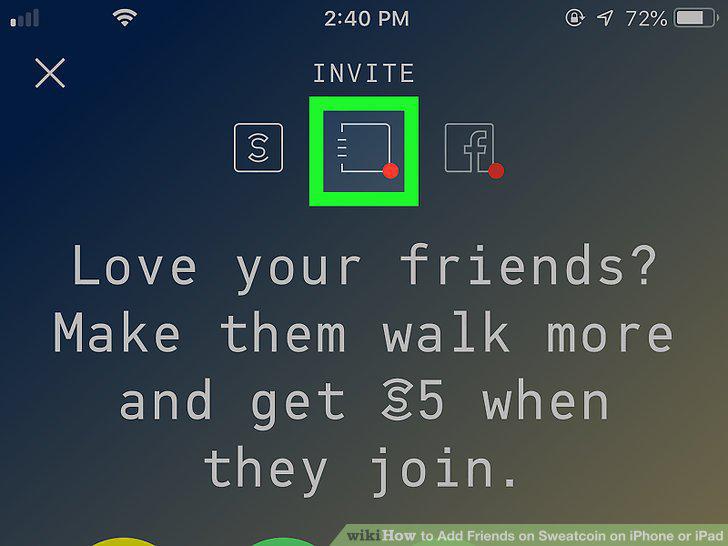
Tap the address book icon at the top to add friends from your contacts.
6
Tap the "f" icon to add Facebook friends.
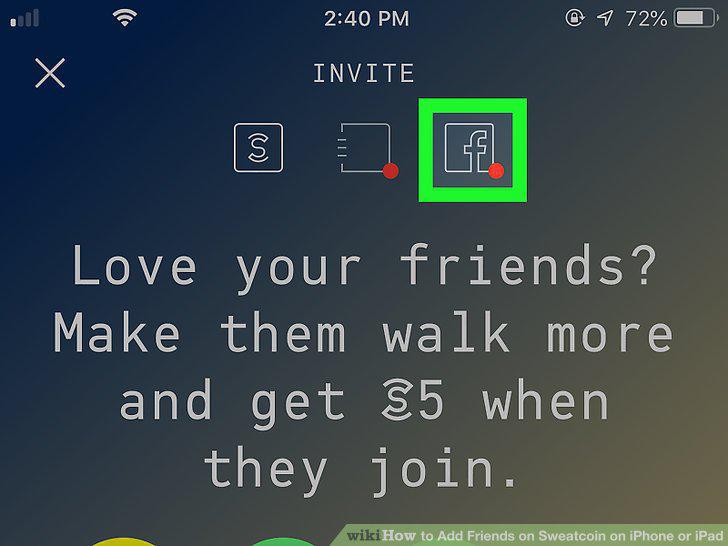
Tap the "f" icon to add Facebook friends.
Comments (0)
No comments yet. Be the first to share your thoughts!