How to Count Characters in Excel on iPhone or iPad
Open the Excel app on your iPhone or iPad.. Tap the Recent tab.. Tap the file you want to edit.
Steps
1
Open the Excel app on your iPhone or iPad.

Open the Excel app on your iPhone or iPad.
2
Tap the Recent tab.
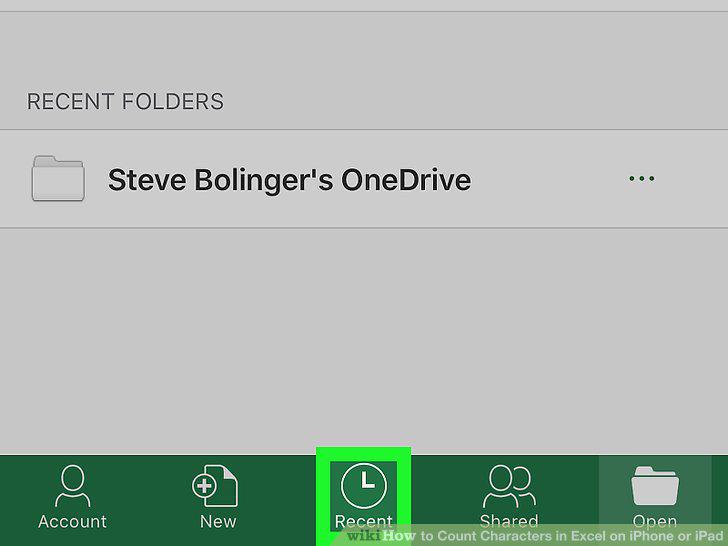
Tap the Recent tab.
3
Tap the file you want to edit.
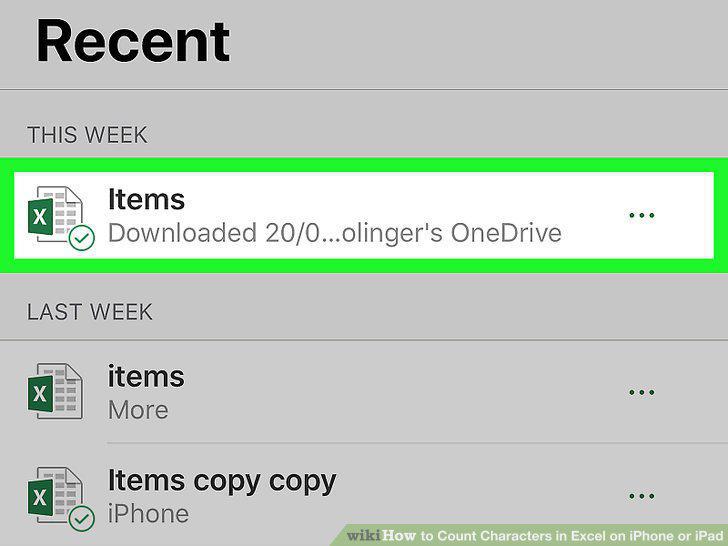
Tap the file you want to edit.
4
Double-tap an empty cell in the spreadsheet.
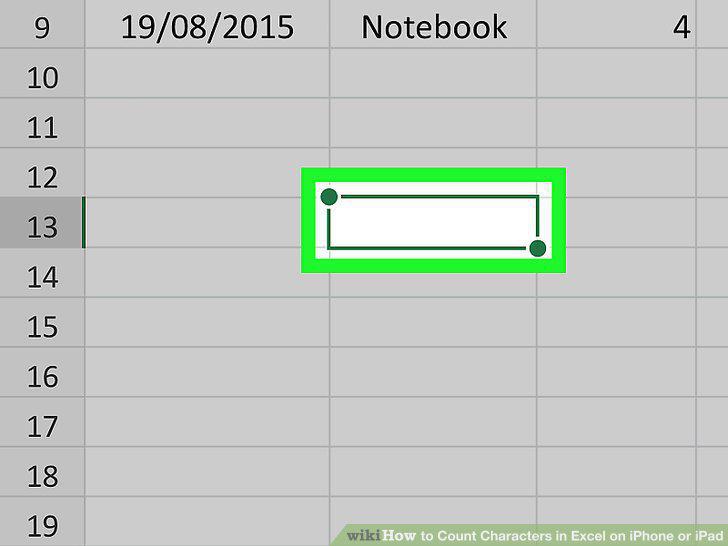
Double-tap an empty cell in the spreadsheet.
5
Type =LEN(cell) into the empty cell.
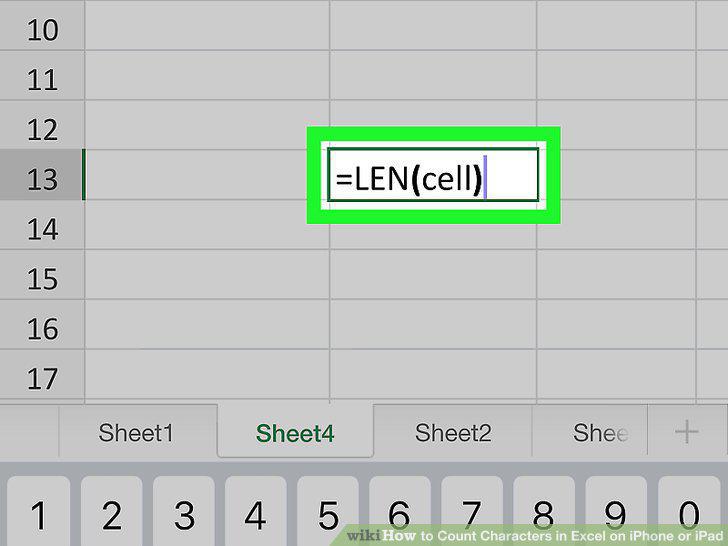
Type =LEN(cell) into the empty cell.
6
Replace cell with the cell number you want to count.
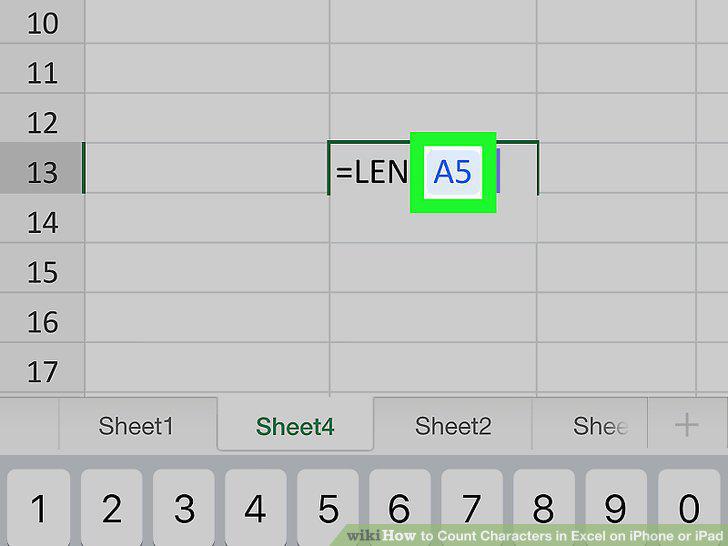
Replace cell with the cell number you want to count.
7
Count multiple cells by separating each cell number with a comma.
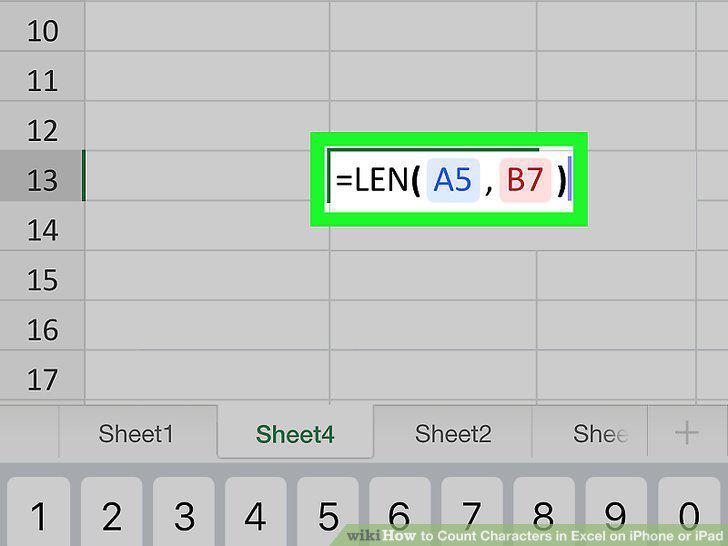
Count multiple cells by separating each cell number with a comma.
8
Count a range of cells by separating the first and last cells with a colon.
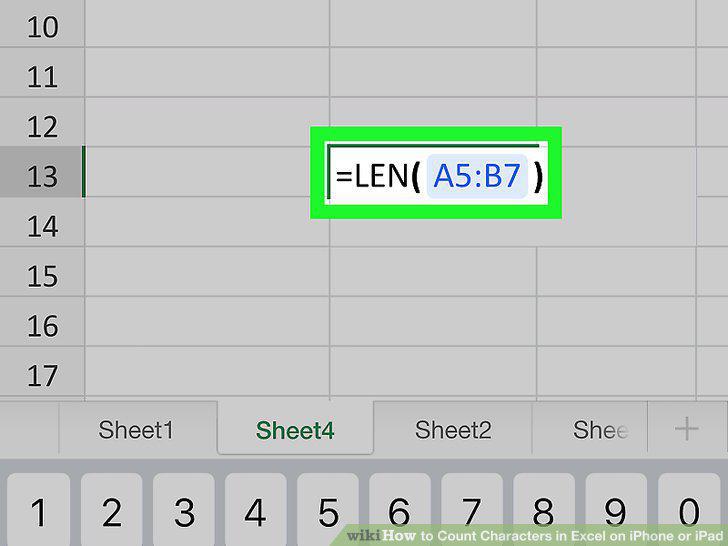
Count a range of cells by separating the first and last cells with a colon.
9
Tap the green checkmark icon.
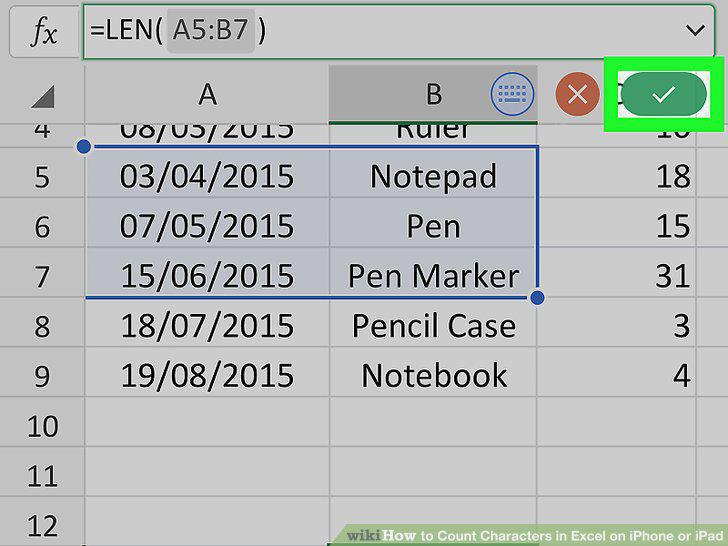
Tap the green checkmark icon.
Comments (0)
No comments yet. Be the first to share your thoughts!