How to Give Sparks on Mixer App
Navigate to https://mixer.com/ in a web browser.. Click a channel.. Click Skills.
Steps
1
Navigate to https://mixer.com/ in a web browser.
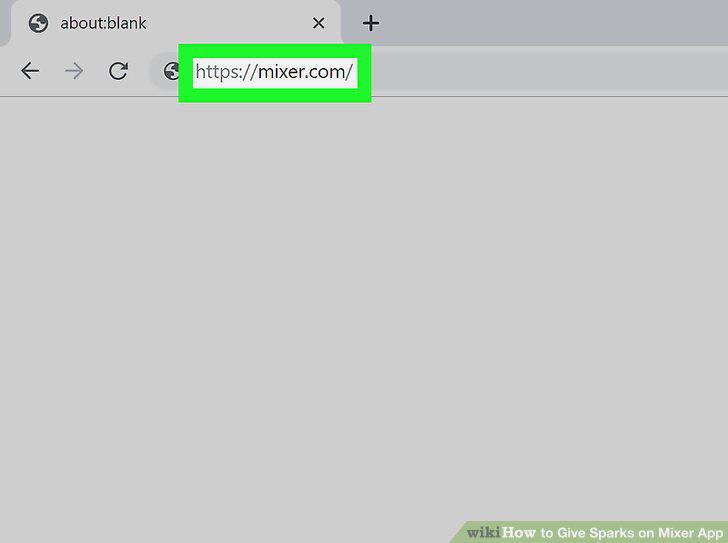
Navigate to https://mixer.com/ in a web browser.
2
Click a channel.
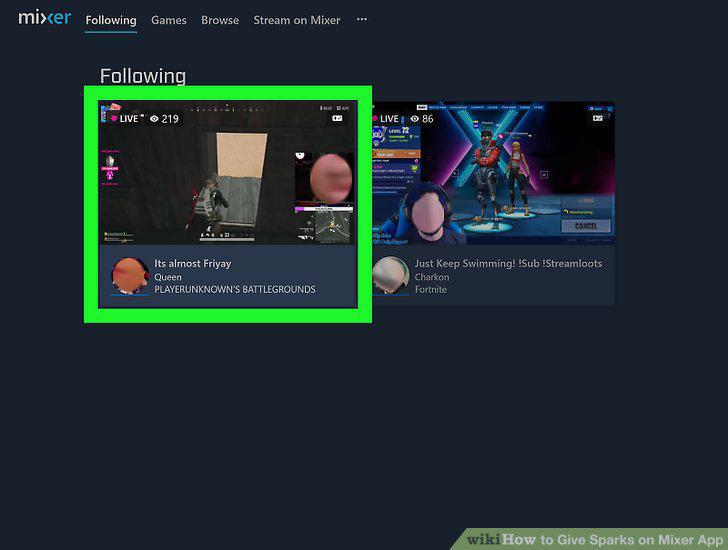
Click a channel.
3
Click Skills.
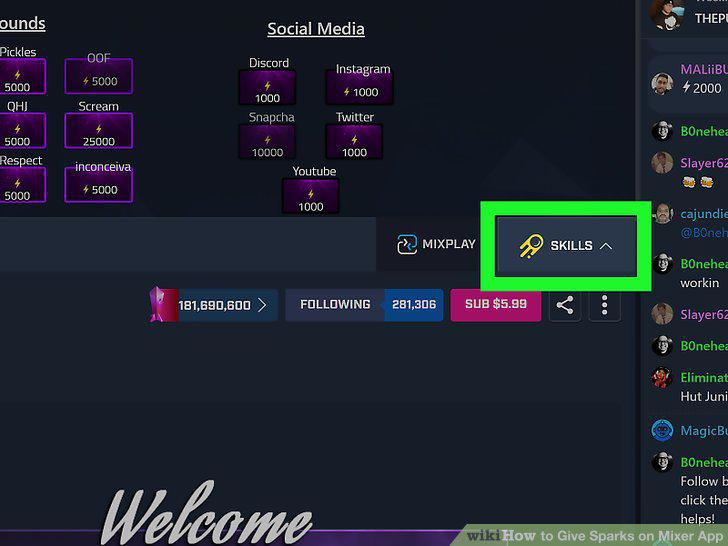
Click Skills.
4
Click the Sparks tab.
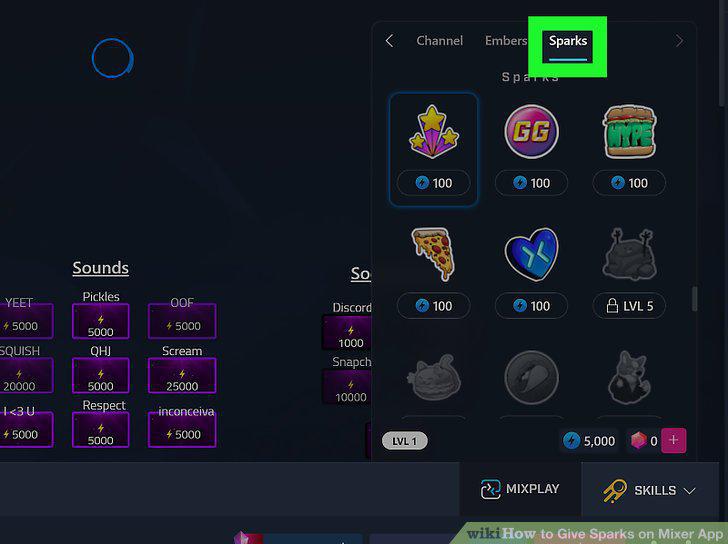
Click the Sparks tab.
5
Click a sticker.
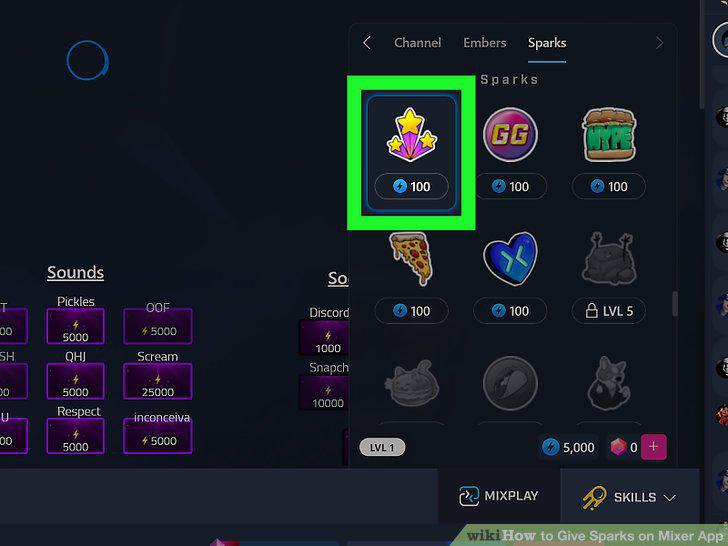
Click a sticker.
6
Open the Mixer mobile app.
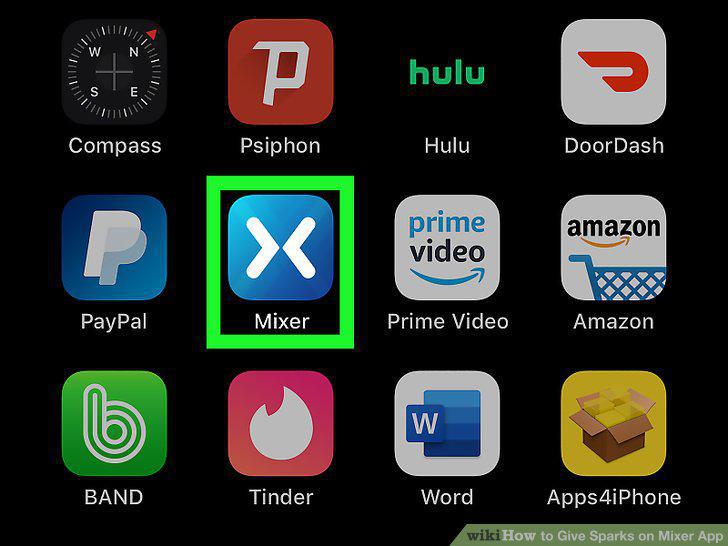
Open the Mixer mobile app.
7
Tap a streaming channel.
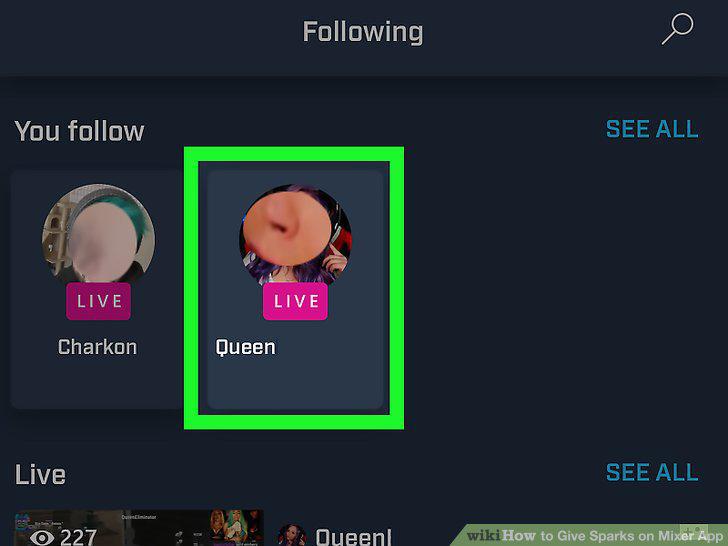
Tap a streaming channel.
8
Tap the icon that resembles a yellow comet.
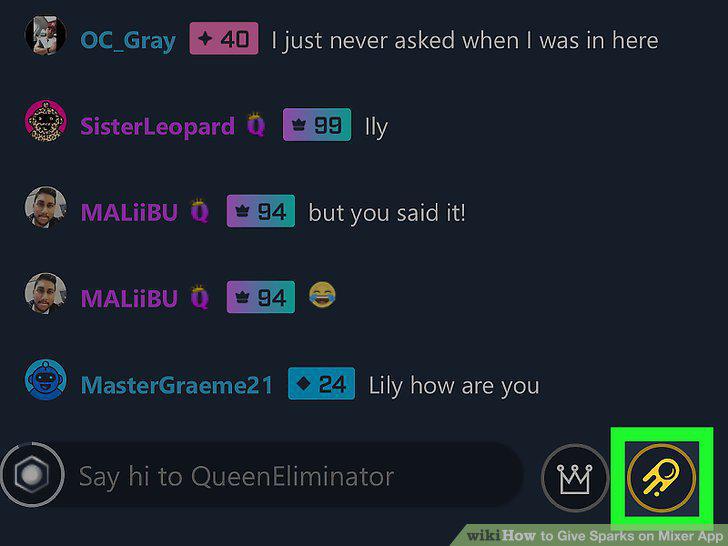
Tap the icon that resembles a yellow comet.
9
Tap the Sparks tab.
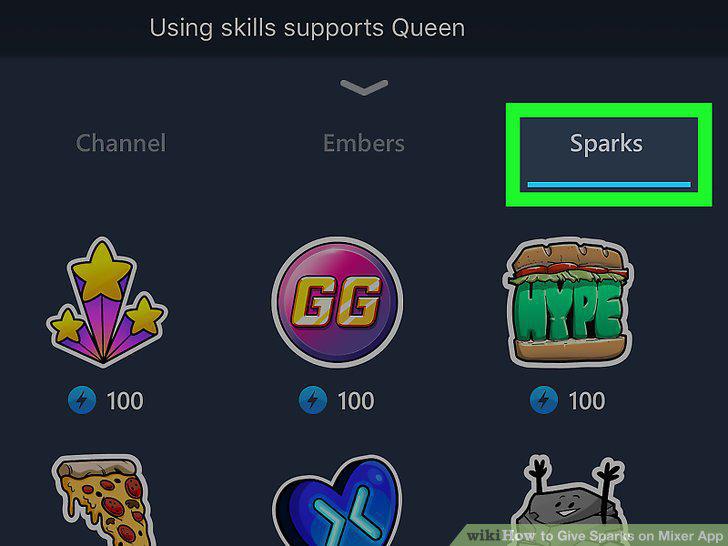
Tap the Sparks tab.
10
Tap a sticker.
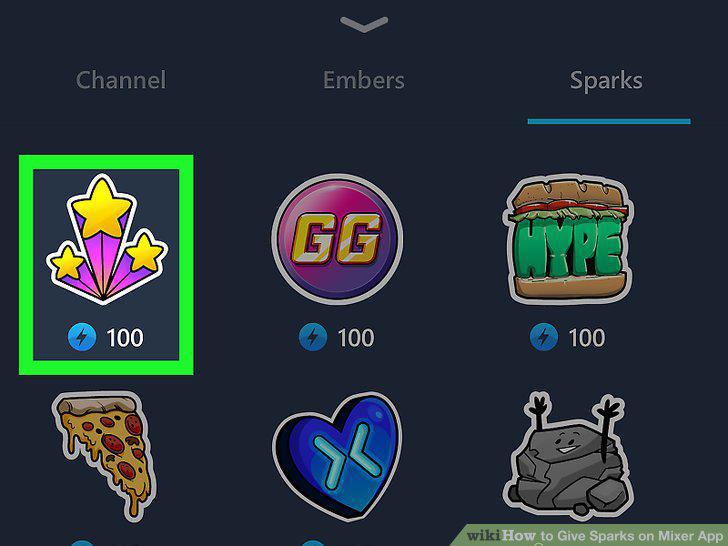
Tap a sticker.
Comments (0)
No comments yet. Be the first to share your thoughts!