How to Check Starbucks Gift Card Balance on iPhone or iPad
Open Starbucks on your iPhone or iPad.. Sign in to your Starbucks account.. Tap Pay.
Steps
1
Open Starbucks on your iPhone or iPad.
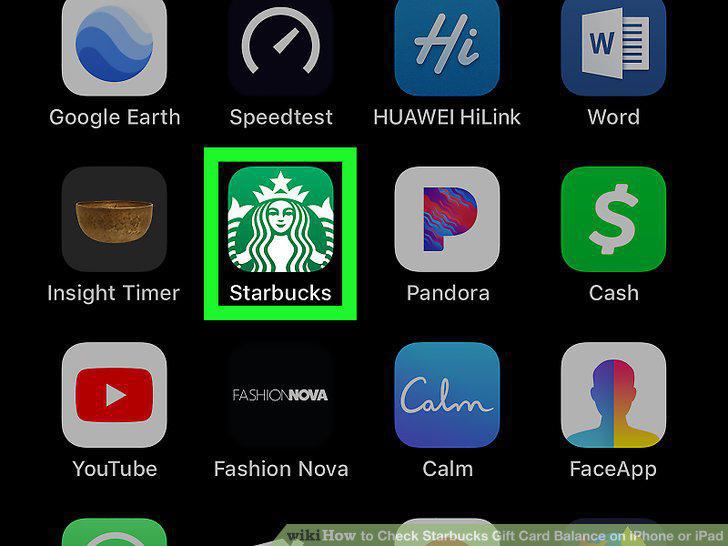
Open Starbucks on your iPhone or iPad.
2
Sign in to your Starbucks account.
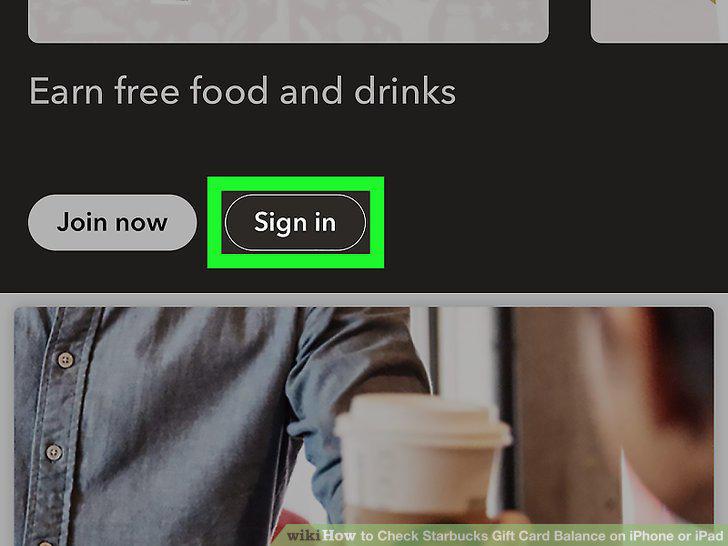
Sign in to your Starbucks account.
3
Tap Pay.
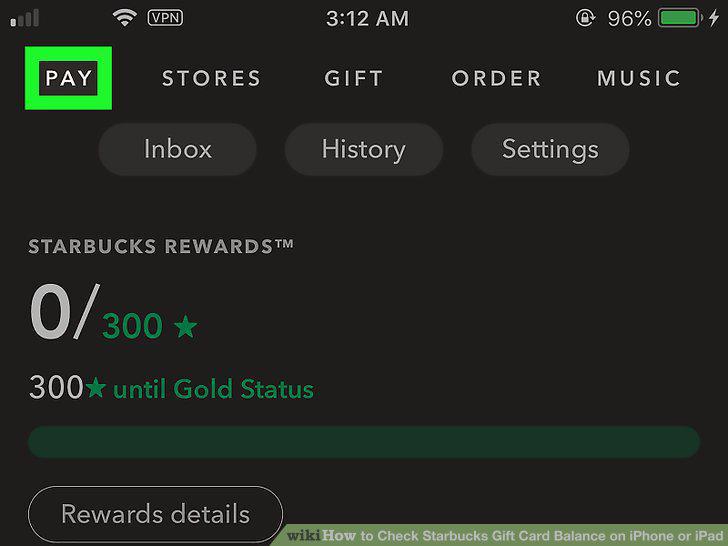
Tap Pay.
4
Tap + Add card.
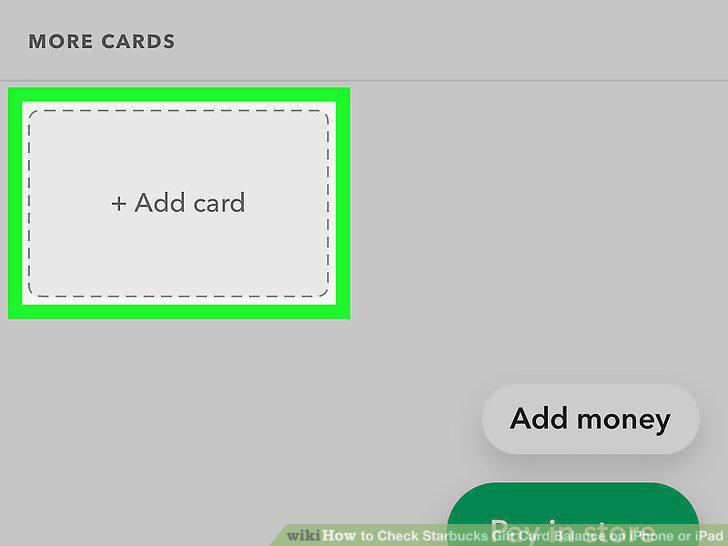
Tap + Add card.
5
Enter the gift card number.
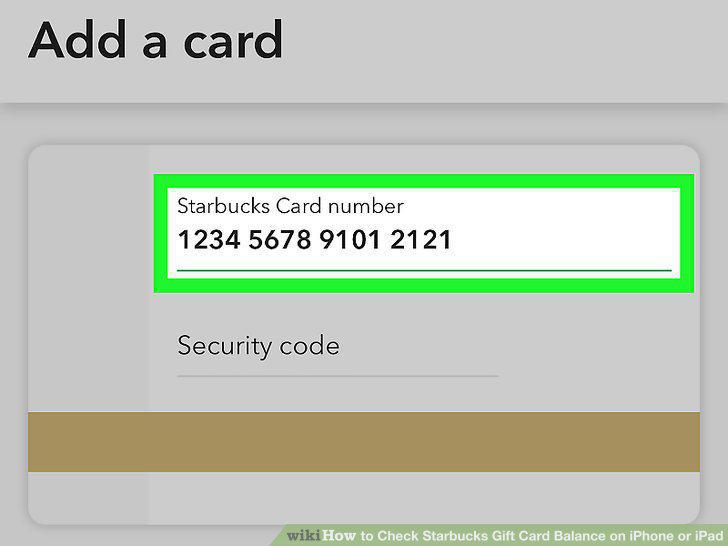
Enter the gift card number.
6
Enter the card's PIN.
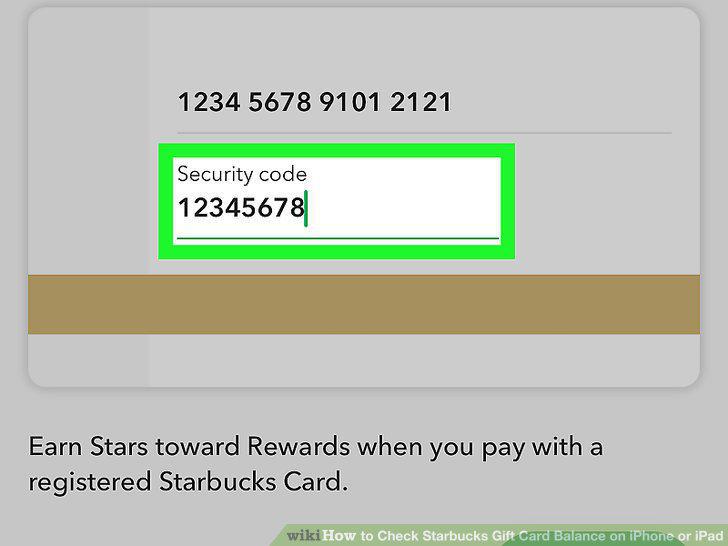
Enter the card's PIN.
7
Tap Add.
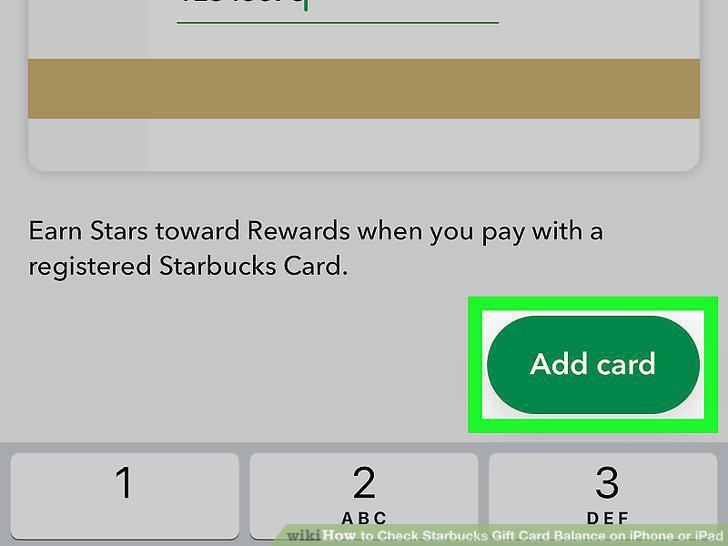
Tap Add.
8
Open your web browser.
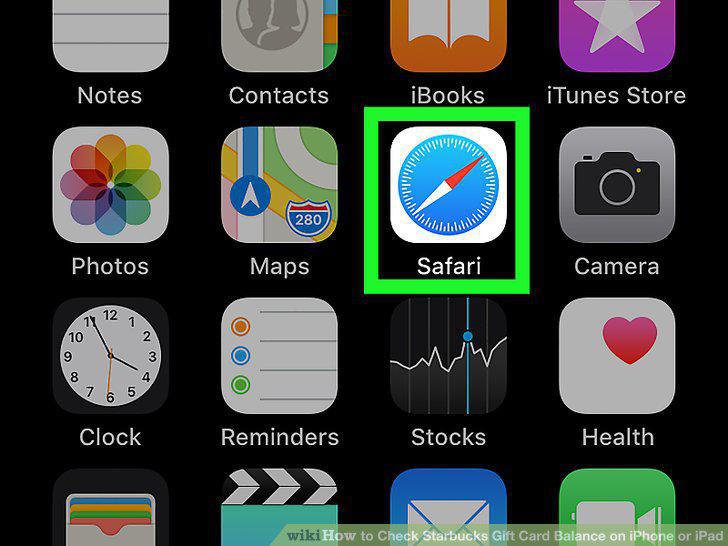
Open your web browser.
9
Typehttps://starbucks.com/card into the address bar and tap Go.
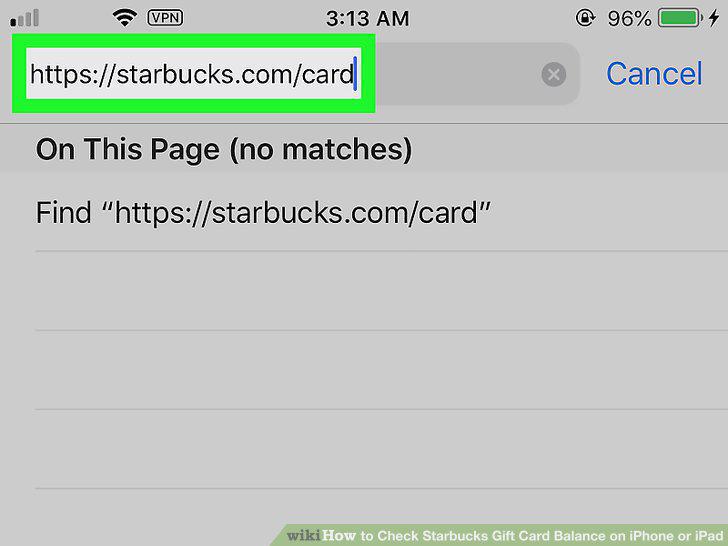
Typehttps://starbucks.com/card into the address bar and tap Go.
10
Scroll down to the "Check Balance" section.
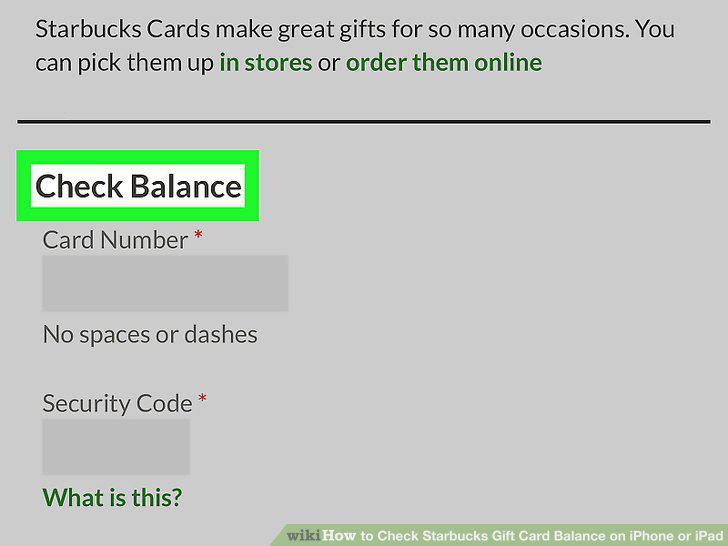
Scroll down to the "Check Balance" section.
11
Enter the gift card number.
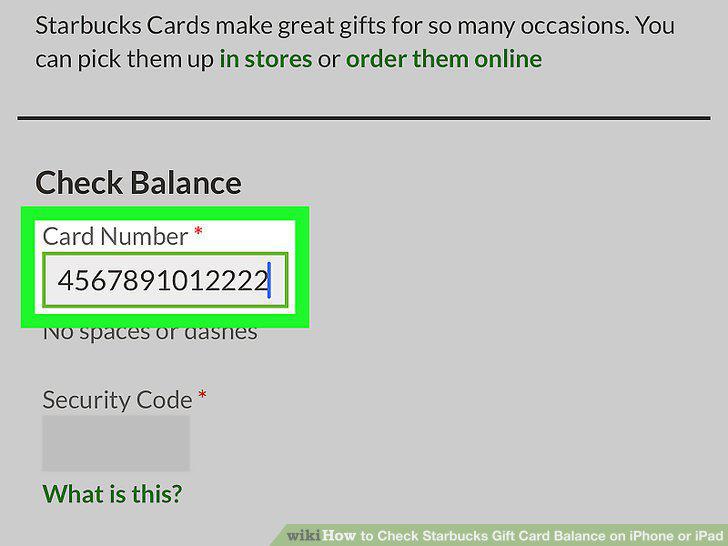
Enter the gift card number.
12
Enter the security code.
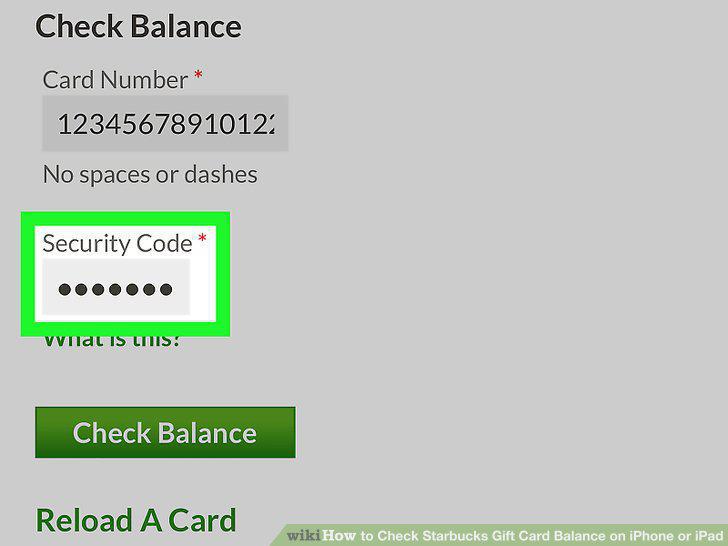
Enter the security code.
13
Tap Check Balance.
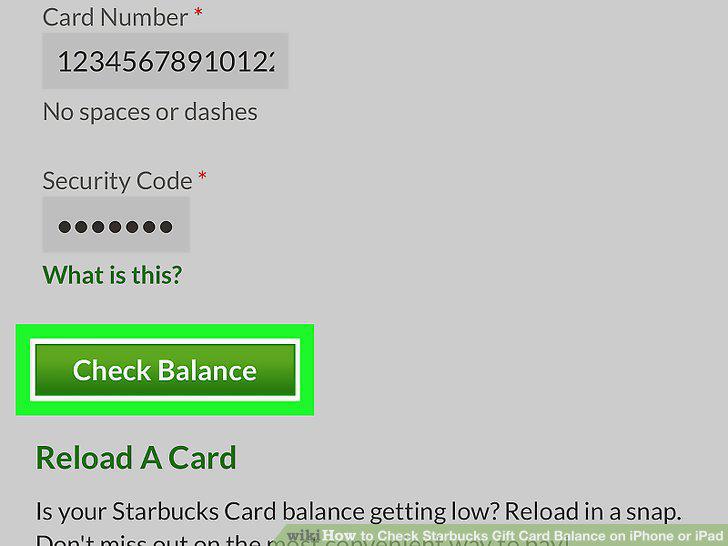
Tap Check Balance.
Comments (0)
No comments yet. Be the first to share your thoughts!