How to Use Look Around in Apple Maps on iPhone or iPad
Open the Maps app .. Search for a location.. Tap the binoculars icon.
Steps
1
Open the Maps app .
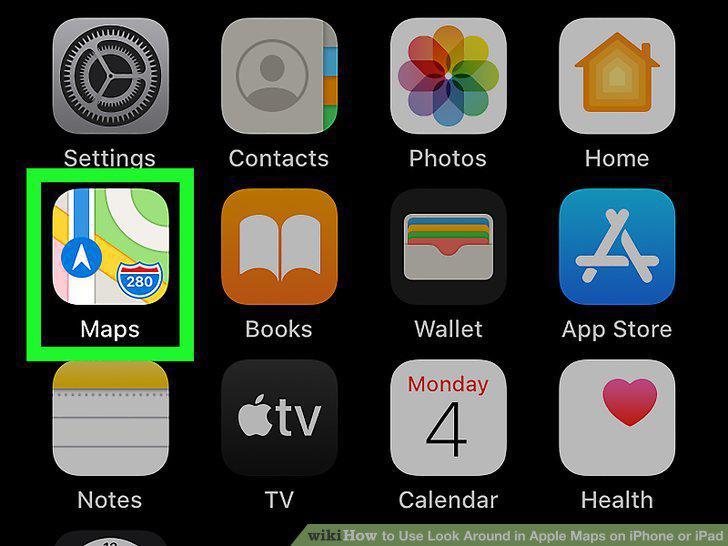
Open the Maps app .
2
Search for a location.
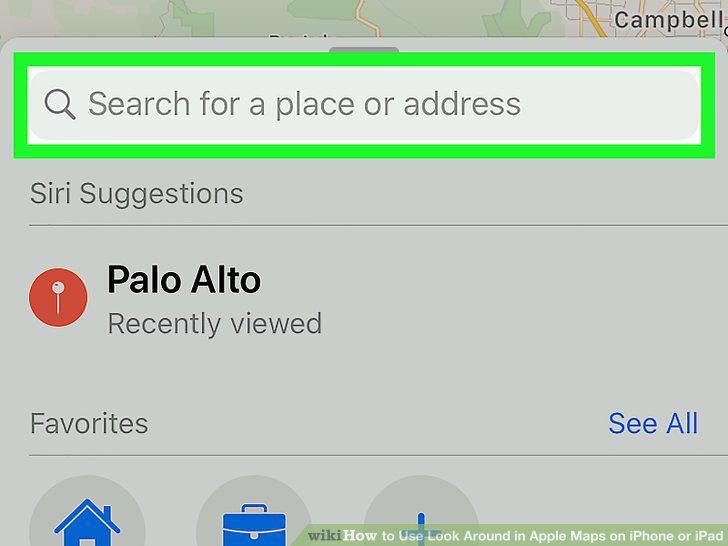
Search for a location.
3
Tap the binoculars icon.
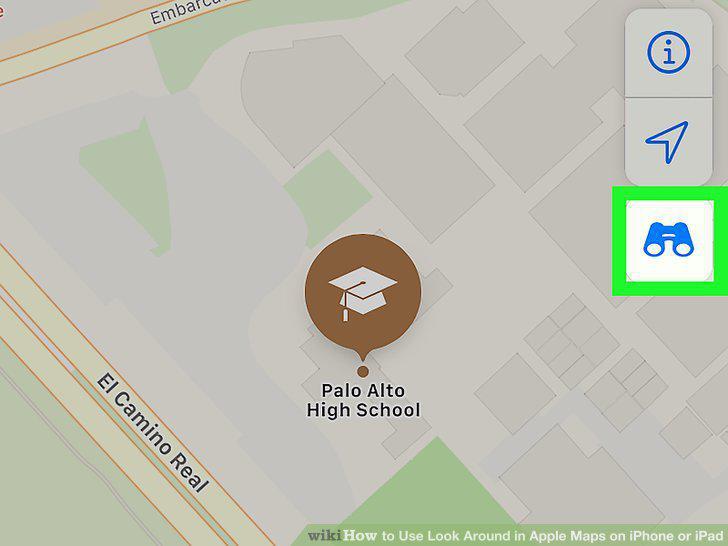
Tap the binoculars icon.
4
Tap the two-arrow icon to view the image full-screen.
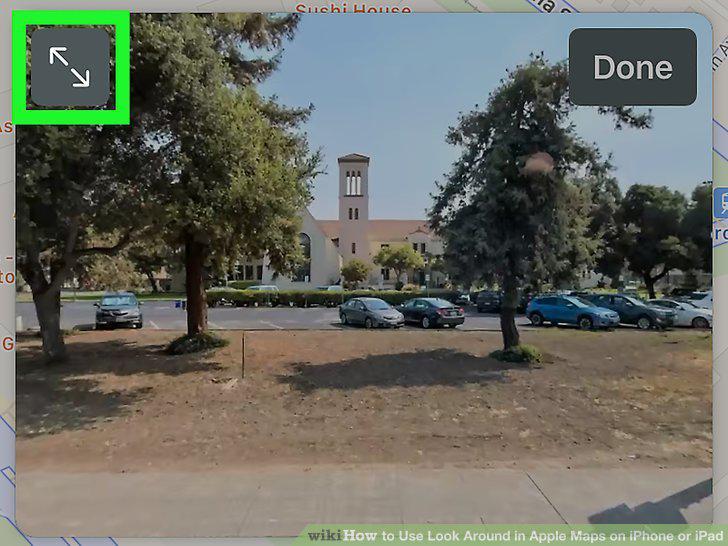
Tap the two-arrow icon to view the image full-screen.
5
Drag your finger on the photo to pan in any direction.
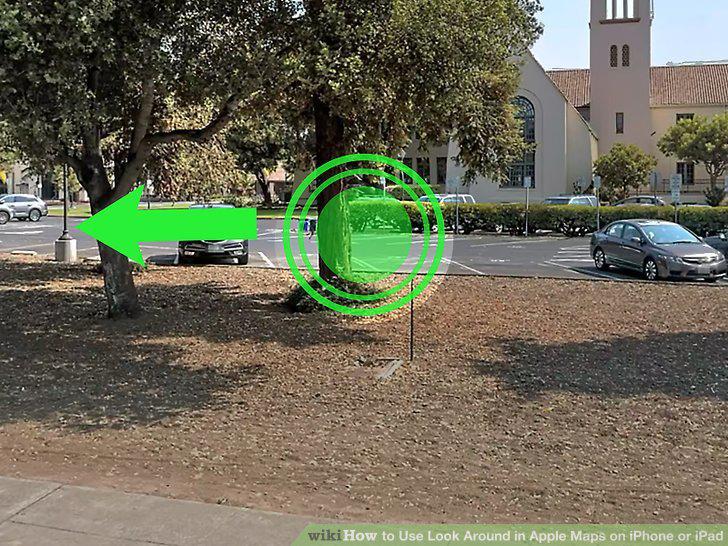
Drag your finger on the photo to pan in any direction.
6
Tap a spot on the photo to move forward.
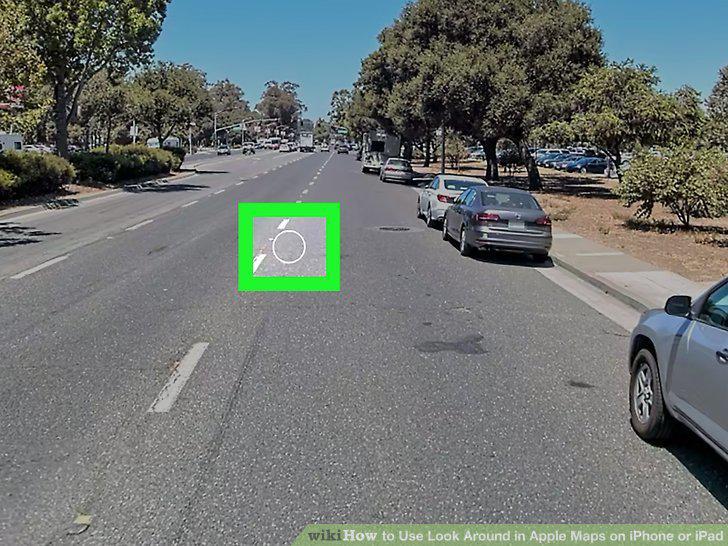
Tap a spot on the photo to move forward.
7
Pinch or reverse-pinch the photo to zoom in or out.
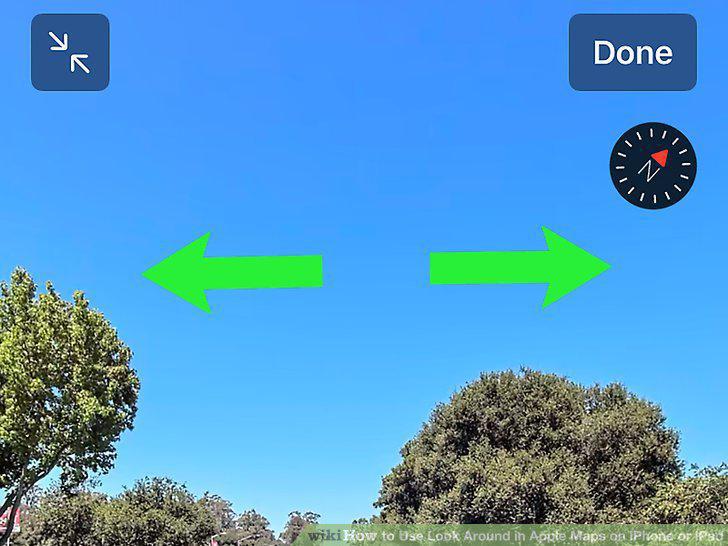
Pinch or reverse-pinch the photo to zoom in or out.
8
Tap Done when you're finished.
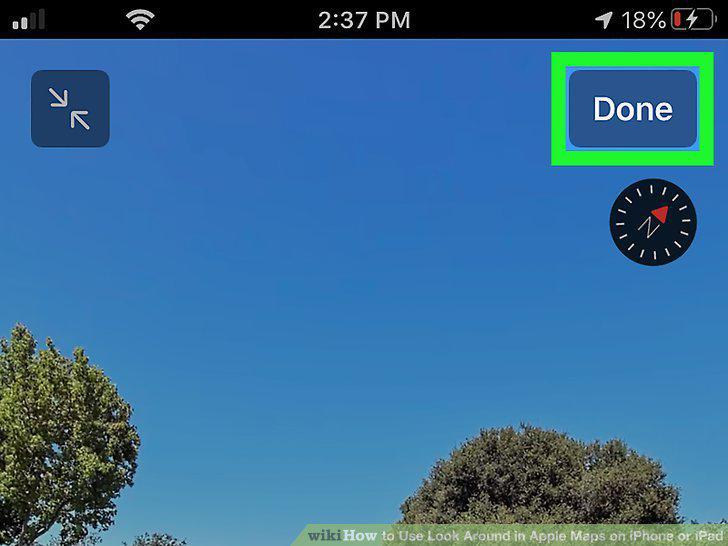
Tap Done when you're finished.
Comments (0)
No comments yet. Be the first to share your thoughts!