How to Publish a Blog Post on iPhone or iPad
Open the App Store on your iPhone or iPad.. Tap the Search tab.. Type WordPress into the search bar.
Steps
1
Open the App Store on your iPhone or iPad.
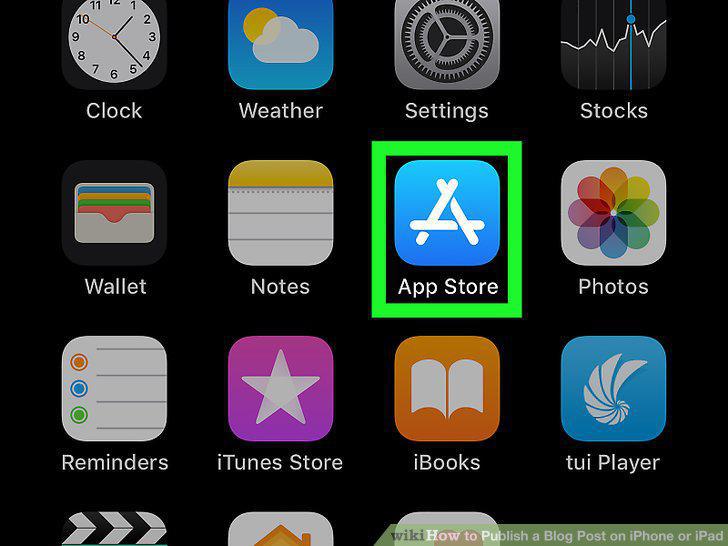
Open the App Store on your iPhone or iPad.
2
Tap the Search tab.
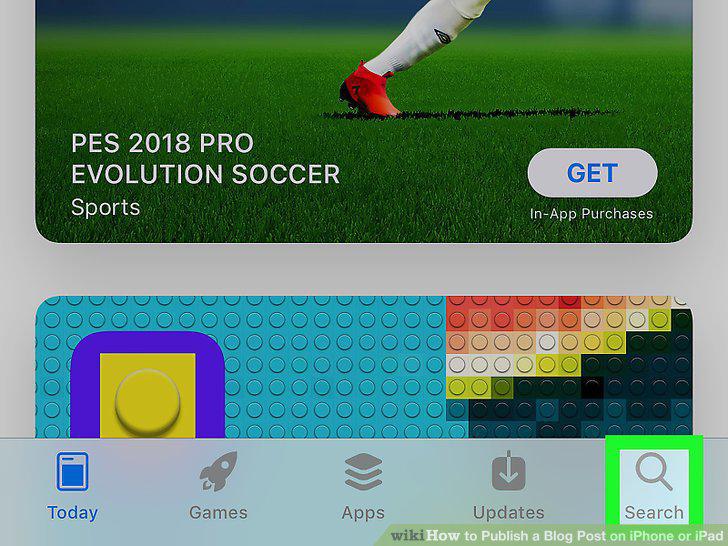
Tap the Search tab.
3
Type WordPress into the search bar.
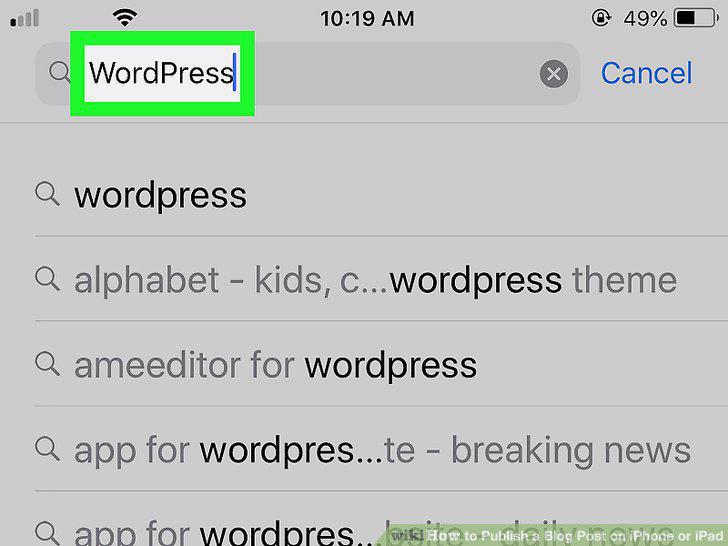
Type WordPress into the search bar.
4
Tap the blue Search button on your keyboard.
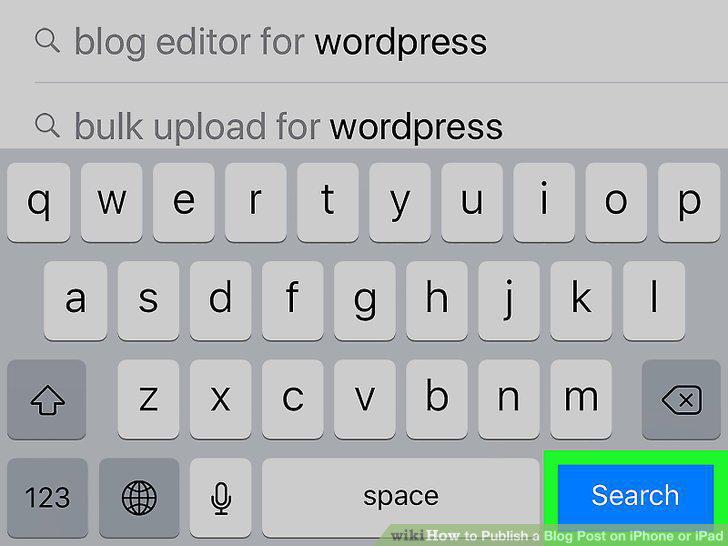
Tap the blue Search button on your keyboard.
5
Tap the GET button next to WordPress.
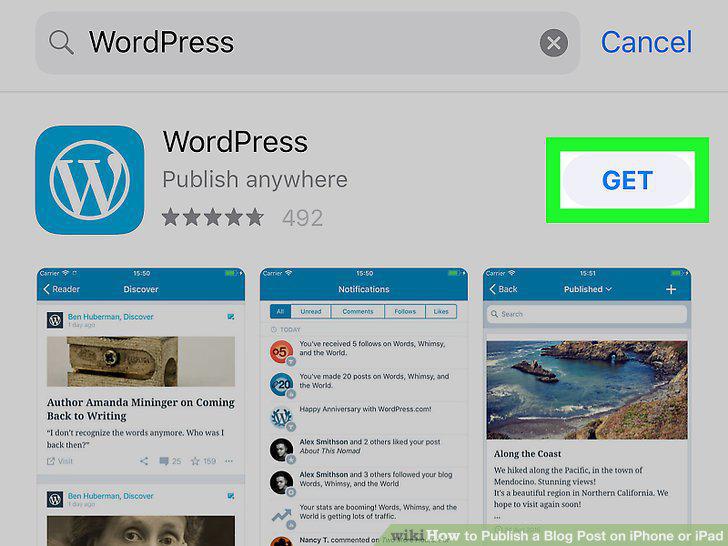
Tap the GET button next to WordPress.
6
Confirm the installation in the confirmation pop-up.
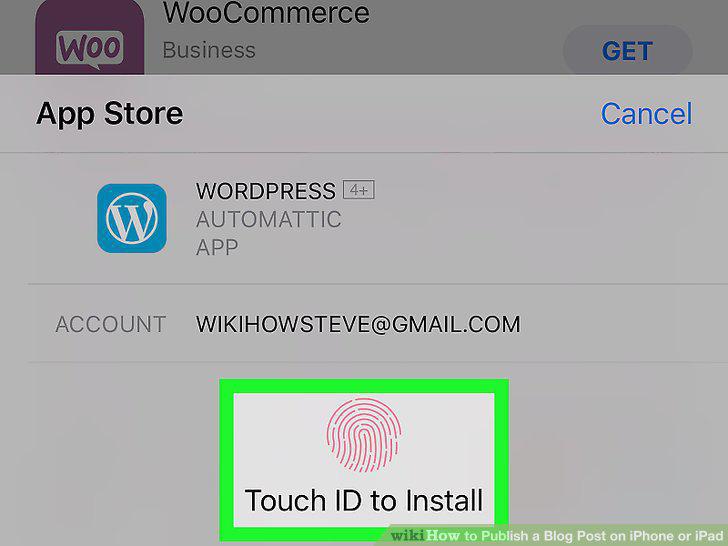
Confirm the installation in the confirmation pop-up.
7
Open the WordPress app on your iPhone or iPad.
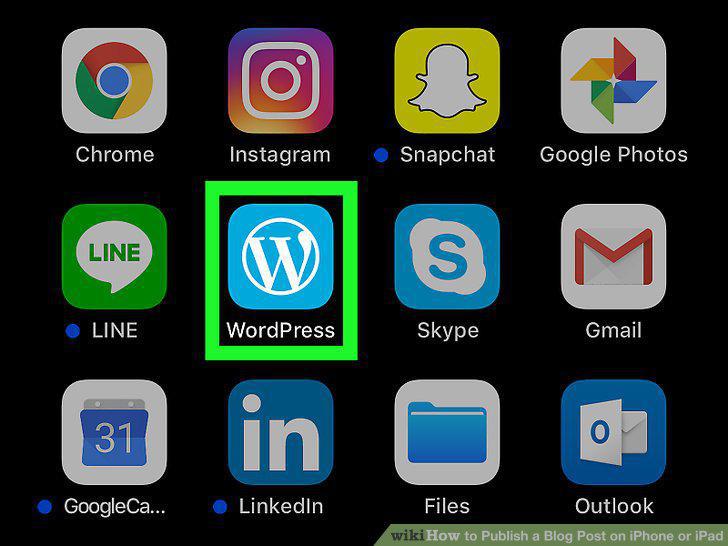
Open the WordPress app on your iPhone or iPad.
8
Tap the Sign up for WordPress.com button.
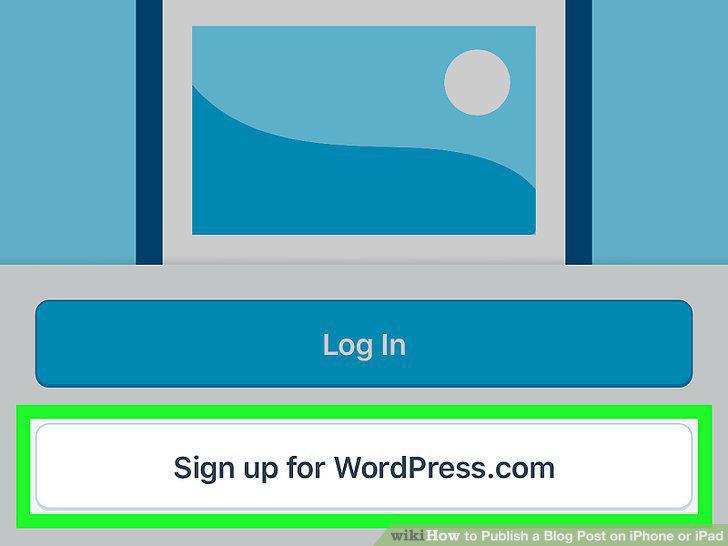
Tap the Sign up for WordPress.com button.
9
Select a sign-up method.
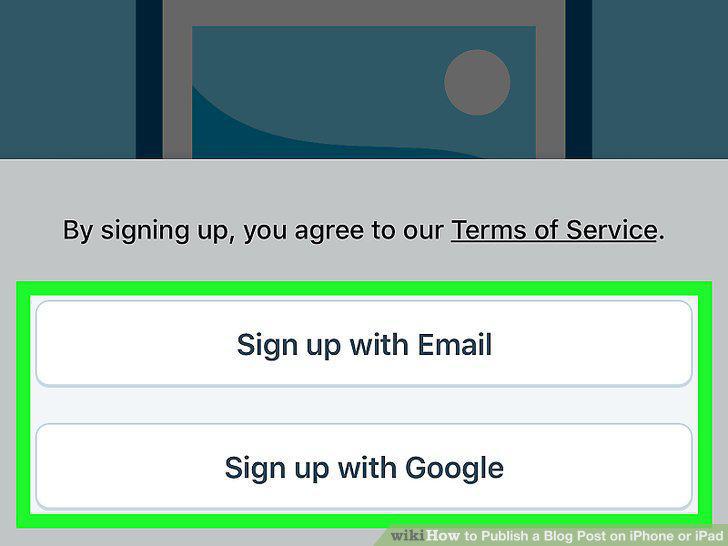
Select a sign-up method.
10
Tap the New Post icon.
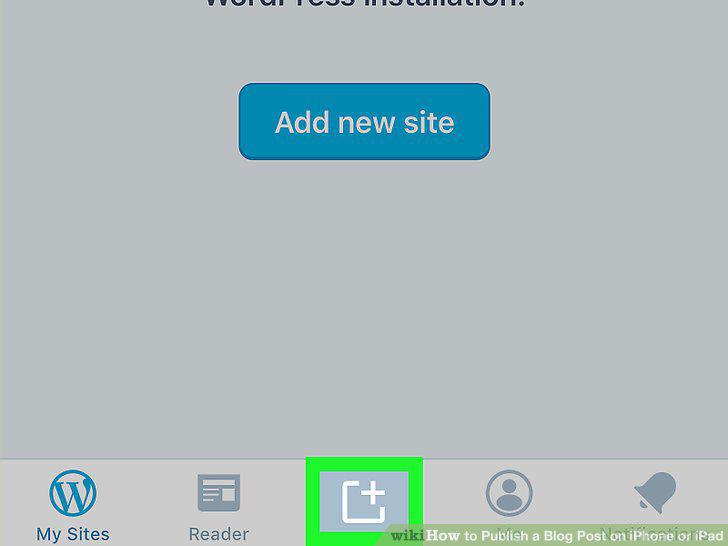
Tap the New Post icon.
11
Add a title to your blog post.
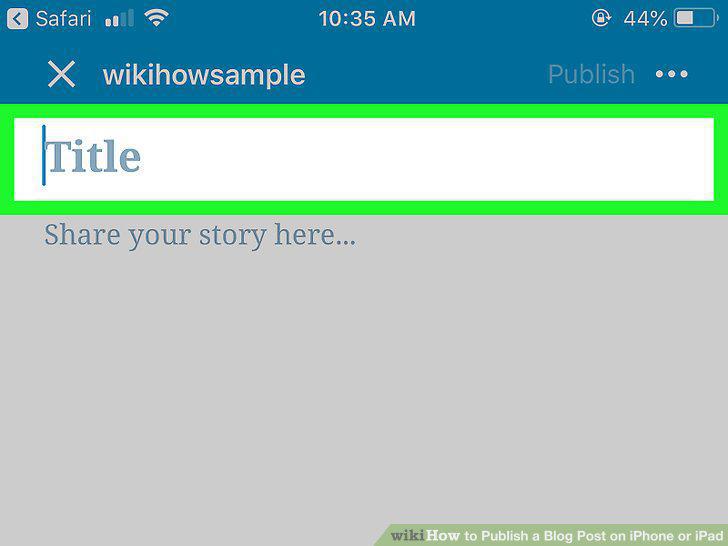
Add a title to your blog post.
12
Write your blog post.
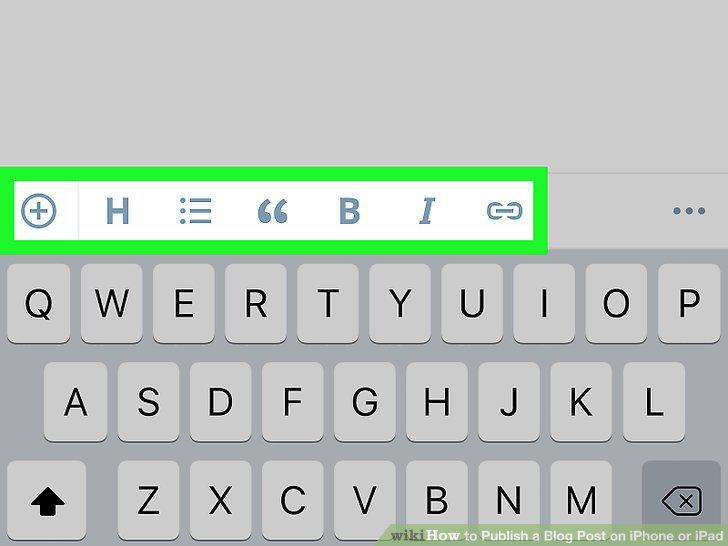
Write your blog post.
13
Tap the Publish button.
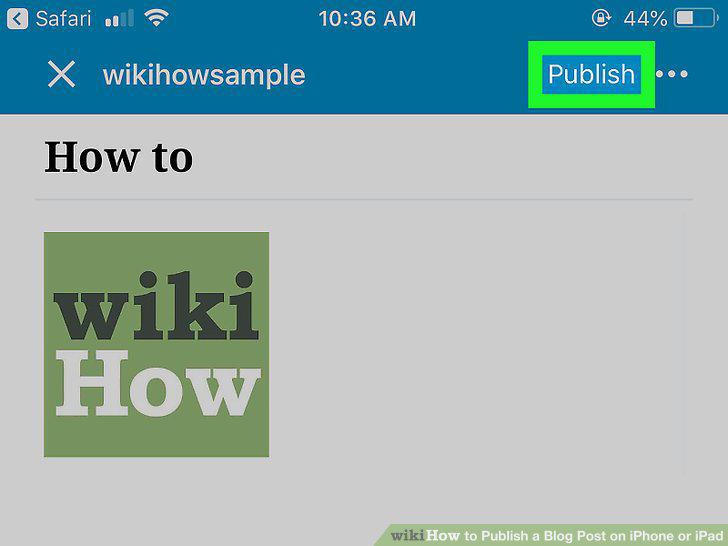
Tap the Publish button.
Comments (0)
No comments yet. Be the first to share your thoughts!