How to Test Your Internet Before Calling Your Broadband Provider
Perform a soft reset on your modem.. Try connecting a different computer, smartphone, or tablet to Wi-Fi.. Connect your computer directly to the modem.
Steps
1
Perform a soft reset on your modem.
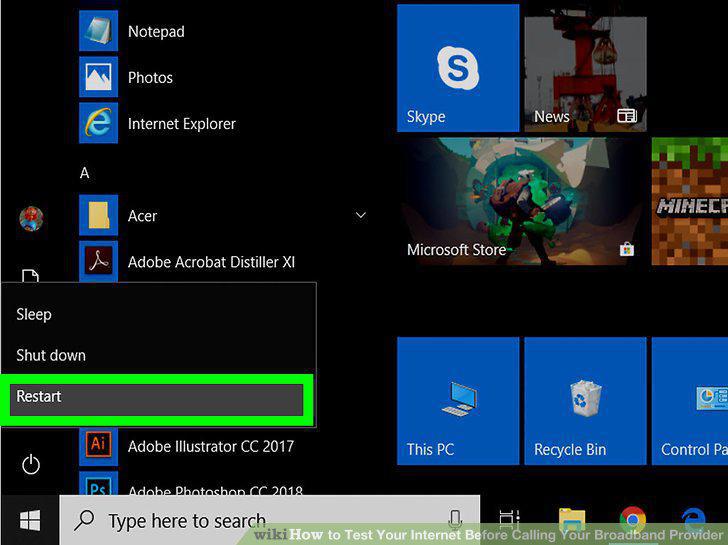
Perform a soft reset on your modem.
2
Try connecting a different computer, smartphone, or tablet to Wi-Fi.
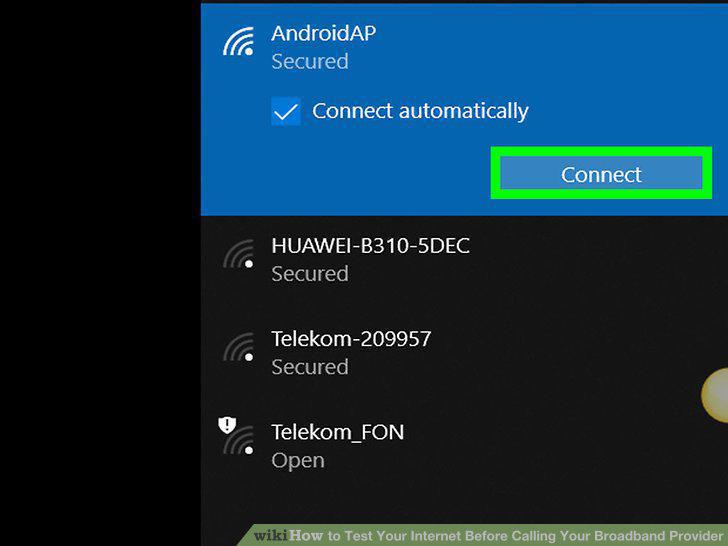
Try connecting a different computer, smartphone, or tablet to Wi-Fi.
3
Connect your computer directly to the modem.
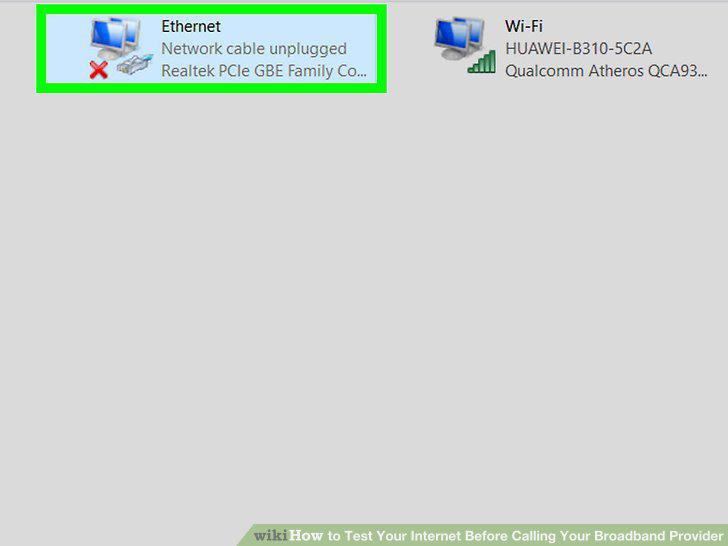
Connect your computer directly to the modem.
4
Check your Internet connection.
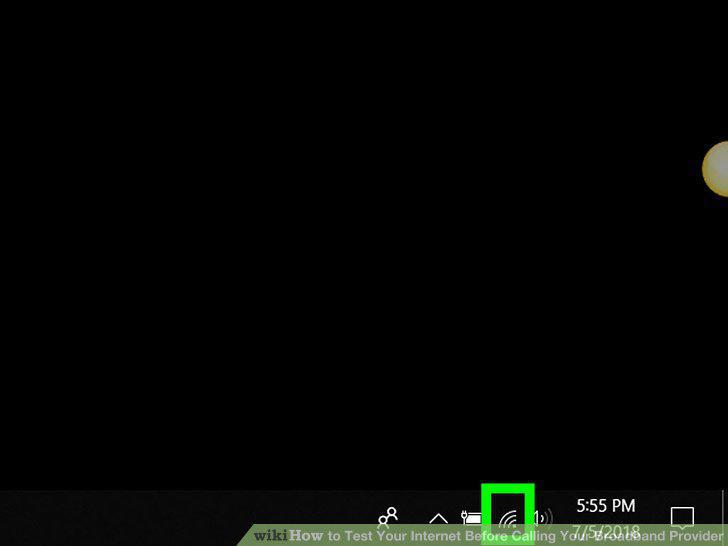
Check your Internet connection.
5
Connect your computer to the router and check your connection again.
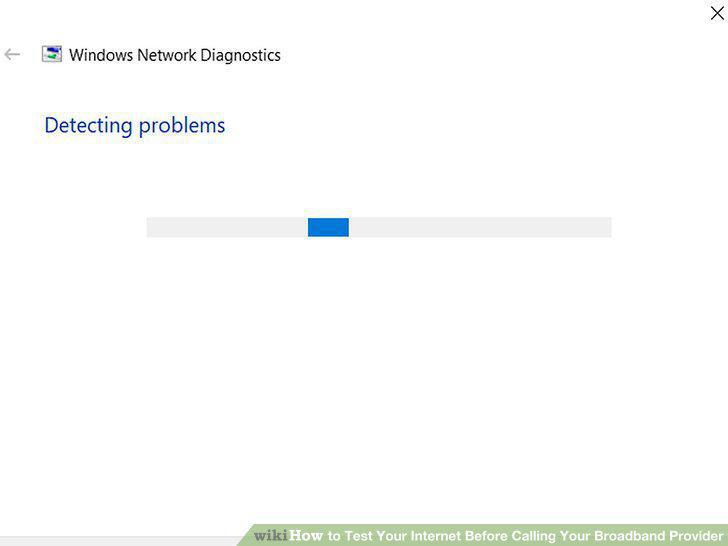
Connect your computer to the router and check your connection again.
6
Try connecting a different computer to your modem and router.
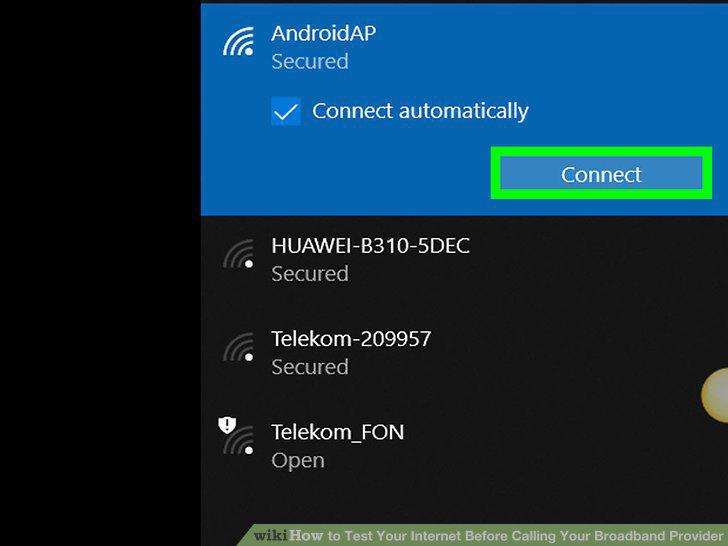
Try connecting a different computer to your modem and router.
7
Determine your Internet connection's proposed speed.
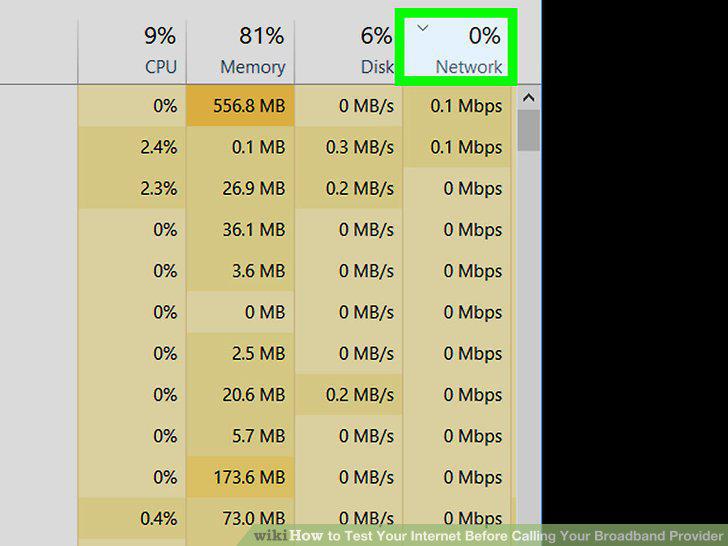
Determine your Internet connection's proposed speed.
8
Connect a computer to your Wi-Fi or modem.
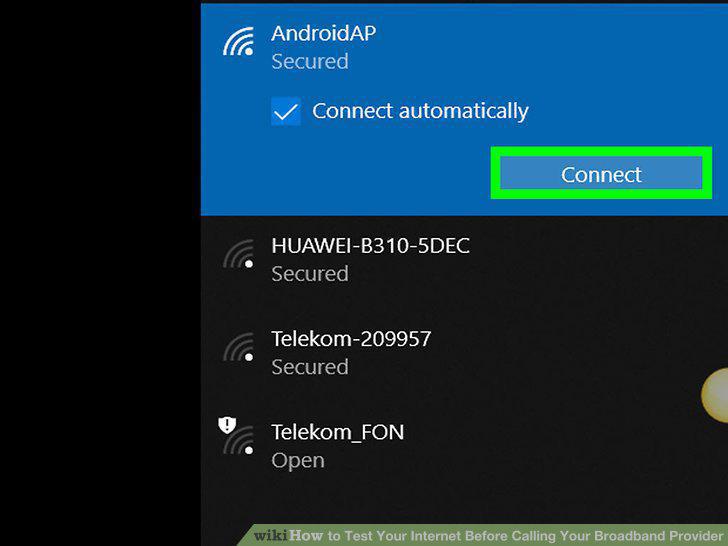
Connect a computer to your Wi-Fi or modem.
9
Open Google.
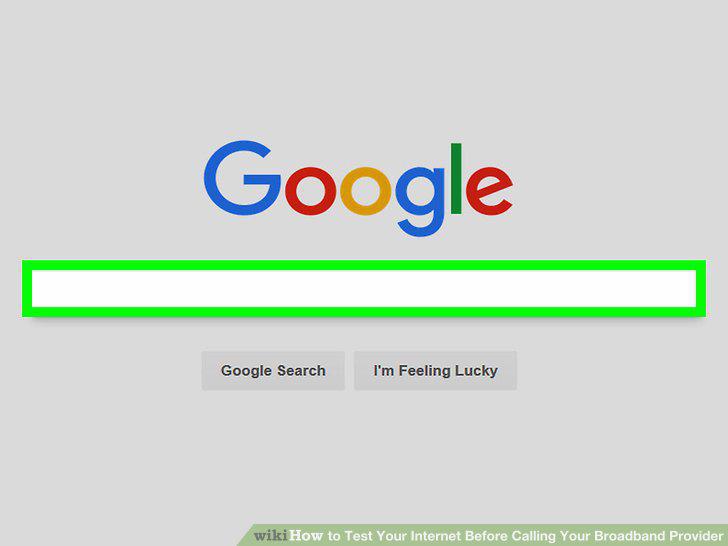
Open Google.
10
Search for the Google Speed Test.
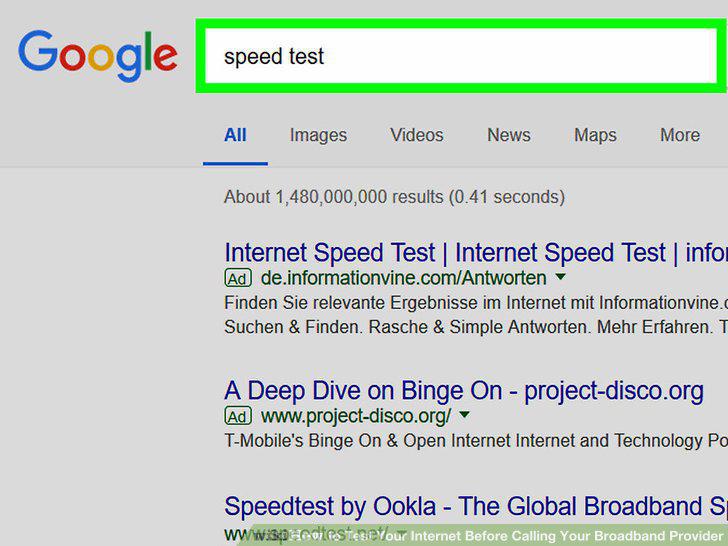
Search for the Google Speed Test.
11
Click RUN SPEED TEST.
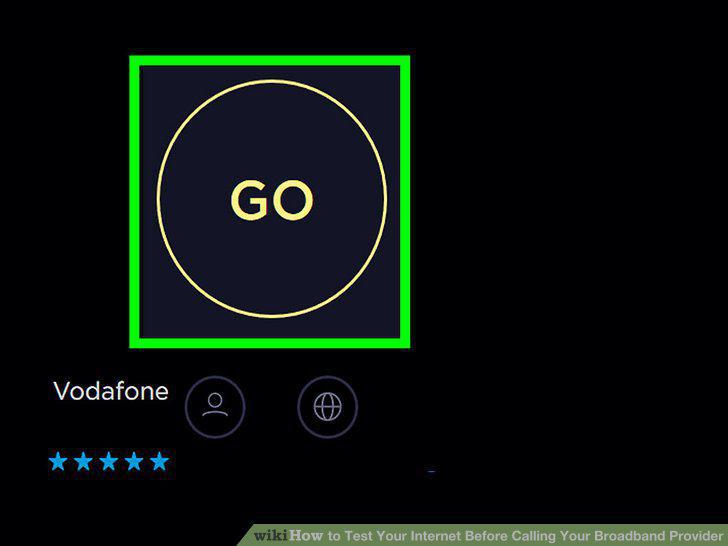
Click RUN SPEED TEST.
12
Wait for the test to finish running.
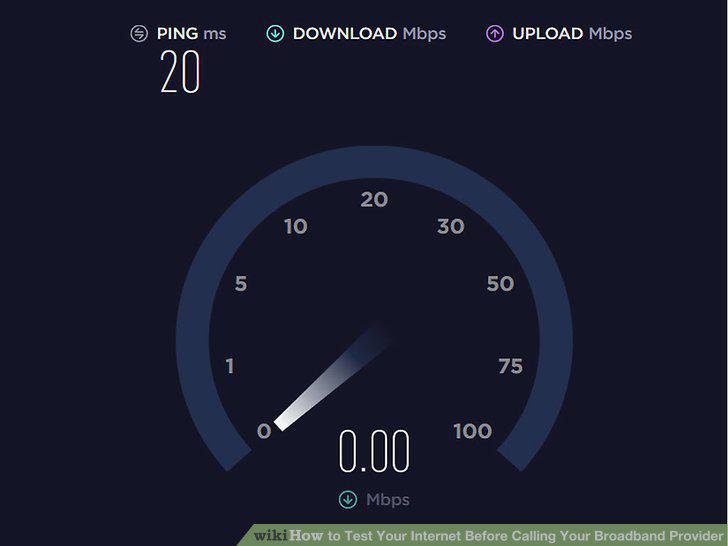
Wait for the test to finish running.
13
Compare the test results to your Internet connection's proposed speed.
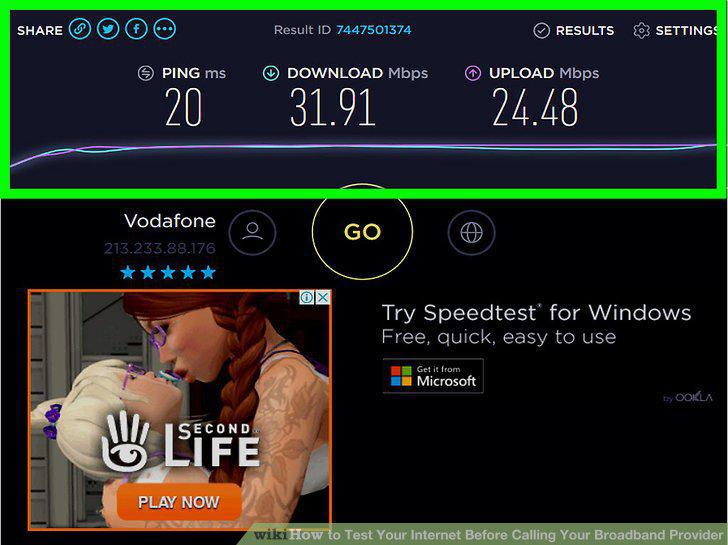
Compare the test results to your Internet connection's proposed speed.
Comments (0)
No comments yet. Be the first to share your thoughts!