How to Download iTunes Without Microsoft
Go to https://www.apple.com/itunes/ in a web browser.. Scroll down to the "Looking for other versions" text.. Click Windows.
Steps
1
Go to https://www.apple.com/itunes/ in a web browser.
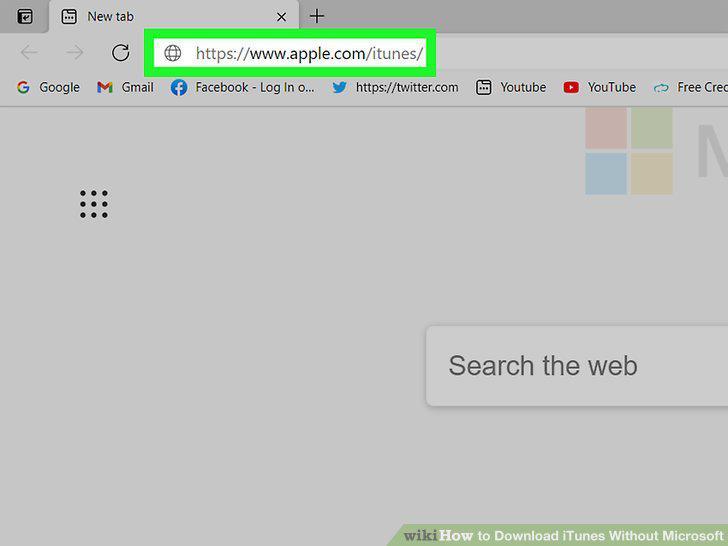
Go to https://www.apple.com/itunes/ in a web browser.
2
Scroll down to the "Looking for other versions" text.
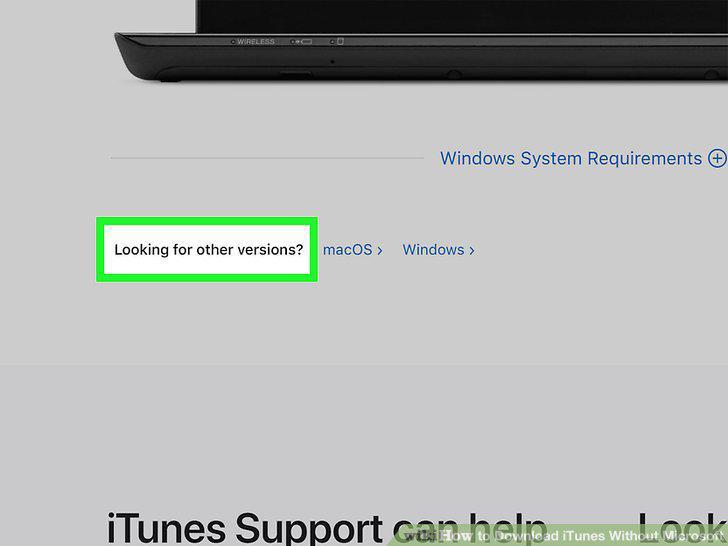
Scroll down to the "Looking for other versions" text.
3
Click Windows.
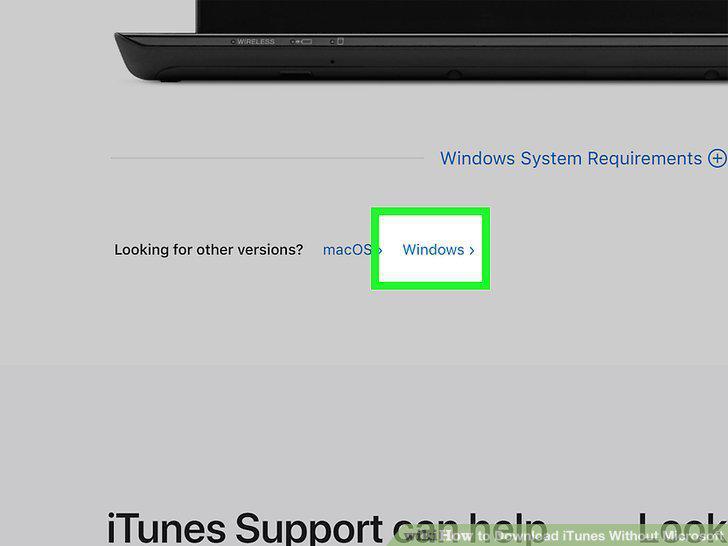
Click Windows.
4
Download the iTunes installer.
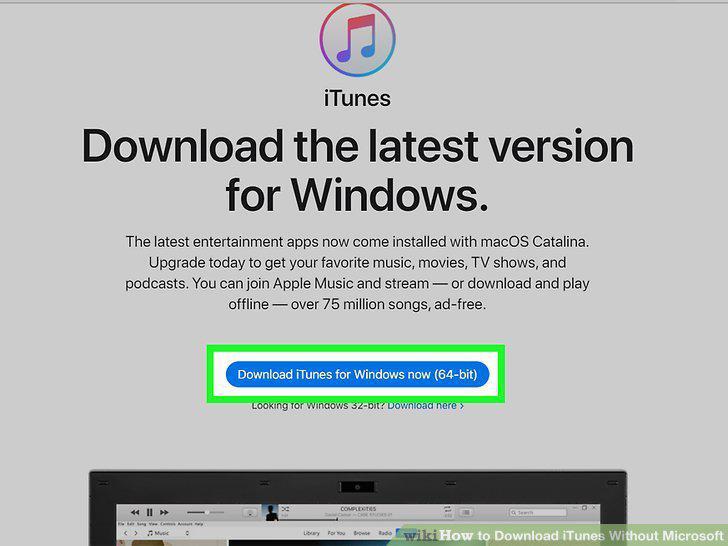
Download the iTunes installer.
5
Double-click the downloaded file to run the iTunes installer.
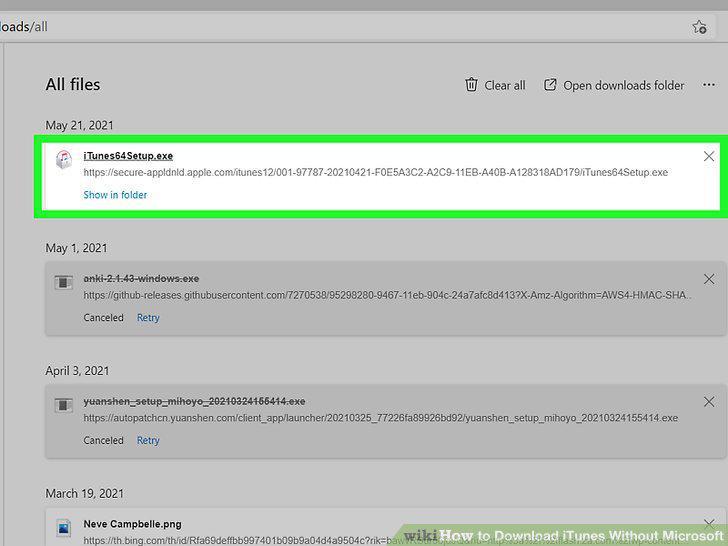
Double-click the downloaded file to run the iTunes installer.
Comments (0)
No comments yet. Be the first to share your thoughts!