Steps
1
Open Settings .
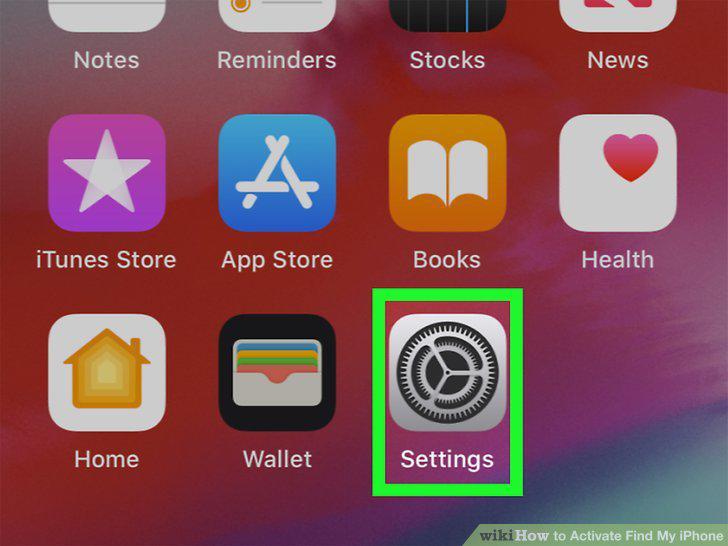
Open Settings .
2
Tap your name.
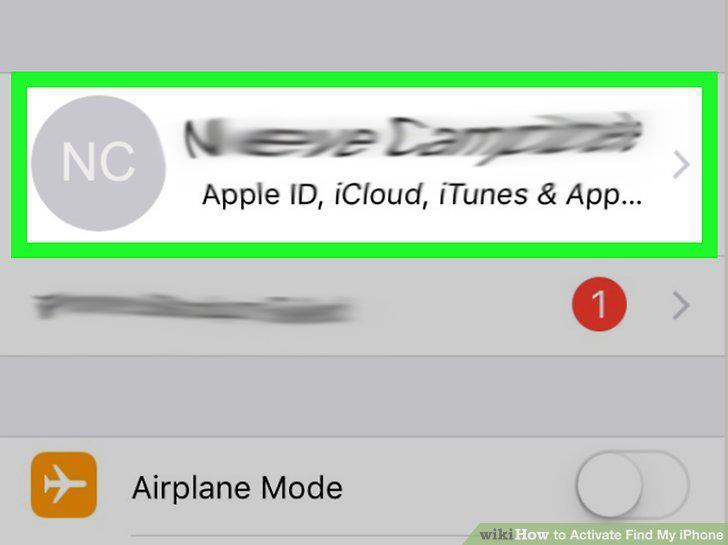
Tap your name.
3
Tap Find My.
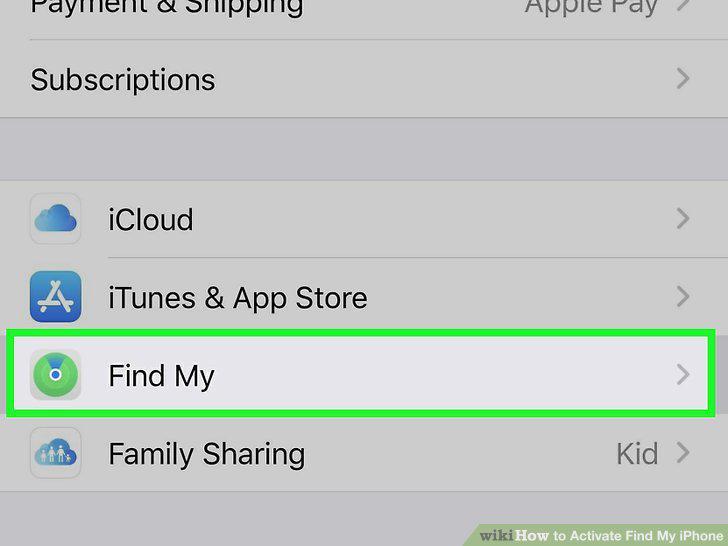
Tap Find My.
4
Tap Find My iPhone.
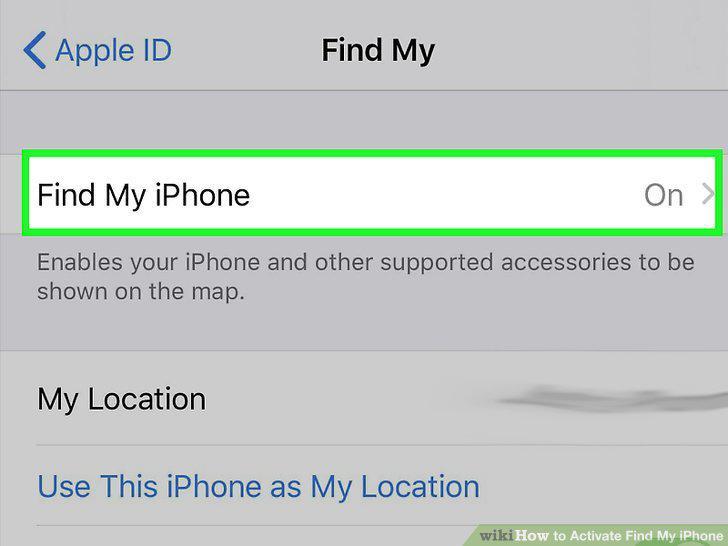
Tap Find My iPhone.
5
Tap to turn on "Find My iPhone.
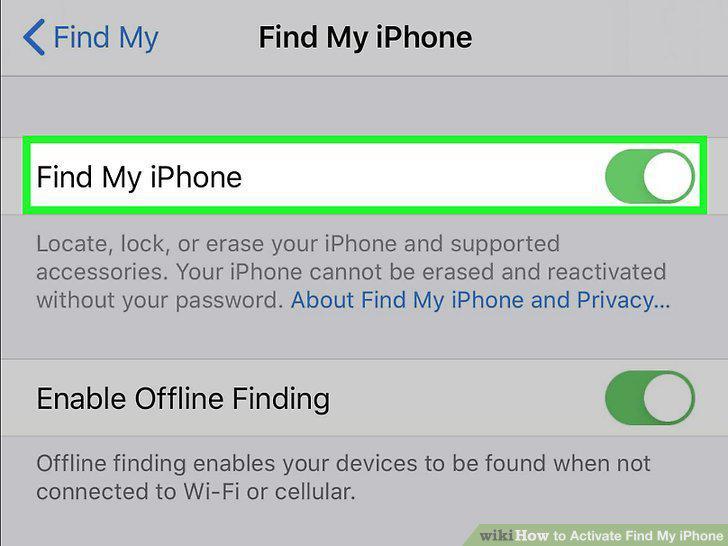
Tap to turn on "Find My iPhone.
6
Open Settings .
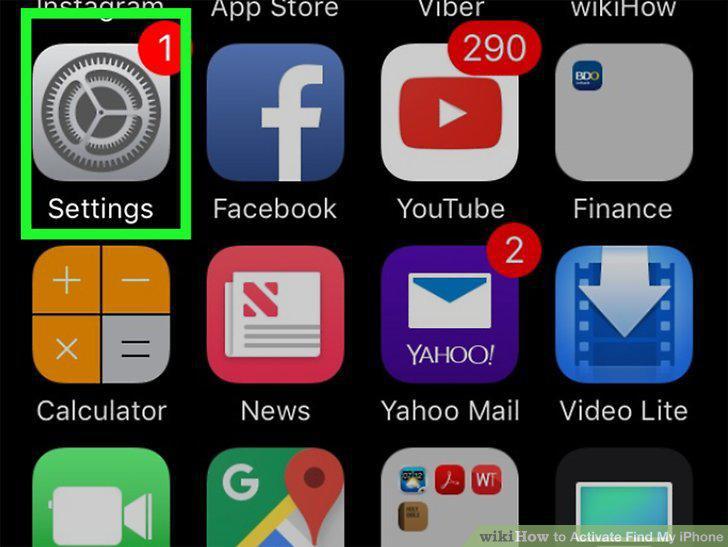
Open Settings .
7
Tap your name.
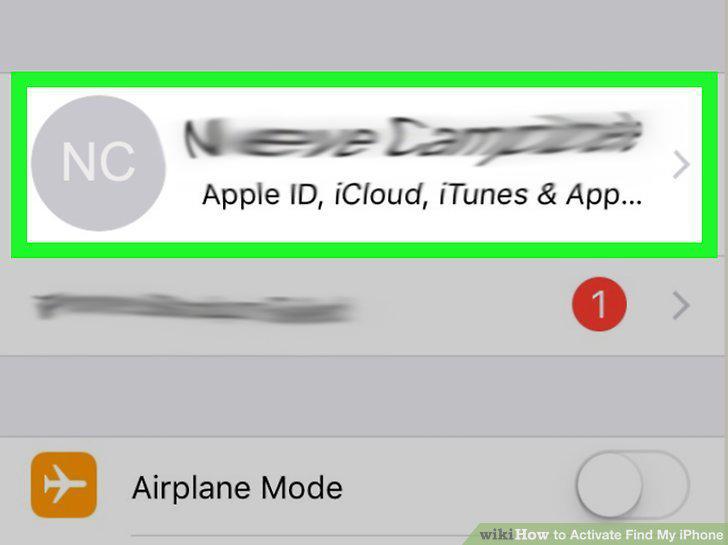
Tap your name.
8
Tap iCloud.
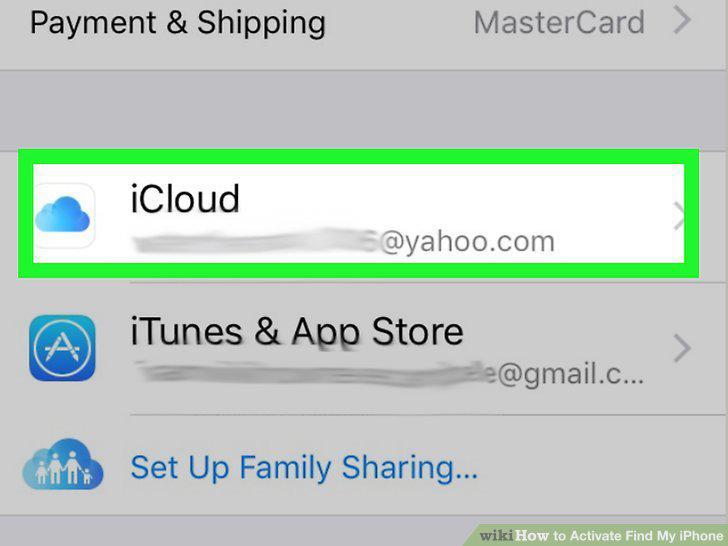
Tap iCloud.
9
Tap Find My iPhone.
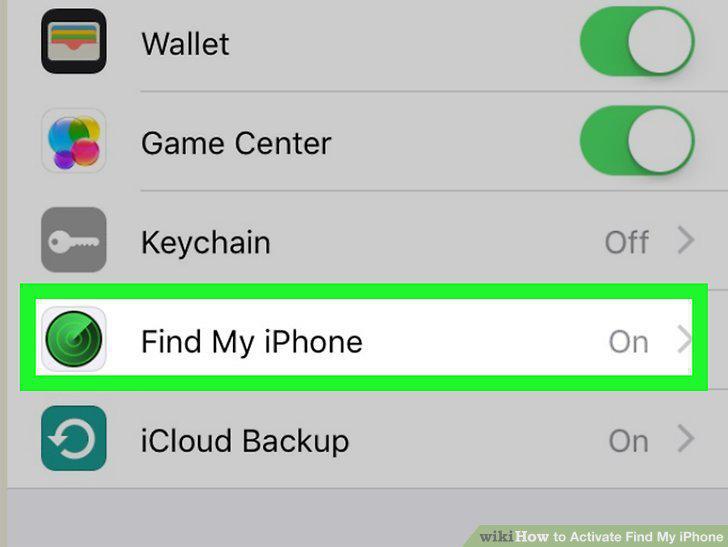
Tap Find My iPhone.
10
Tap the switch to toggle on "Find My iPhone.
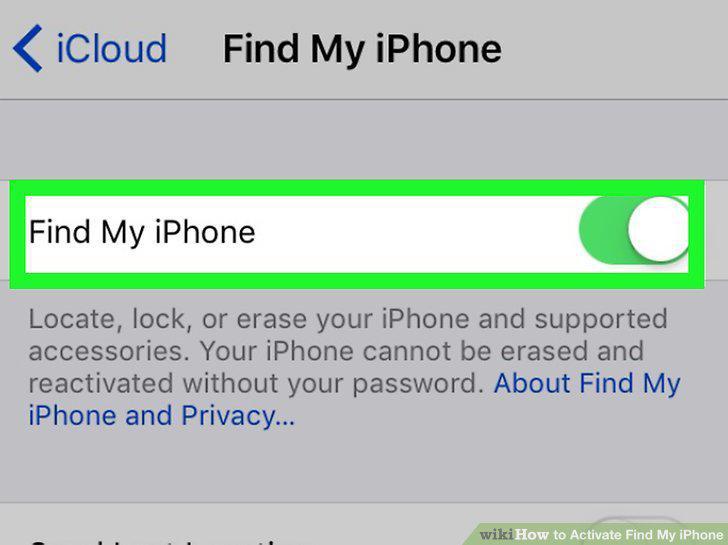
Tap the switch to toggle on "Find My iPhone.
Comments (0)
No comments yet. Be the first to share your thoughts!