How to Make a Collection on VSCO on iPhone or iPad
Tap to open the VSCO app.. Tap your Feed icon in the bottom left.. Press and hold on an image you want to add to your collection.
Steps
1
Tap to open the VSCO app.
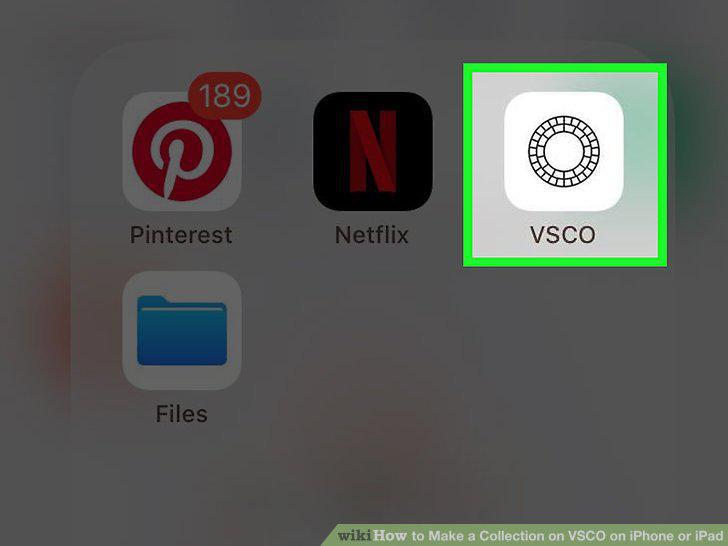
Tap to open the VSCO app.
2
Tap your Feed icon in the bottom left.
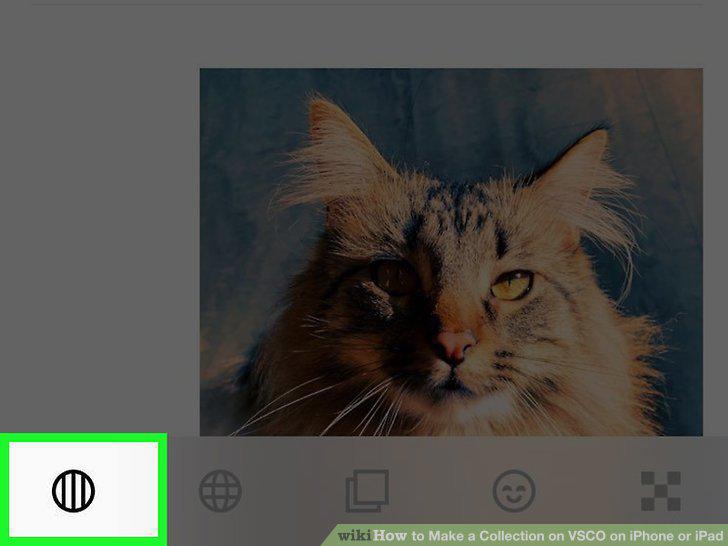
Tap your Feed icon in the bottom left.
3
Press and hold on an image you want to add to your collection.
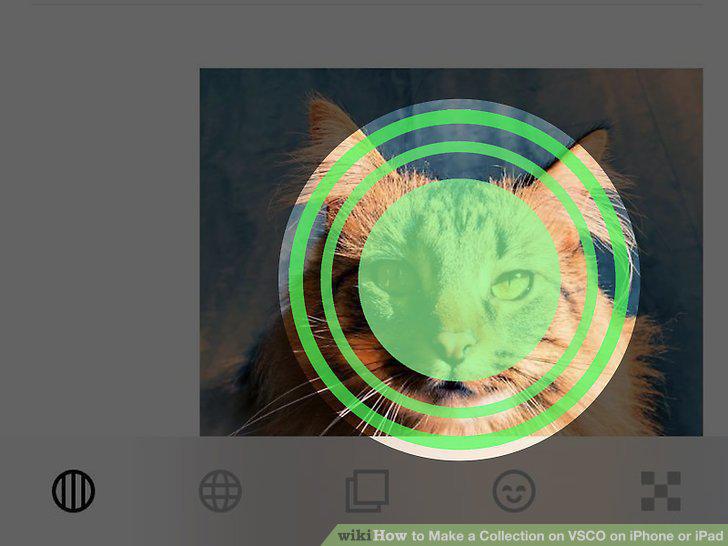
Press and hold on an image you want to add to your collection.
4
Slide your finger to the re-post button.
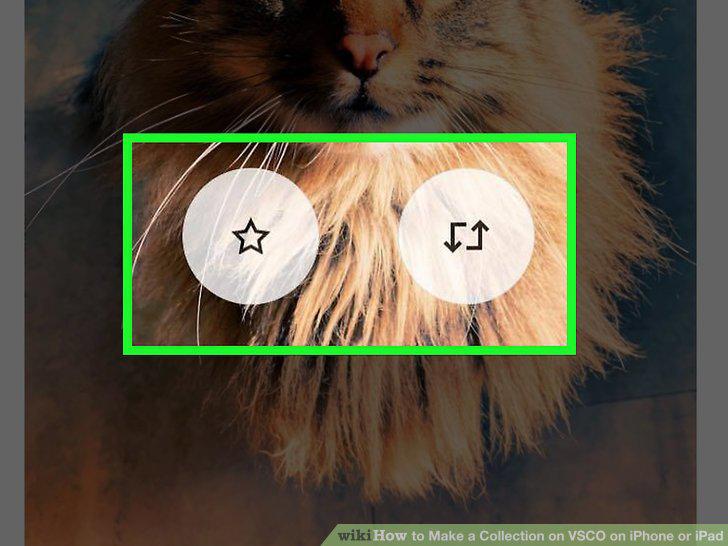
Slide your finger to the re-post button.
5
Tap to open the VSCO app.
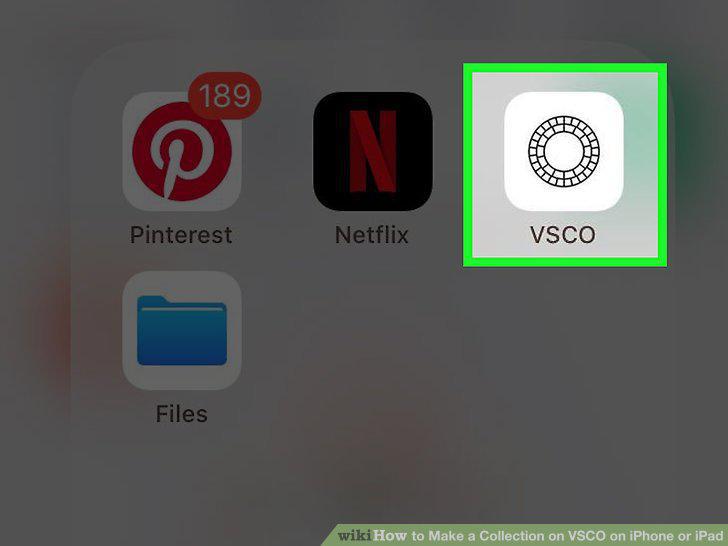
Tap to open the VSCO app.
6
Tap the Profile button to access your profile.
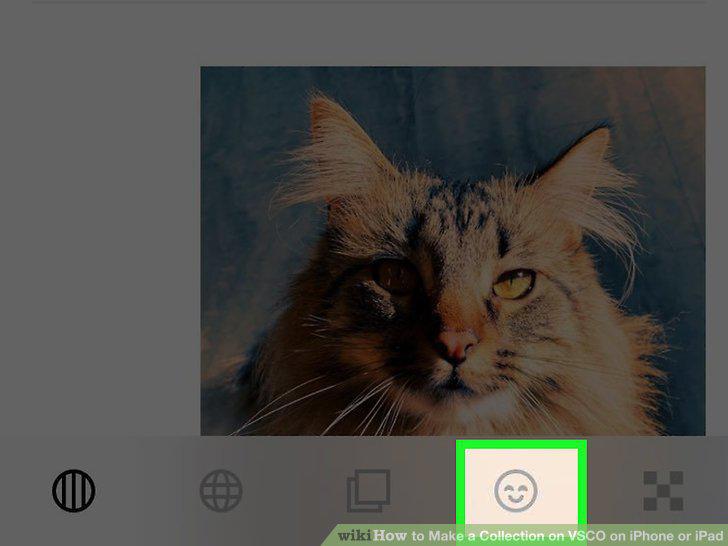
Tap the Profile button to access your profile.
7
Tap 'Collection' to view your collection.
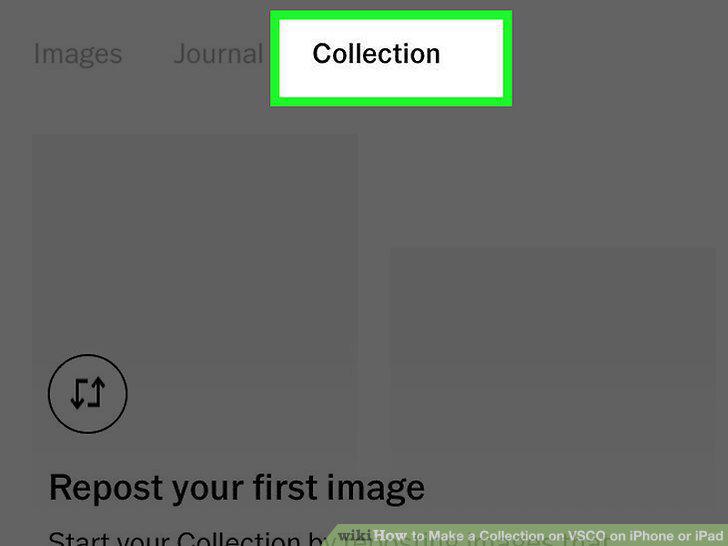
Tap 'Collection' to view your collection.
Comments (0)
No comments yet. Be the first to share your thoughts!