How to Install Cypress
Go to https://download.cypress.io/desktop in a web browser.. Navigate to and double-click the installed ZIP.. Drag and drop your project folder into the Cypress window.
Steps
1
Go to https://download.cypress.io/desktop in a web browser.
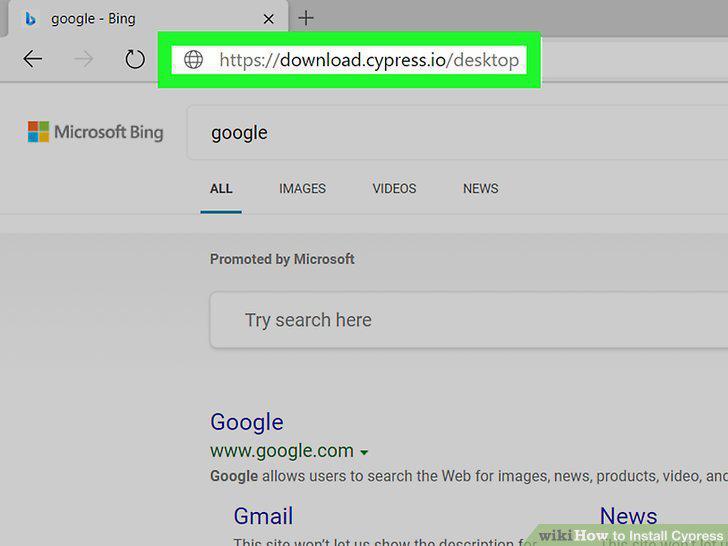
Go to https://download.cypress.io/desktop in a web browser.
2
Navigate to and double-click the installed ZIP.
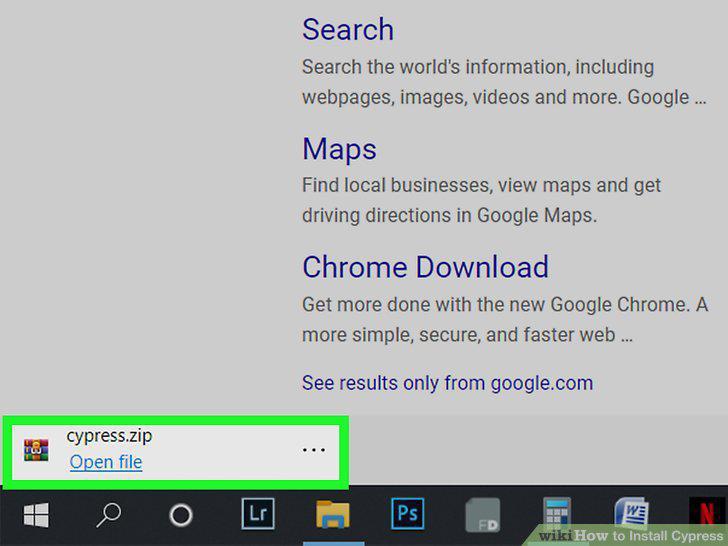
Navigate to and double-click the installed ZIP.
3
Drag and drop your project folder into the Cypress window.
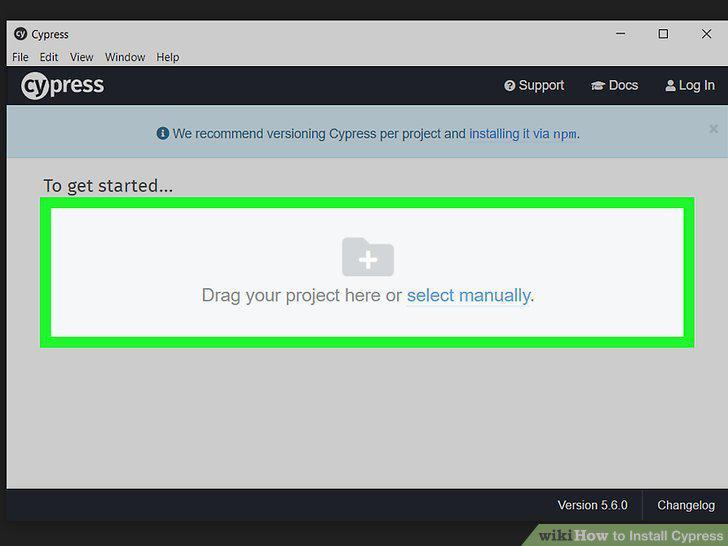
Drag and drop your project folder into the Cypress window.
Comments (0)
No comments yet. Be the first to share your thoughts!