How to Organize Files
Sort and log your files.. Devise master categories to fit the subjects in your log.. Code your colors.
Steps
Sort and log your files.

Sort and log your files.
Devise master categories to fit the subjects in your log.
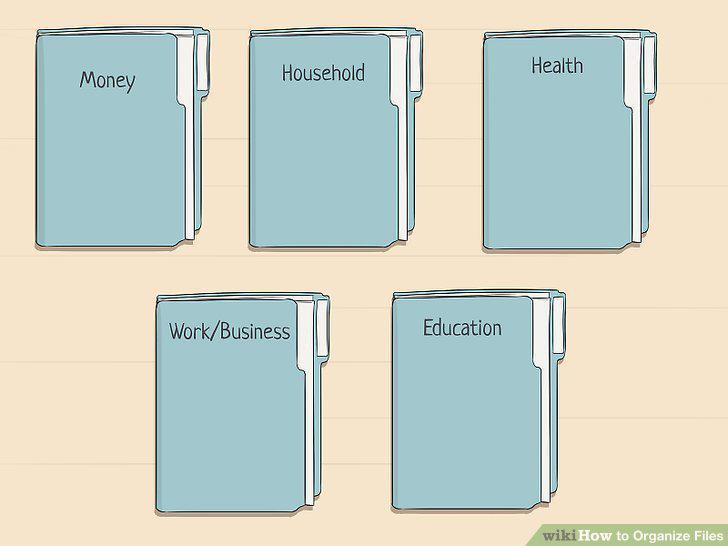
Devise master categories to fit the subjects in your log.
Code your colors.
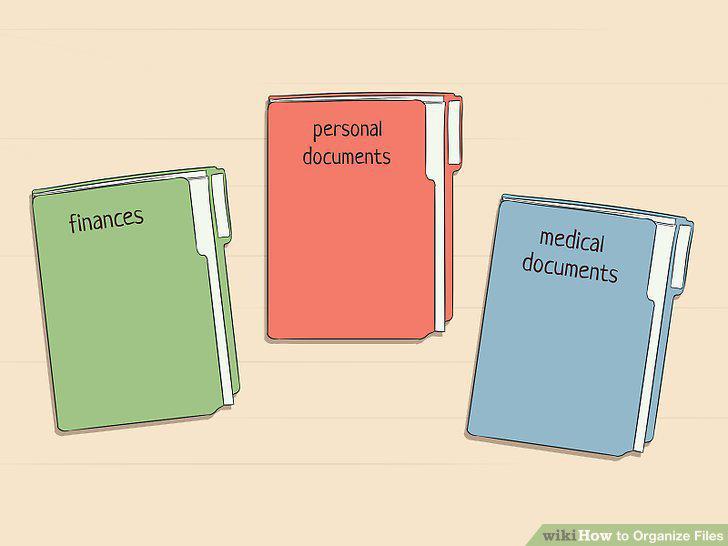
Code your colors.
Declutter your files.

Declutter your files.
Choose the right container.
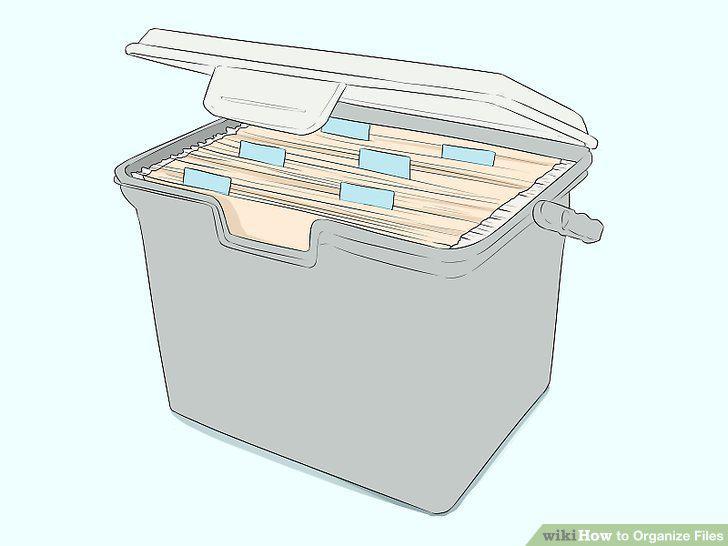
Choose the right container.
Know your time limits.

Know your time limits.
Shred old bank records.
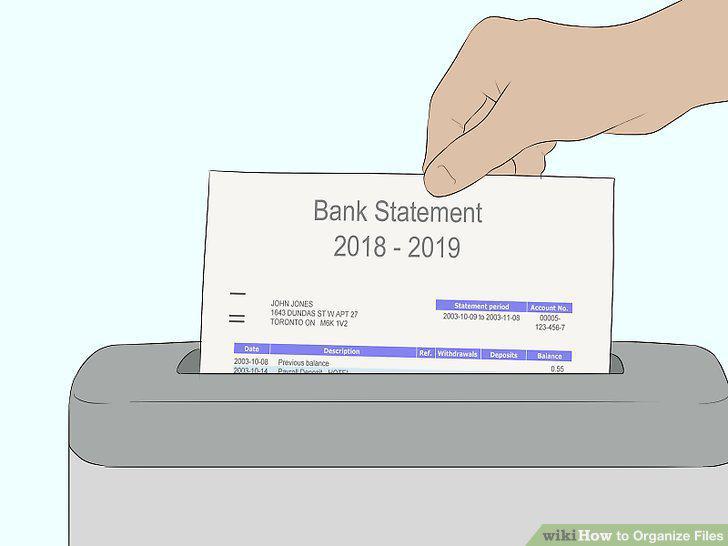
Shred old bank records.
Cleanse your files of old credit card bills.

Cleanse your files of old credit card bills.
Hang onto your insurance policies.

Hang onto your insurance policies.
Thin out your tax related documents annually.

Thin out your tax related documents annually.
Retain your state or federal tax returns long term.
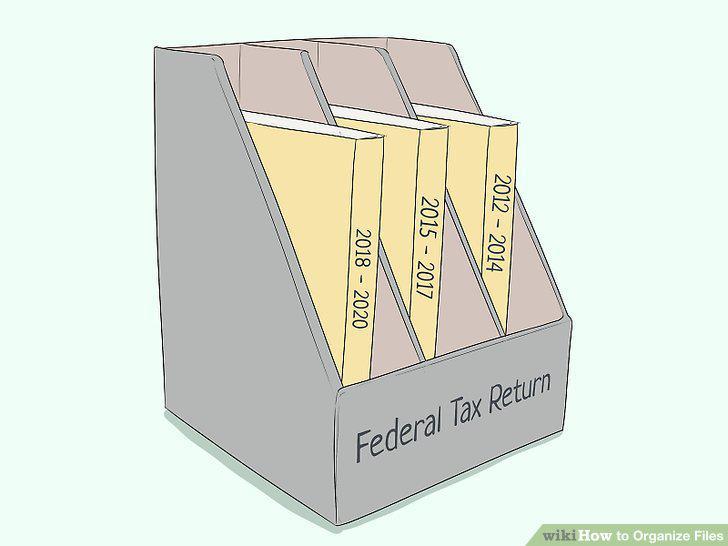
Retain your state or federal tax returns long term.
Store birth and death certificates, wills, and marriage licenses.

Store birth and death certificates, wills, and marriage licenses.
Keep your life insurance policy information.

Keep your life insurance policy information.
Gather or purchase your materials.
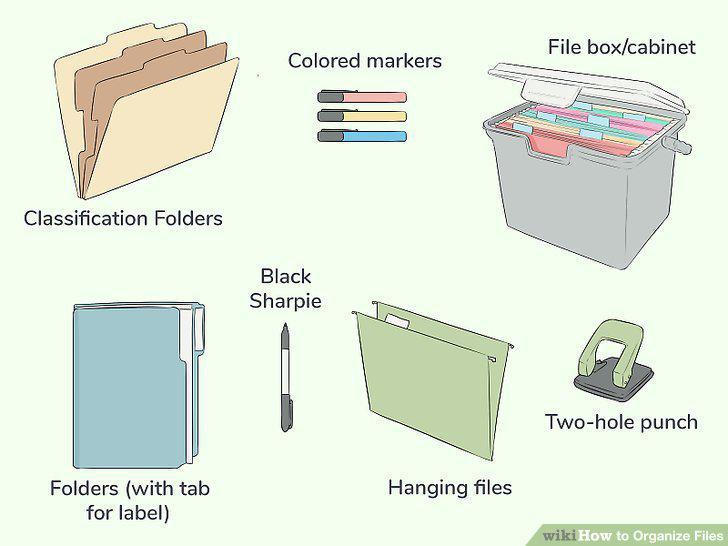
Gather or purchase your materials.
Label where necessary.
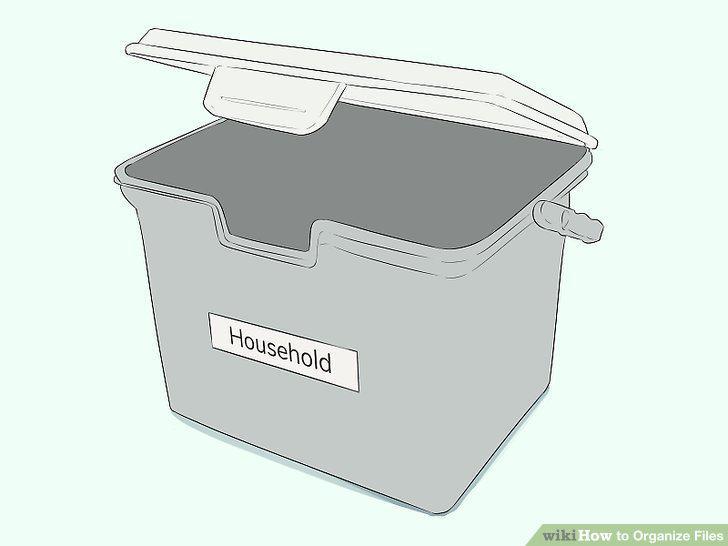
Label where necessary.
Devise a system of alphabetization, if desired.
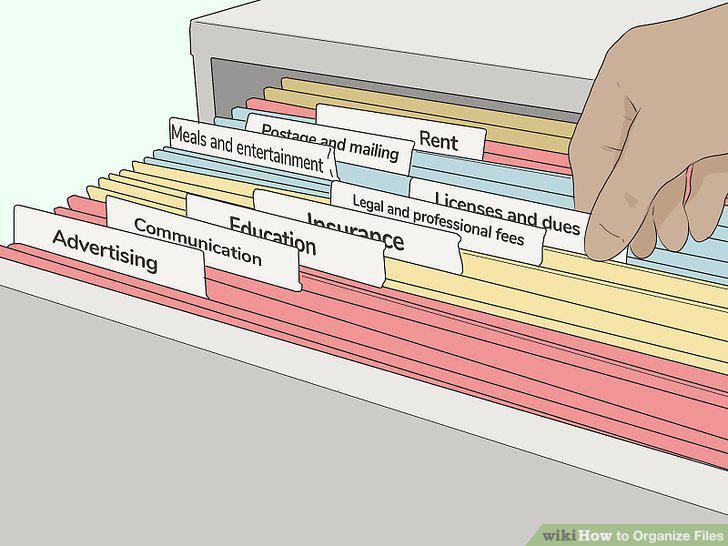
Devise a system of alphabetization, if desired.
Color code your files.
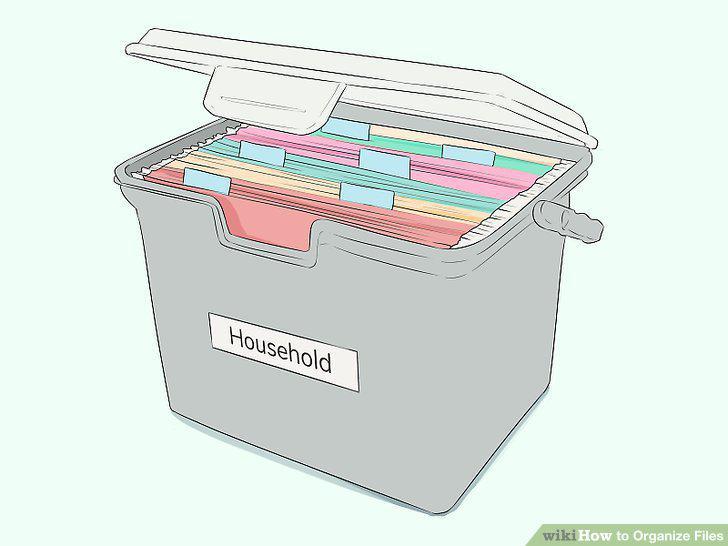
Color code your files.
Remove active files.

Remove active files.
Insert your files.
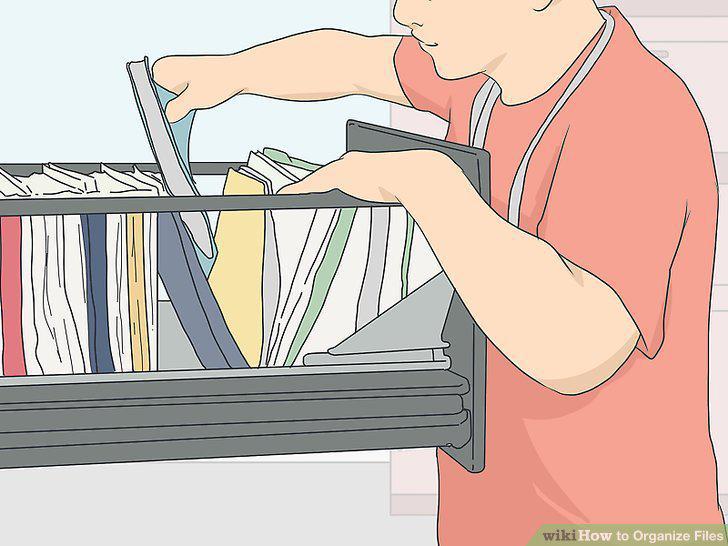
Insert your files.
Replace wear and tear in your files.
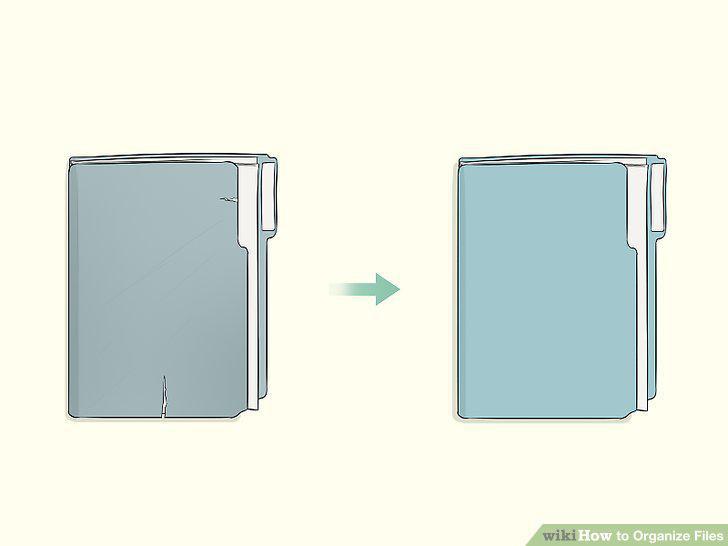
Replace wear and tear in your files.
Revisit your log and system.

Revisit your log and system.
Sub-divide full files with folders.
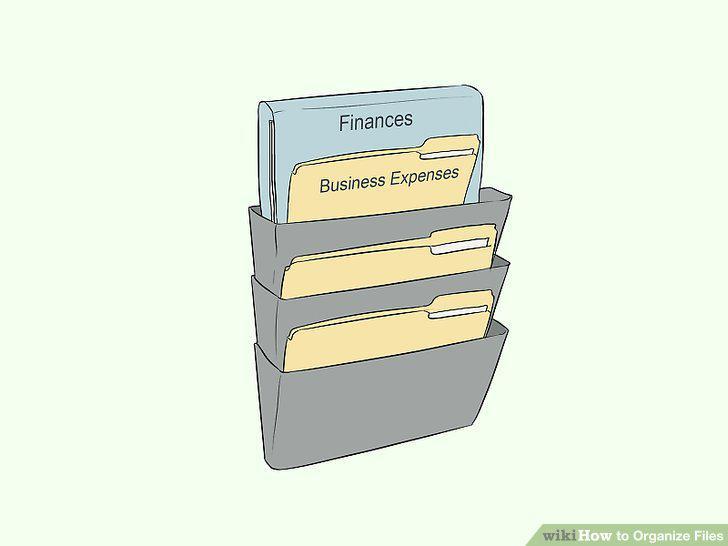
Sub-divide full files with folders.
Add tabs to the mix, when applicable.
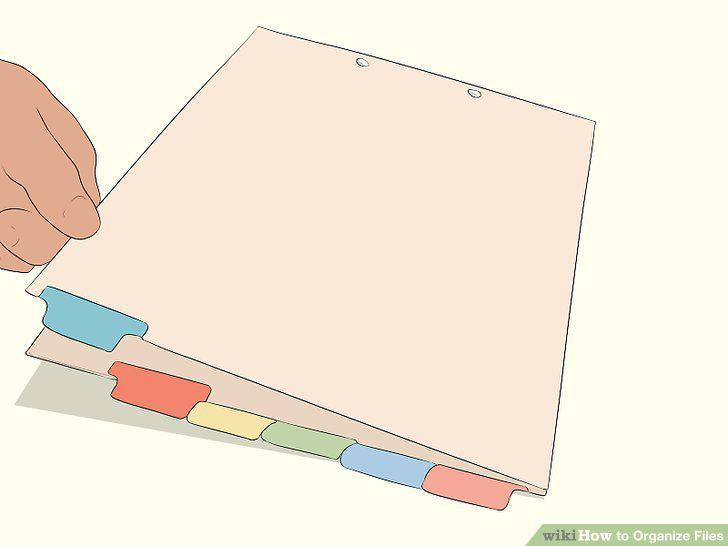
Add tabs to the mix, when applicable.
Comments (0)
No comments yet. Be the first to share your thoughts!