How to Type Bold Text on Telegram on PC or Mac
Open Telegram web in your internet browser.. Click a chat on the left panel.. Write your message in the message field.
Steps
1
Open Telegram web in your internet browser.
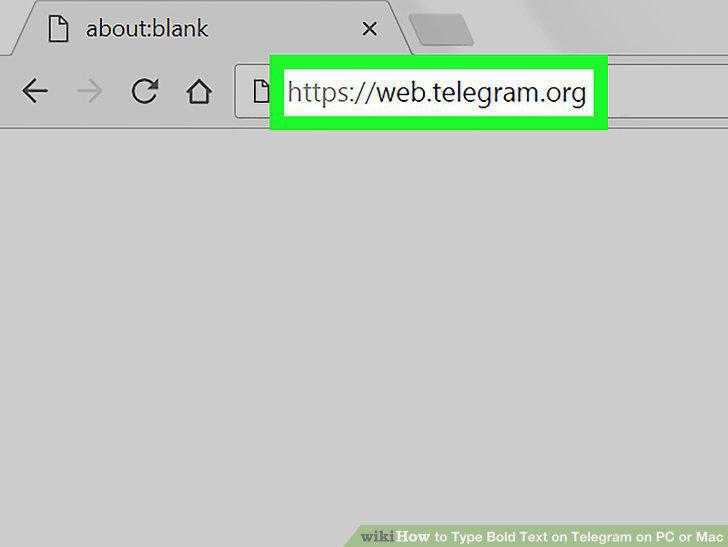
Open Telegram web in your internet browser.
2
Click a chat on the left panel.
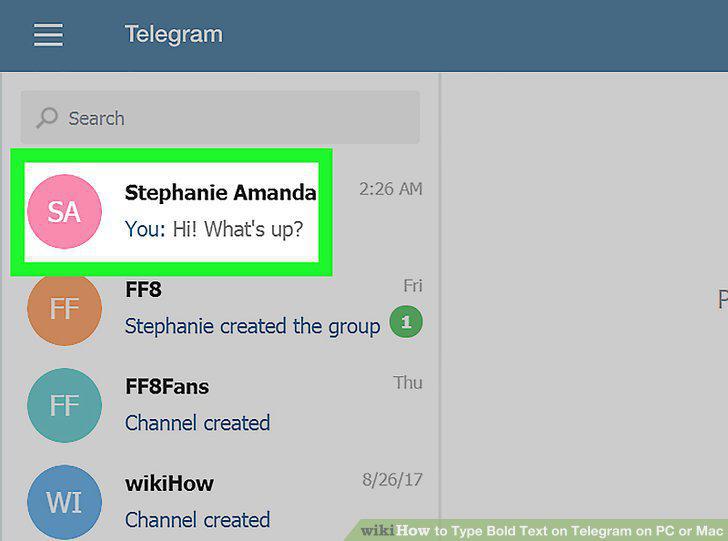
Click a chat on the left panel.
3
Write your message in the message field.
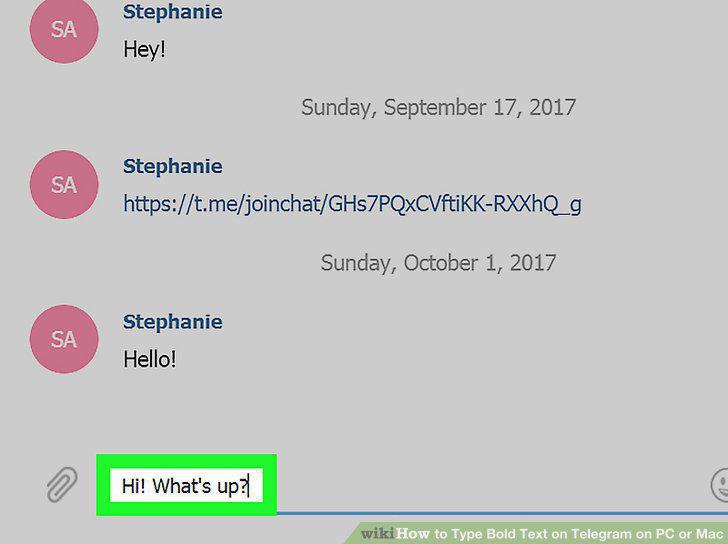
Write your message in the message field.
4
Place your message text between two asterisk symbols on each side.
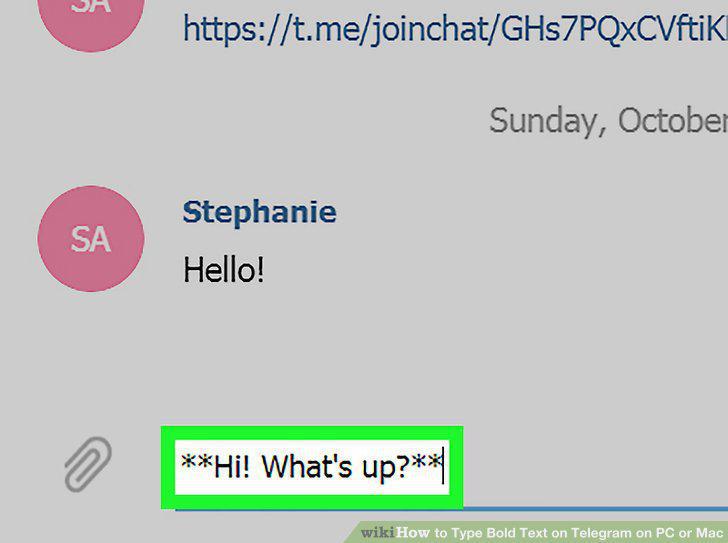
Place your message text between two asterisk symbols on each side.
5
Click SEND.
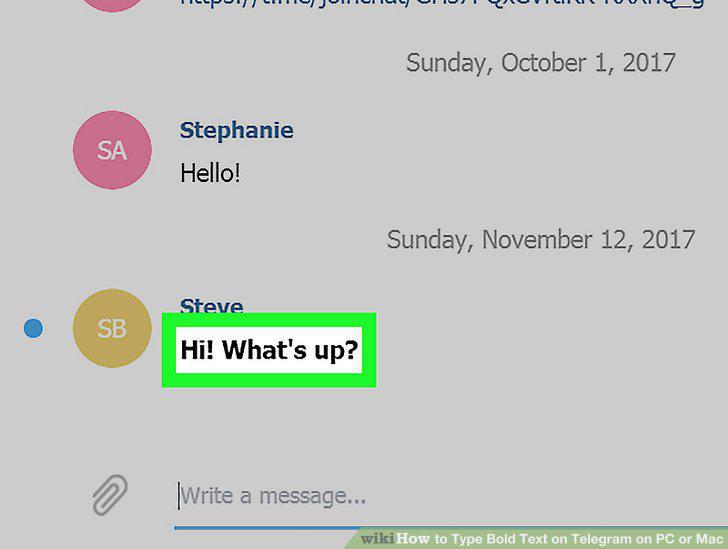
Click SEND.
Comments (0)
No comments yet. Be the first to share your thoughts!