How to Activate a Verizon iPhone
Turn off the iPhone if it isn't already off.. Back up your old phone's information.. Turn off your old phone.
Steps
1
Turn off the iPhone if it isn't already off.
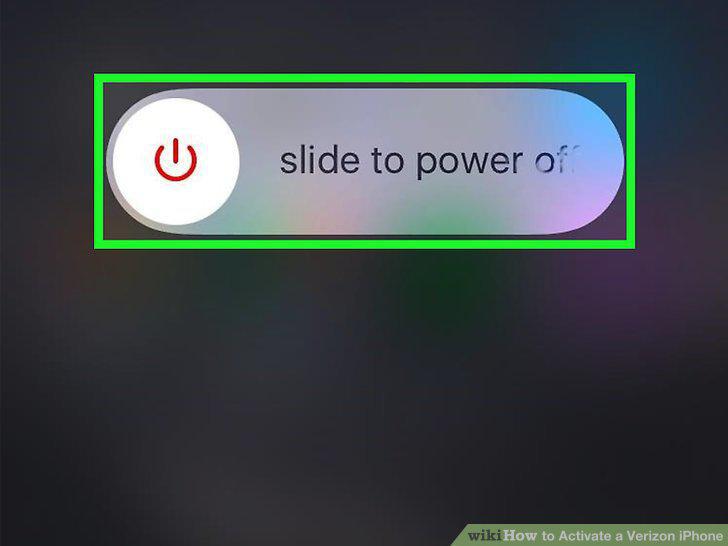
Turn off the iPhone if it isn't already off.
2
Back up your old phone's information.
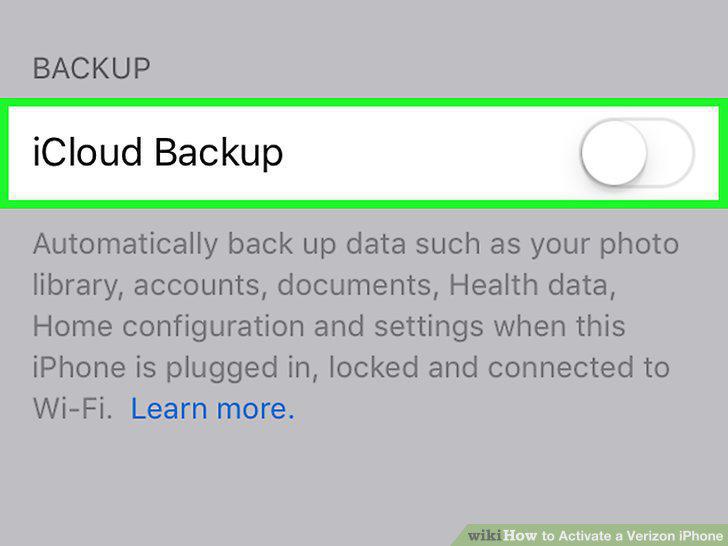
Back up your old phone's information.
3
Turn off your old phone.
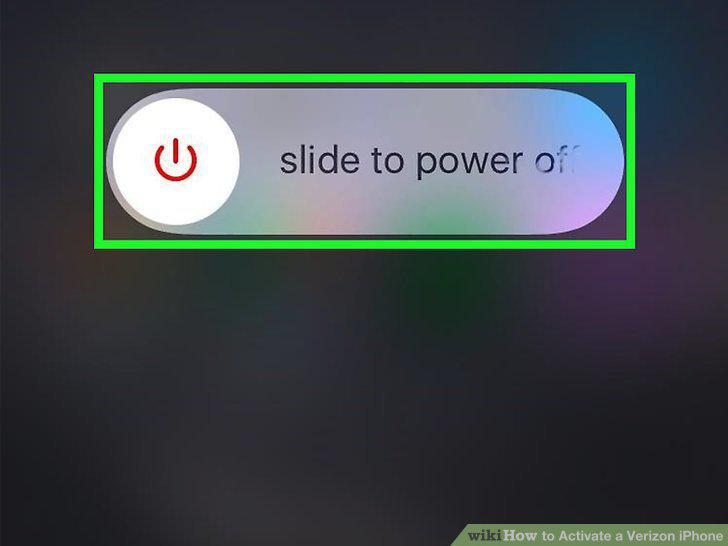
Turn off your old phone.
4
Turn on your iPhone.
Turn on your iPhone.
5
Tap Get Started.
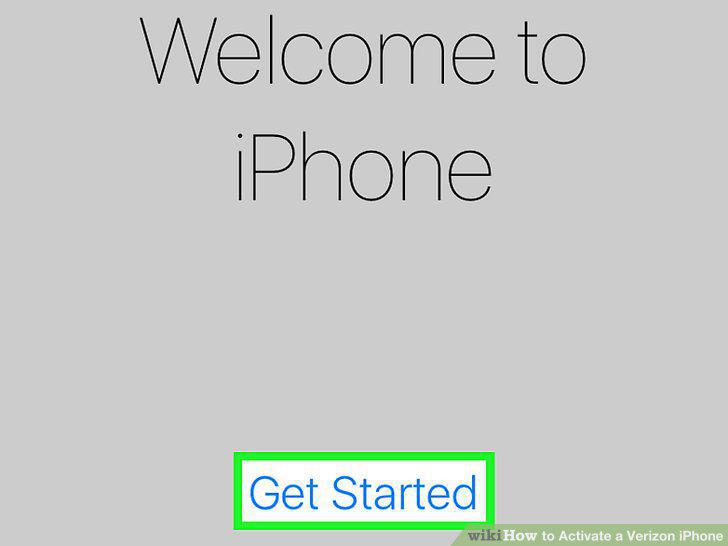
Tap Get Started.
6
Select a language and region.
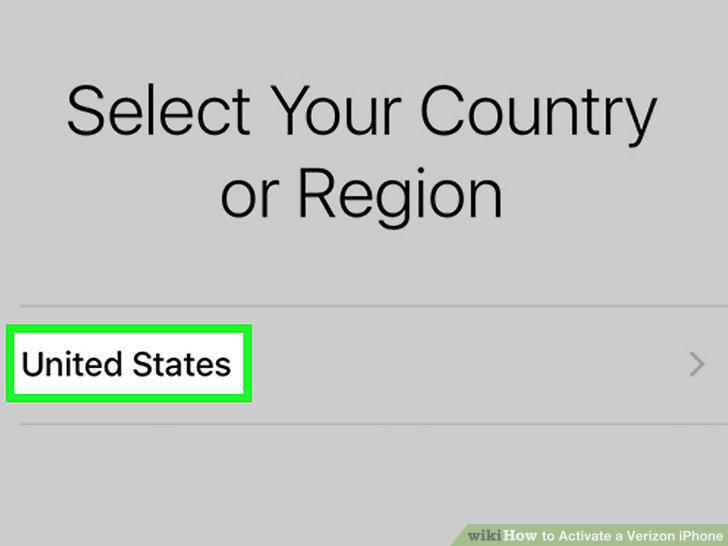
Select a language and region.
7
Select Use Cellular Connection on the "Network" page.
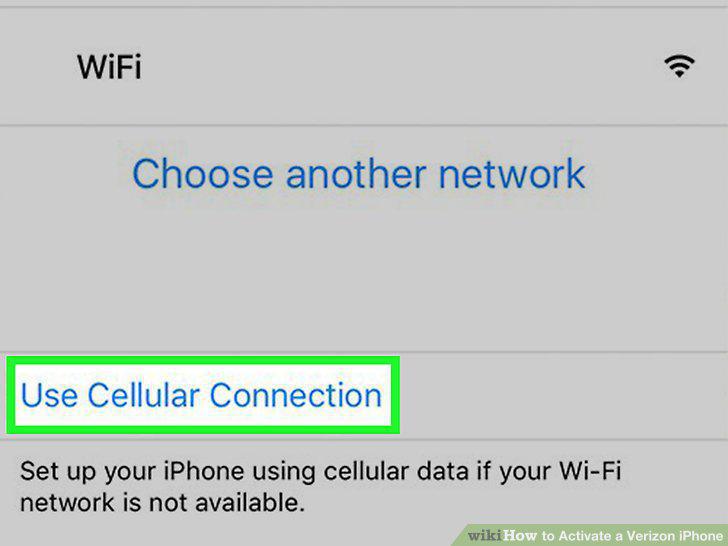
Select Use Cellular Connection on the "Network" page.
8
Follow the rest of the on-screen prompts to set up your iPhone.
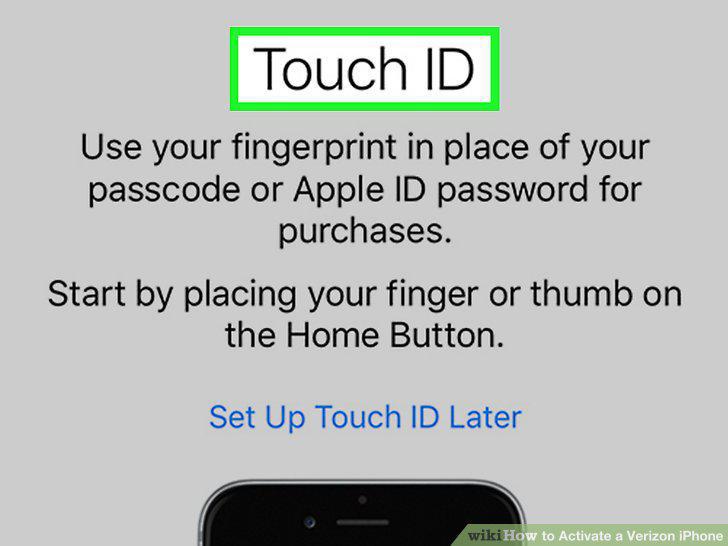
Follow the rest of the on-screen prompts to set up your iPhone.
Comments (0)
No comments yet. Be the first to share your thoughts!