How to Make a Clubhouse Account
Get an invitation.. Open the Clubhouse app on your iPhone.. Enter your phone number.
Steps
1
Get an invitation.
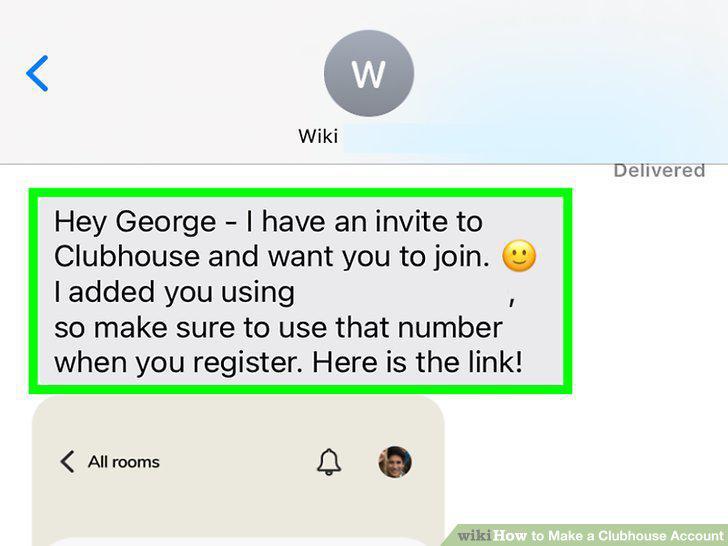
Get an invitation.
2
Open the Clubhouse app on your iPhone.
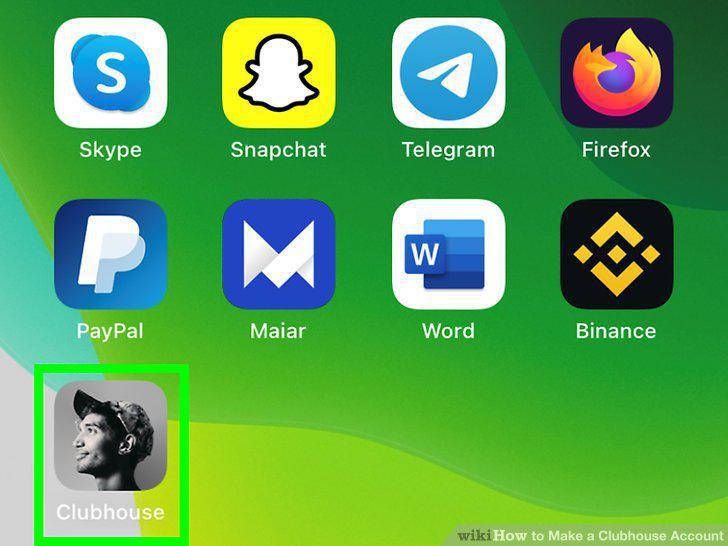
Open the Clubhouse app on your iPhone.
3
Enter your phone number.
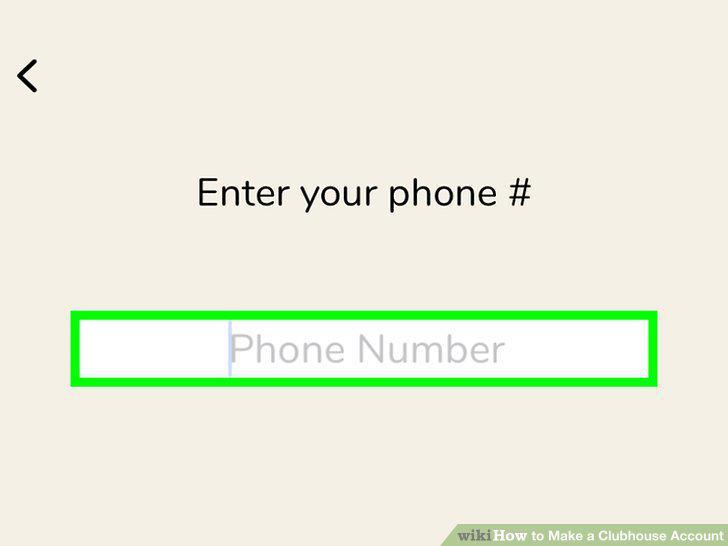
Enter your phone number.
4
Create a username.
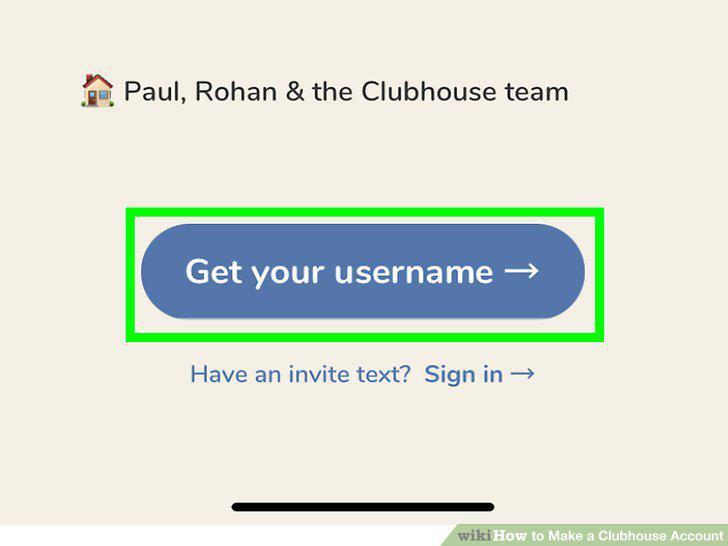
Create a username.
5
Add a photo.
Add a photo.
6
Select your interests.
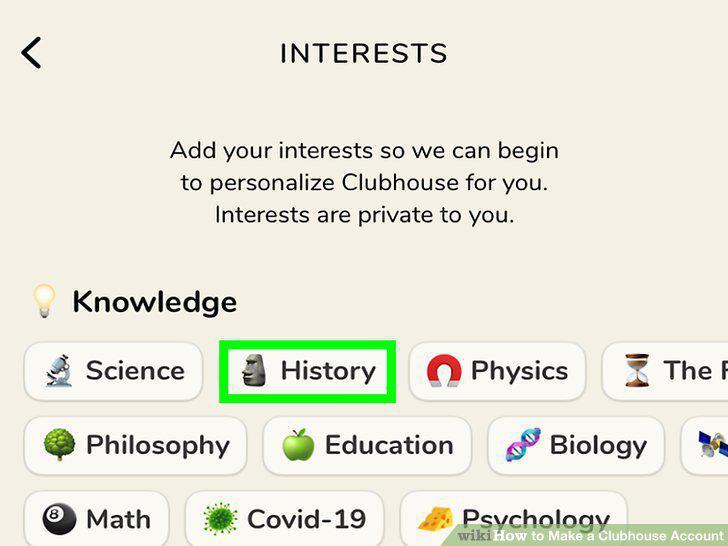
Select your interests.
7
Select people to follow.
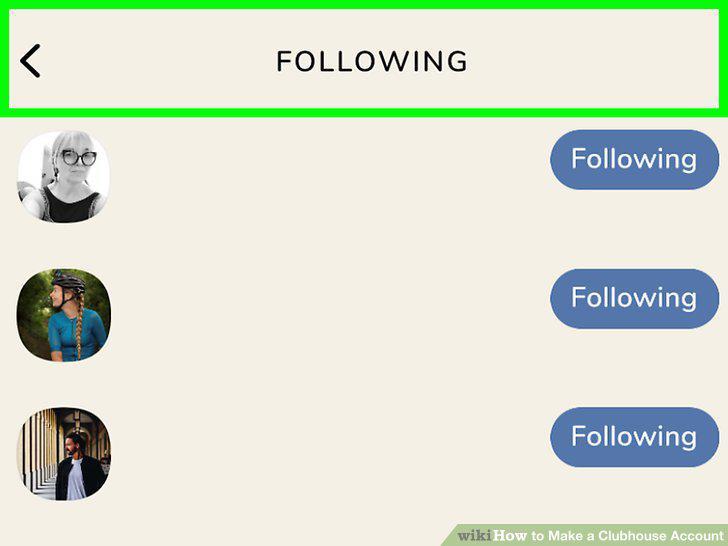
Select people to follow.
8
Set up your profile.
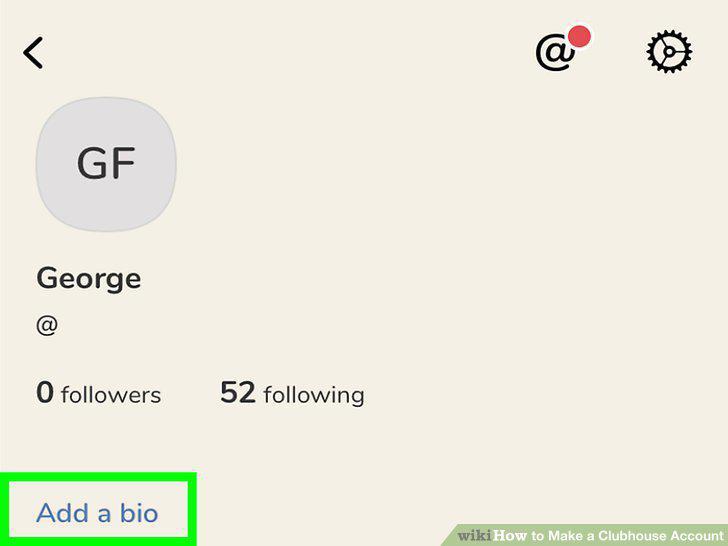
Set up your profile.
9
Verify your account.
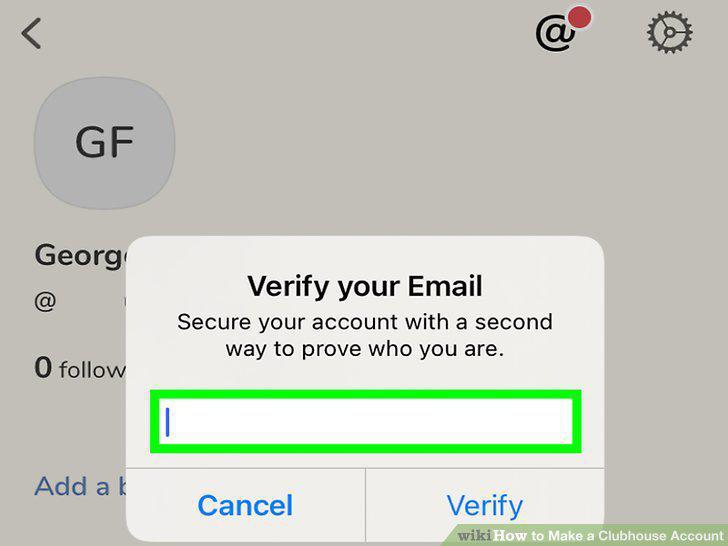
Verify your account.
Comments (0)
No comments yet. Be the first to share your thoughts!