How to View Photobucket Images
Go to https://photobucket.com/ in a web browser.. Click the search bar.. Type your search.
Steps
1
Go to https://photobucket.com/ in a web browser.
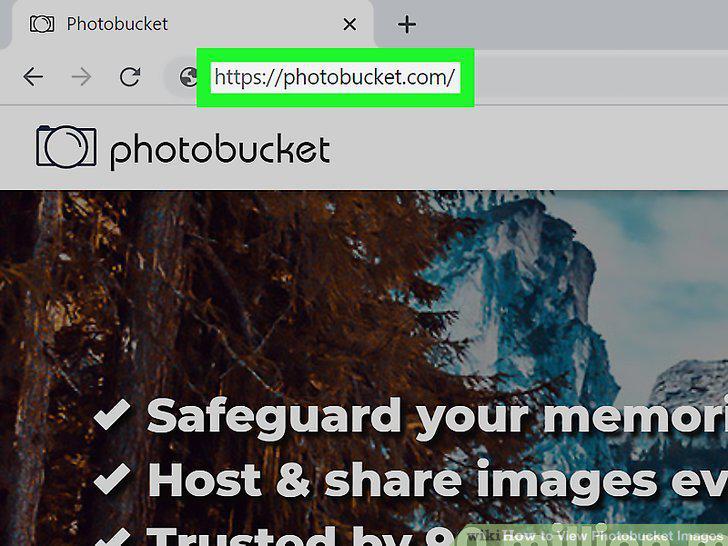
Go to https://photobucket.com/ in a web browser.
2
Click the search bar.
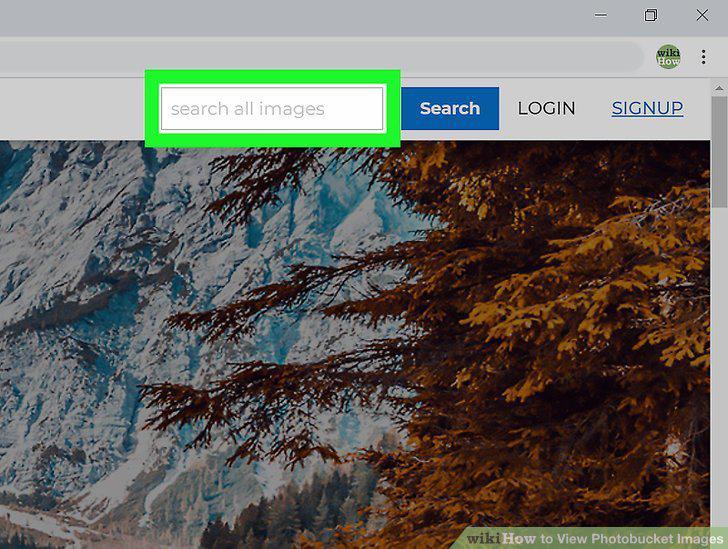
Click the search bar.
3
Type your search.
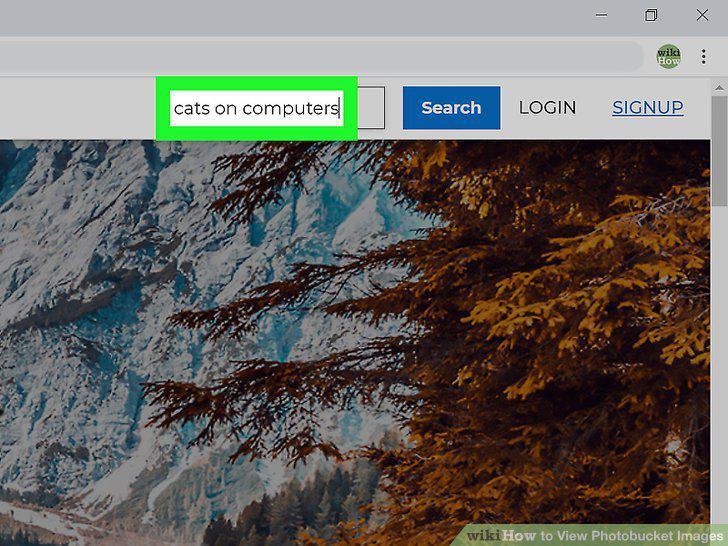
Type your search.
4
Click Search.
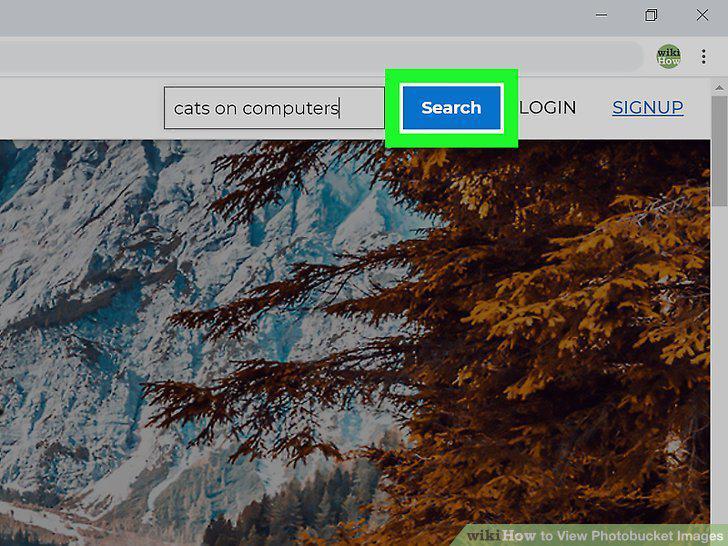
Click Search.
5
Click an image you want to see.
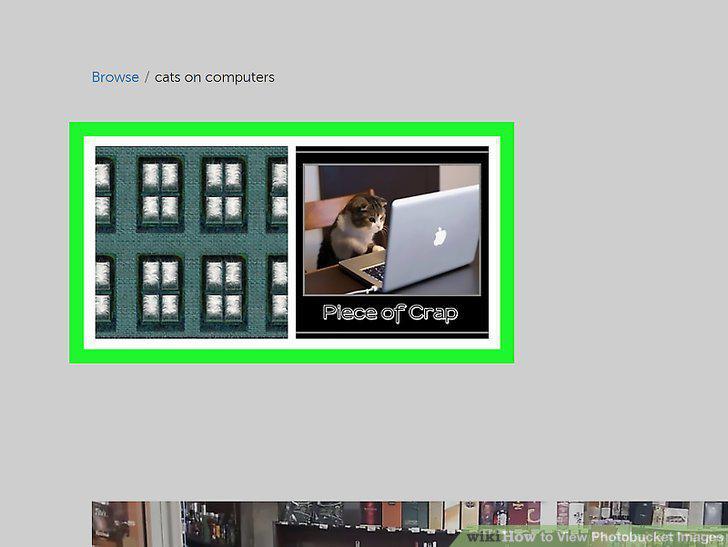
Click an image you want to see.
6
Click the magnifying glass with the plus sign (+) inside.
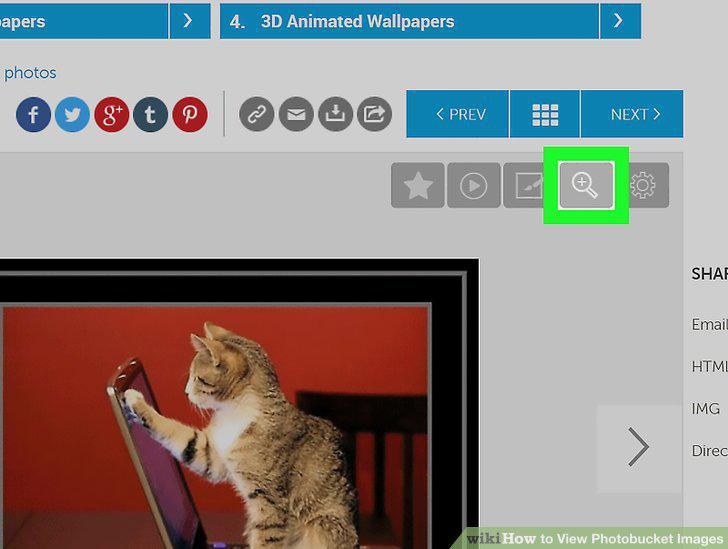
Click the magnifying glass with the plus sign (+) inside.
7
Click Next or Prev to see more in the album.
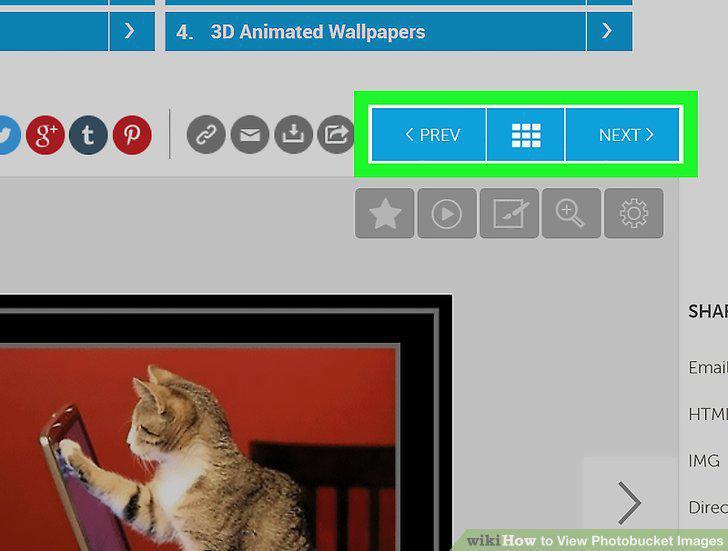
Click Next or Prev to see more in the album.
Comments (0)
No comments yet. Be the first to share your thoughts!