How to Send Files on WeChat on iPhone or iPad
Download a file manager app from the App Store.. Open your File Manager.. Locate and tap the file you want to send.
Steps
1
Download a file manager app from the App Store.
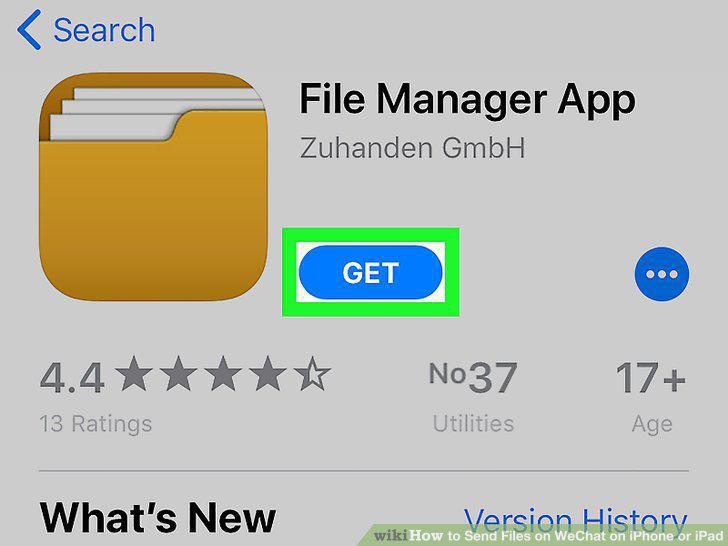
Download a file manager app from the App Store.
2
Open your File Manager.
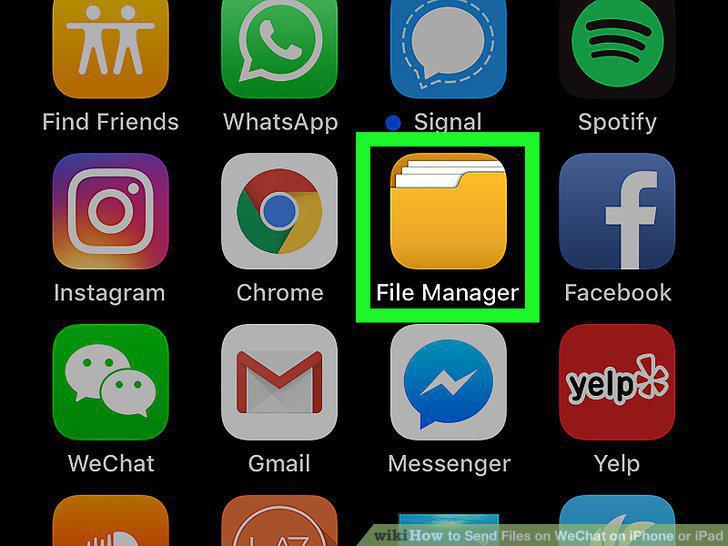
Open your File Manager.
3
Locate and tap the file you want to send.
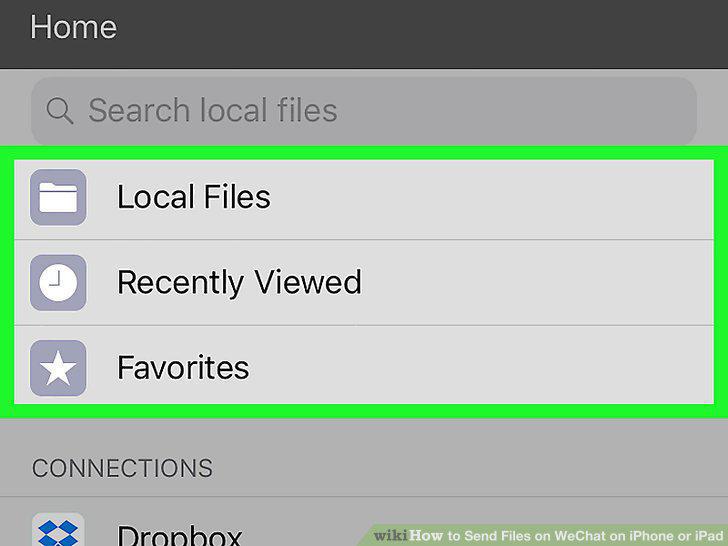
Locate and tap the file you want to send.
4
Tap .
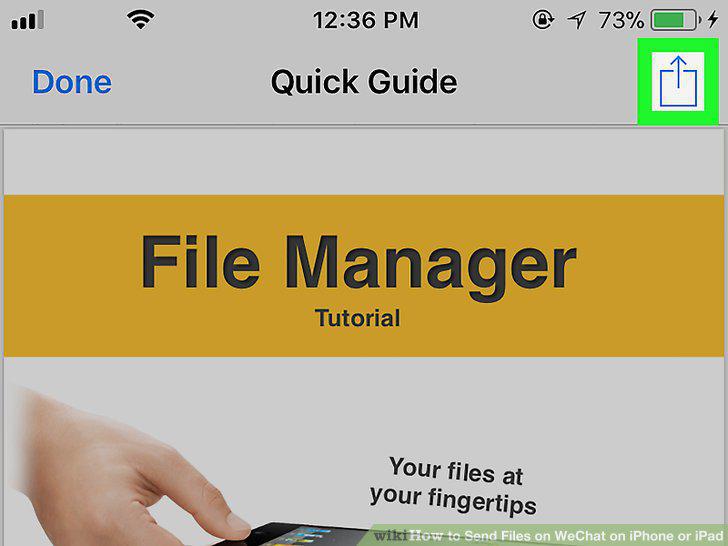
Tap .
5
Tap WeChat.
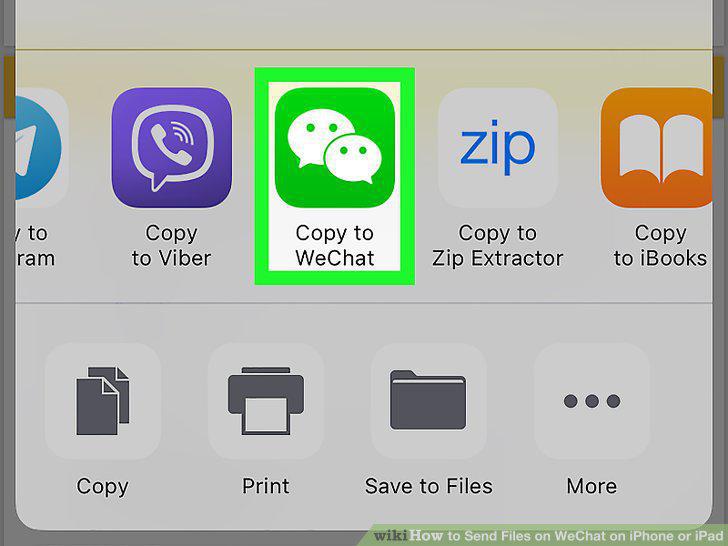
Tap WeChat.
6
Tap New Chat.
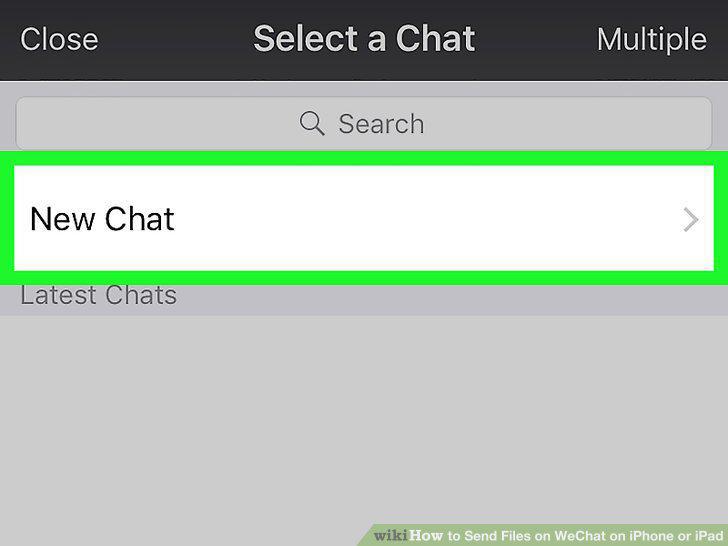
Tap New Chat.
7
Select a recipient and tap Done.

Select a recipient and tap Done.
8
Type a message.
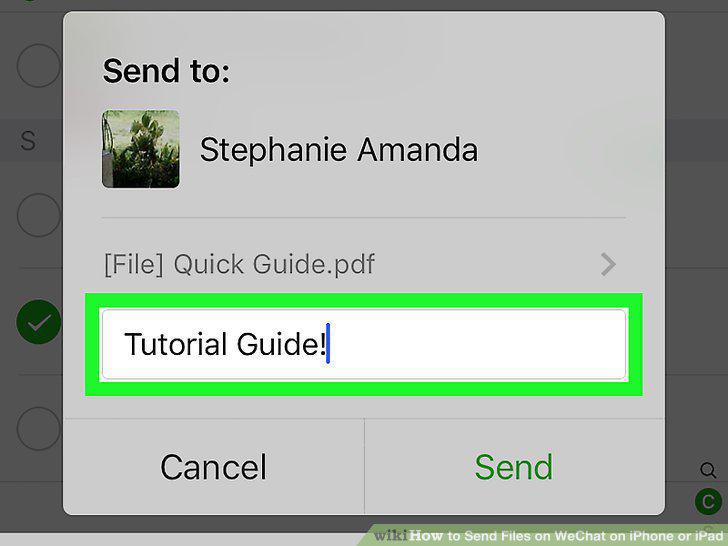
Type a message.
9
Tap Share.
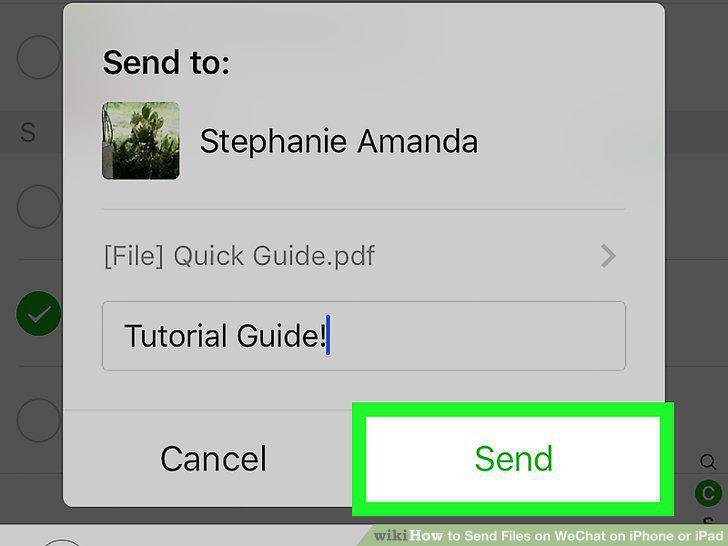
Tap Share.
Comments (0)
No comments yet. Be the first to share your thoughts!