How to View the Character Count for Texts on an iPhone
Open your iPhone's Settings.. Scroll down and tap Messages.. Scroll down and slide the Character Count switch to the On position.
Steps
1
Open your iPhone's Settings.
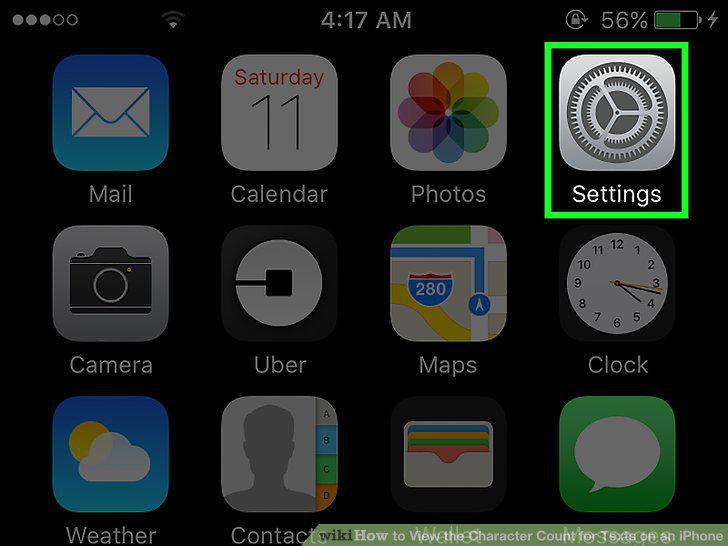
Open your iPhone's Settings.
2
Scroll down and tap Messages.
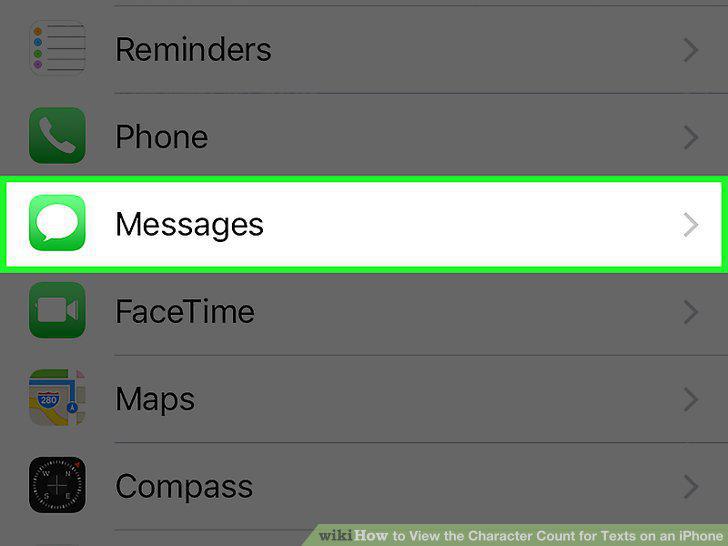
Scroll down and tap Messages.
3
Scroll down and slide the Character Count switch to the On position.
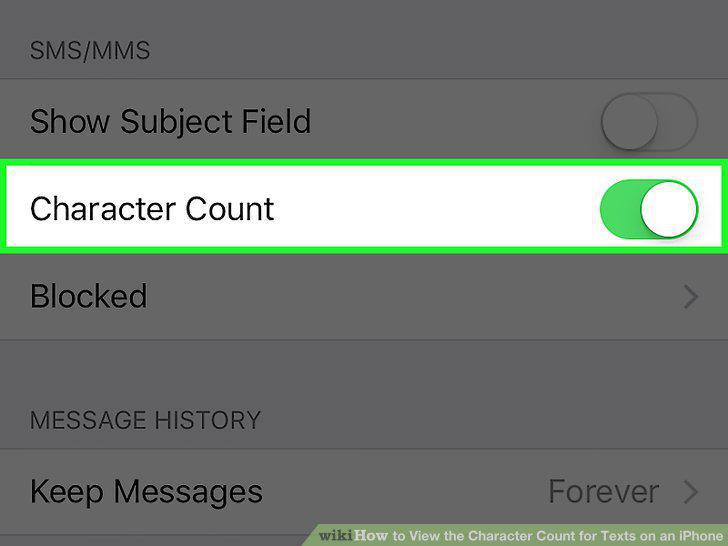
Scroll down and slide the Character Count switch to the On position.
4
Open your iPhone's Messages app.
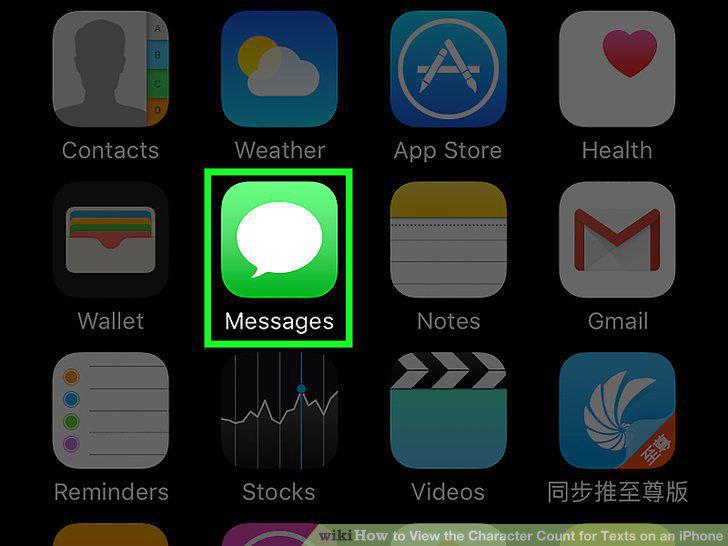
Open your iPhone's Messages app.
5
Tap on an SMS text message conversation.
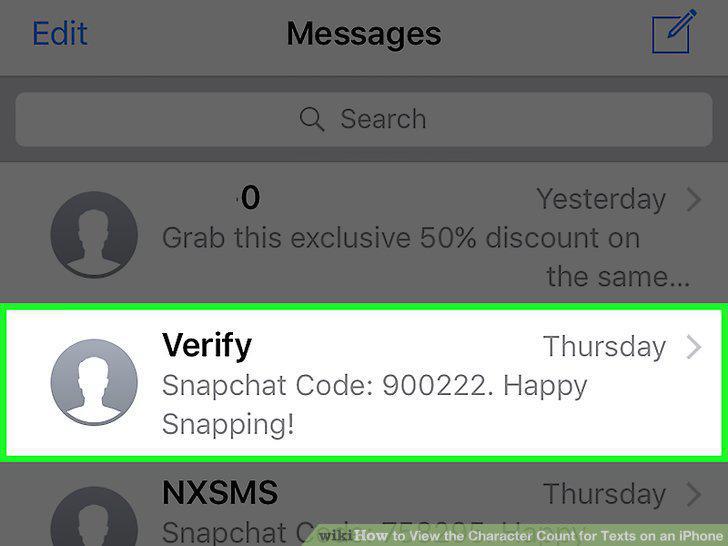
Tap on an SMS text message conversation.
6
Tap on the text field at the lower-right corner of your screen.
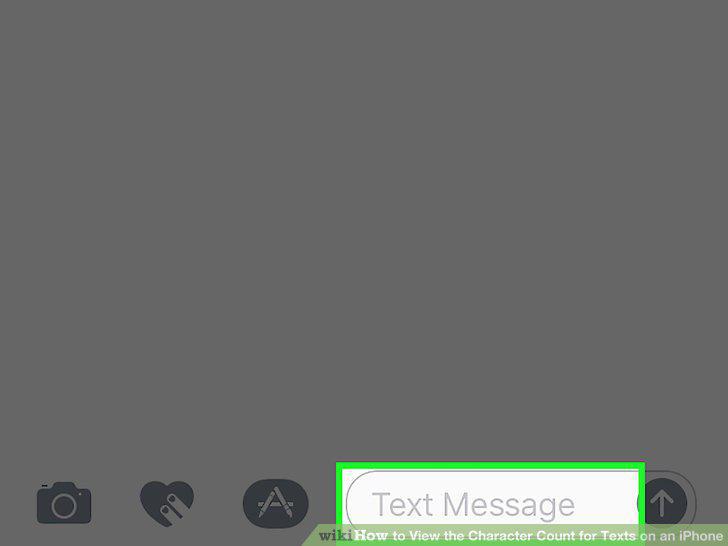
Tap on the text field at the lower-right corner of your screen.
7
Type a full line of text.

Type a full line of text.
Comments (0)
No comments yet. Be the first to share your thoughts!