How to Open an Rpt File on PC or Mac
Go to http://www.crystalreports.com/crystal-viewer/ in a web browser.. Download the installation archive.. Install SAP Crystal Reports Viewer.
Steps
1
Go to http://www.crystalreports.com/crystal-viewer/ in a web browser.
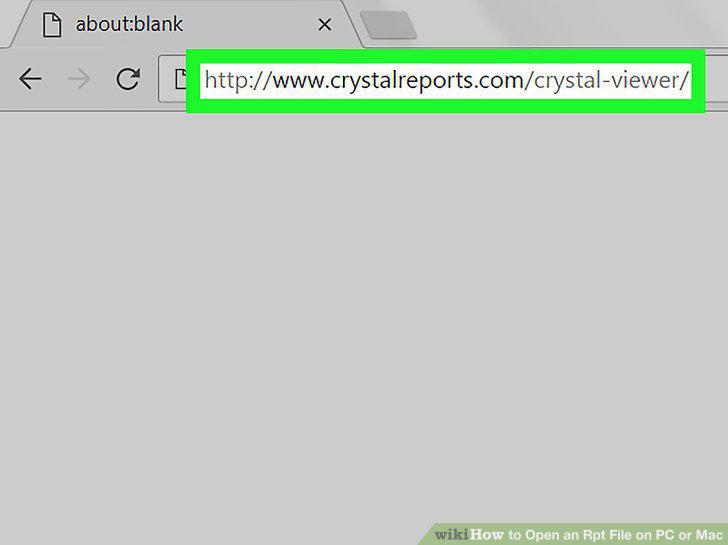
Go to http://www.crystalreports.com/crystal-viewer/ in a web browser.
2
Download the installation archive.
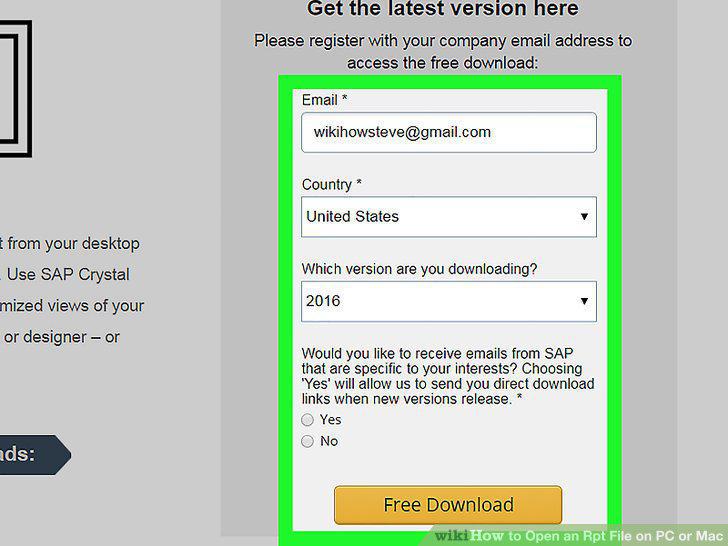
Download the installation archive.
3
Install SAP Crystal Reports Viewer.
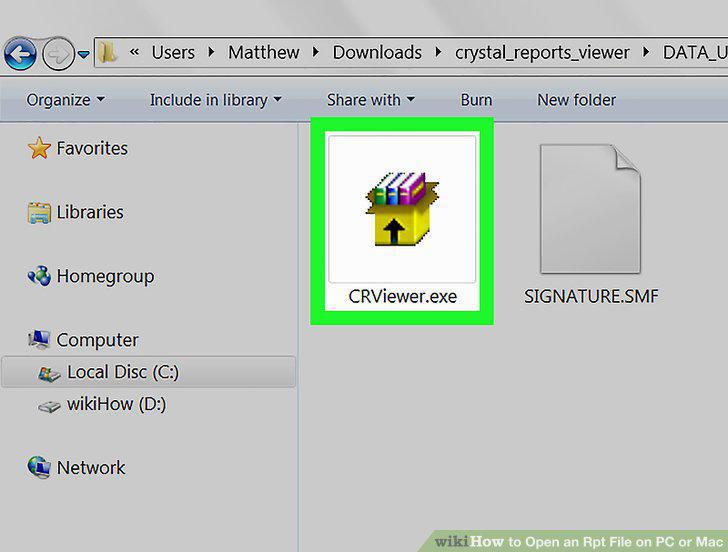
Install SAP Crystal Reports Viewer.
4
Open SAP Crystal Reports 2016 Viewer.
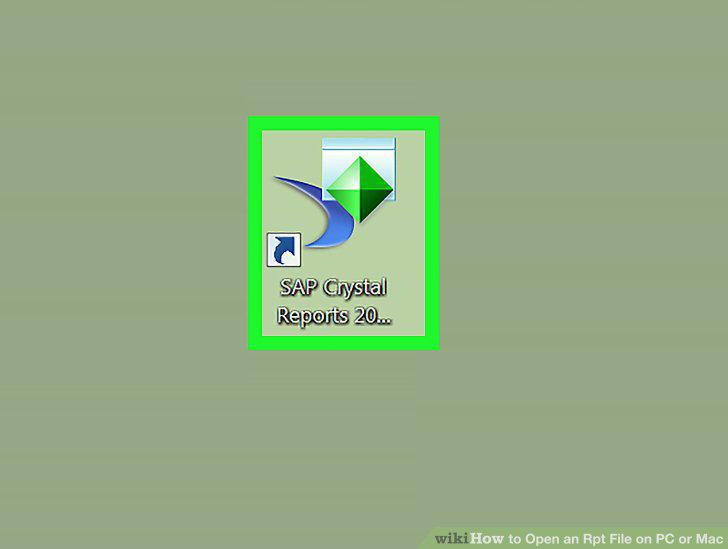
Open SAP Crystal Reports 2016 Viewer.
5
Click I Agree.
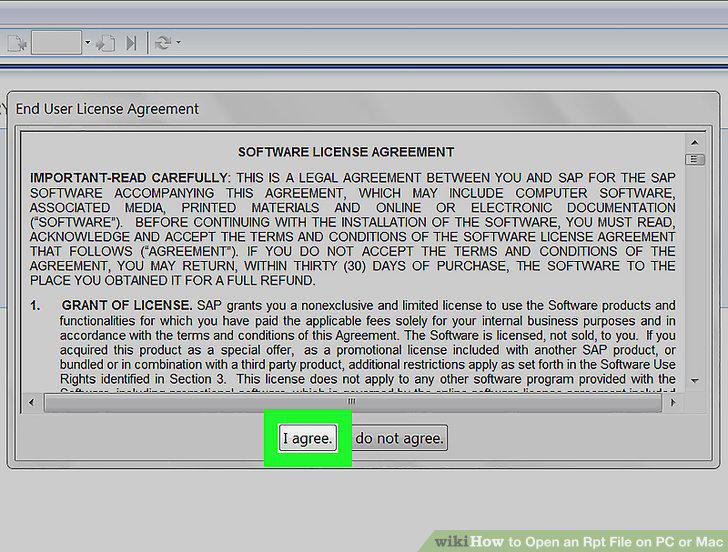
Click I Agree.
6
Click Browse for report.
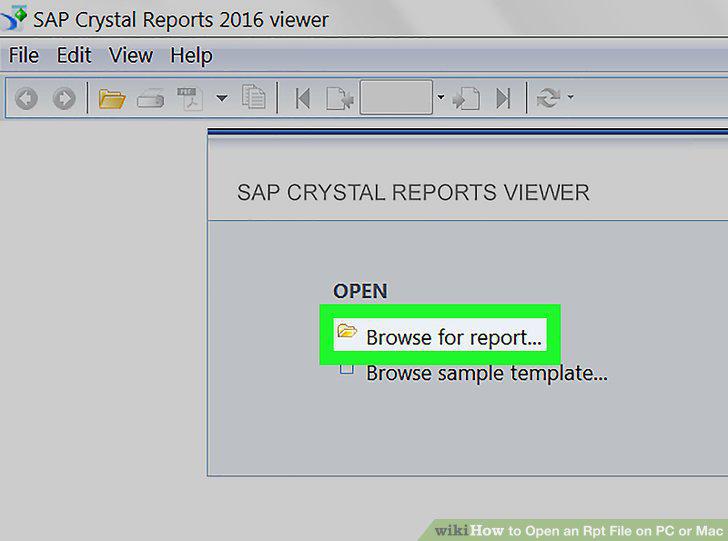
Click Browse for report.
7
Open the folder that contains the .rpt file.
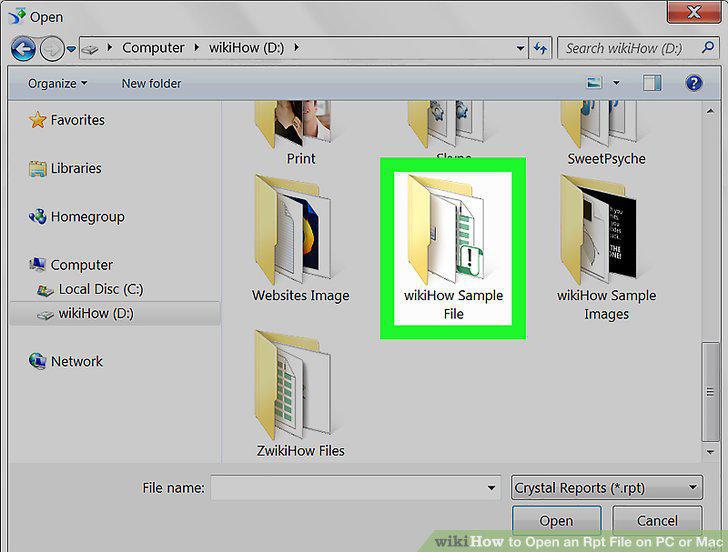
Open the folder that contains the .rpt file.
8
Click the .rpt file to select it.
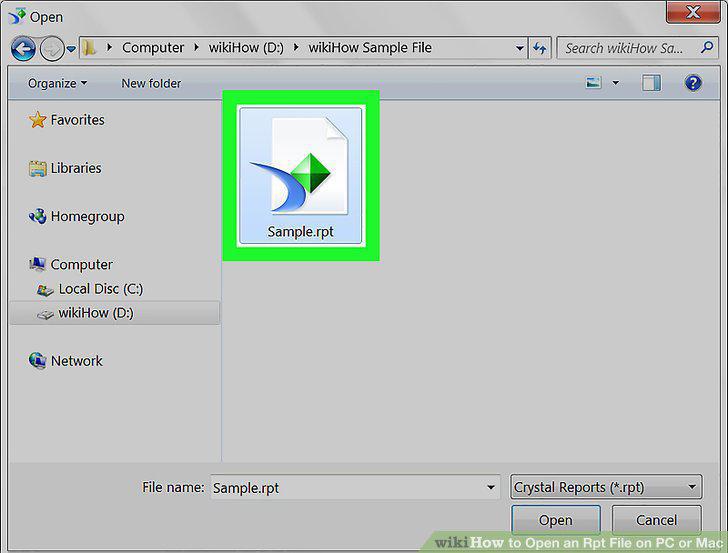
Click the .rpt file to select it.
9
Click Open.
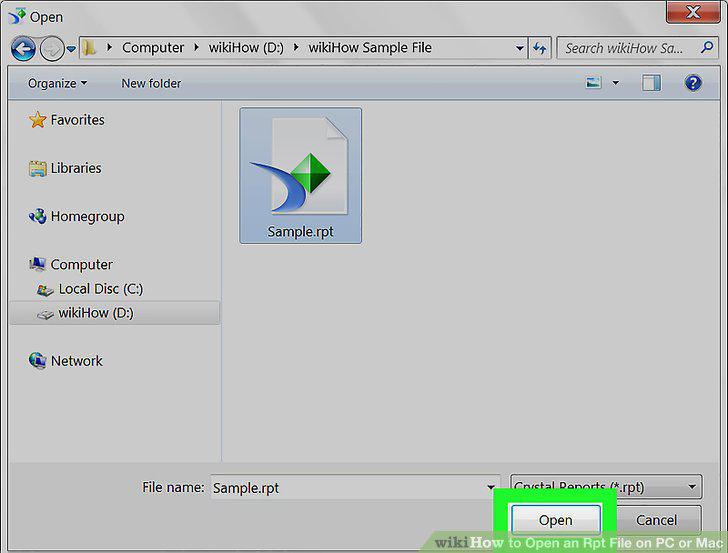
Click Open.
Comments (0)
No comments yet. Be the first to share your thoughts!