How to Scan a Barcode with an iPhone
Open the App Store application .. Tap the Search tab.. Type Barcode Scanner and tap Search.
Steps
1
Open the App Store application .

Open the App Store application .
2
Tap the Search tab.
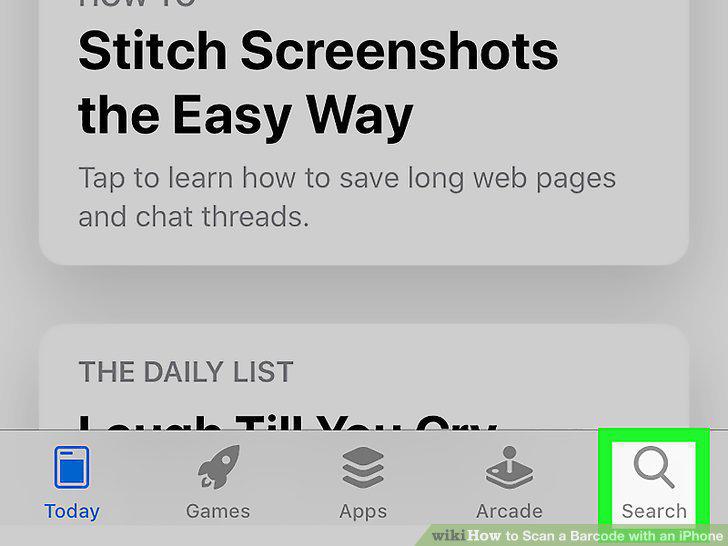
Tap the Search tab.
3
Type Barcode Scanner and tap Search.
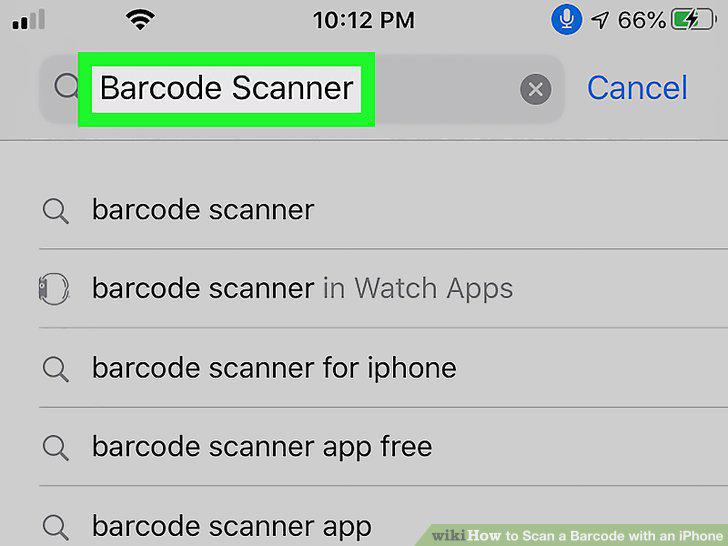
Type Barcode Scanner and tap Search.
4
Tap Get next to Barcode Scanner.
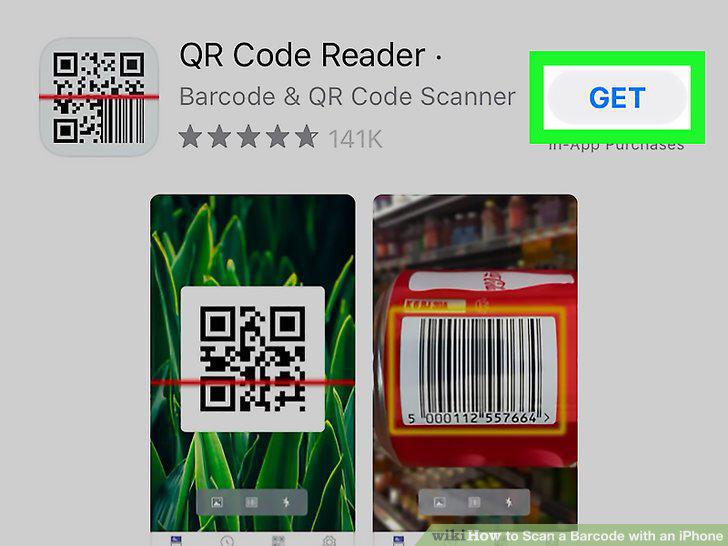
Tap Get next to Barcode Scanner.
5
Open the Barcode Scanner application.
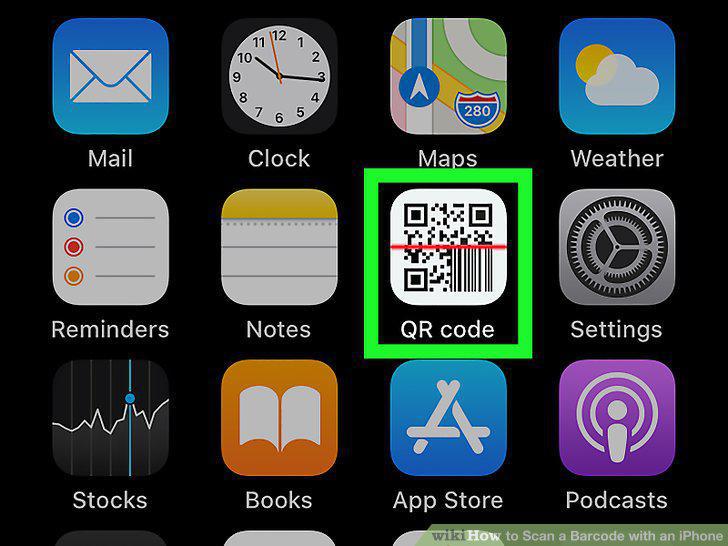
Open the Barcode Scanner application.
6
Tap Ok to allow the Barcode Scanner app to use your camera.
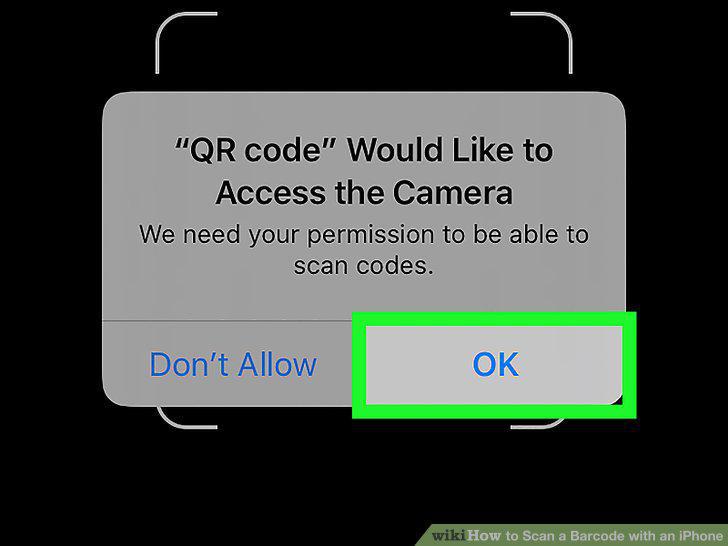
Tap Ok to allow the Barcode Scanner app to use your camera.
7
Point your iPhone camera towards the barcode.
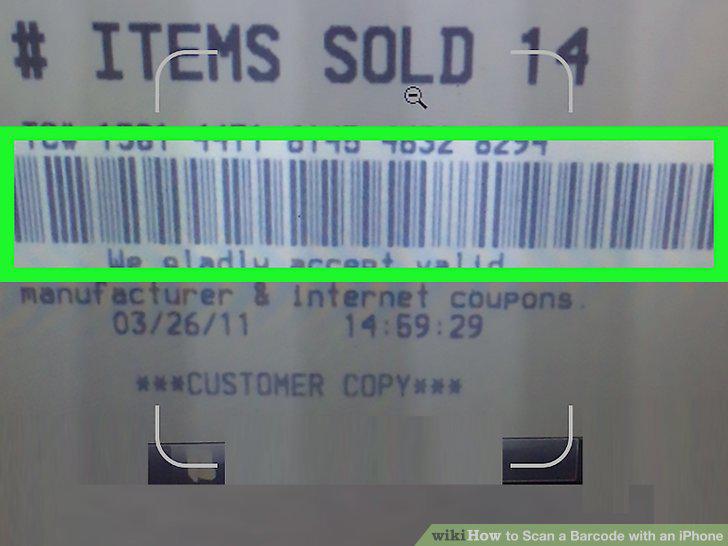
Point your iPhone camera towards the barcode.
8
Wait for the scan to complete.
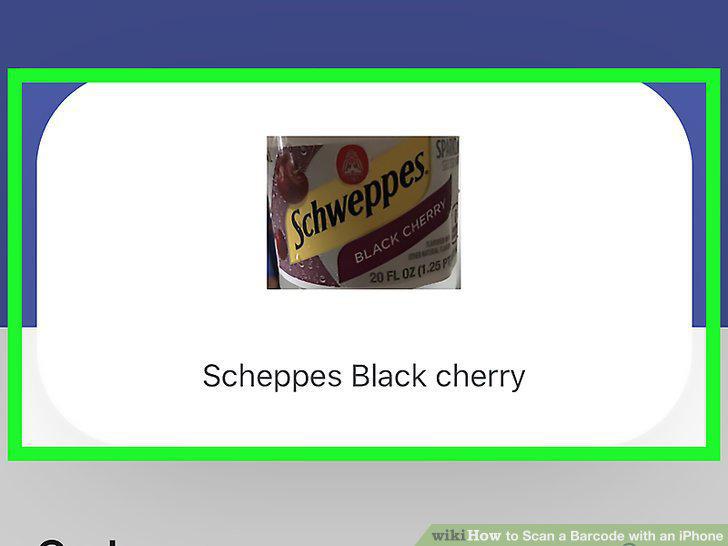
Wait for the scan to complete.
Comments (0)
No comments yet. Be the first to share your thoughts!