Steps
1
Open Bumble.
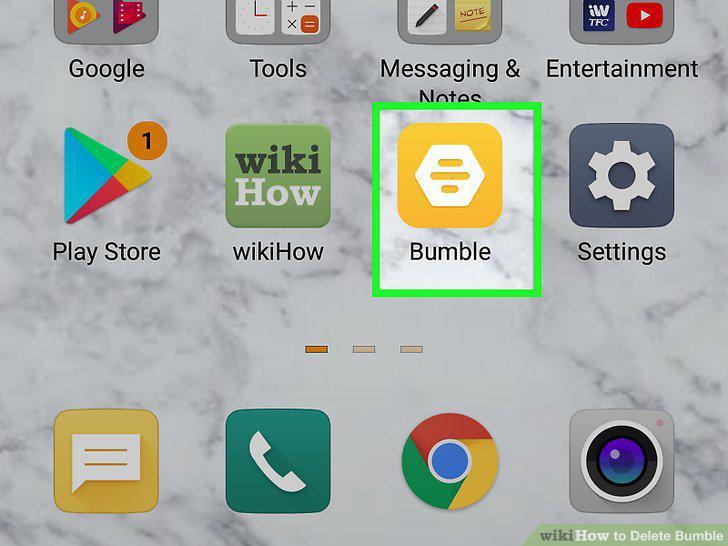
Open Bumble.
2
Tap your profile icon.
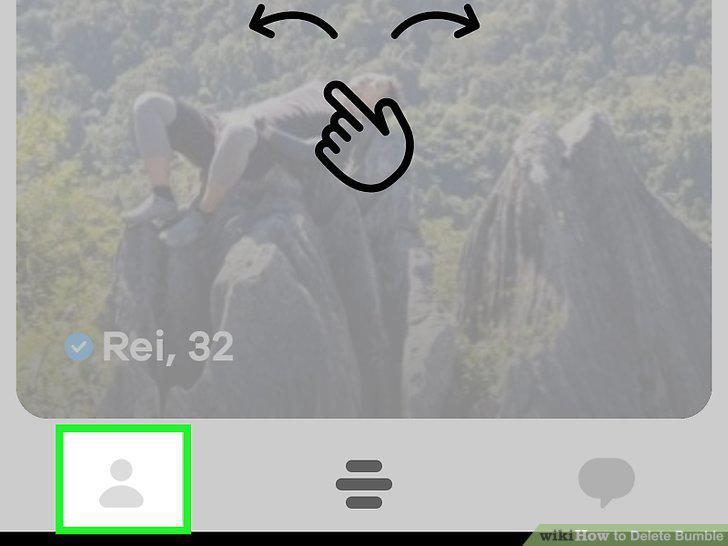
Tap your profile icon.
3
Tap .
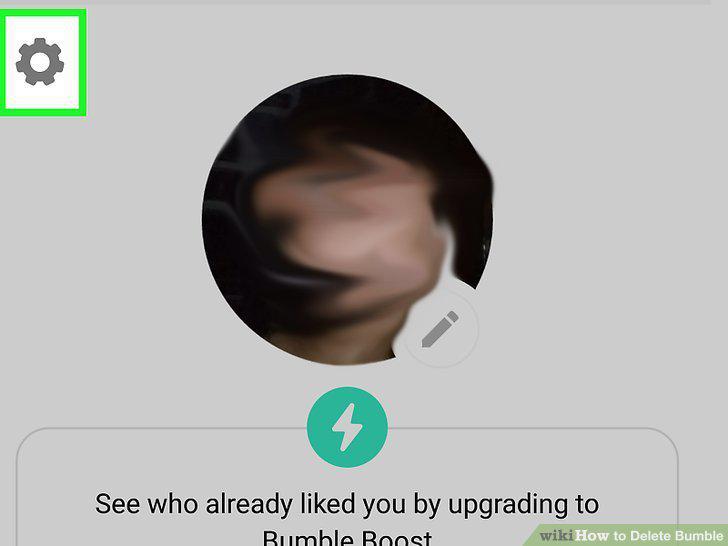
Tap .
4
Tap Delete Account.
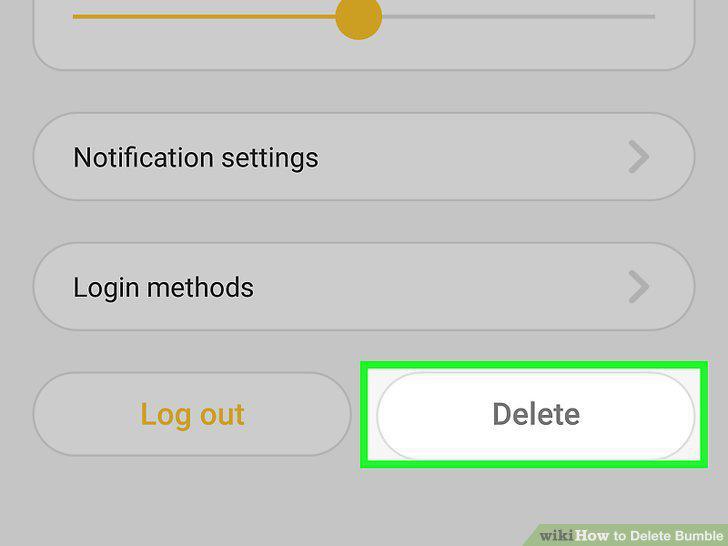
Tap Delete Account.
5
Select your reason for deleting your account, type "Delete," and tap Confirm.
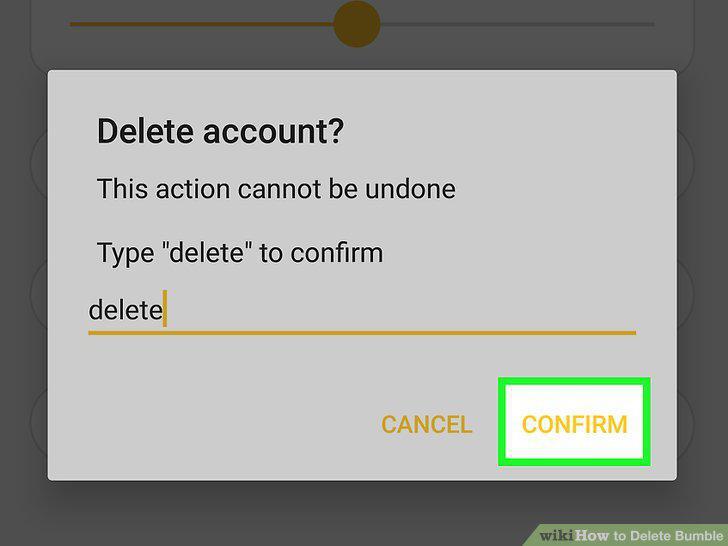
Select your reason for deleting your account, type "Delete," and tap Confirm.
Comments (0)
No comments yet. Be the first to share your thoughts!