How to Invite Friends to Like a Facebook Page on Android
Open the Facebook app on your Android device.. Tap the Menu button.. Scroll down and tap Pages.
Steps
1
Open the Facebook app on your Android device.
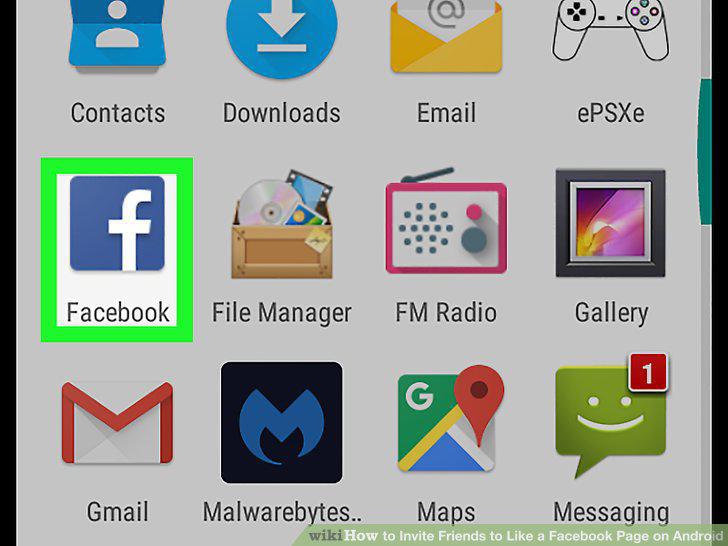
Open the Facebook app on your Android device.
2
Tap the Menu button.

Tap the Menu button.
3
Scroll down and tap Pages.
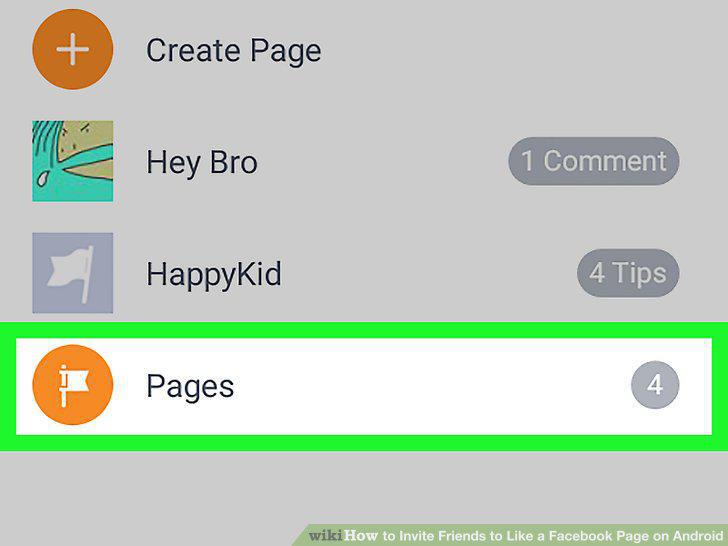
Scroll down and tap Pages.
4
Tap on a page you own or a page you like.

Tap on a page you own or a page you like.
5
Scroll down to the "Community" section and tap See All.

Scroll down to the "Community" section and tap See All.
6
Tap Invite friends to like this Page.

Tap Invite friends to like this Page.
7
Tap the Invite button next to a friend's name.

Tap the Invite button next to a friend's name.
Comments (0)
No comments yet. Be the first to share your thoughts!