How to Make an Audio File Louder on iPhone or iPad
Open your iPhone or iPad's Settings.. Scroll down and tap Music.. Tap Volume Limit under "PLAYBACK.
Steps
1
Open your iPhone or iPad's Settings.
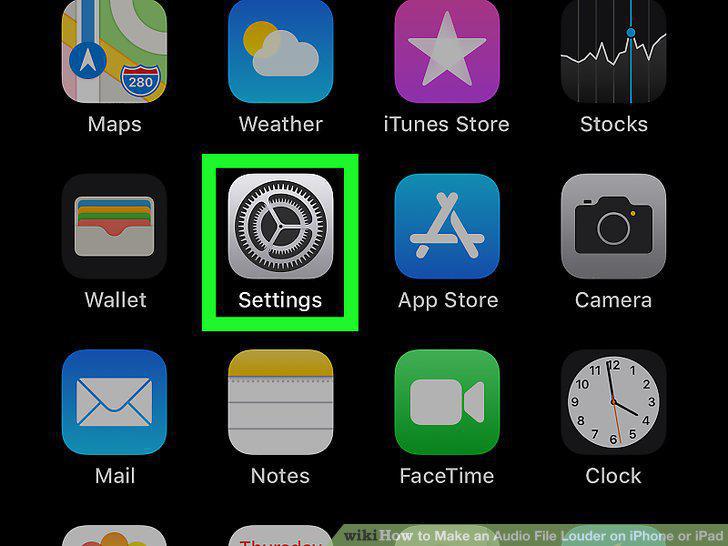
Open your iPhone or iPad's Settings.
2
Scroll down and tap Music.
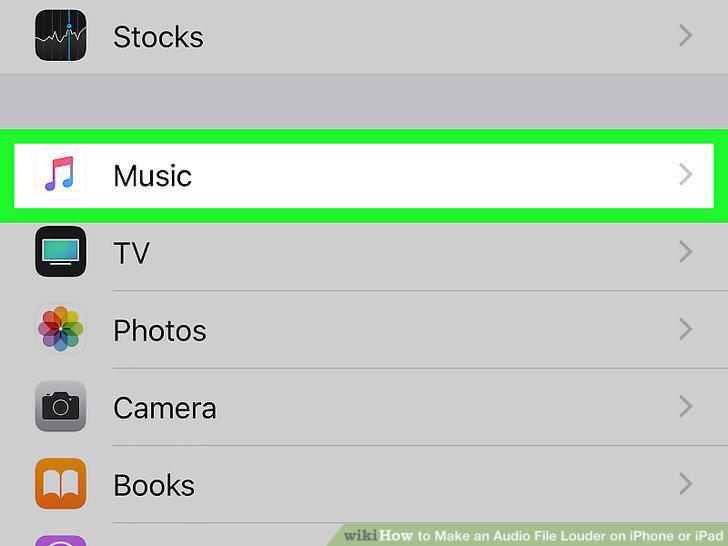
Scroll down and tap Music.
3
Tap Volume Limit under "PLAYBACK.
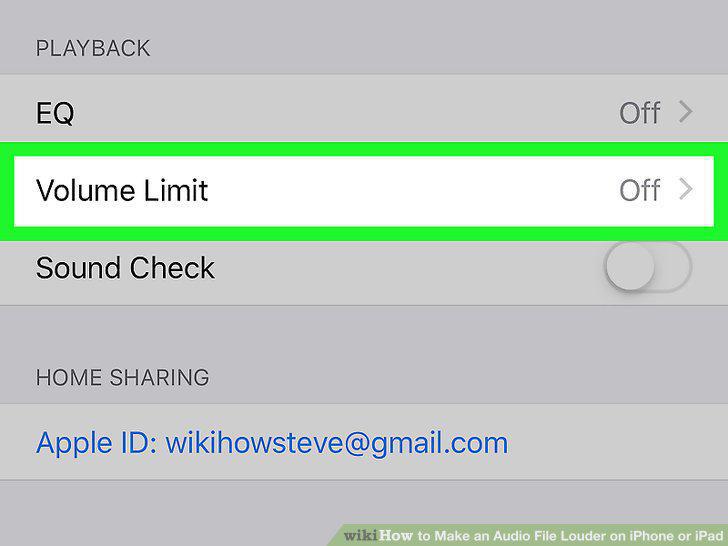
Tap Volume Limit under "PLAYBACK.
4
Slide the MAX VOLUME slider to the right.
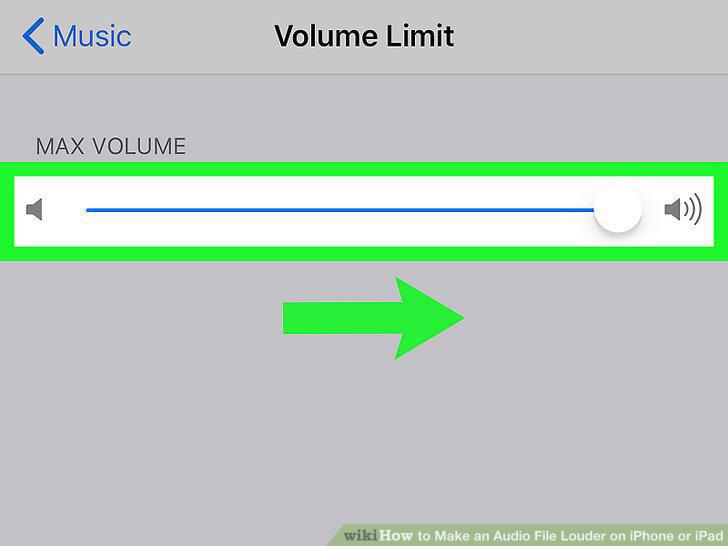
Slide the MAX VOLUME slider to the right.
5
Tap the button on the top-left.
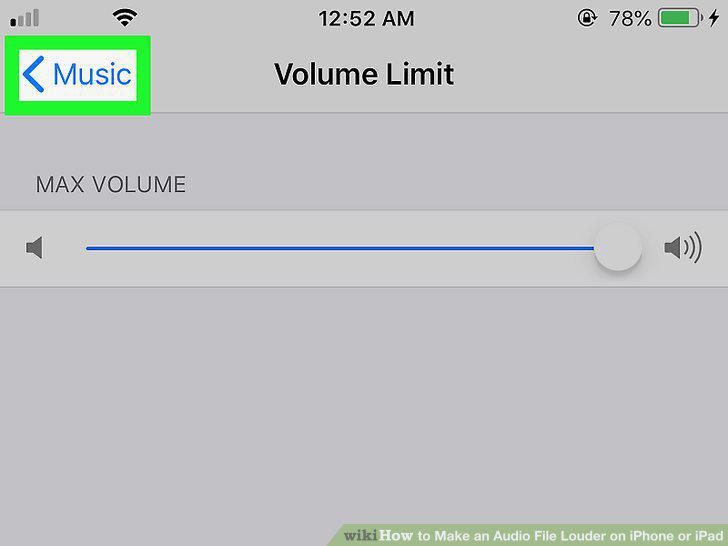
Tap the button on the top-left.
6
Tap EQ under "PLAYBACK.
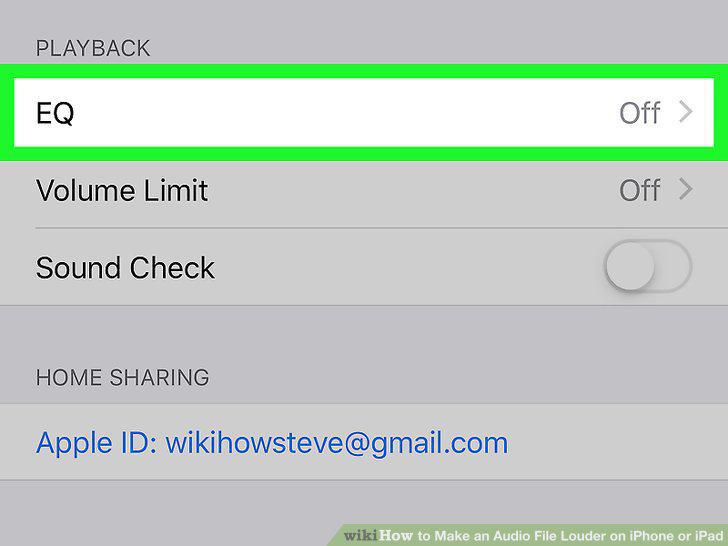
Tap EQ under "PLAYBACK.
7
Select Late Night.
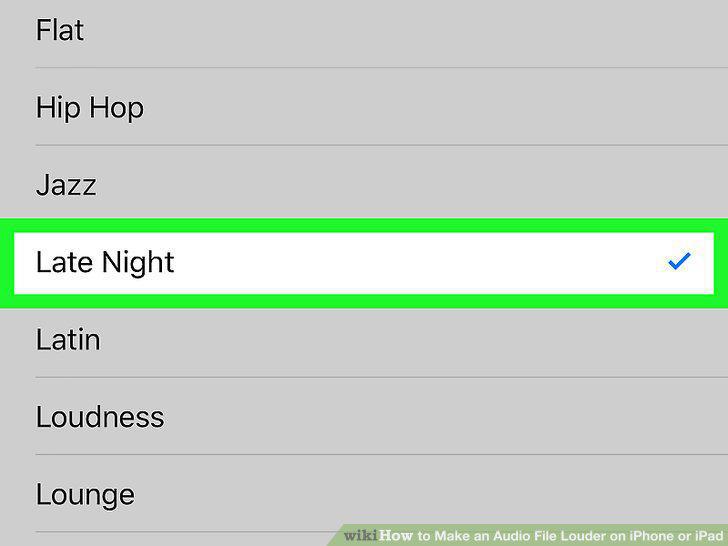
Select Late Night.
8
Open Spotify on your iPhone or iPad.
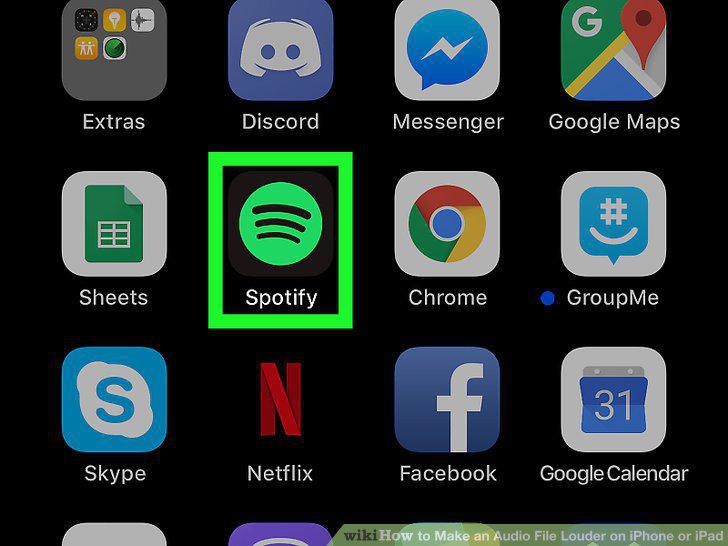
Open Spotify on your iPhone or iPad.
9
Tap Home on the bottom-left.
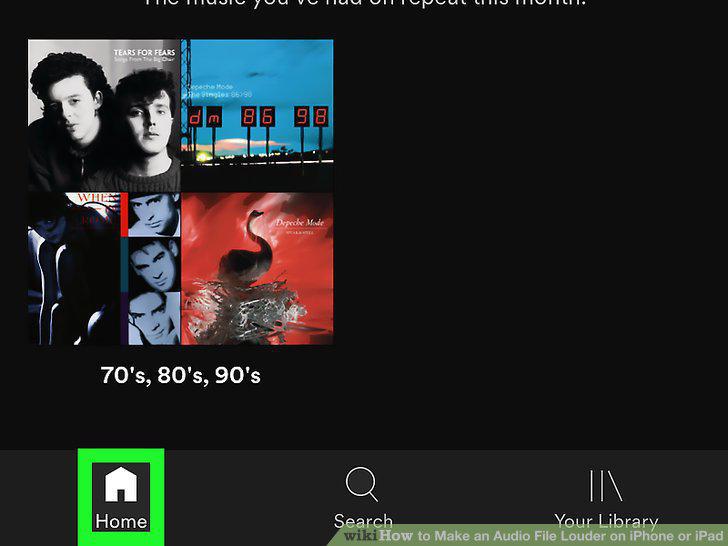
Tap Home on the bottom-left.
10
Tap the white gear icon.
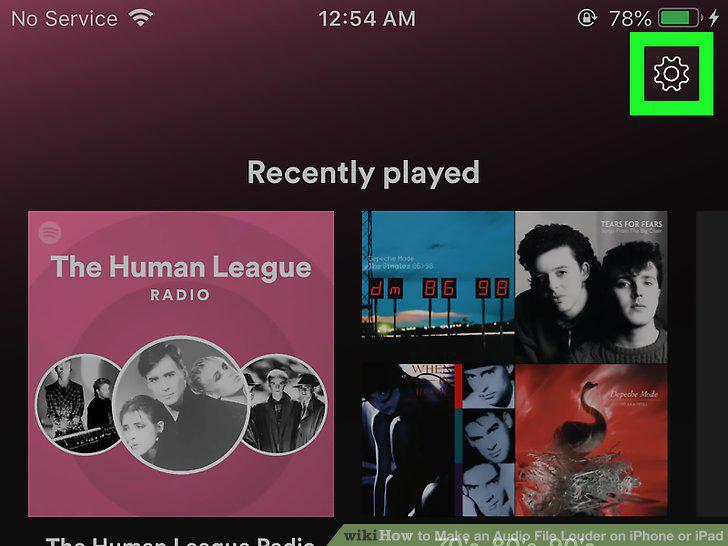
Tap the white gear icon.
11
Tap Playback on the menu.
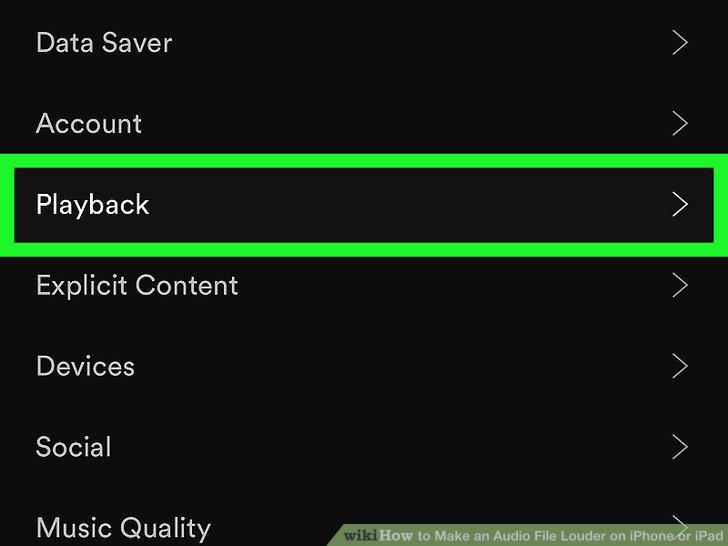
Tap Playback on the menu.
12
Select Loud under "Volume level.
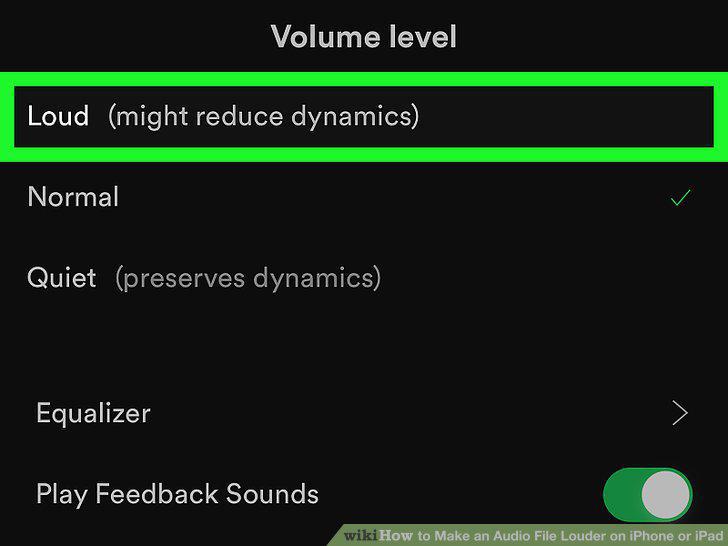
Select Loud under "Volume level.
13
Tap Equalizer.
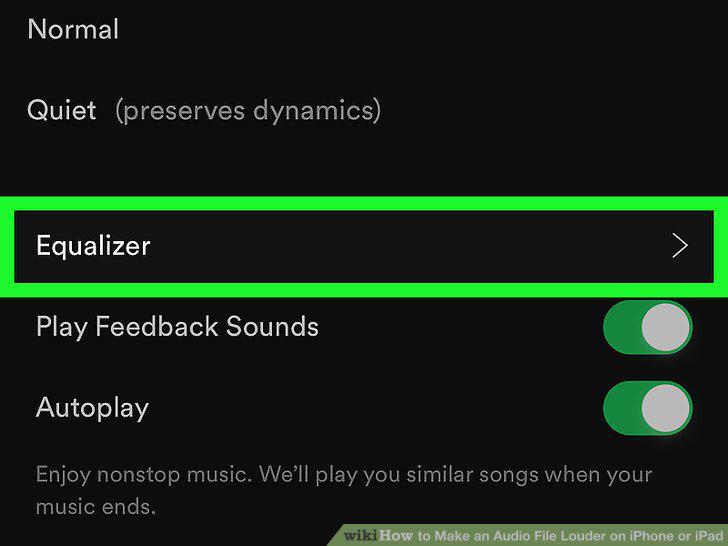
Tap Equalizer.
14
Drag and slide all the equalizer buttons upwards.
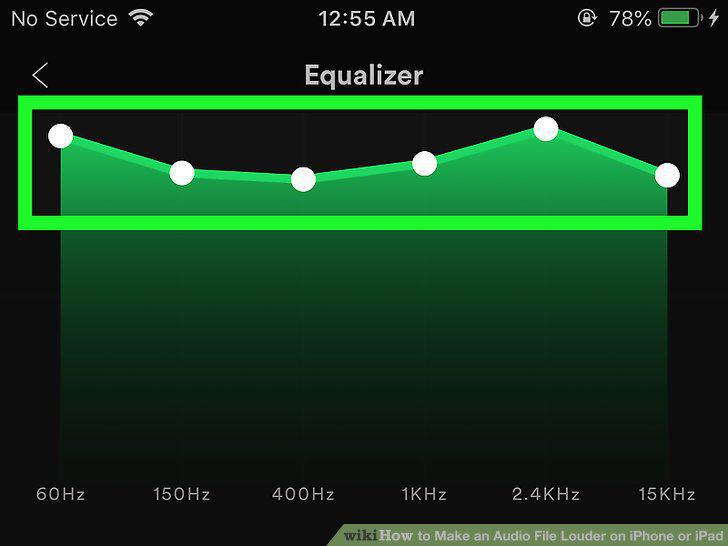
Drag and slide all the equalizer buttons upwards.
Comments (0)
No comments yet. Be the first to share your thoughts!