How to Join a Channel on Slack
Sign in to your Slack workspace.. Click the + next to "Channels.. Click Browse channels on the menu.
Steps
1
Sign in to your Slack workspace.

Sign in to your Slack workspace.
2
Click the + next to "Channels.
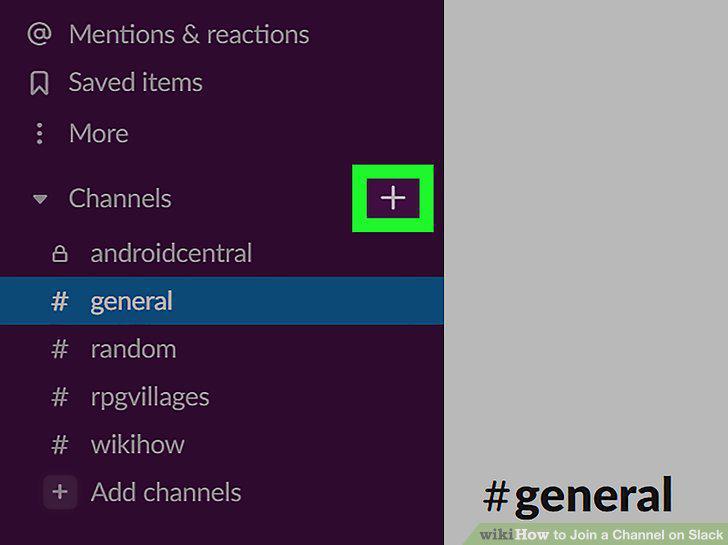
Click the + next to "Channels.
3
Click Browse channels on the menu.
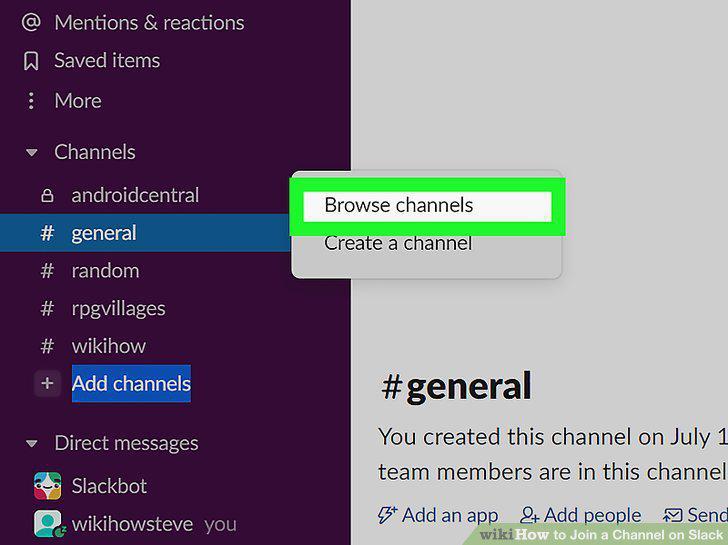
Click Browse channels on the menu.
4
Click the channel you wish to join.
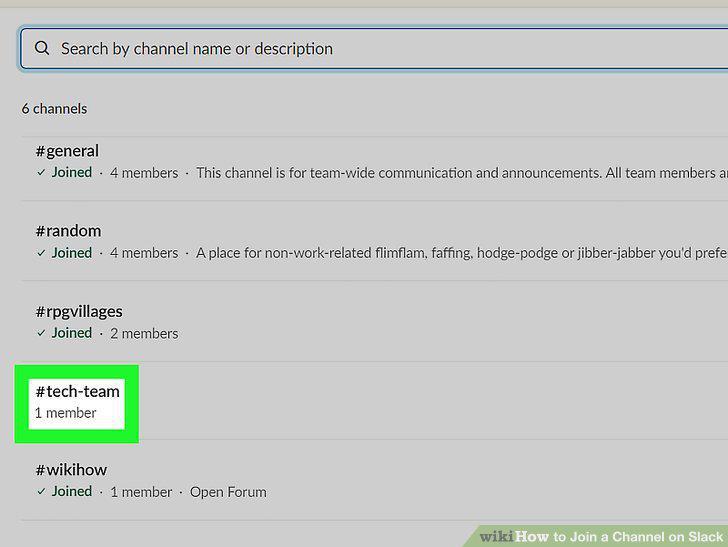
Click the channel you wish to join.
5
Click the Join Channel button.

Click the Join Channel button.
6
Open Slack on your Android, iPhone, or iPad.
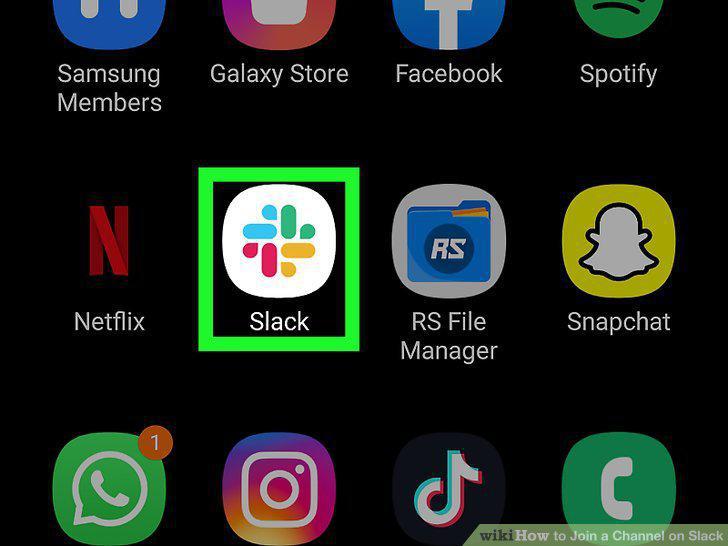
Open Slack on your Android, iPhone, or iPad.
7
Tap the Home icon.
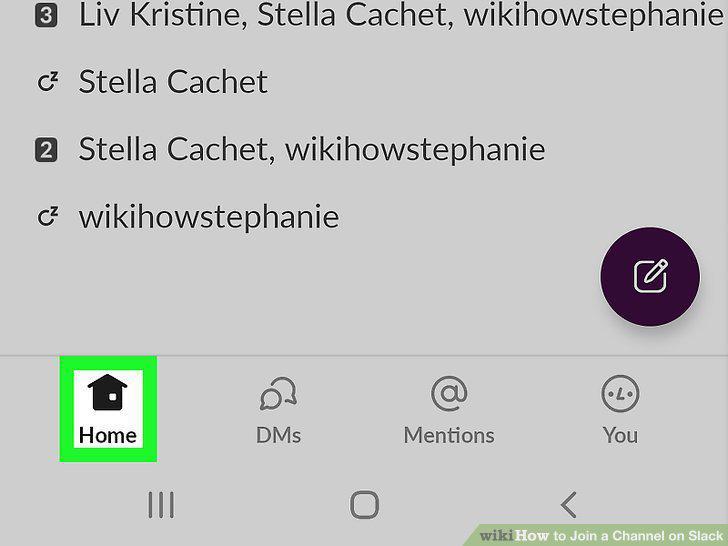
Tap the Home icon.
8
Swipe right to the main menu.
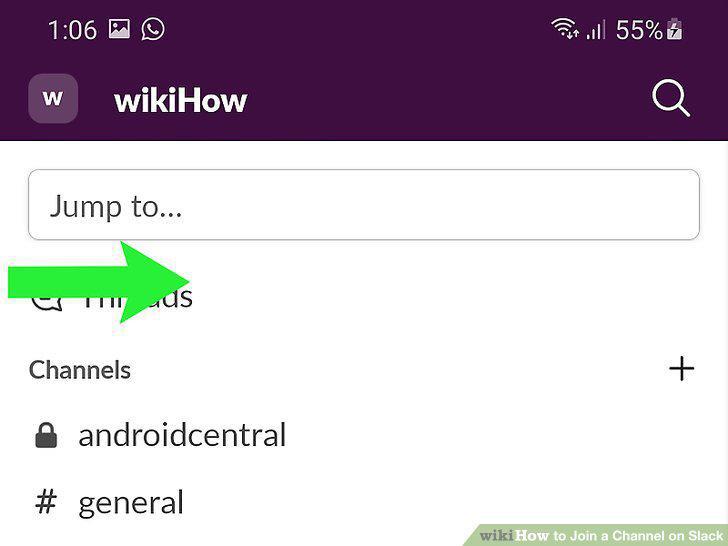
Swipe right to the main menu.
9
Tap the Channel browser icon.
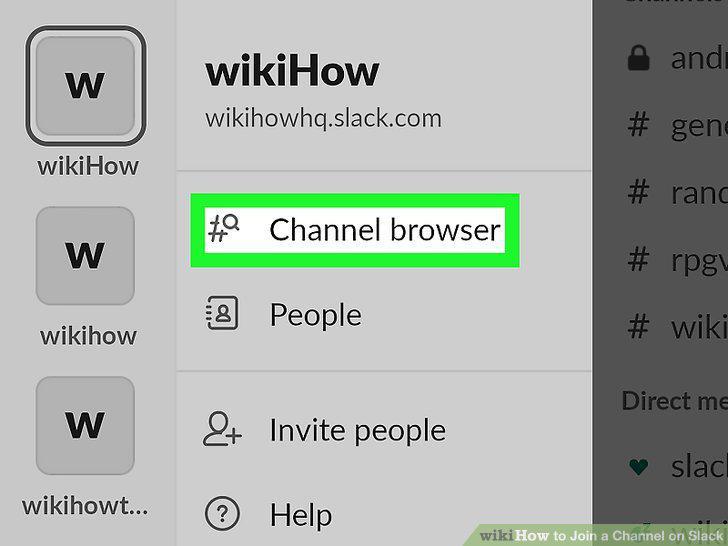
Tap the Channel browser icon.
10
Select a channel to join.
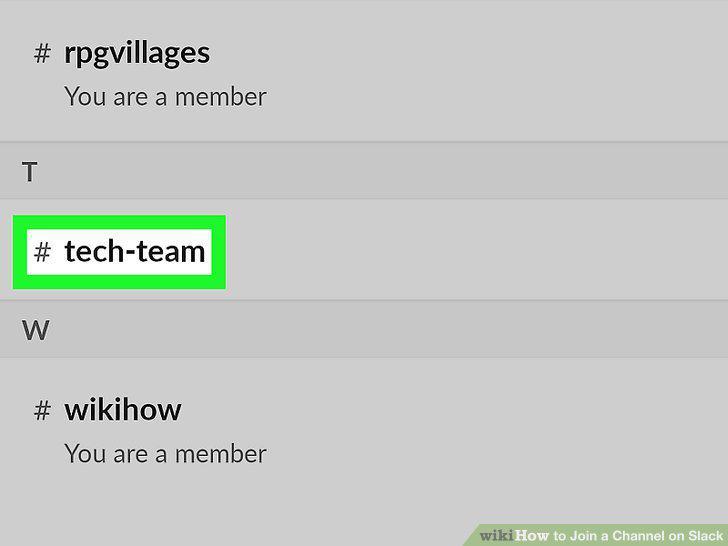
Select a channel to join.
11
Tap Join Channel.

Tap Join Channel.
12
Open a browser and sign in to Slack.

Open a browser and sign in to Slack.
13
Click your team name.
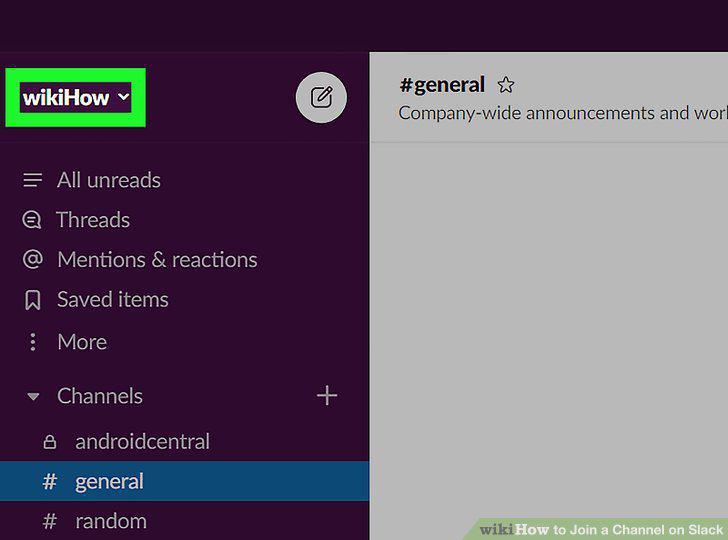
Click your team name.
14
Click Settings & administration on the menu.
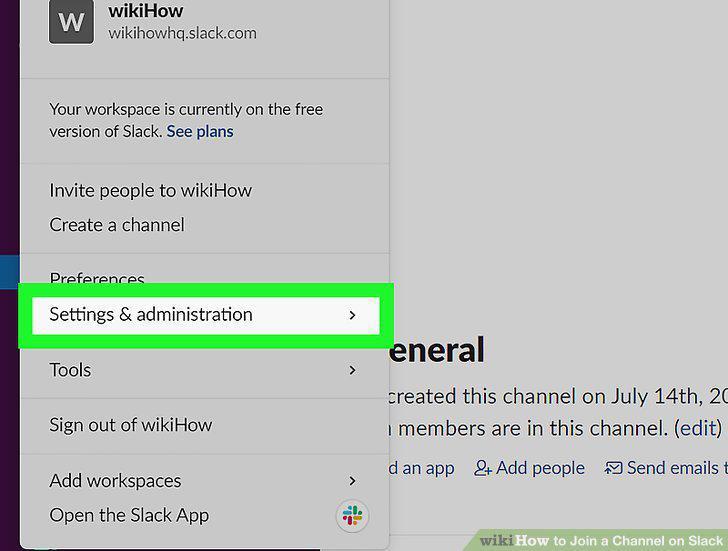
Click Settings & administration on the menu.
15
Click Workspace settings on the menu.
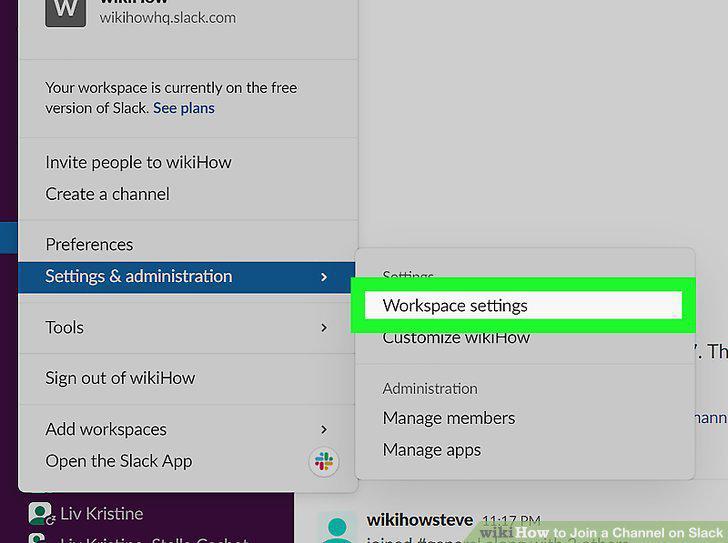
Click Workspace settings on the menu.
16
Click Expand next to "Default Channels.
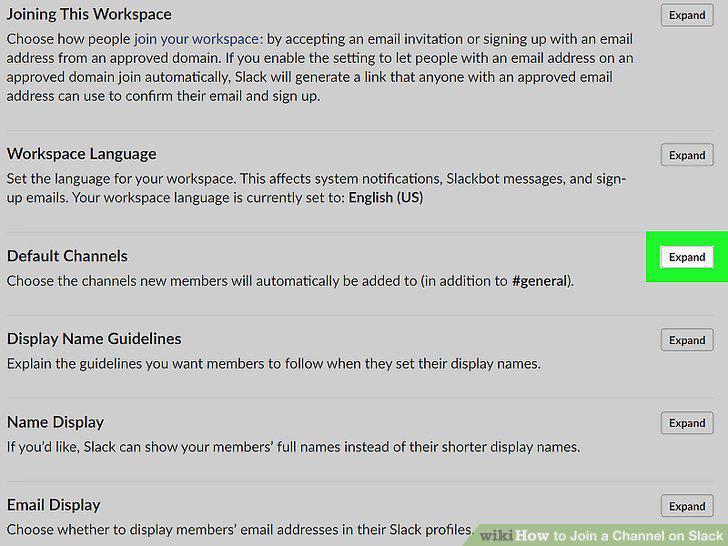
Click Expand next to "Default Channels.
17
Add the channel(s) you'd like members to join automatically.
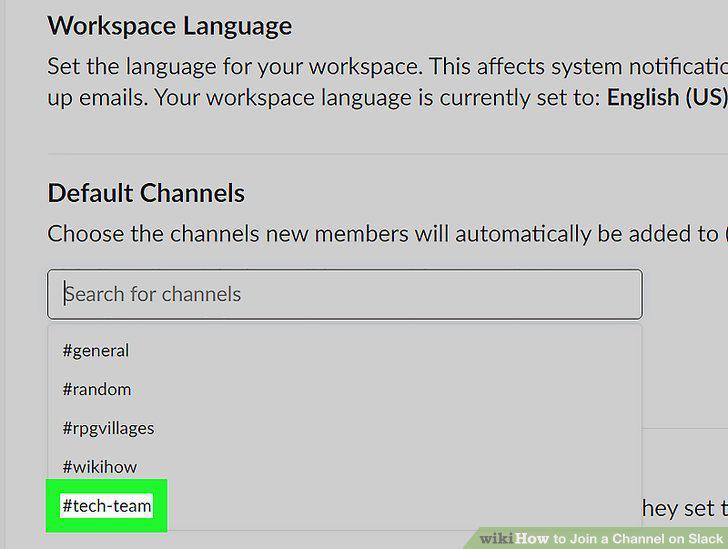
Add the channel(s) you'd like members to join automatically.
18
Click Save.
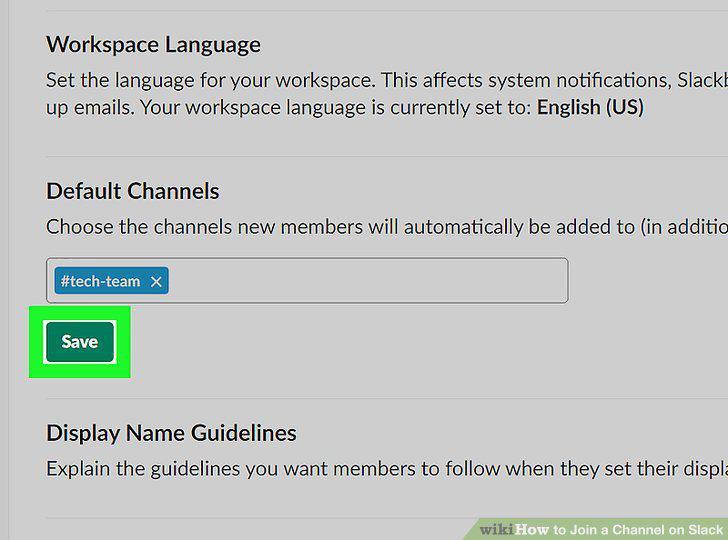
Click Save.
Comments (0)
No comments yet. Be the first to share your thoughts!