How to Restore a PowerPoint Presentation
Open PowerPoint.. Click the file in the panel on the left to open it.. Click Close in the "Document Recovery" panel.
Steps
1
Open PowerPoint.
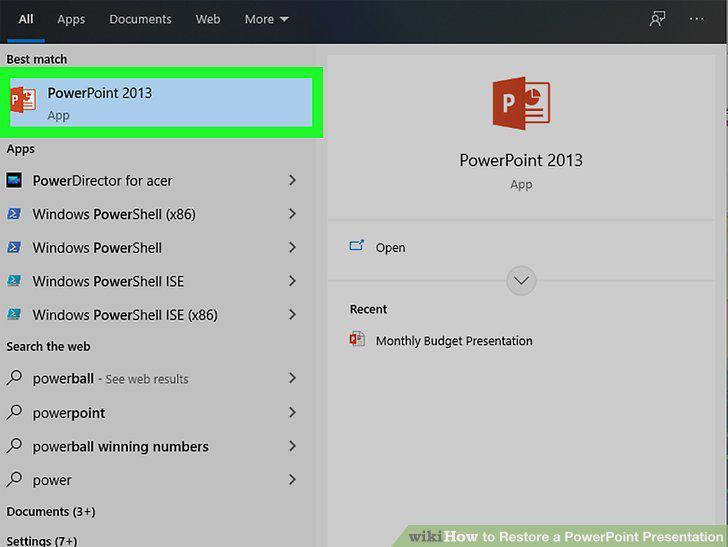
Open PowerPoint.
2
Click the file in the panel on the left to open it.
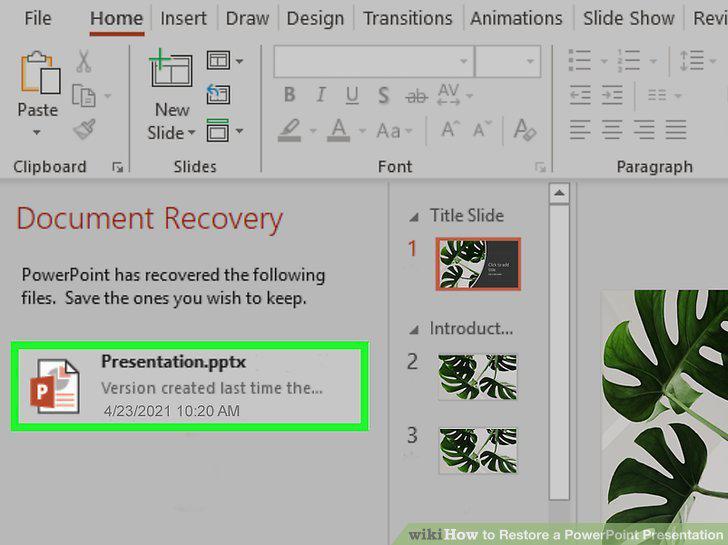
Click the file in the panel on the left to open it.
3
Click Close in the "Document Recovery" panel.
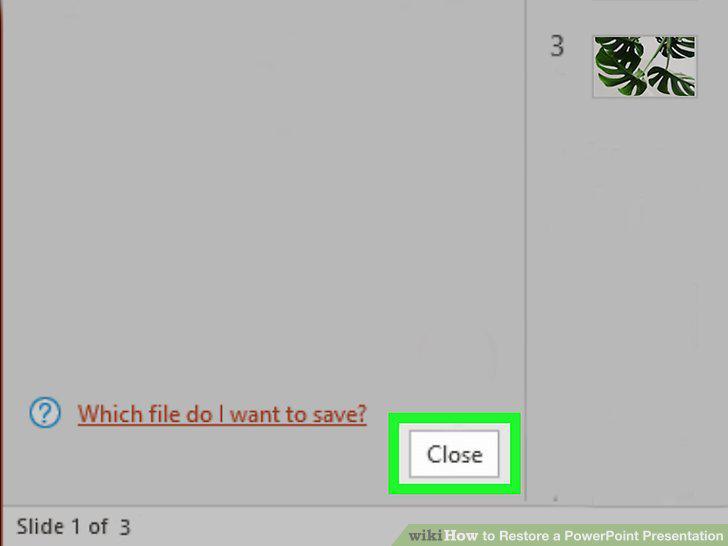
Click Close in the "Document Recovery" panel.
Comments (0)
No comments yet. Be the first to share your thoughts!