How to Reset the Android Tablet Pattern Lock
Open your Android's Settings .. Tap the Security menu.. Tap Screen lock.
Steps
Open your Android's Settings .
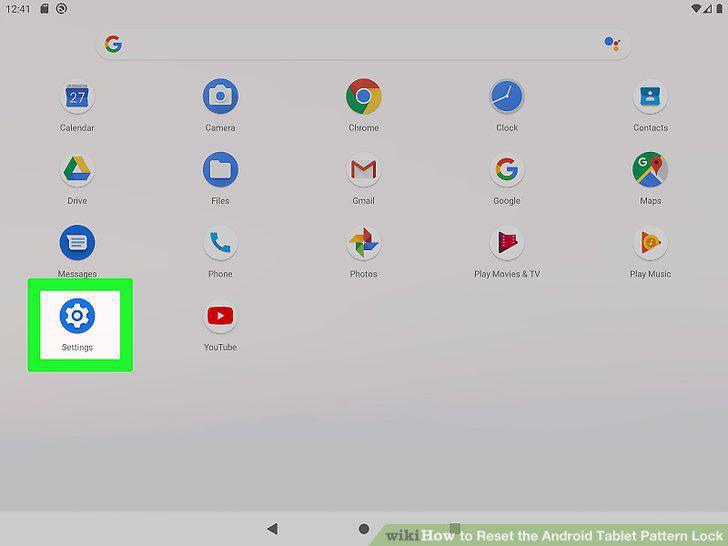
Open your Android's Settings .
Tap the Security menu.
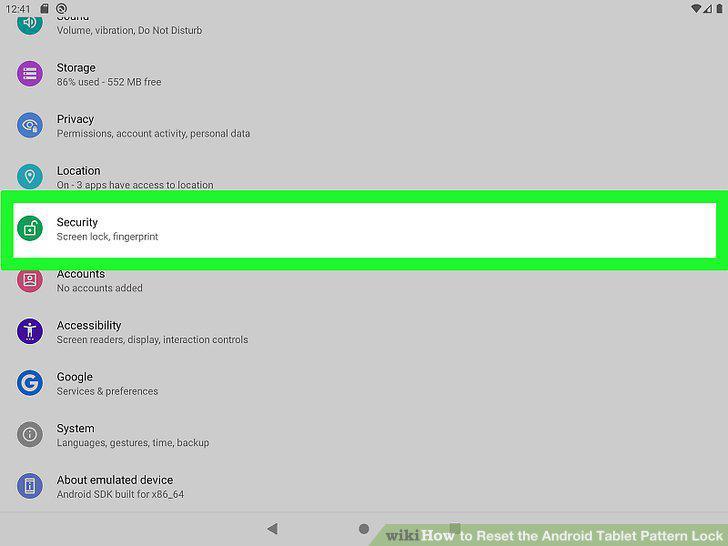
Tap the Security menu.
Tap Screen lock.
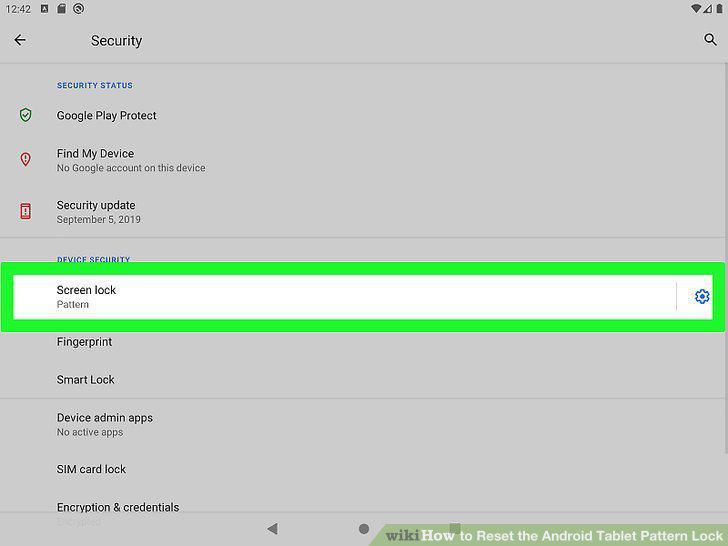
Tap Screen lock.
Enter your current lock pattern, PIN, or password to continue.
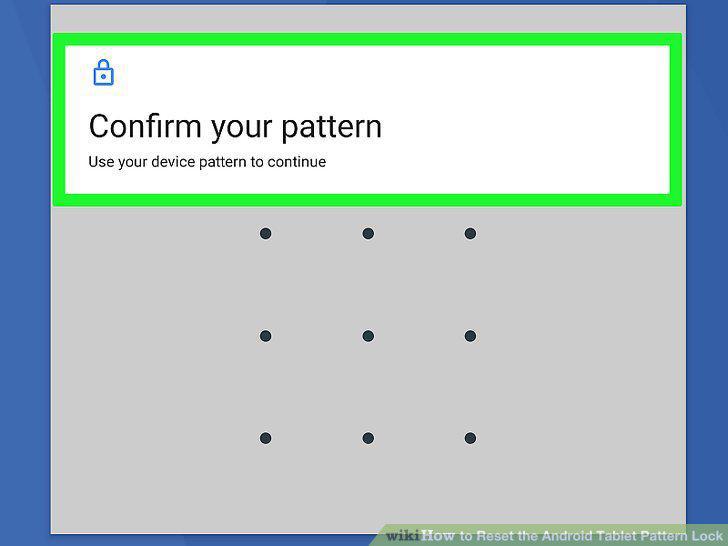
Enter your current lock pattern, PIN, or password to continue.
Select the Pattern option.
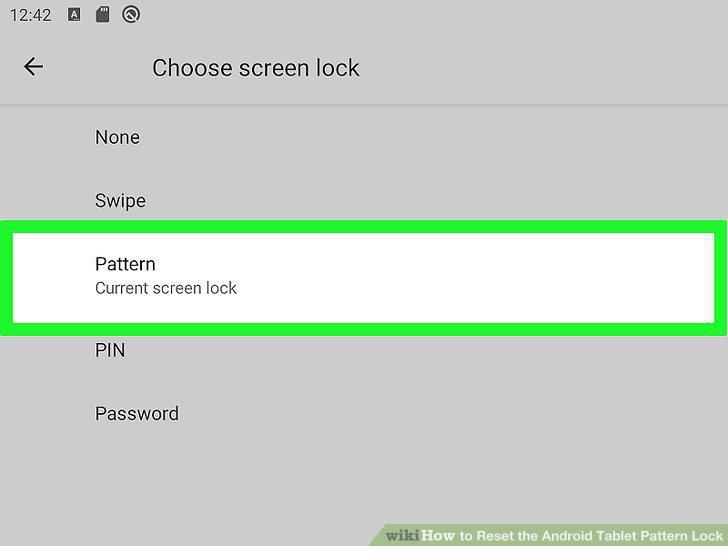
Select the Pattern option.
Drag your finger across 4 or more dots to create a pattern.
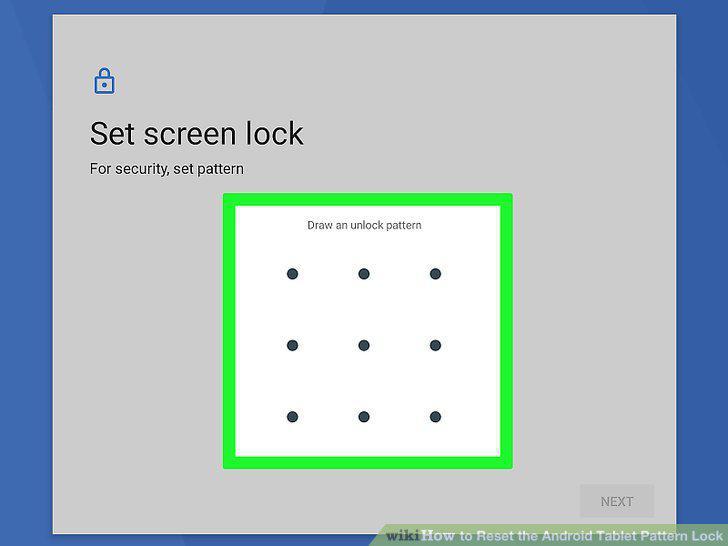
Drag your finger across 4 or more dots to create a pattern.
Tap Confirm to save your pattern.
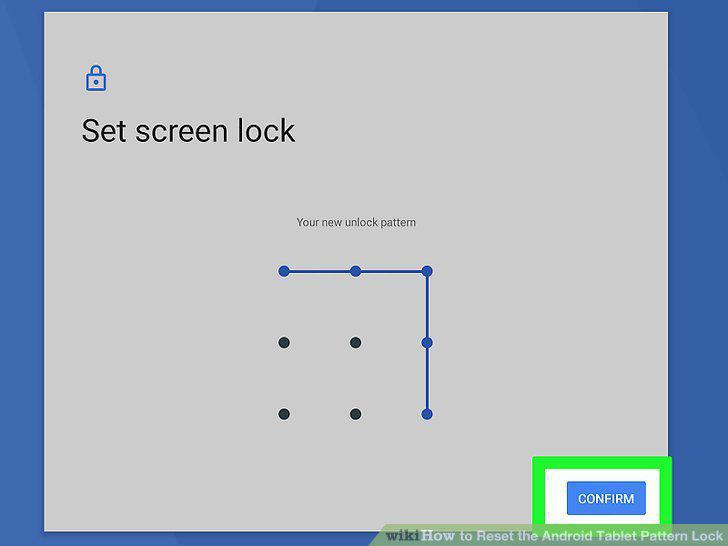
Tap Confirm to save your pattern.
Go to https://android.com/find on any computer, phone, or tablet.
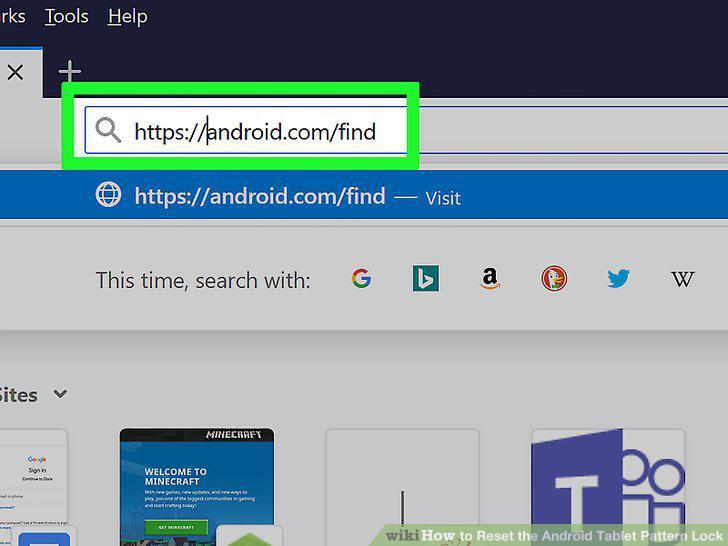
Go to https://android.com/find on any computer, phone, or tablet.
Sign in to your Google account.
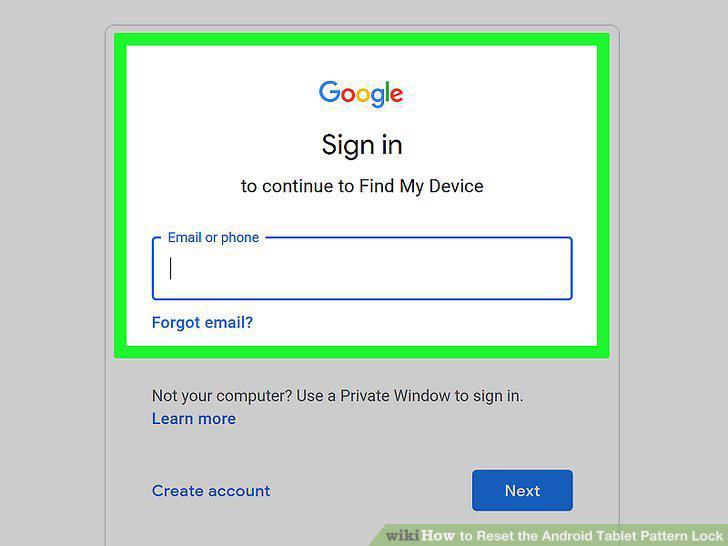
Sign in to your Google account.
Select your tablet.
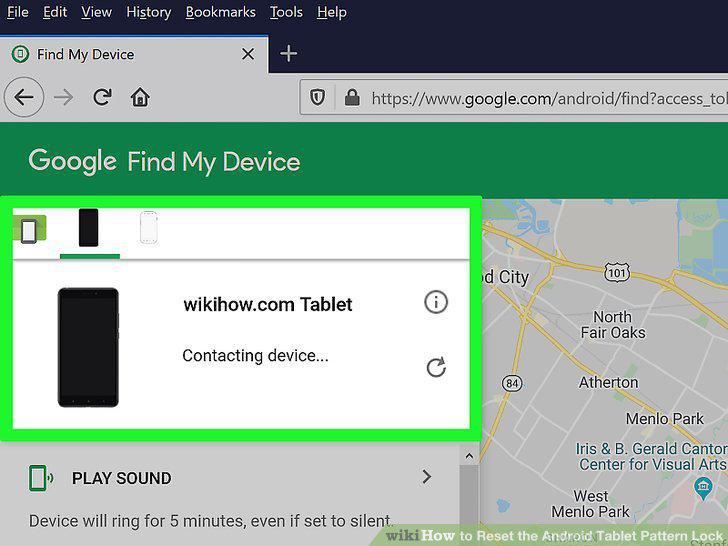
Select your tablet.
Click Erase and follow the on-screen instructions.
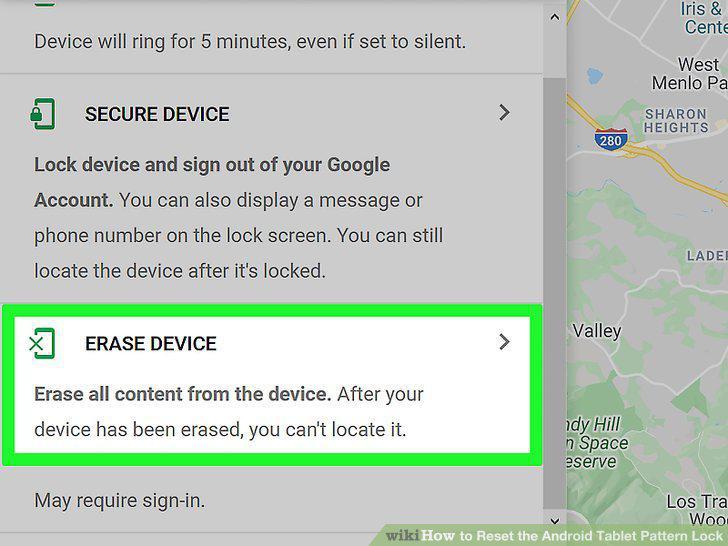
Click Erase and follow the on-screen instructions.
Set up your tablet as new.
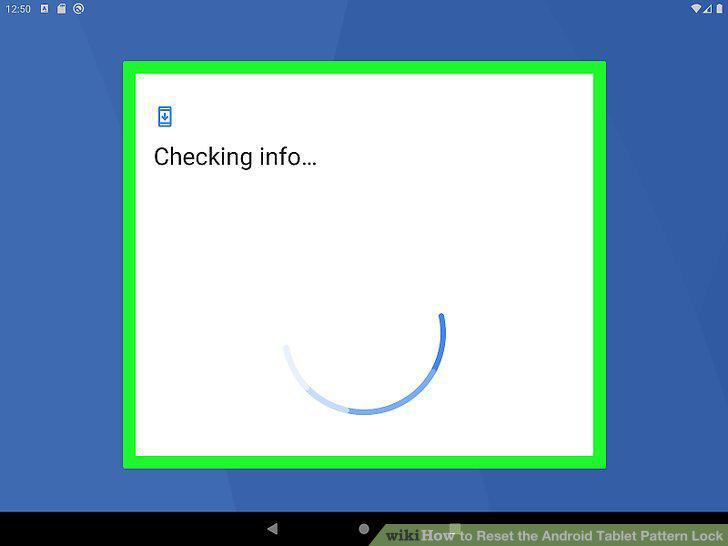
Set up your tablet as new.
Turn off your tablet.
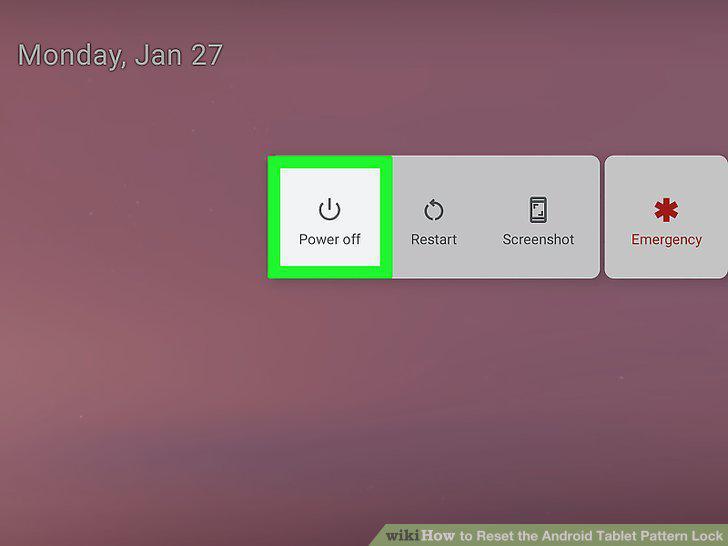
Turn off your tablet.
Press and hold the Volume Up and Power buttons simultaneously.
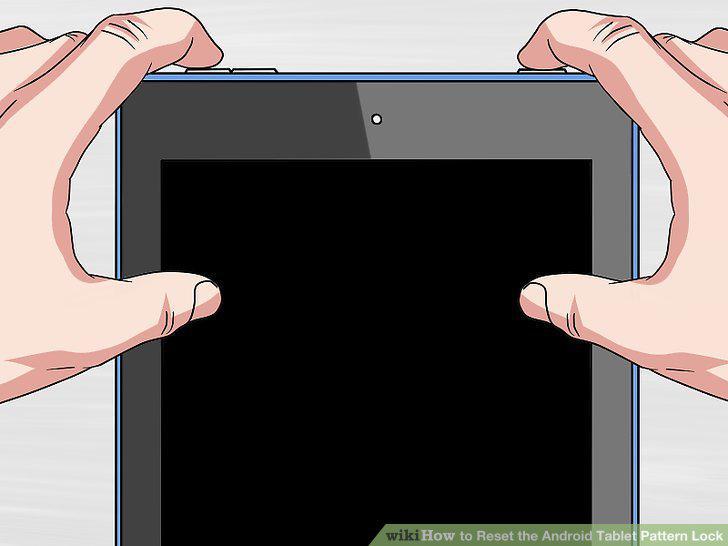
Press and hold the Volume Up and Power buttons simultaneously.
Go to the recovery console.
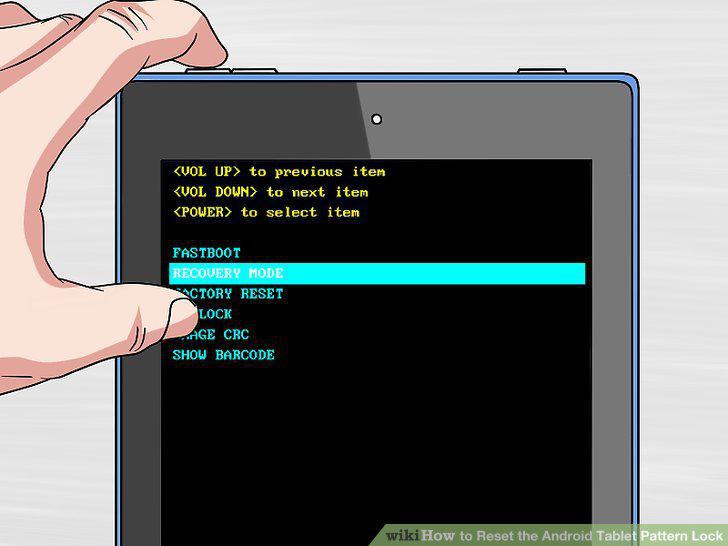
Go to the recovery console.
Scroll to and select Wipe Data / Factory Reset.
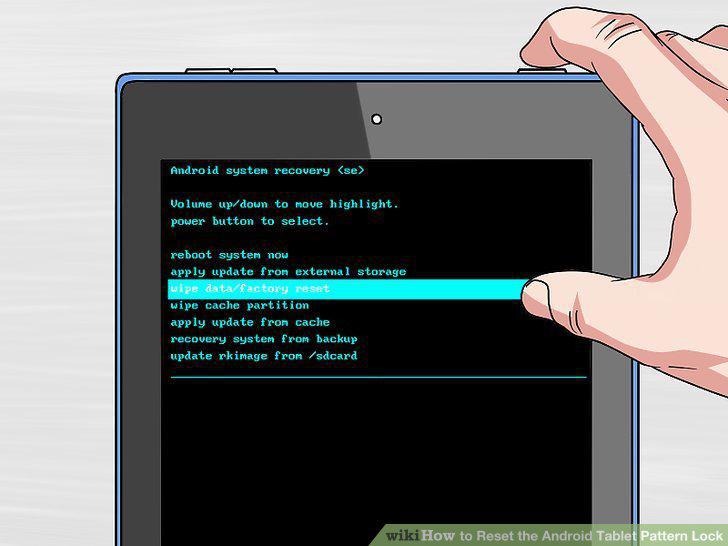
Scroll to and select Wipe Data / Factory Reset.
Select Yes to confirm.
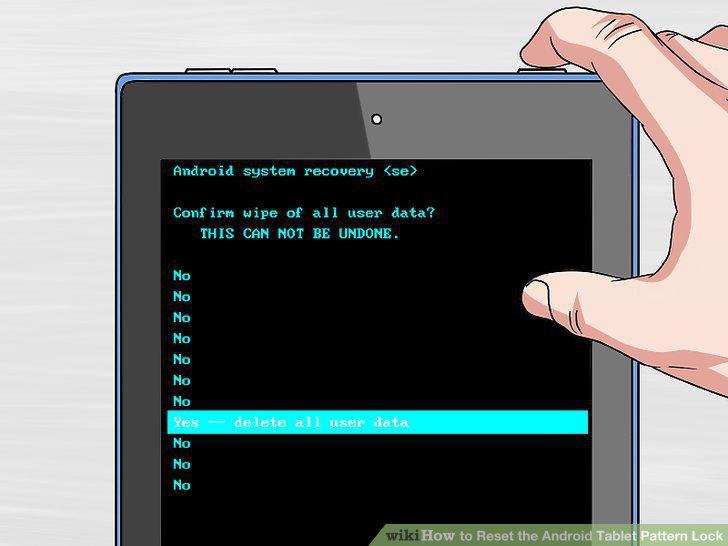
Select Yes to confirm.
Select Reboot System Now to complete the process.
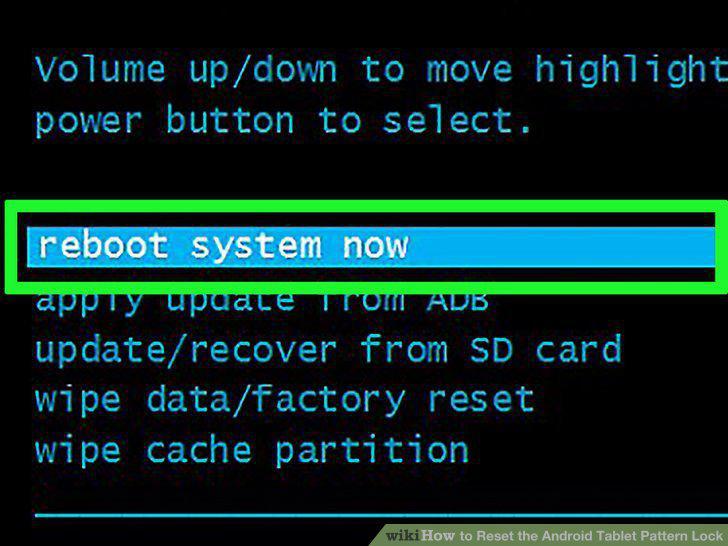
Select Reboot System Now to complete the process.
Set up your tablet as new.
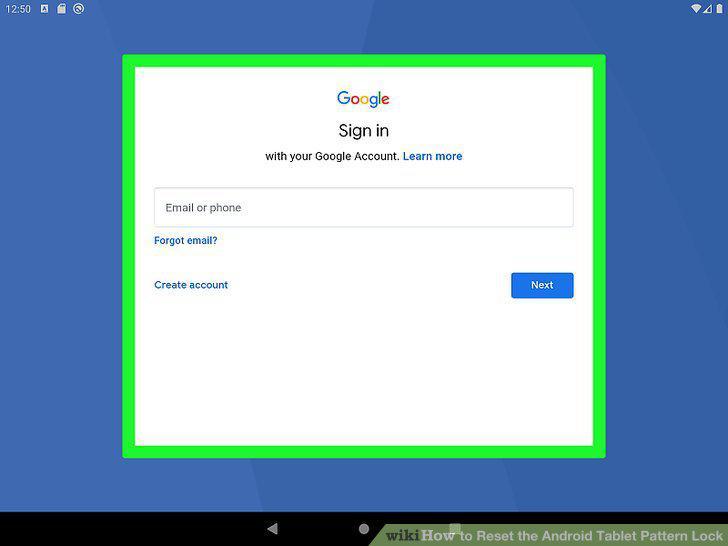
Set up your tablet as new.
Press the Power button on your tablet.
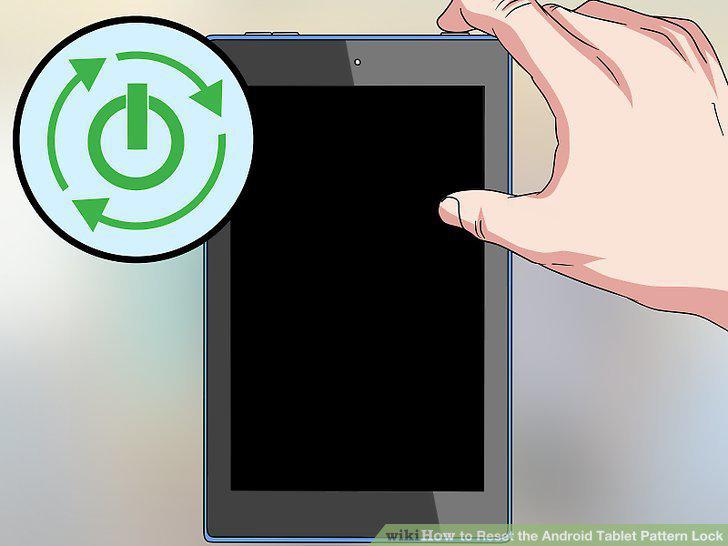
Press the Power button on your tablet.
Try to guess the pattern.
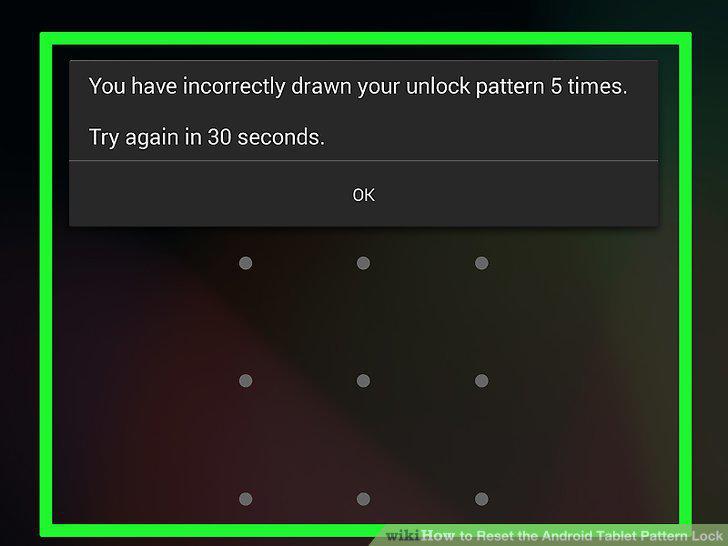
Try to guess the pattern.
Tap Forgot Pattern.
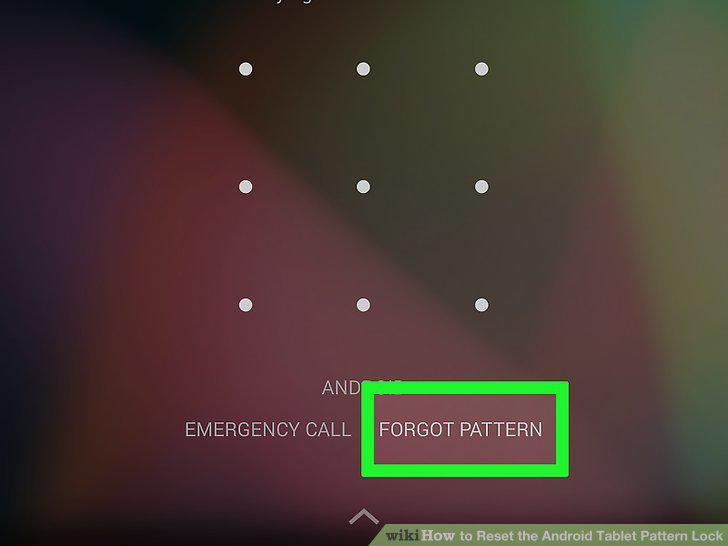
Tap Forgot Pattern.
Enter your Google username and password.
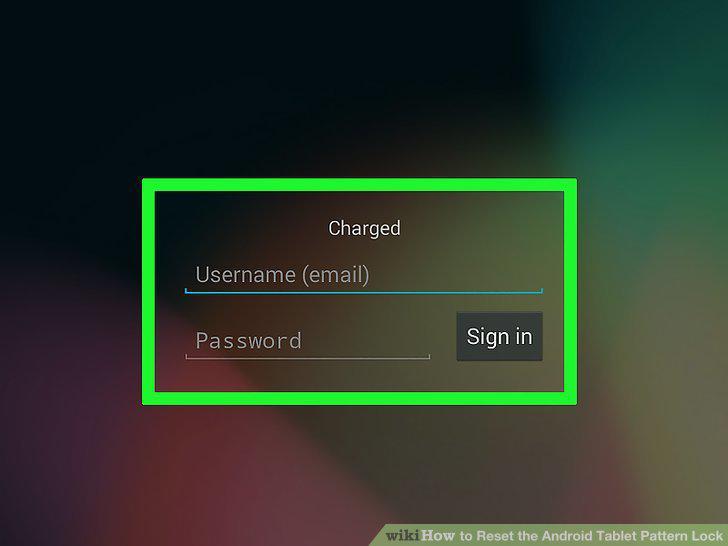
Enter your Google username and password.
Tap Sign In.
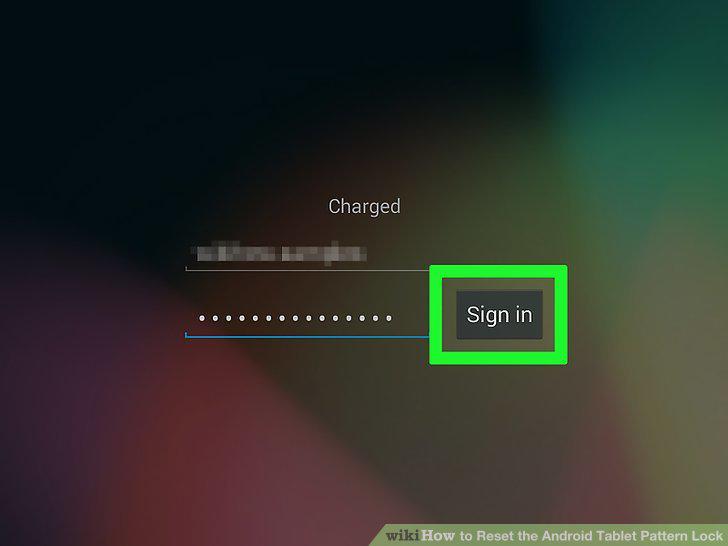
Tap Sign In.
Draw a new lock pattern and tap Continue.
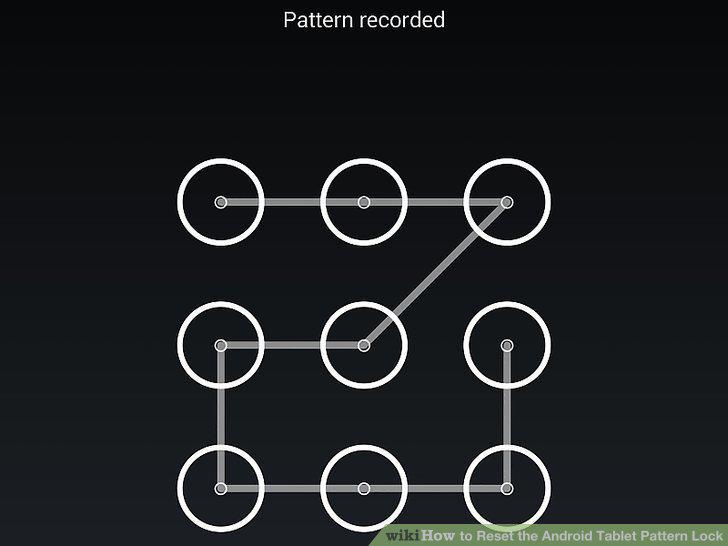
Draw a new lock pattern and tap Continue.
Comments (0)
No comments yet. Be the first to share your thoughts!