How to Get Rid of Ads on Hulu on Android
Open the Hulu app.. Tap on Account in the bottom menu.. Select Account from the menu.
Steps
1
Open the Hulu app.
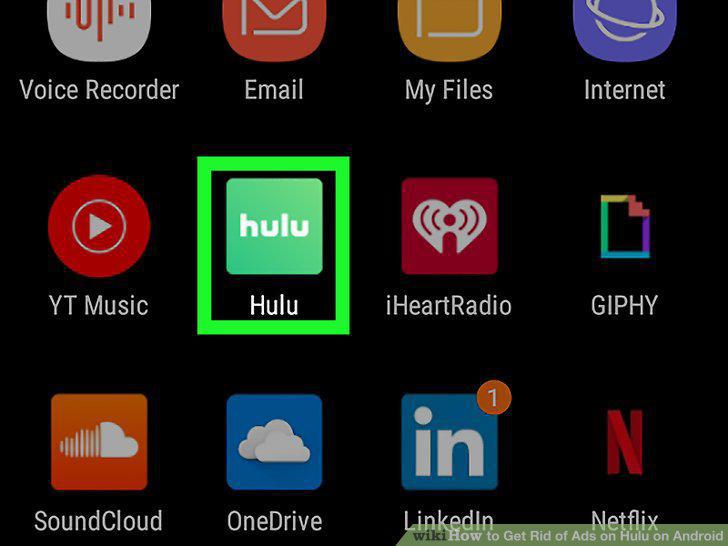
Open the Hulu app.
2
Tap on Account in the bottom menu.
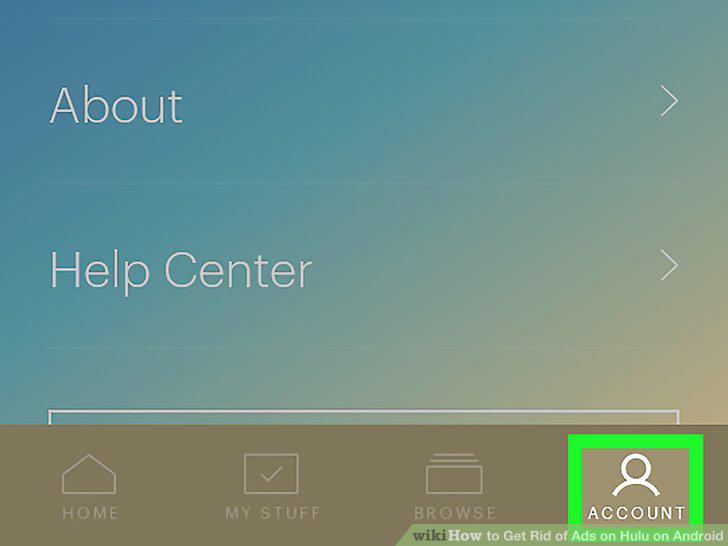
Tap on Account in the bottom menu.
3
Select Account from the menu.
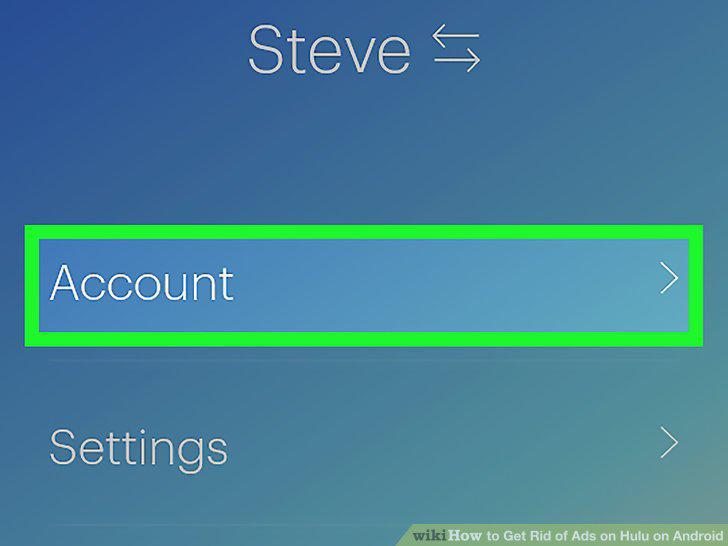
Select Account from the menu.
4
Enter your password.
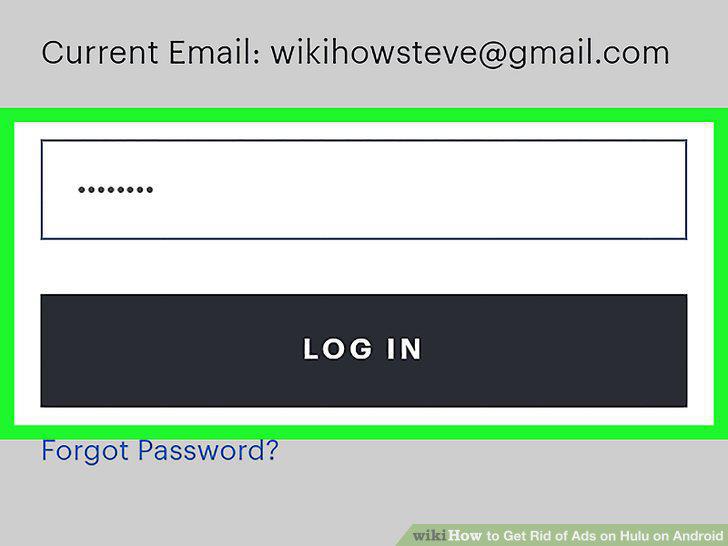
Enter your password.
5
Scroll down to the section titled Your Subscription.
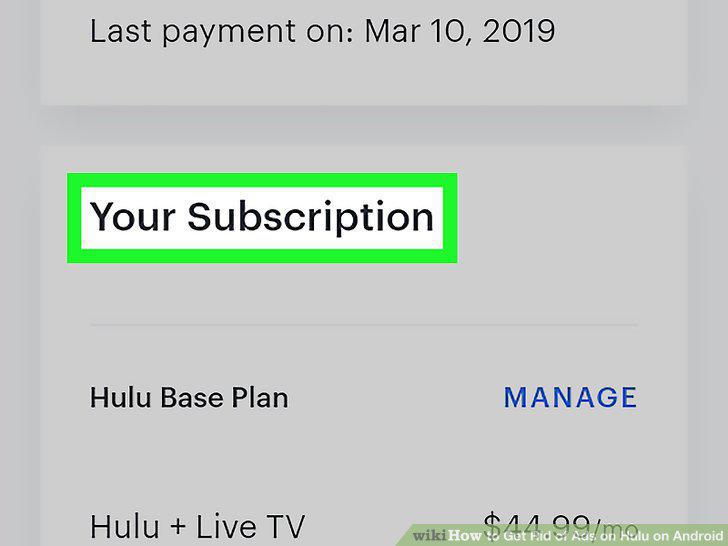
Scroll down to the section titled Your Subscription.
6
Select Manage from the Add-ons section.
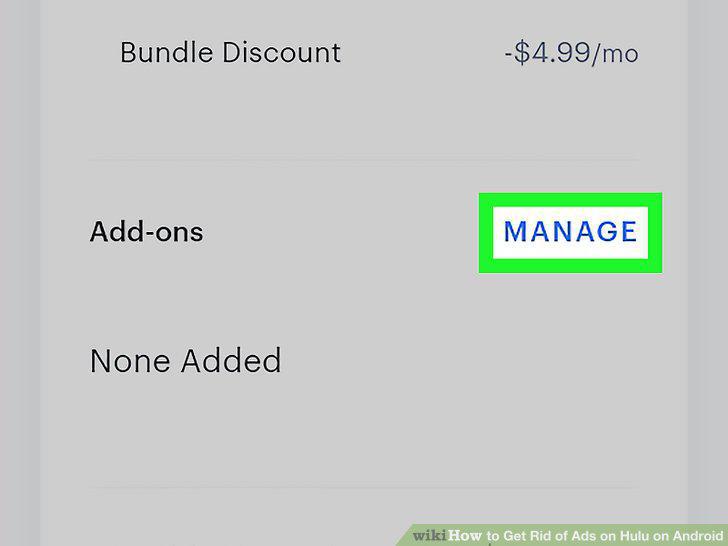
Select Manage from the Add-ons section.
7
Toggle the switch to On under No Commercials.
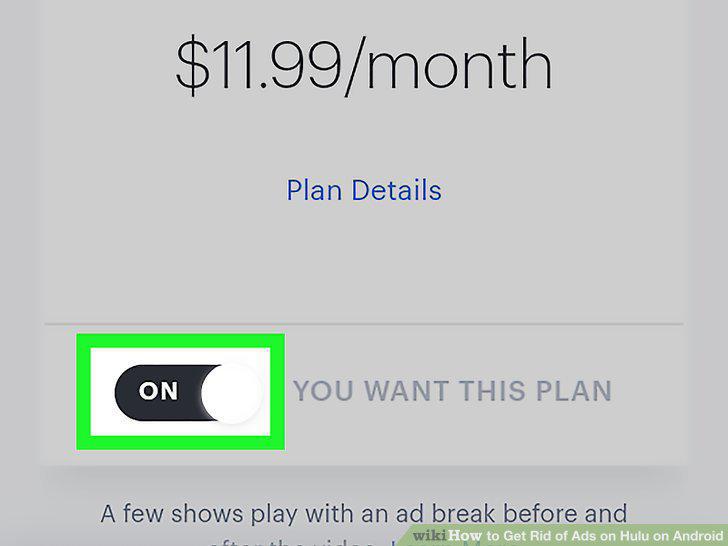
Toggle the switch to On under No Commercials.
8
Select Review Changes at the bottom of the screen.

Select Review Changes at the bottom of the screen.
9
Confirm the change.
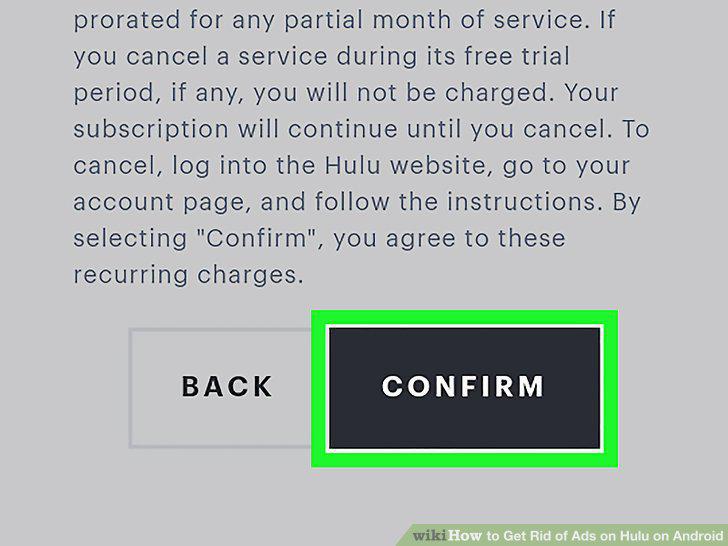
Confirm the change.
Comments (0)
No comments yet. Be the first to share your thoughts!