How to Get Espn3
Subscribe to a participating Internet or TV service provider.. Set up an online account on your provider's website.. Visit the WatchESPN website to watch videos.
Steps
1
Subscribe to a participating Internet or TV service provider.
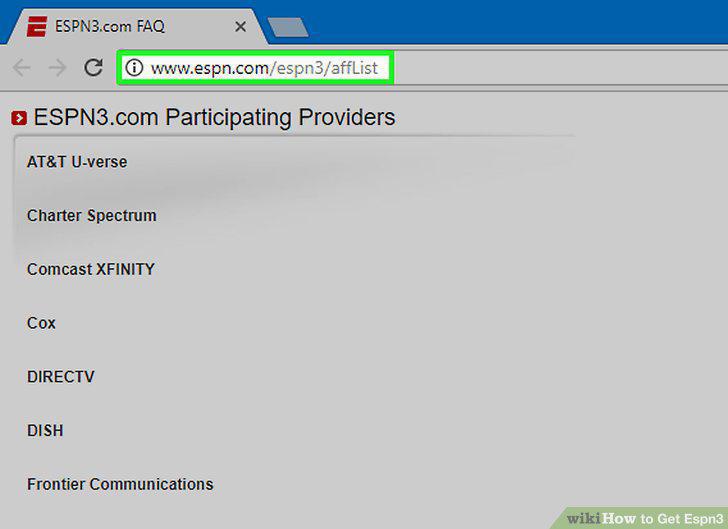
Subscribe to a participating Internet or TV service provider.
2
Set up an online account on your provider's website.
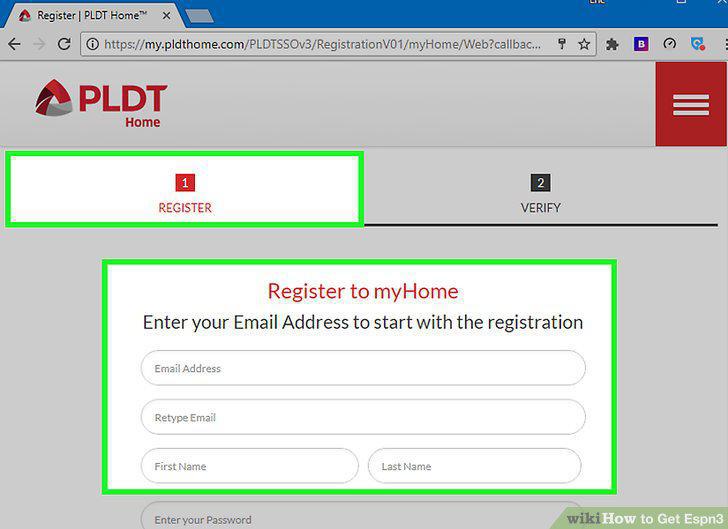
Set up an online account on your provider's website.
3
Visit the WatchESPN website to watch videos.
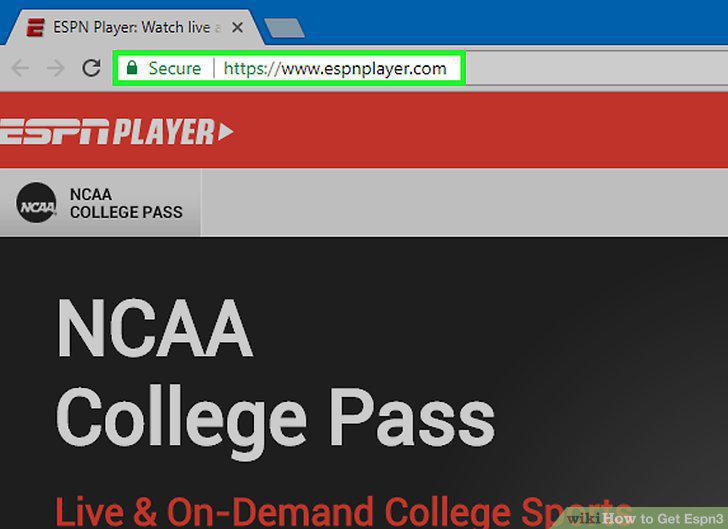
Visit the WatchESPN website to watch videos.
4
Download the WatchESPN app for mobile devices.
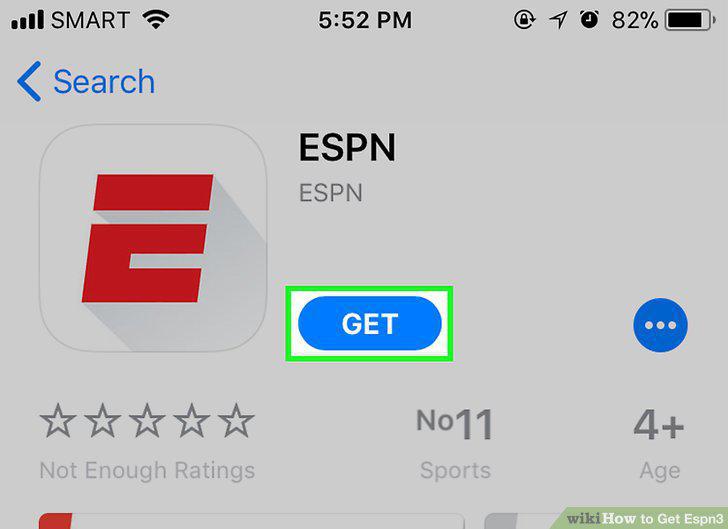
Download the WatchESPN app for mobile devices.
5
Click on a WatchESPN video.
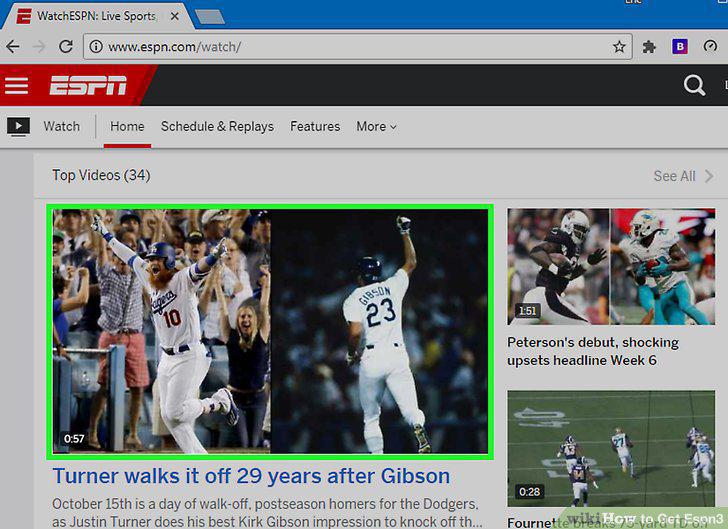
Click on a WatchESPN video.
6
Log into your TV or Internet provider account.
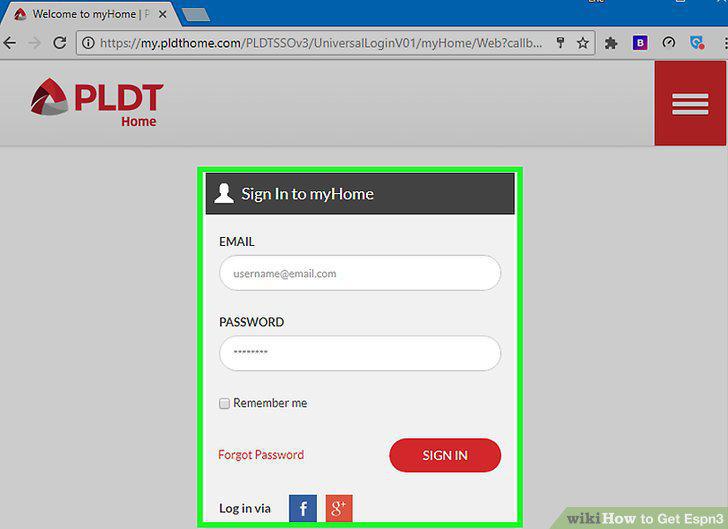
Log into your TV or Internet provider account.
7
Verify that your TV package includes ESPN3.
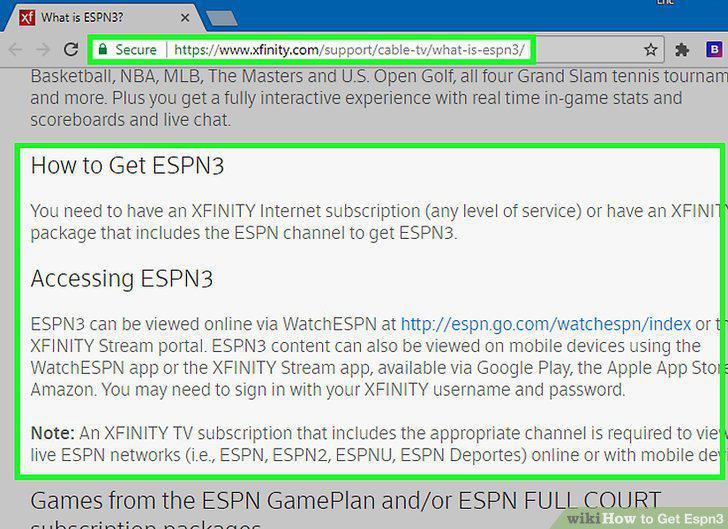
Verify that your TV package includes ESPN3.
8
Subscribe to a TV service to operate streaming media devices.
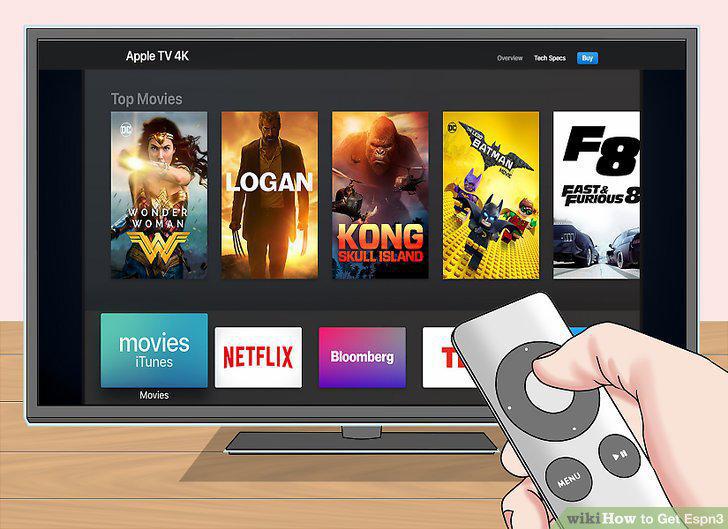
Subscribe to a TV service to operate streaming media devices.
9
Set up a proxy IP address when you travel outside the US.
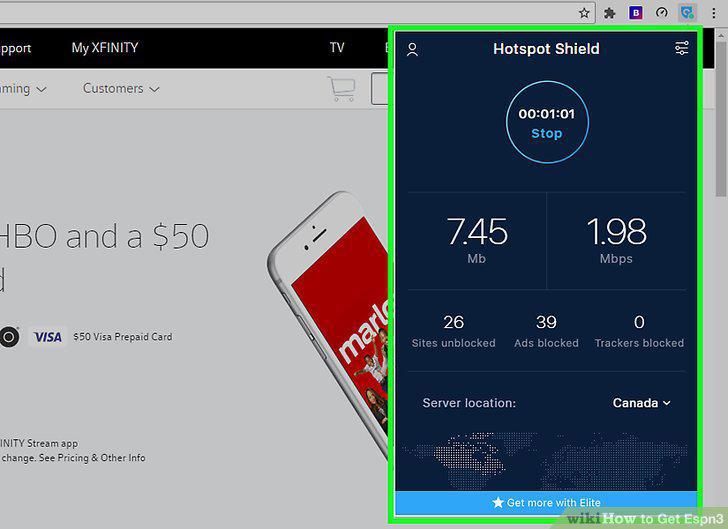
Set up a proxy IP address when you travel outside the US.
10
Determine if an event you can't access is blacked out.
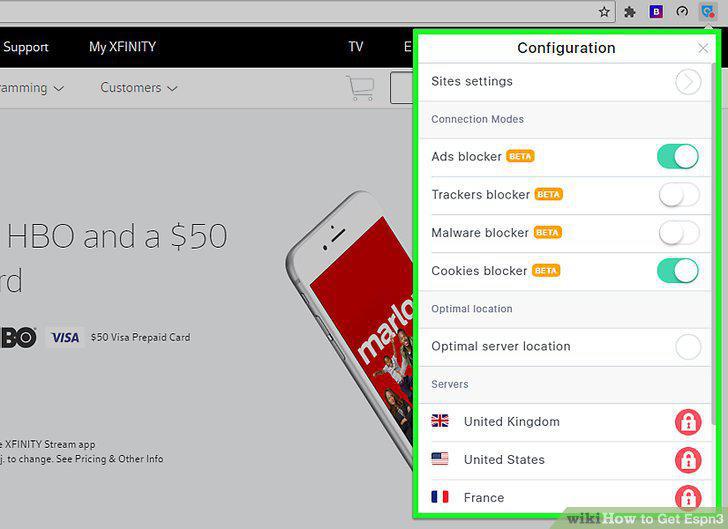
Determine if an event you can't access is blacked out.
11
Disable content filters if videos won't play.
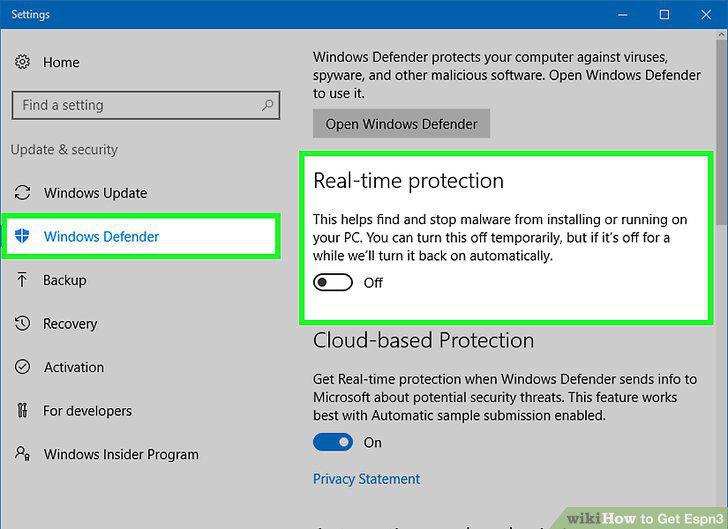
Disable content filters if videos won't play.
12
Contact your service provider to fix error messages.

Contact your service provider to fix error messages.
Comments (0)
No comments yet. Be the first to share your thoughts!