How to Open an Etsy Store
Sign in or create an account on Etsy.. Click "Open your Etsy shop" on the site's Sell page.. Choose the language, country, and currency for your shop.
Steps
Sign in or create an account on Etsy.
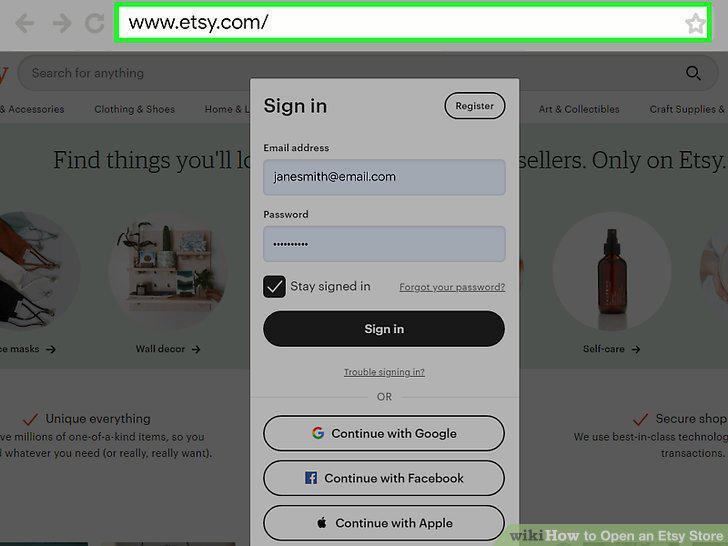
Sign in or create an account on Etsy.
Click "Open your Etsy shop" on the site's Sell page.
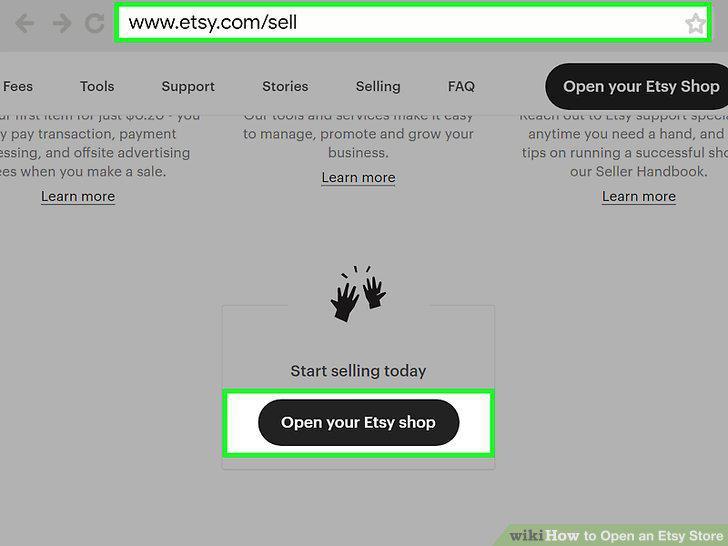
Click "Open your Etsy shop" on the site's Sell page.
Choose the language, country, and currency for your shop.
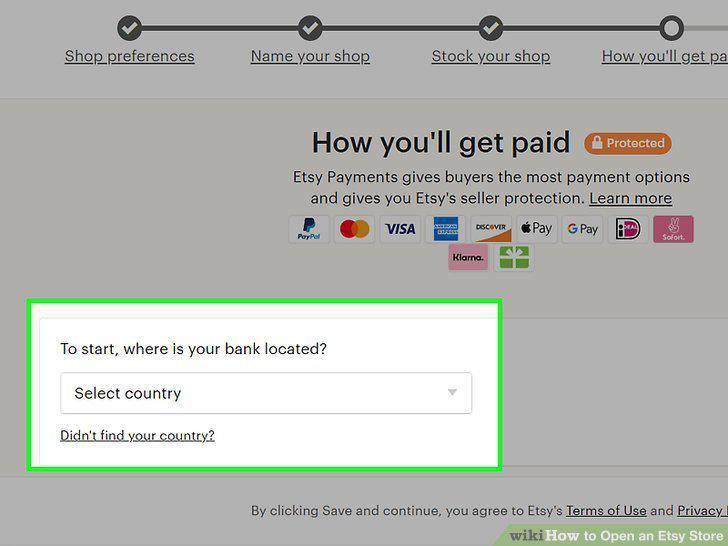
Choose the language, country, and currency for your shop.
Give your shop a descriptive and creative name.
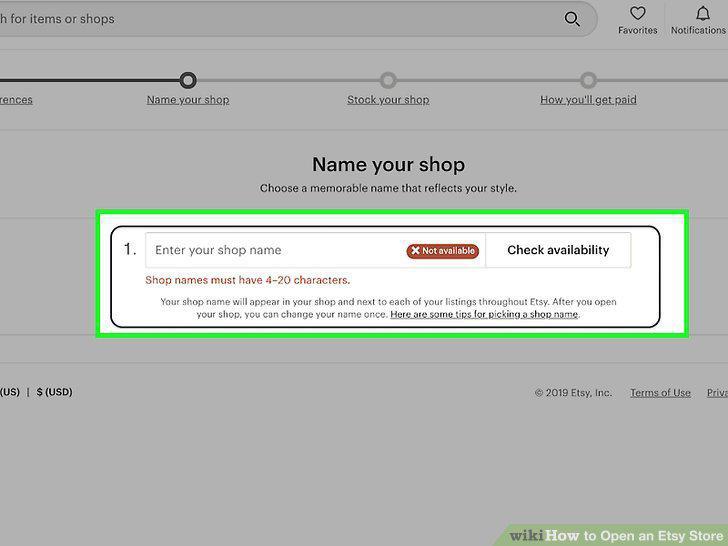
Give your shop a descriptive and creative name.
Click on the "Add a listing" icon to start your first product.
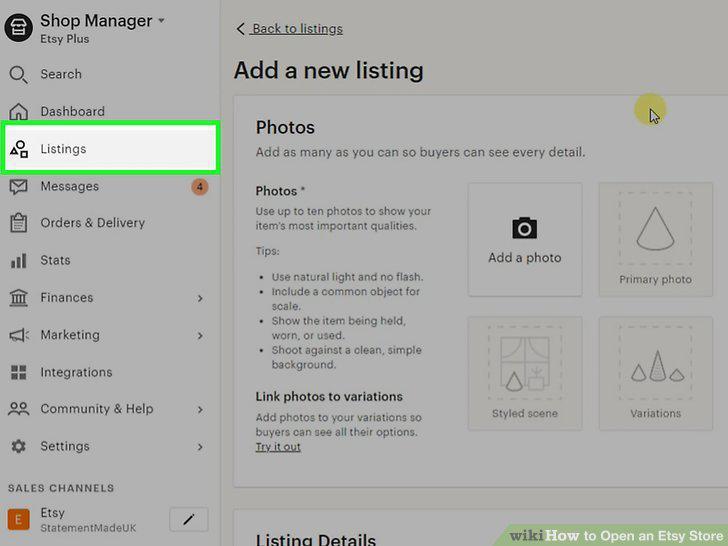
Click on the "Add a listing" icon to start your first product.
Upload multiple well-lit photos of the item.
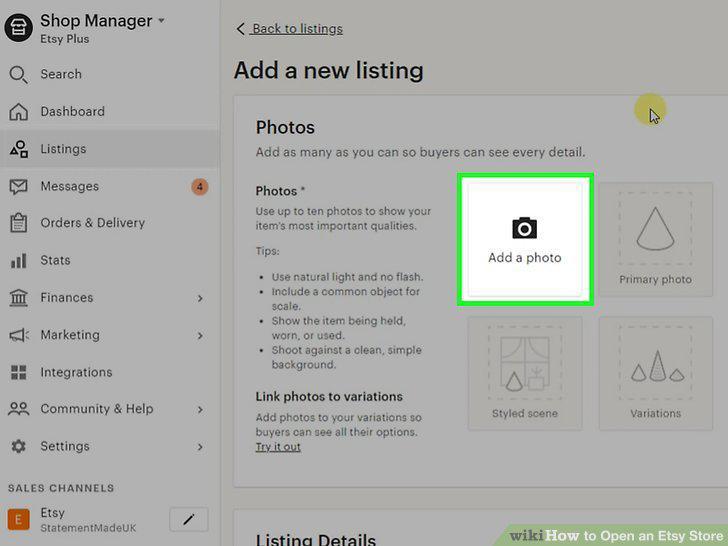
Upload multiple well-lit photos of the item.
Give your item a descriptive title.
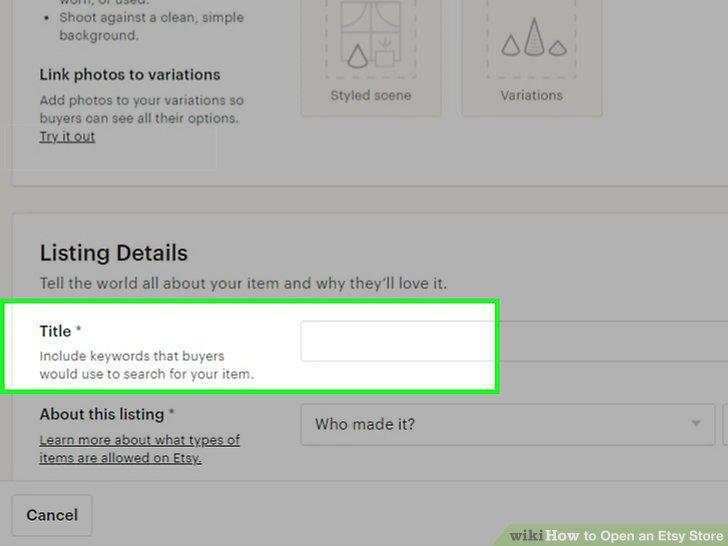
Give your item a descriptive title.
Write a longer product description to give more details.
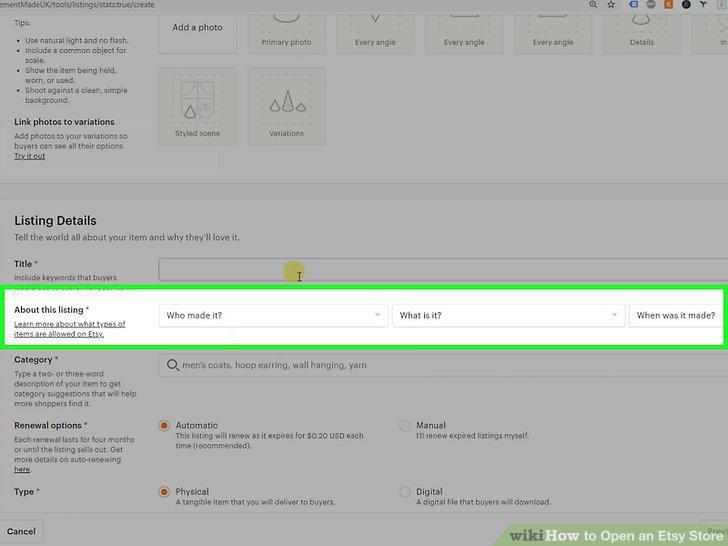
Write a longer product description to give more details.
Add tags and categories to help customers find your product.
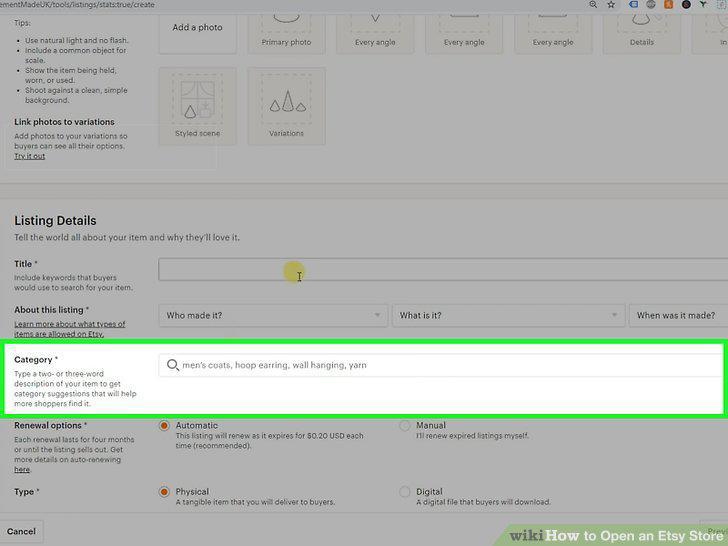
Add tags and categories to help customers find your product.
Price your item competitively.
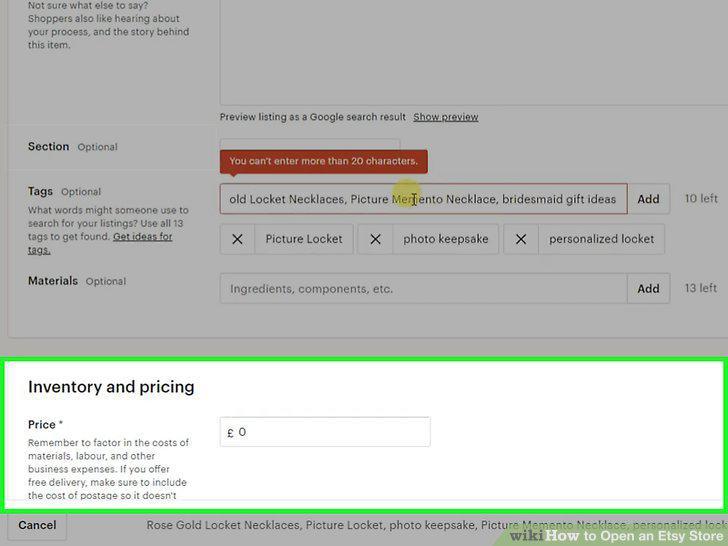
Price your item competitively.
Type in the item's shipping information.
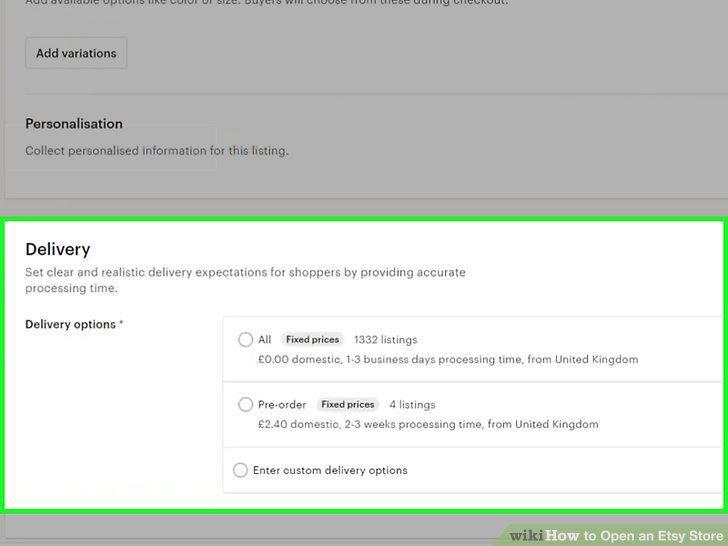
Type in the item's shipping information.
Click the Save button to add the product to your shop.
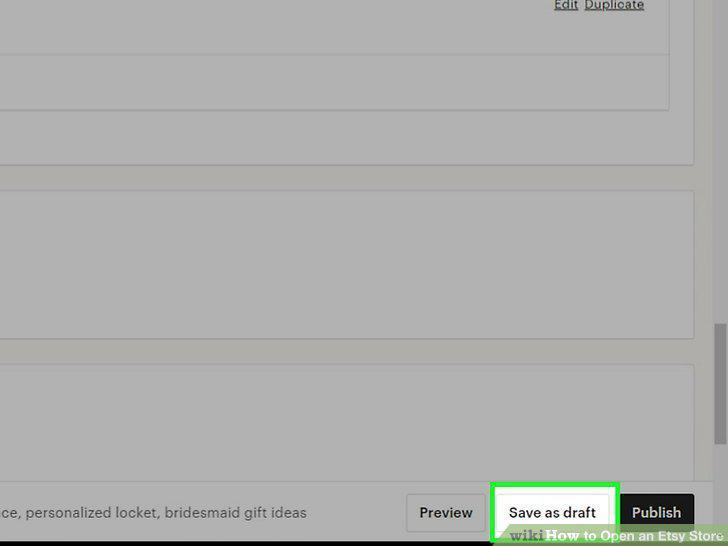
Click the Save button to add the product to your shop.
Enroll in Etsy Payments to give your customers the most purchasing options.
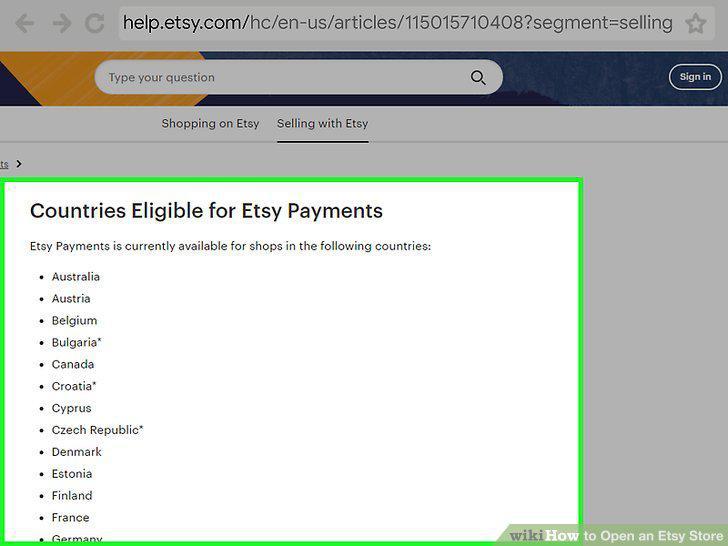
Enroll in Etsy Payments to give your customers the most purchasing options.
Choose PayPal if Etsy Payments aren't offered in your country.
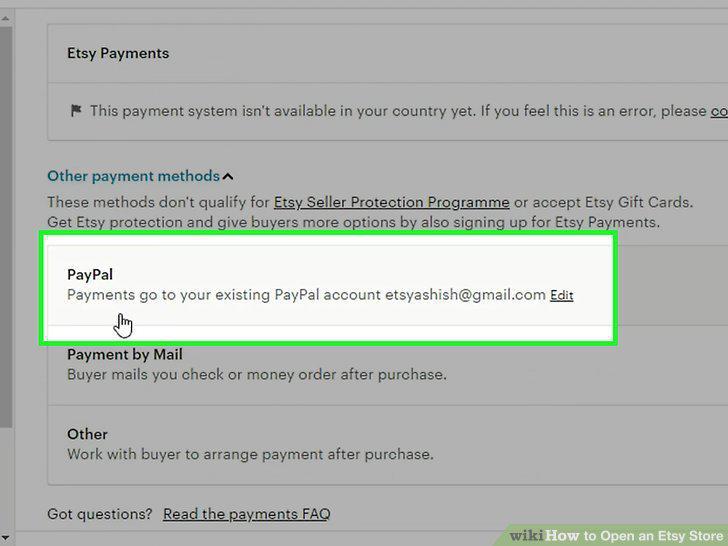
Choose PayPal if Etsy Payments aren't offered in your country.
Provide a credit or debit card so you can pay off listing and sales fees.
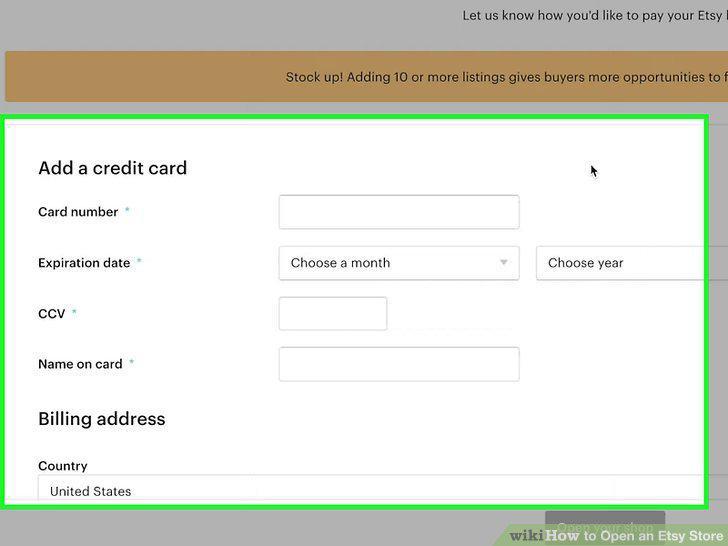
Provide a credit or debit card so you can pay off listing and sales fees.
Click "Open Your Shop" to make your store page public.
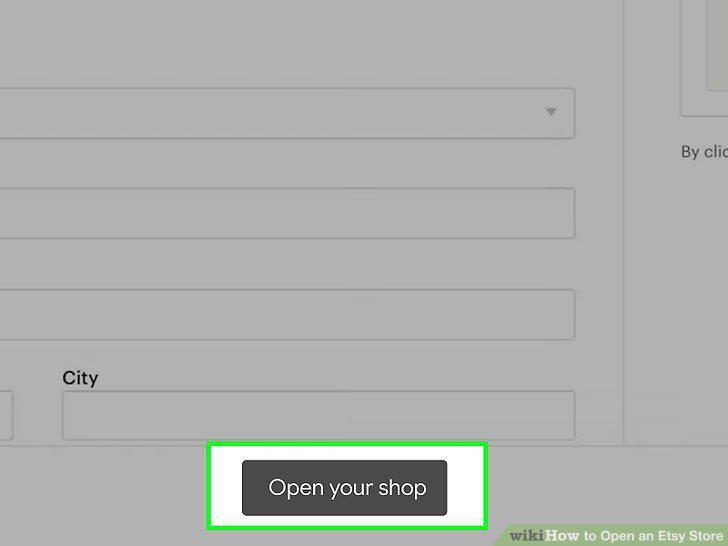
Click "Open Your Shop" to make your store page public.
Click the pencil icon in the Shop Manager to edit your store's information.
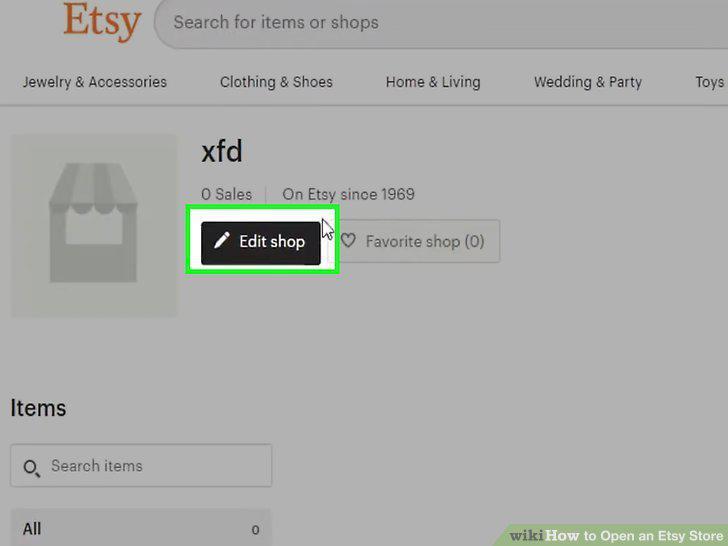
Click the pencil icon in the Shop Manager to edit your store's information.
Upload a banner image and shop icon.
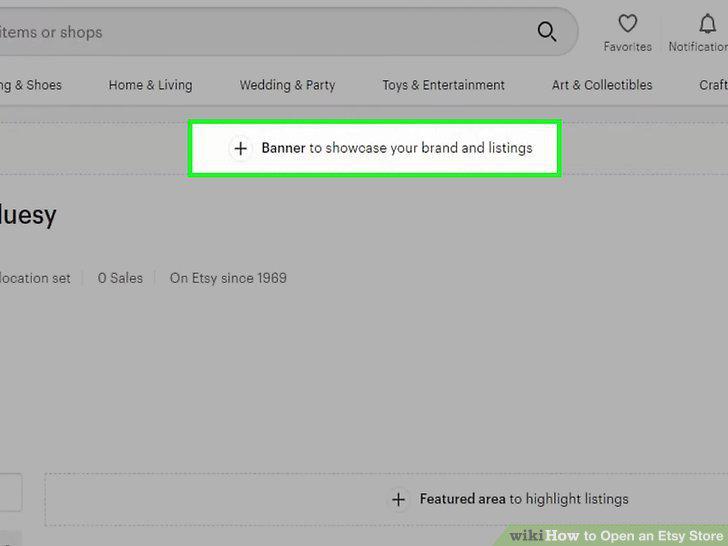
Upload a banner image and shop icon.
Add featured items in your shop to promote different products.
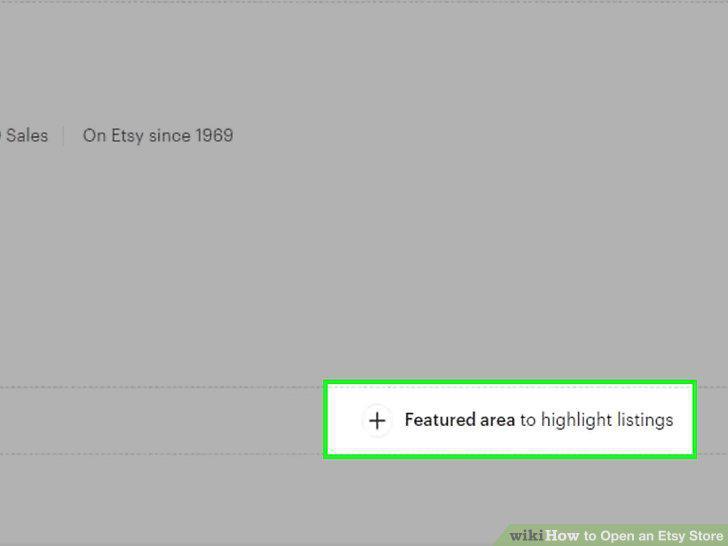
Add featured items in your shop to promote different products.
Write your store's description in the About section.
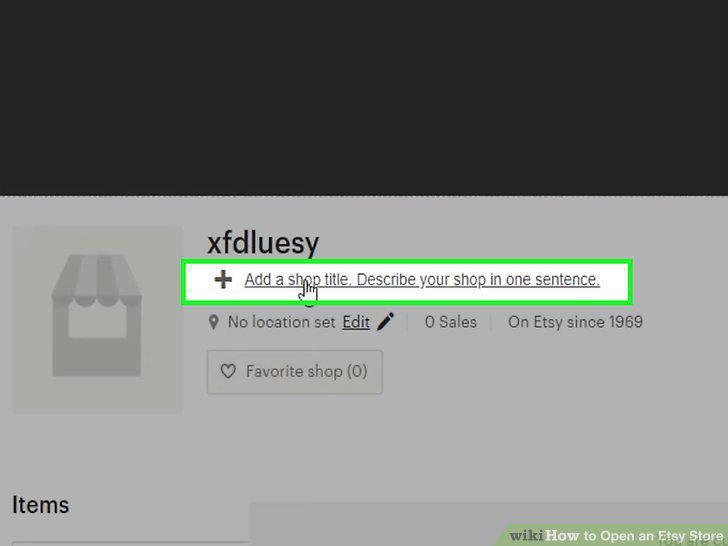
Write your store's description in the About section.
Edit the rules for shipping and returns in the "Shop policies" section.
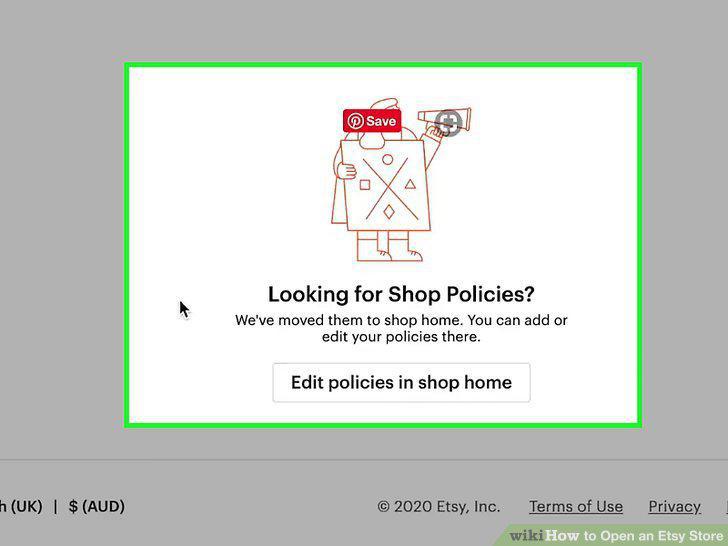
Edit the rules for shipping and returns in the "Shop policies" section.
Put in announcements when you need to alert your shoppers.
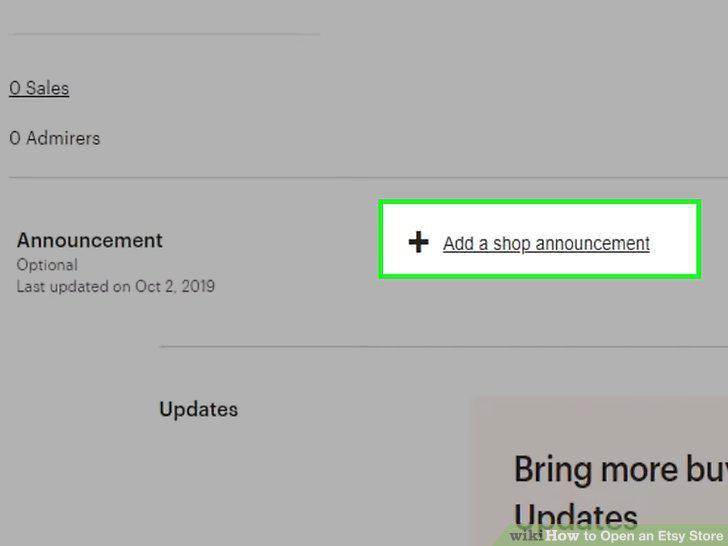
Put in announcements when you need to alert your shoppers.
Change your shop to Vacation Mode if you need to take a short break.
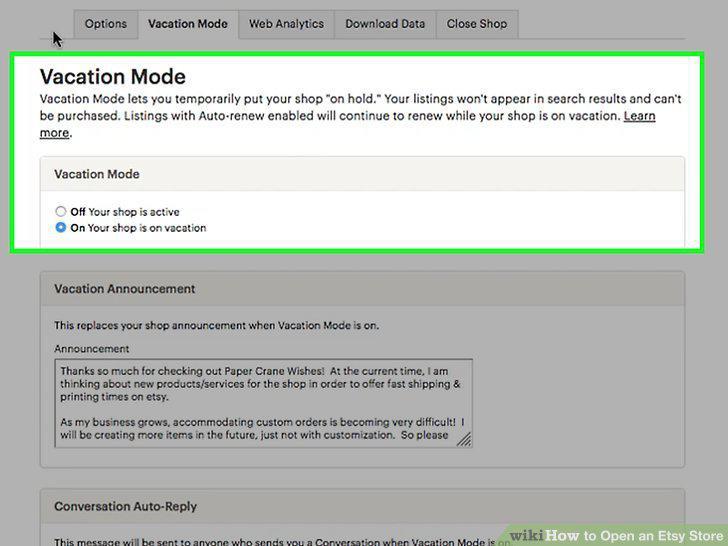
Change your shop to Vacation Mode if you need to take a short break.
Share your Etsy shop on social media to gain more customers.
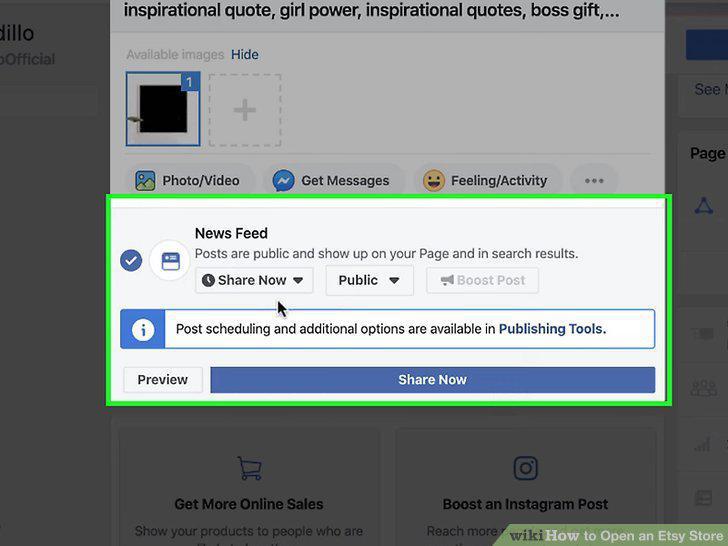
Share your Etsy shop on social media to gain more customers.
Set up Etsy Ads to promote your items on the site.
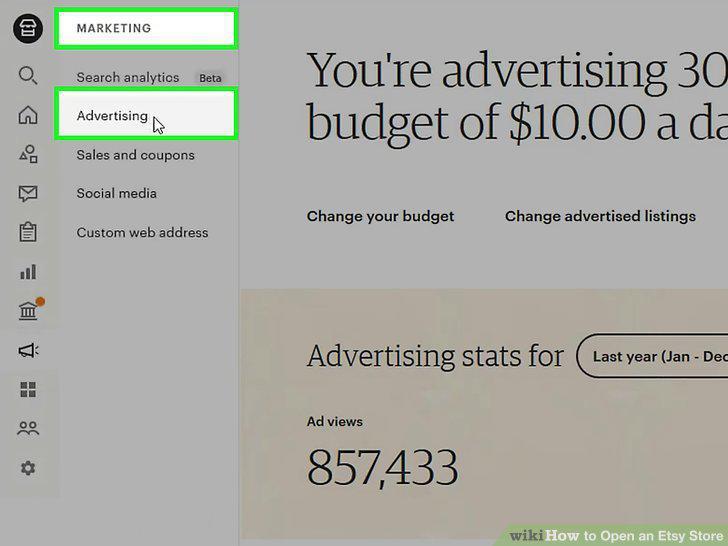
Set up Etsy Ads to promote your items on the site.
Run a sale if you want to drive more traffic to your shop.
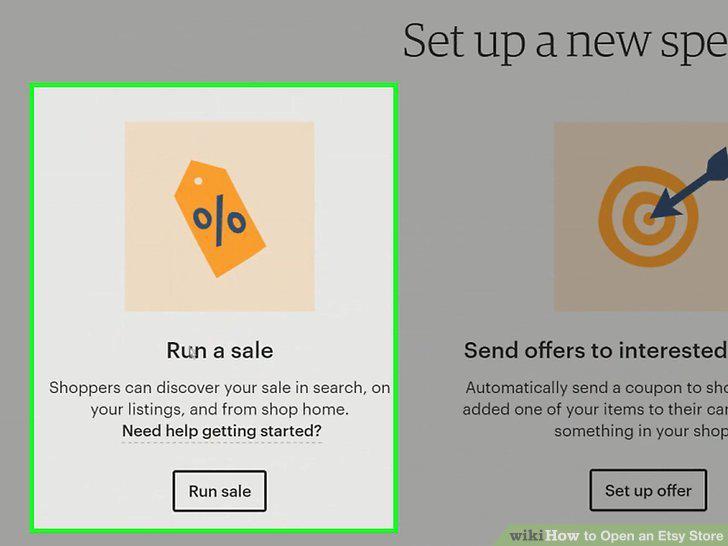
Run a sale if you want to drive more traffic to your shop.
Offer coupons to customers who haven't followed through with a purchase.
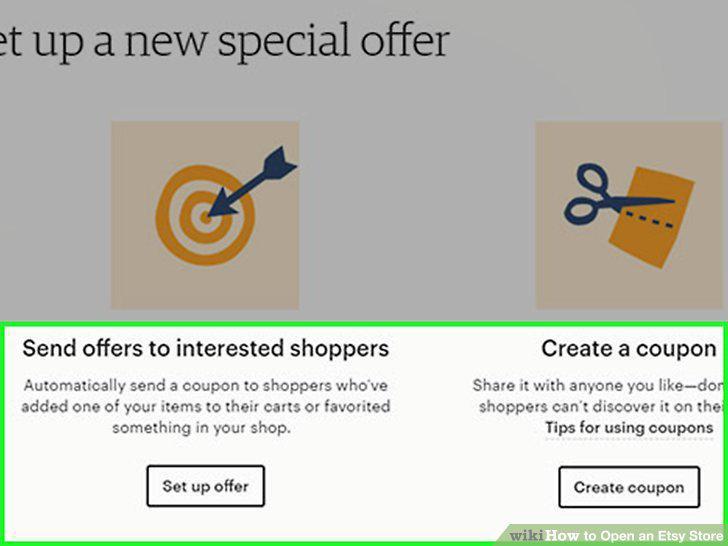
Offer coupons to customers who haven't followed through with a purchase.
Comments (0)
No comments yet. Be the first to share your thoughts!