How to Import Products from Etsy to Shopify
Go to https://etsy.com and log in (if you're prompted).. Click Settings.. Click Options.
Steps
1
Go to https://etsy.com and log in (if you're prompted).
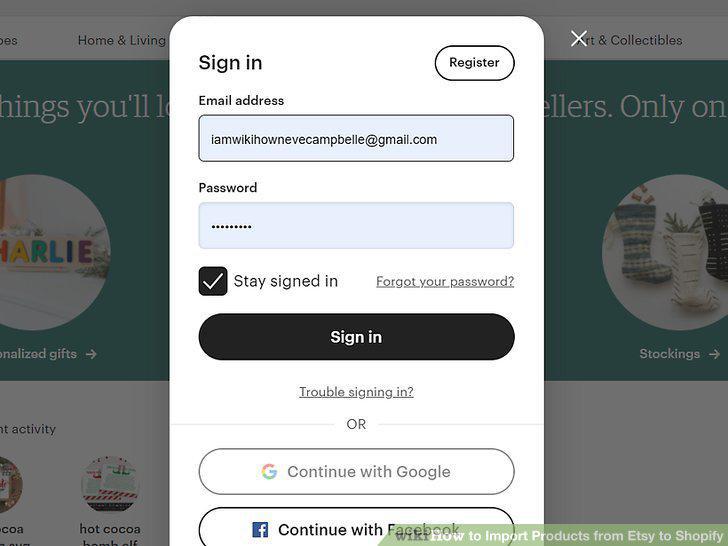
Go to https://etsy.com and log in (if you're prompted).
2
Click Settings.
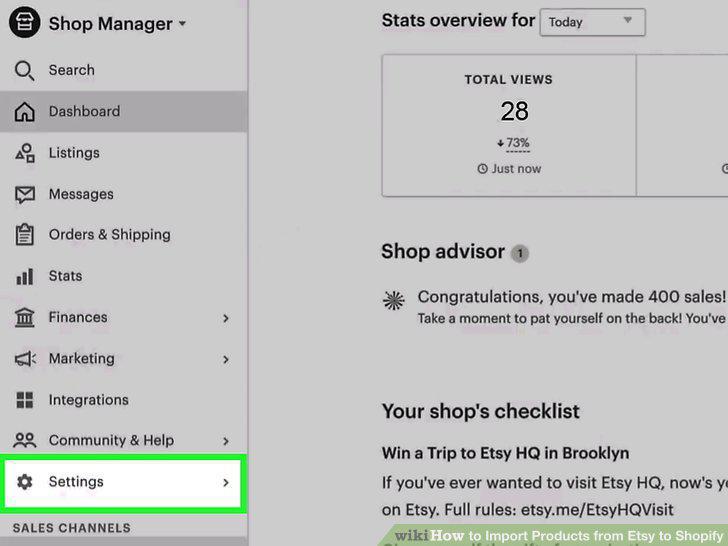
Click Settings.
3
Click Options.
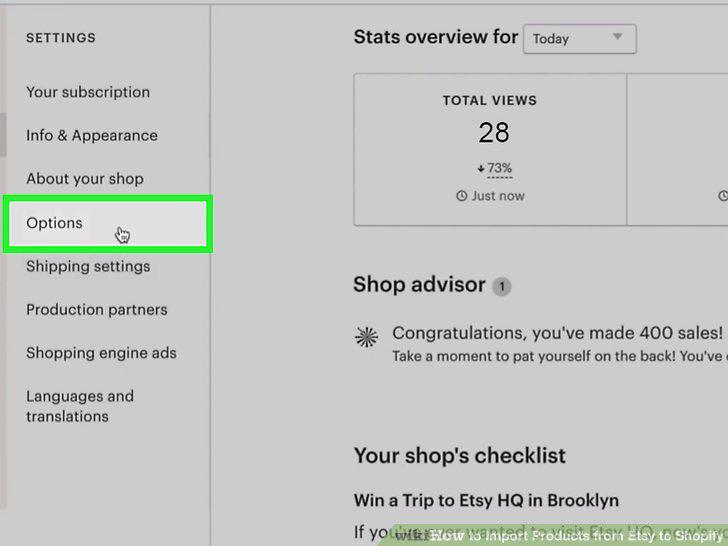
Click Options.
4
Click Download Data.
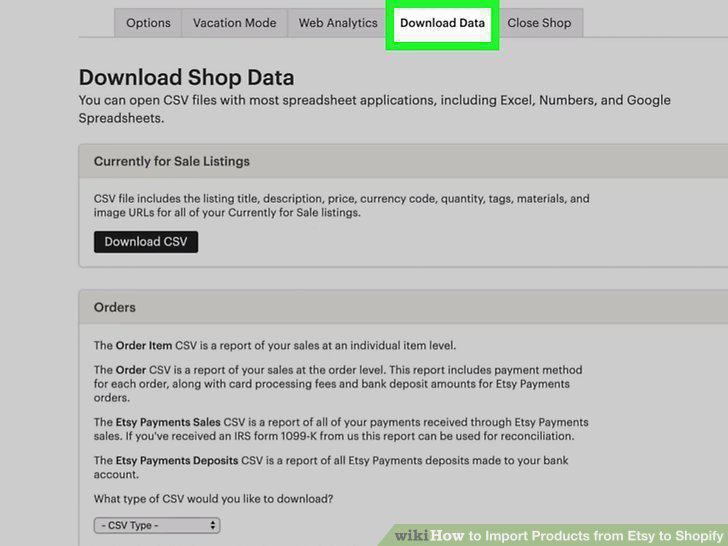
Click Download Data.
5
Click Download CSV.
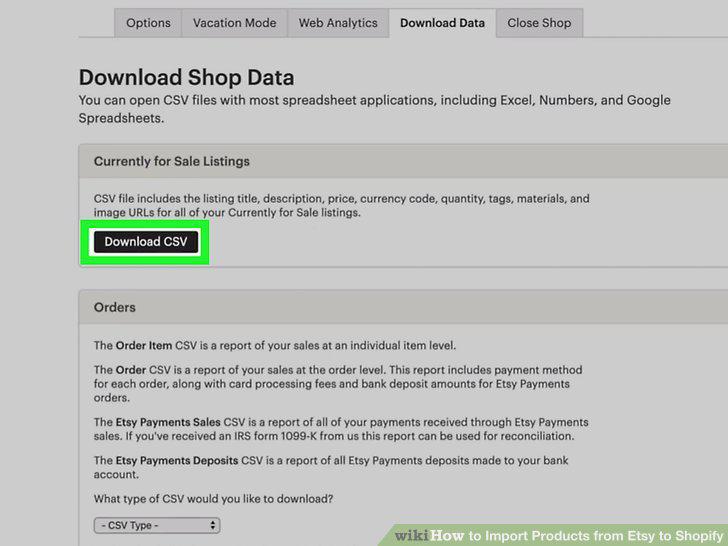
Click Download CSV.
6
Go to https://www.shopify.com/admin/apps/import-store and log in (if prompted).
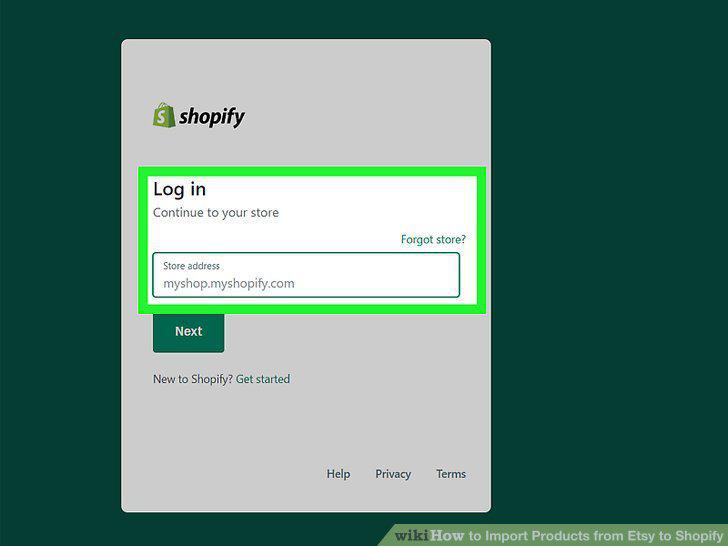
Go to https://www.shopify.com/admin/apps/import-store and log in (if prompted).
7
Click Apps and Import Store.
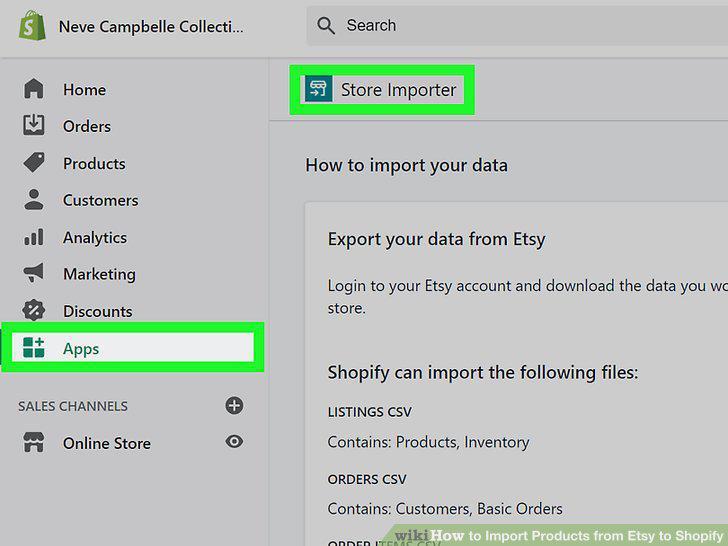
Click Apps and Import Store.
8
Click the drop-down menu under "Import your data into Spotify" and select Etsy.
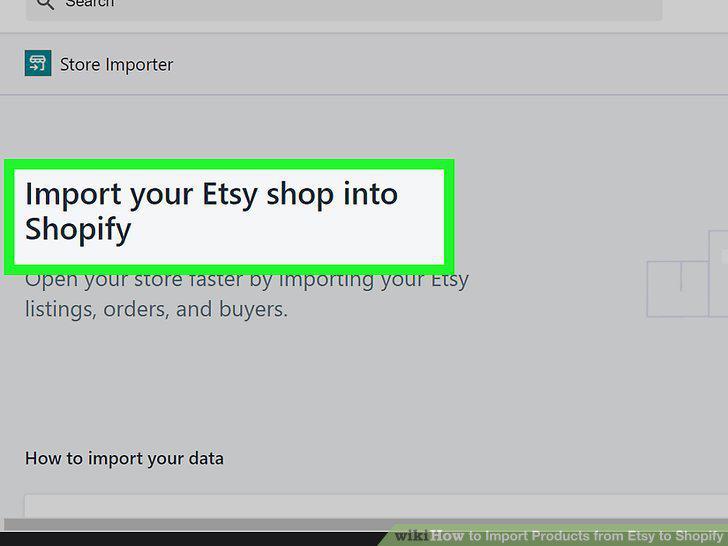
Click the drop-down menu under "Import your data into Spotify" and select Etsy.
9
Click Add file.
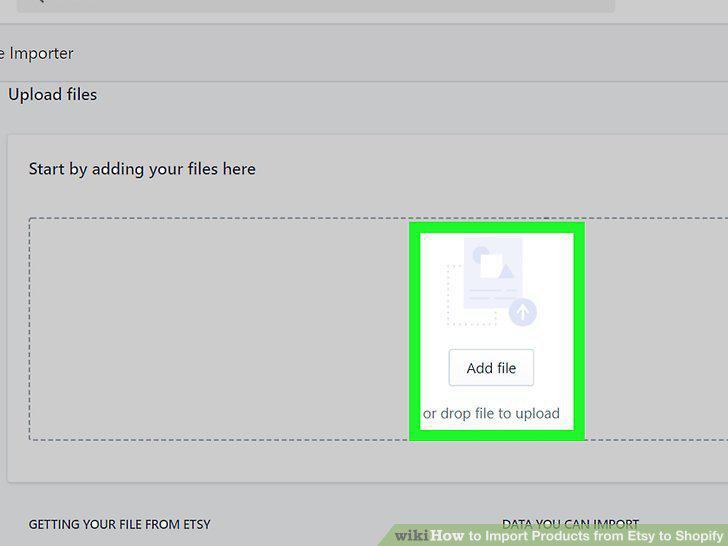
Click Add file.
10
Click Continue import and Import.
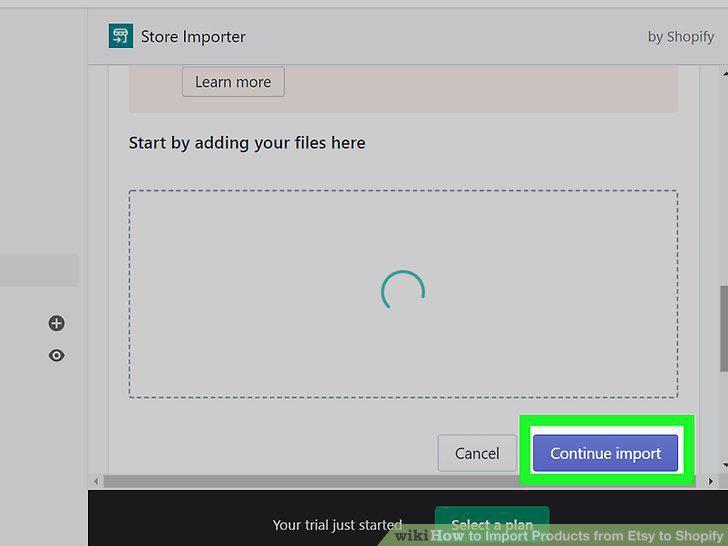
Click Continue import and Import.
Comments (0)
No comments yet. Be the first to share your thoughts!