How to Connect Home Lights to Apple Music
Get iLightShow for Philips Hue from the App Store .. Open iLightShow.. Log in with your Apple Music account.
Steps
1
Get iLightShow for Philips Hue from the App Store .
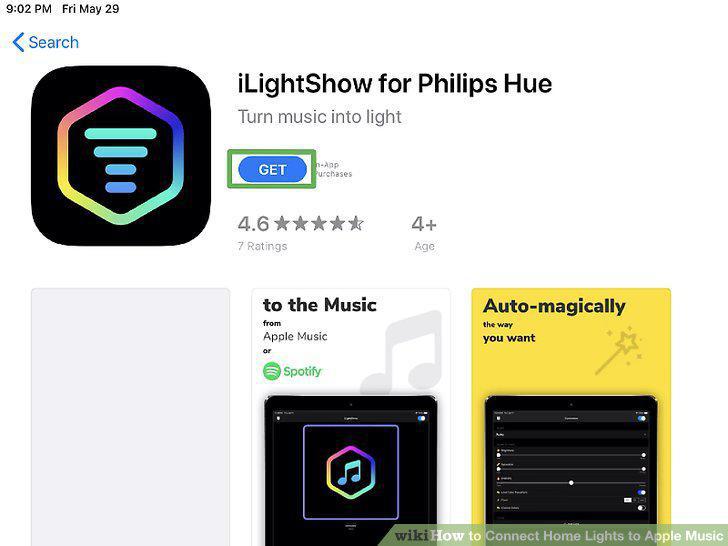
Get iLightShow for Philips Hue from the App Store .
2
Open iLightShow.
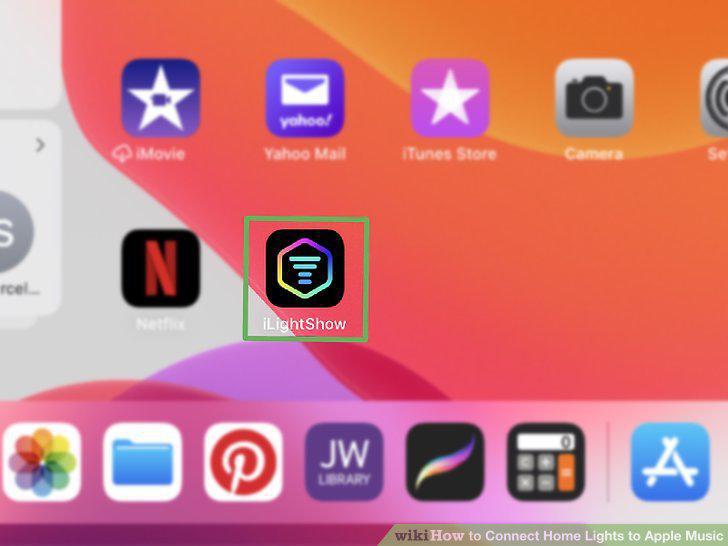
Open iLightShow.
3
Log in with your Apple Music account.
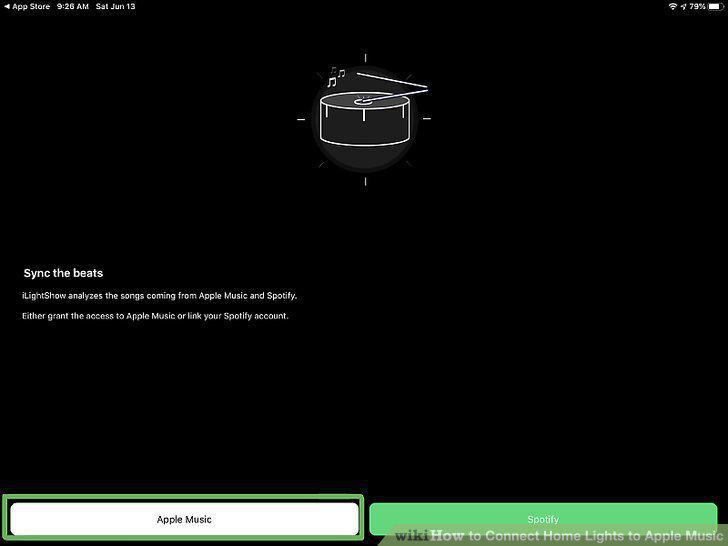
Log in with your Apple Music account.
4
Open Apple Music.
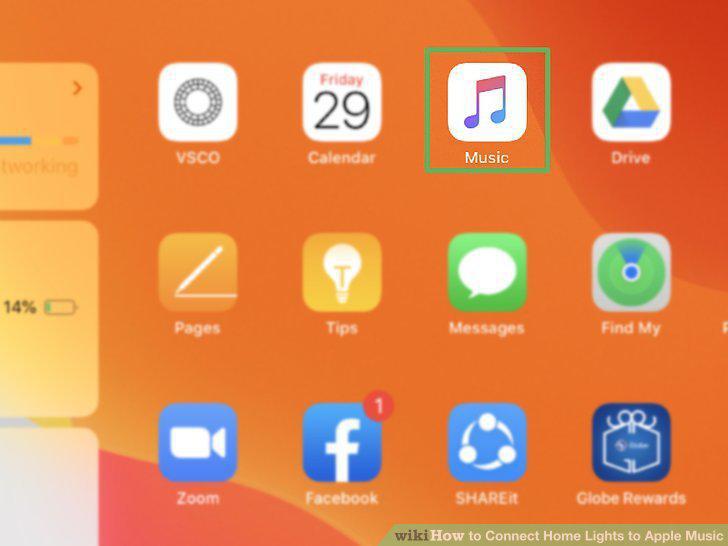
Open Apple Music.
5
Start your music.
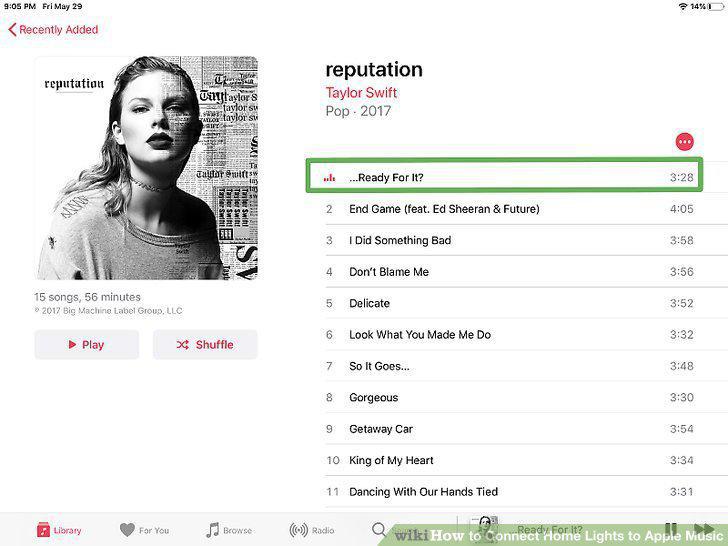
Start your music.
6
Return to iLightShow and tap Lights.
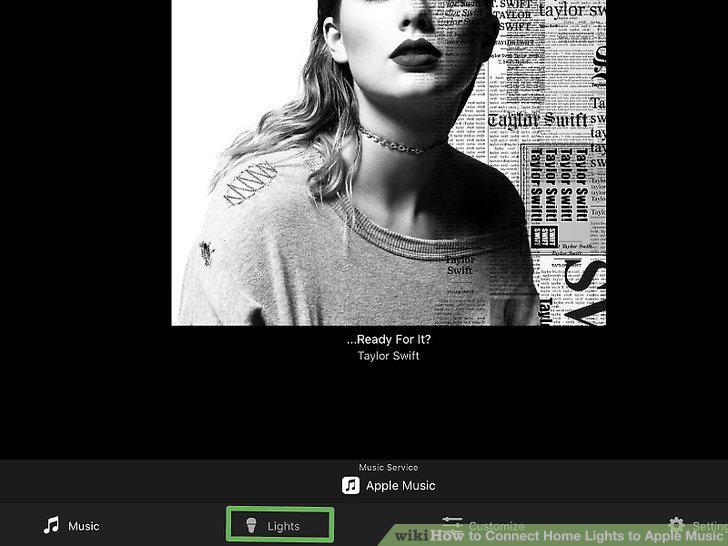
Return to iLightShow and tap Lights.
7
Tap a light to change its behavior.
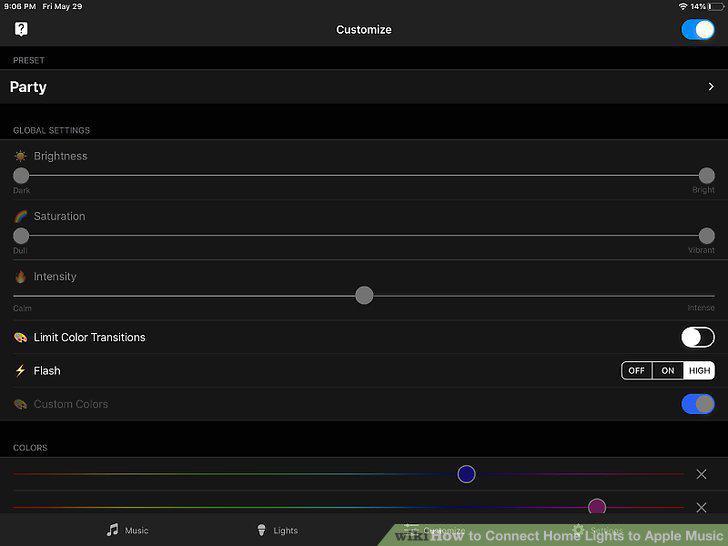
Tap a light to change its behavior.
Comments (0)
No comments yet. Be the first to share your thoughts!