How to Add a Film to IMDb
Access the IMDb homepage.. Click the link that says "other sign in options.. Choose the option to create a new IMDb account.
Steps
1
Access the IMDb homepage.
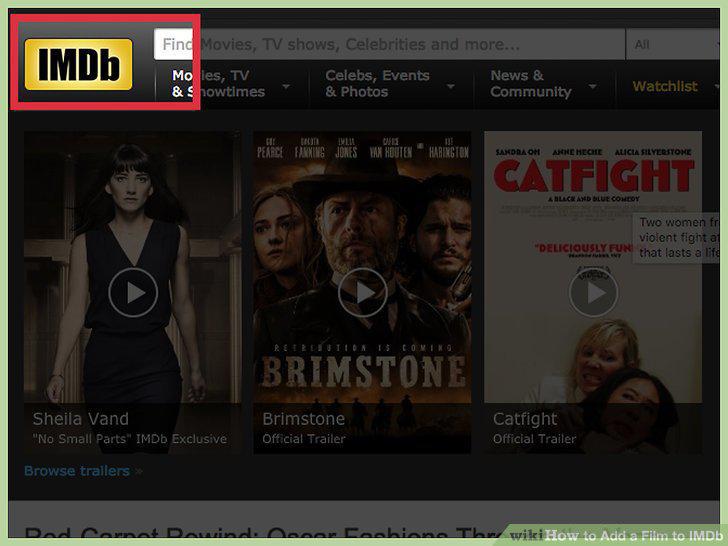
Access the IMDb homepage.
2
Click the link that says "other sign in options.
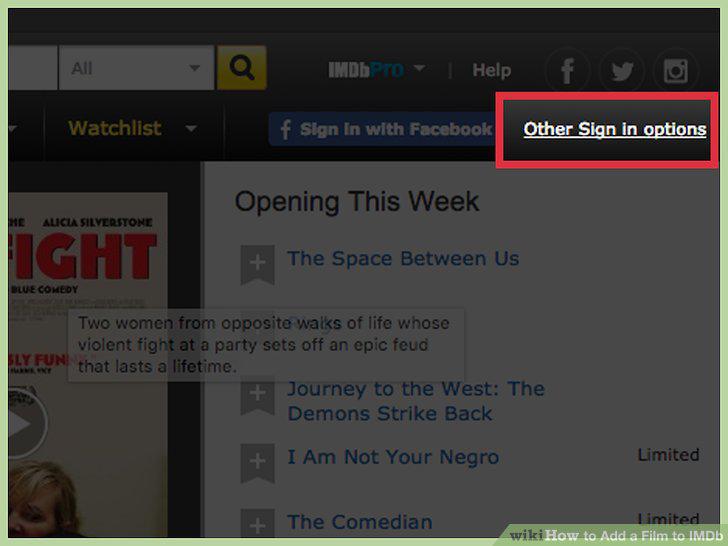
Click the link that says "other sign in options.
3
Choose the option to create a new IMDb account.
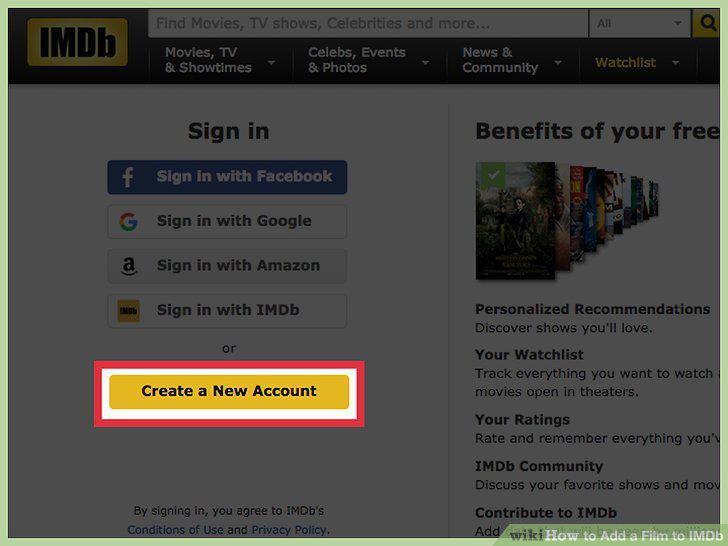
Choose the option to create a new IMDb account.
4
Fill in your personal details and submit the form.
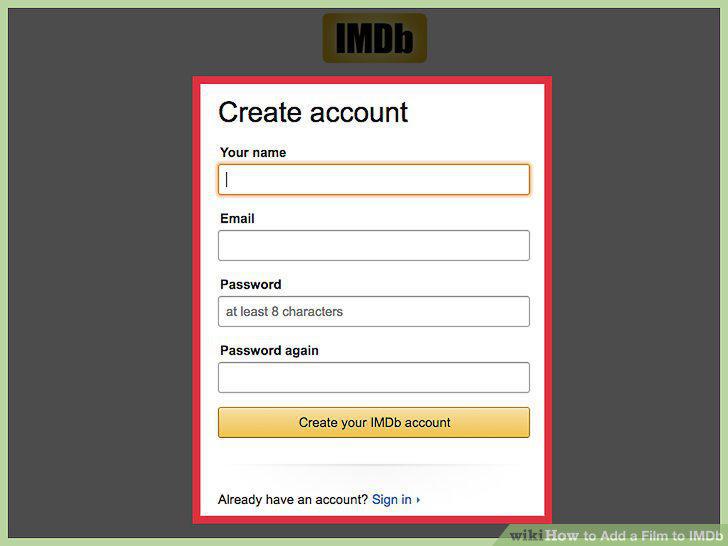
Fill in your personal details and submit the form.
5
Run a quick search for the title you want to add.
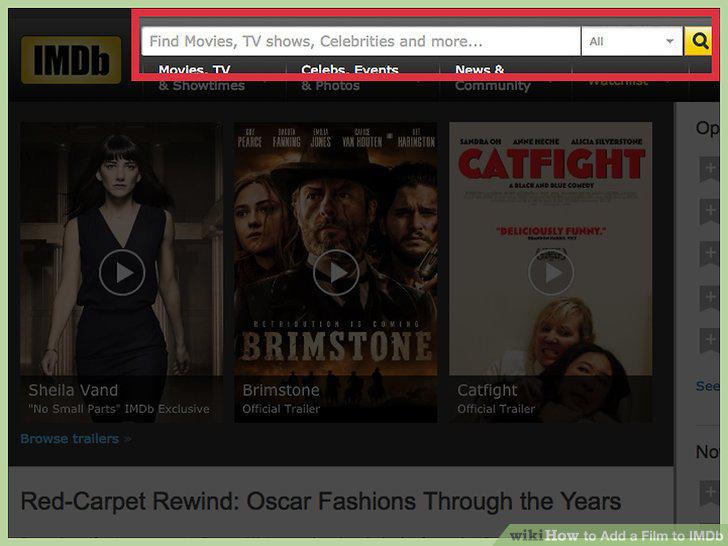
Run a quick search for the title you want to add.
6
Highlight the "News & Community" hub at the top of the page.
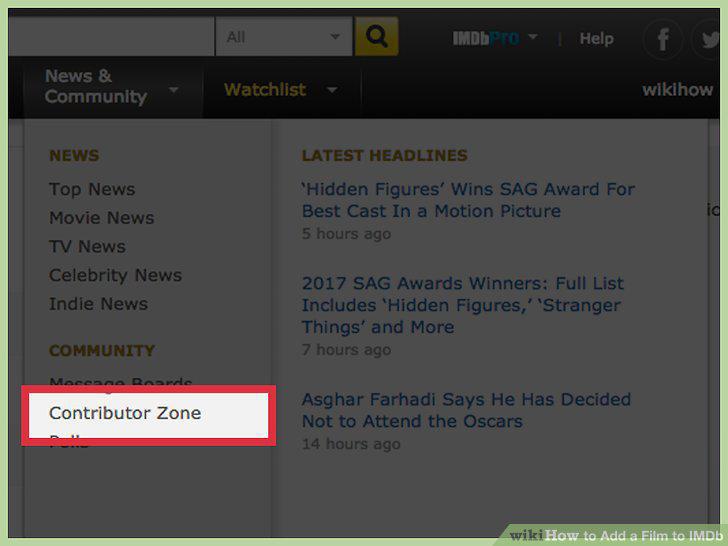
Highlight the "News & Community" hub at the top of the page.
7
Select the "How to Add a New Title" link.
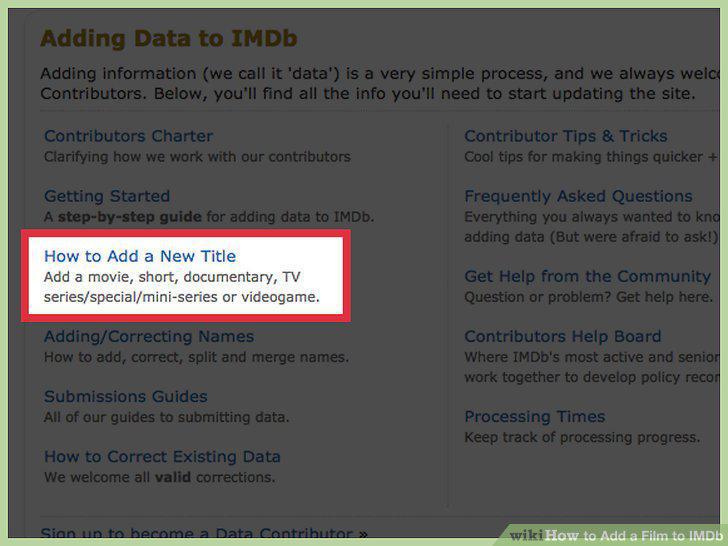
Select the "How to Add a New Title" link.
8
Complete the title information form.
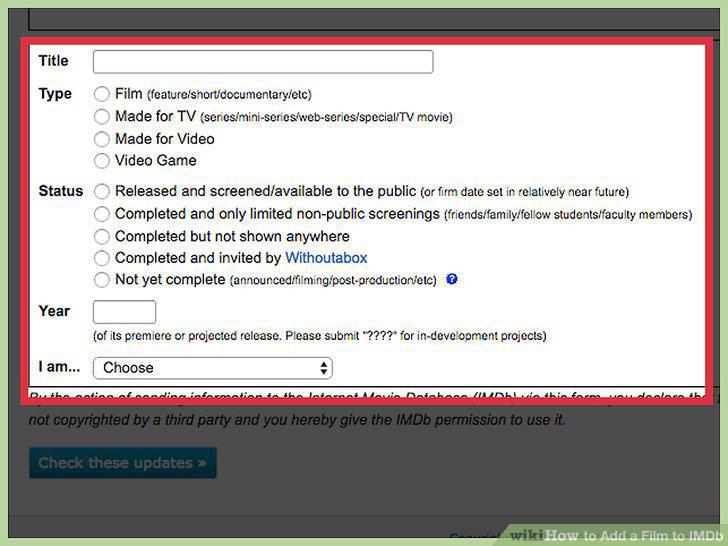
Complete the title information form.
9
Review the info you've provided carefully.
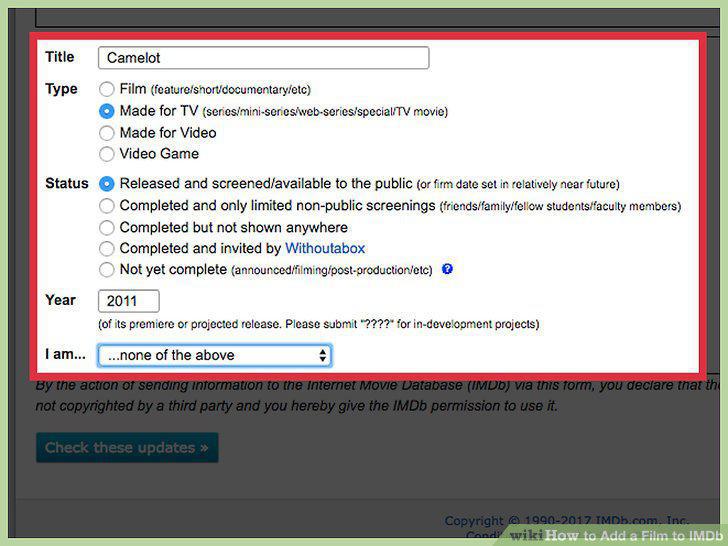
Review the info you've provided carefully.
10
Click the "Check These Updates" button.
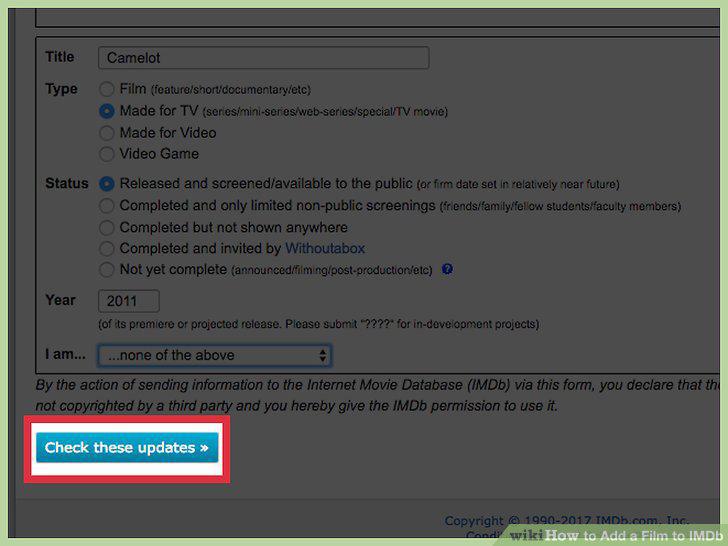
Click the "Check These Updates" button.
11
Wait for your new title submission to be approved.
Wait for your new title submission to be approved.
Comments (0)
No comments yet. Be the first to share your thoughts!