How to Unlike a Song on Spotify on iPhone or iPad
Click Spotify to open the application.. Click on Your Library.. Click until you get to the main Your Library page.
Steps
1
Click Spotify to open the application.
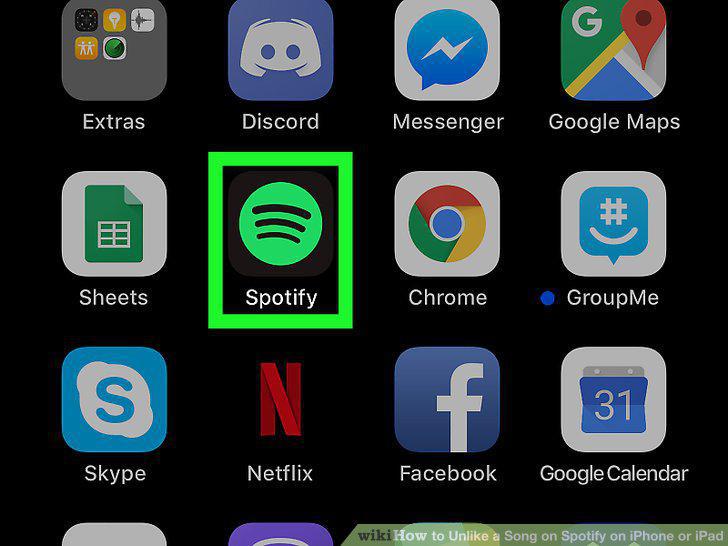
Click Spotify to open the application.
2
Click on Your Library.
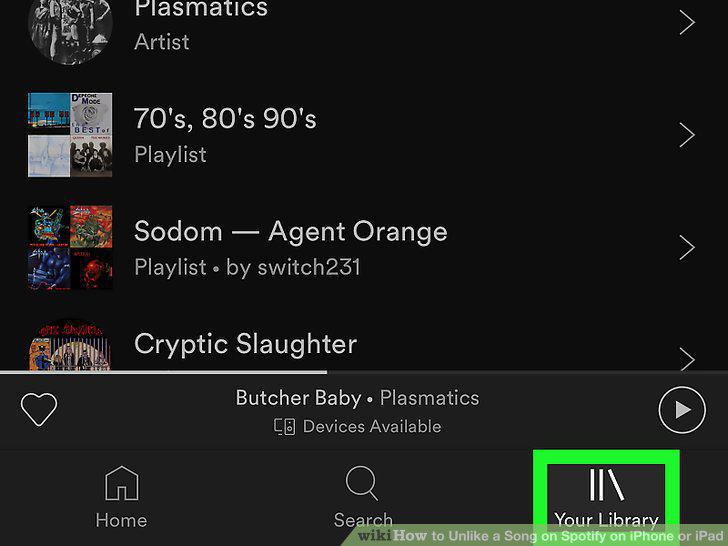
Click on Your Library.
3
Click until you get to the main Your Library page.
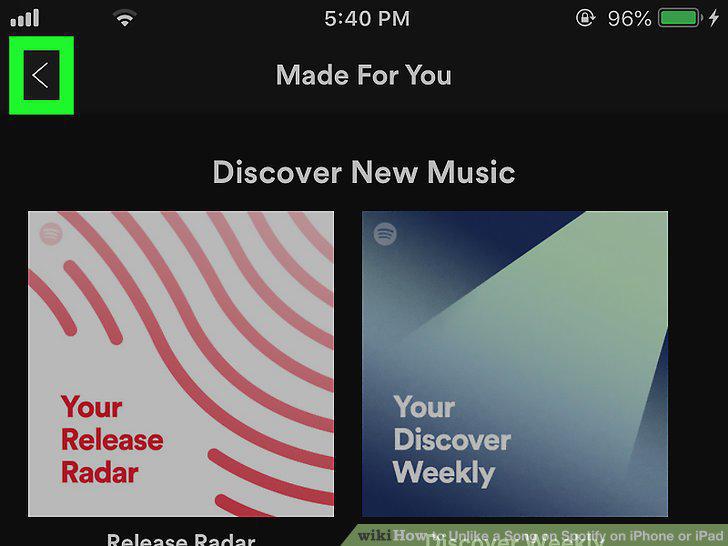
Click until you get to the main Your Library page.
4
Click on Songs to view a list of your liked songs.
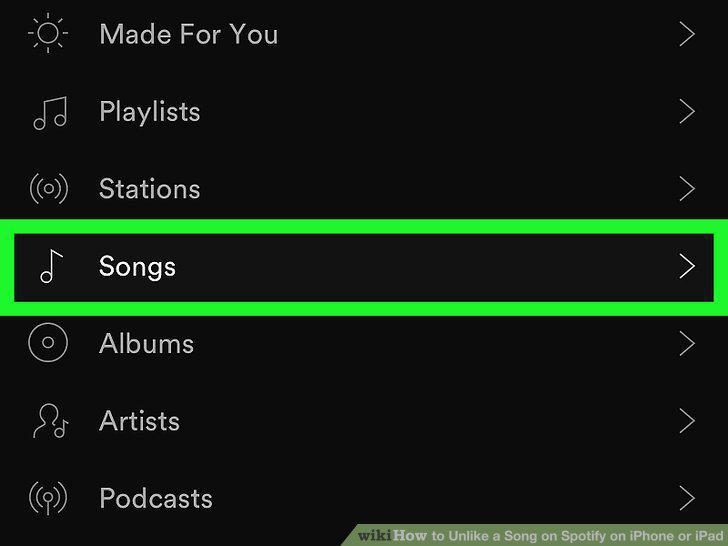
Click on Songs to view a list of your liked songs.
5
Click the song that you are trying to unlike.
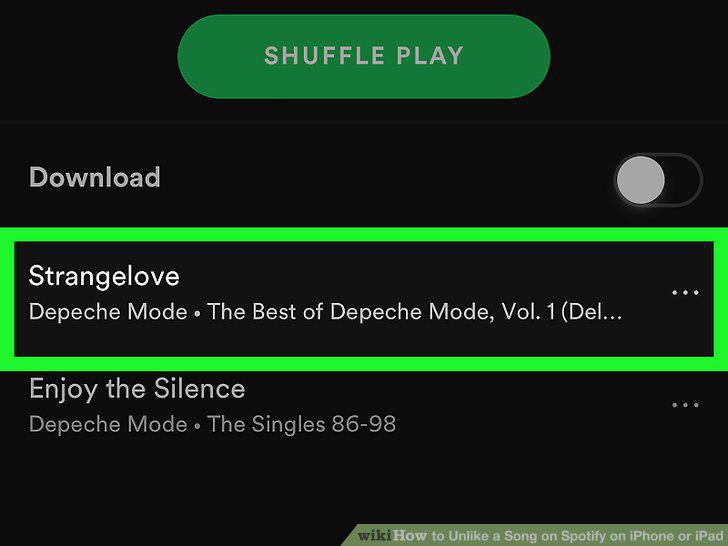
Click the song that you are trying to unlike.
6
Click the heart at the bottom left of the screen to unlike the song.
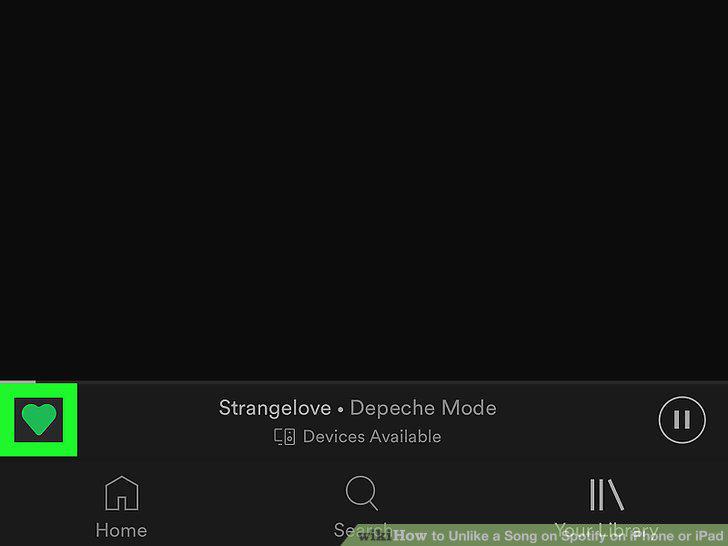
Click the heart at the bottom left of the screen to unlike the song.
Comments (0)
No comments yet. Be the first to share your thoughts!