How to Connect a Yamaha Keyboard to a Computer
Connect a USB or MIDI cable to your keyboard.. Connect the other end of the cable to your computer or audio interface.. Turn the keyboard on.
Steps
1
Connect a USB or MIDI cable to your keyboard.
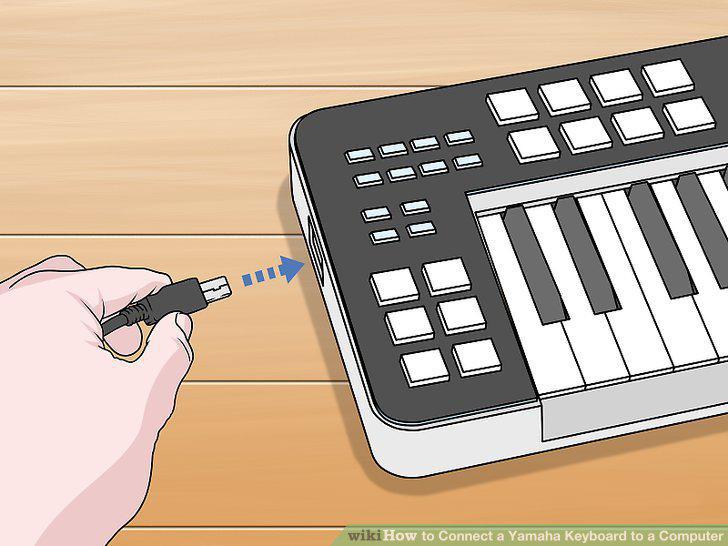
Connect a USB or MIDI cable to your keyboard.
2
Connect the other end of the cable to your computer or audio interface.
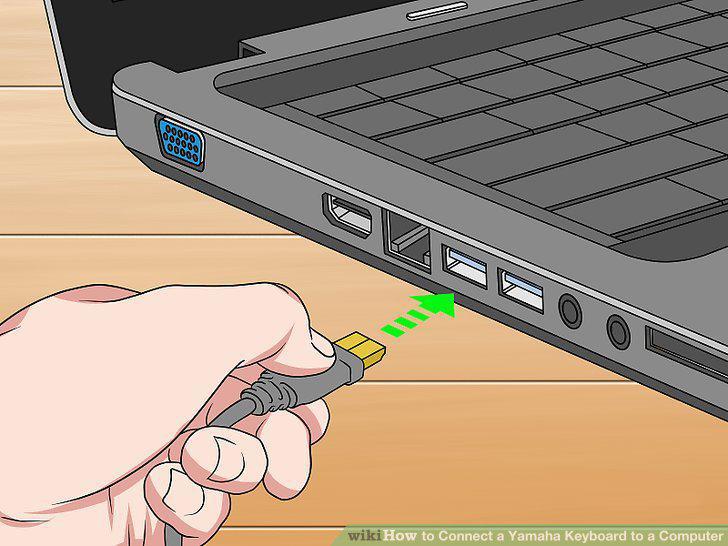
Connect the other end of the cable to your computer or audio interface.
3
Turn the keyboard on.
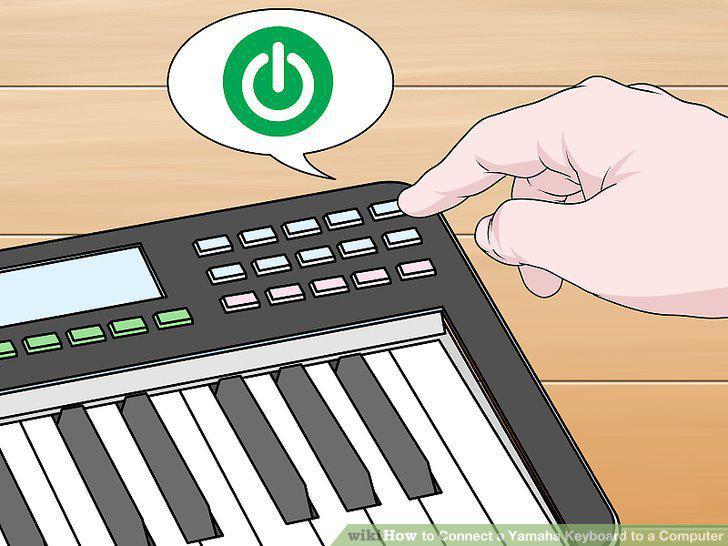
Turn the keyboard on.
4
Download the MIDI drivers for your keyboard.
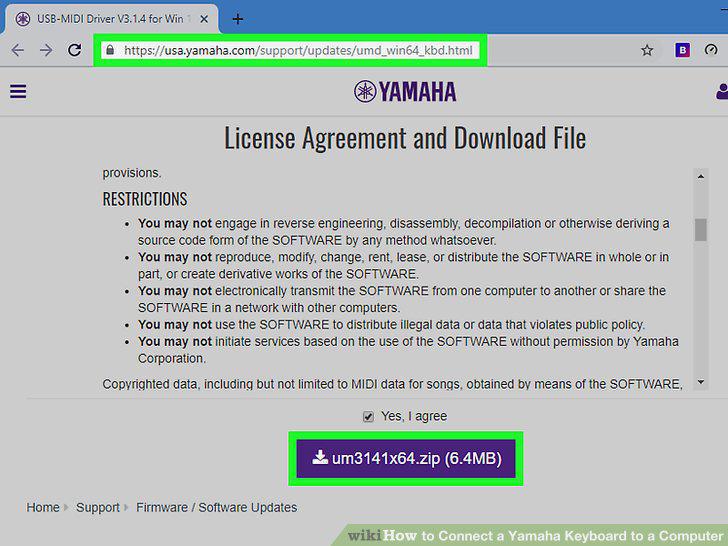
Download the MIDI drivers for your keyboard.
5
Select your keyboard or audio interface in your sound settings.
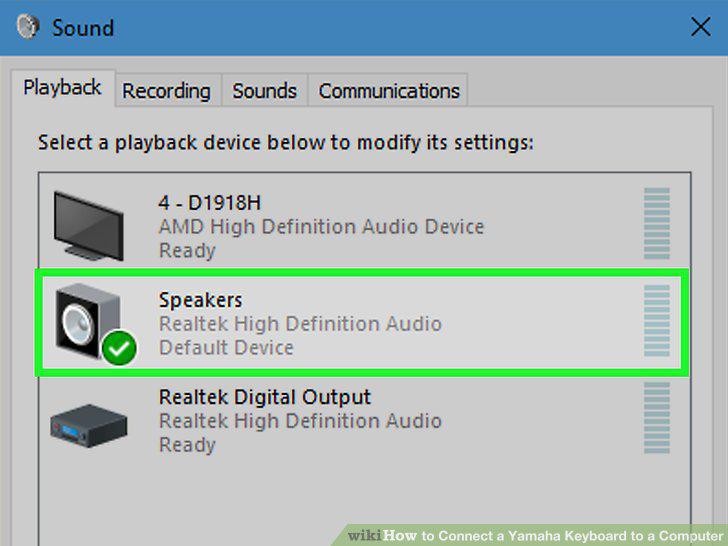
Select your keyboard or audio interface in your sound settings.
6
Open your digital audio workstation.
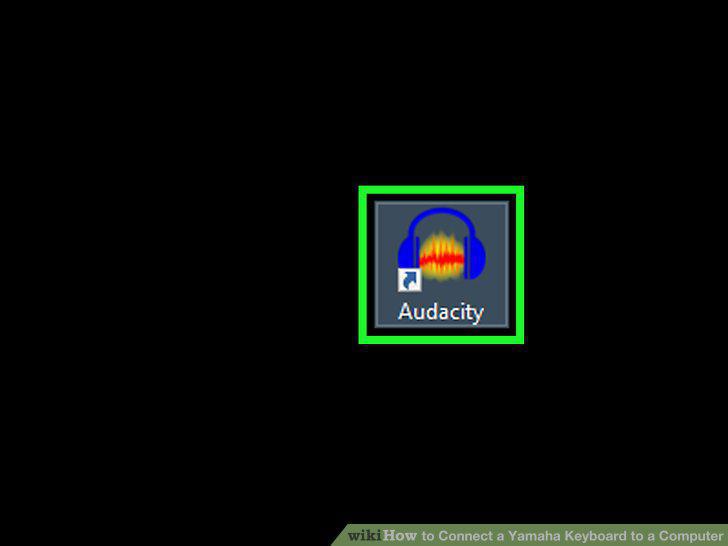
Open your digital audio workstation.
7
Add a new audio or MIDI track.
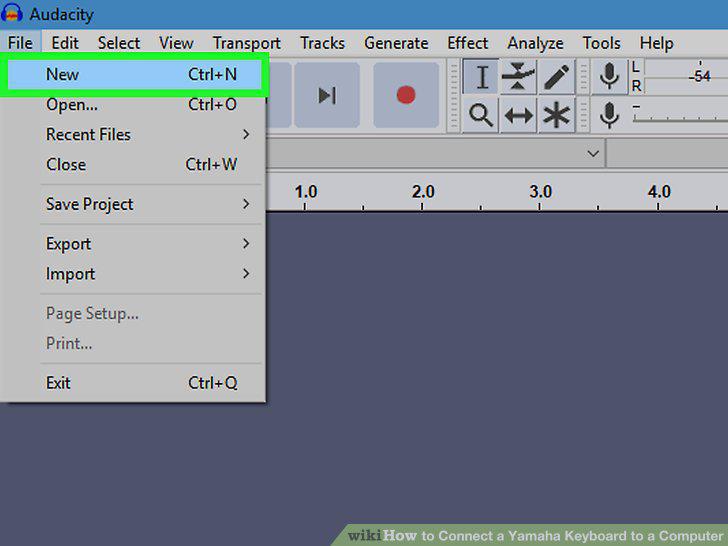
Add a new audio or MIDI track.
8
Arm the track and record your keyboard.
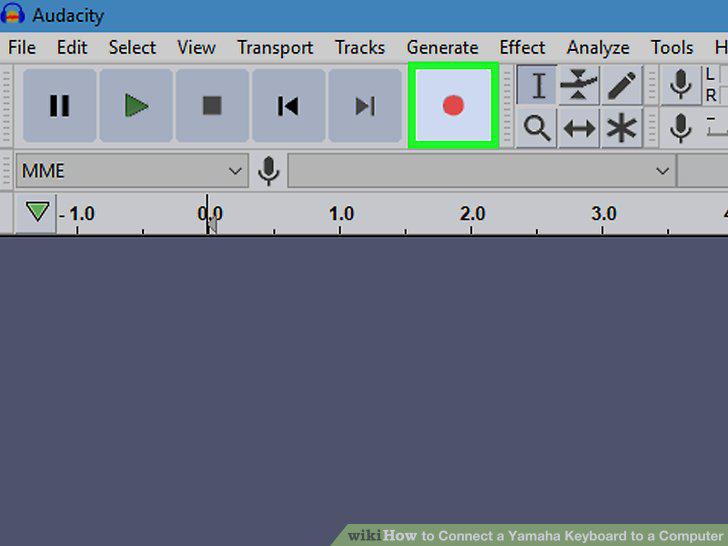
Arm the track and record your keyboard.
Comments (0)
No comments yet. Be the first to share your thoughts!