How to Verify a Student Account on Spotify on iPhone or iPad
Open Safari on your iPhone or iPad.. Go to Spotify's student verification page in your browser.. Enter your personal information into the verification form.
Steps
1
Open Safari on your iPhone or iPad.
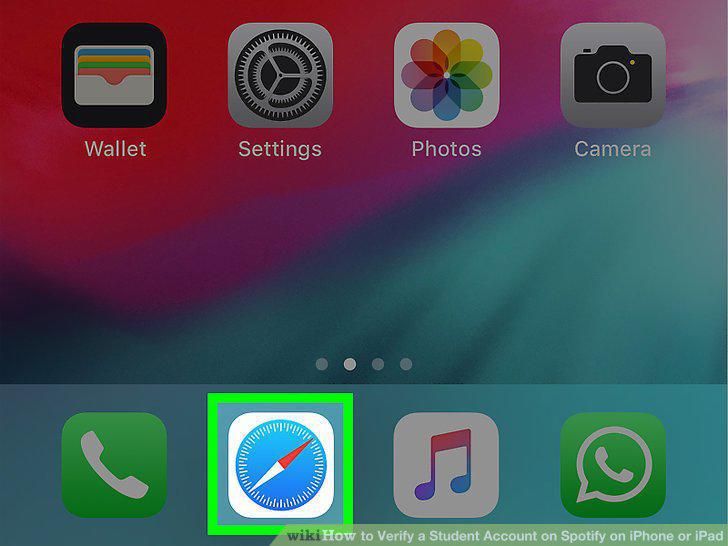
Open Safari on your iPhone or iPad.
2
Go to Spotify's student verification page in your browser.
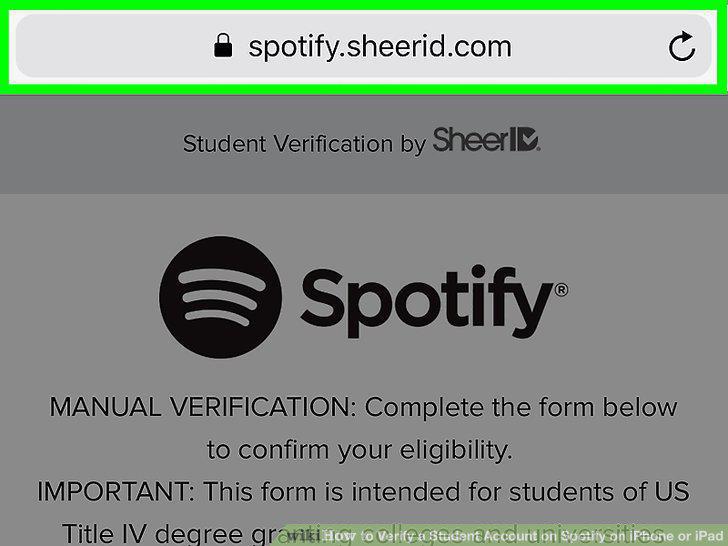
Go to Spotify's student verification page in your browser.
3
Enter your personal information into the verification form.
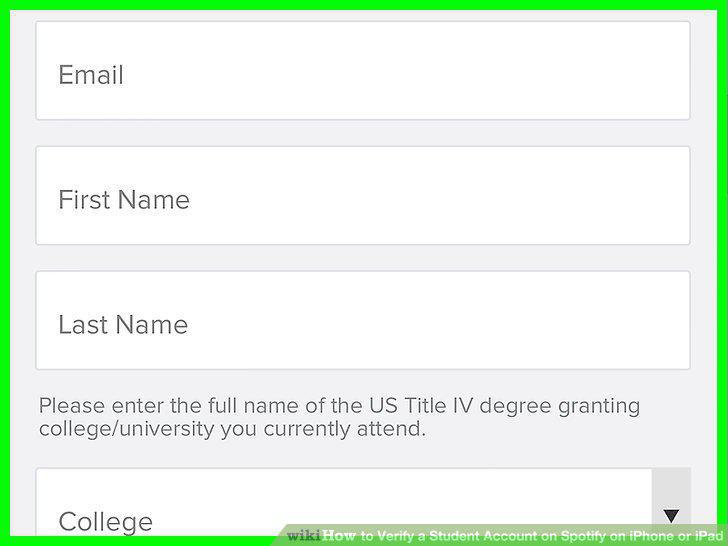
Enter your personal information into the verification form.
4
Tap the Next Step button.
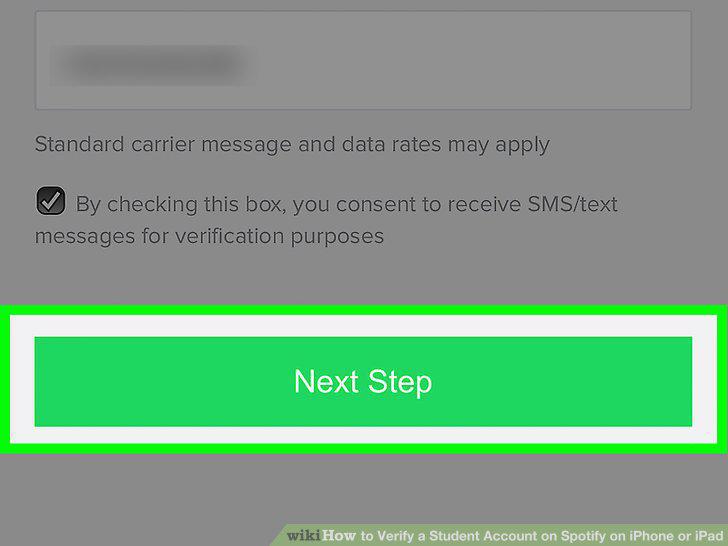
Tap the Next Step button.
5
Scroll down and tap the Choose File button.
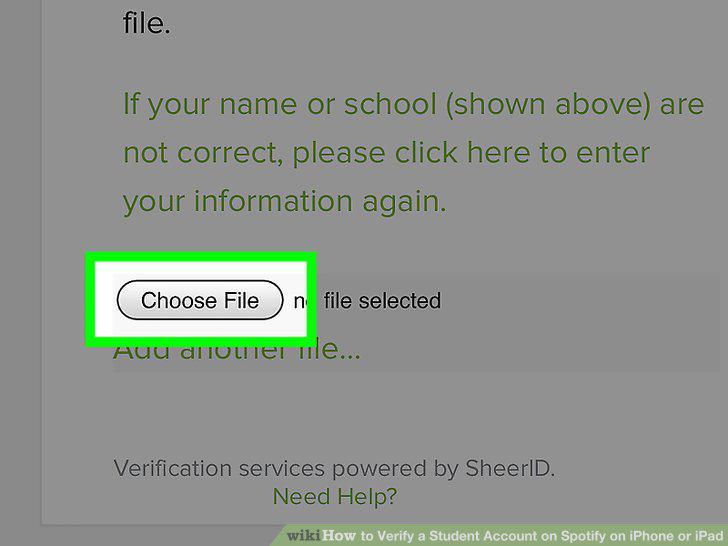
Scroll down and tap the Choose File button.
6
Select the file source you want to upload documentation from.
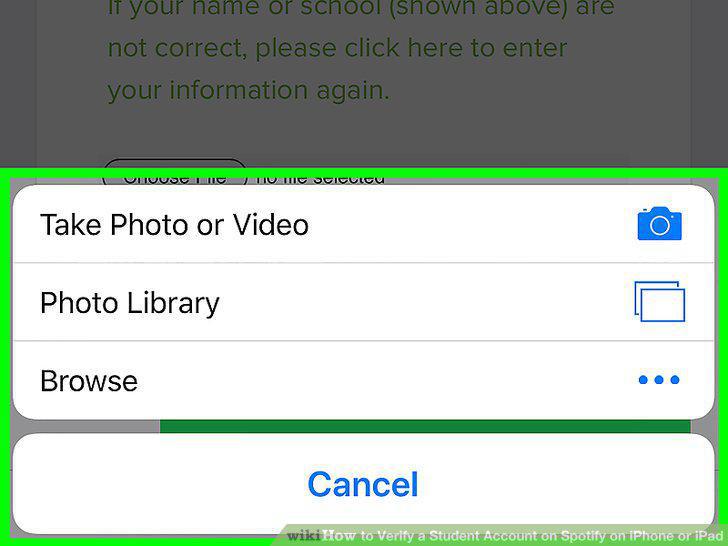
Select the file source you want to upload documentation from.
7
Select the file you want to upload.

Select the file you want to upload.
8
Tap the green Upload Document button.
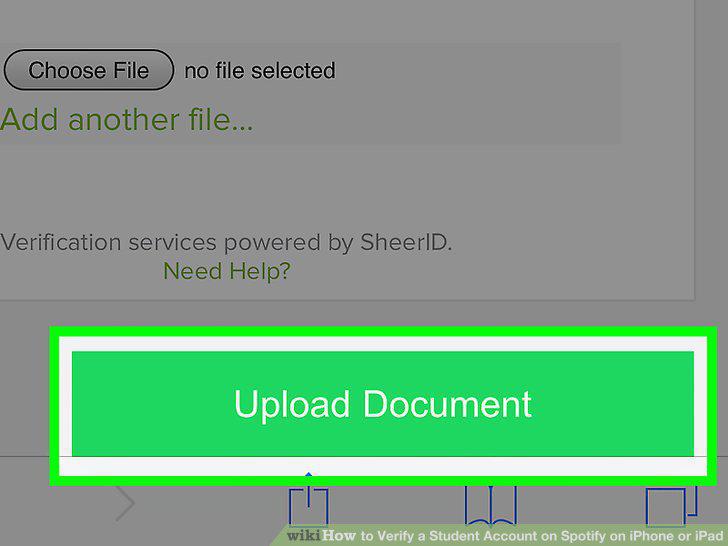
Tap the green Upload Document button.
Comments (0)
No comments yet. Be the first to share your thoughts!