How to Upload Videos to YouTube Faster
Make sure you render videos at the same framerate they were shot in.. Render your videos in the recommended format.. Make sure you are using the latest internet browser.
Steps
1
Make sure you render videos at the same framerate they were shot in.
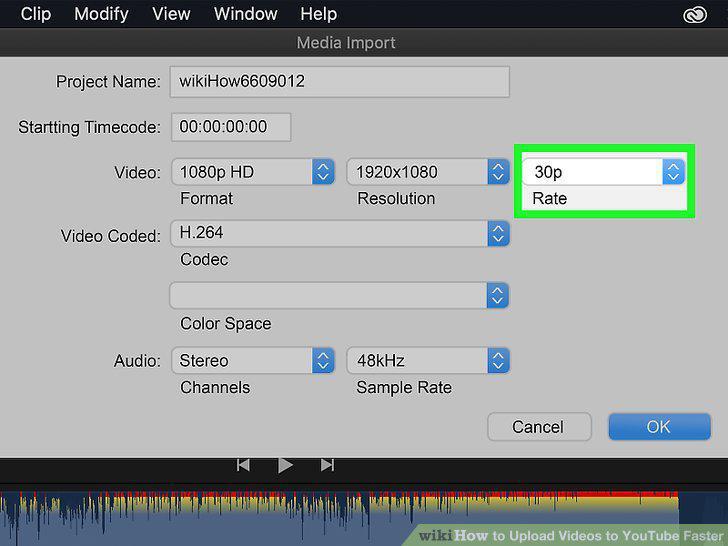
Make sure you render videos at the same framerate they were shot in.
2
Render your videos in the recommended format.
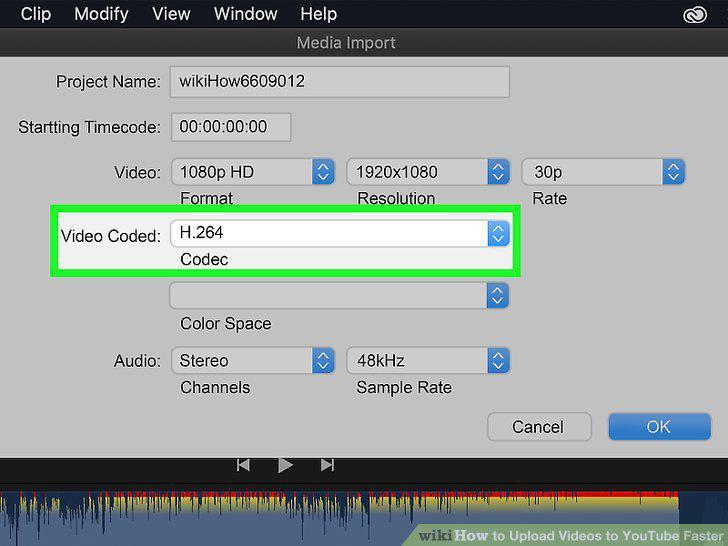
Render your videos in the recommended format.
3
Make sure you are using the latest internet browser.
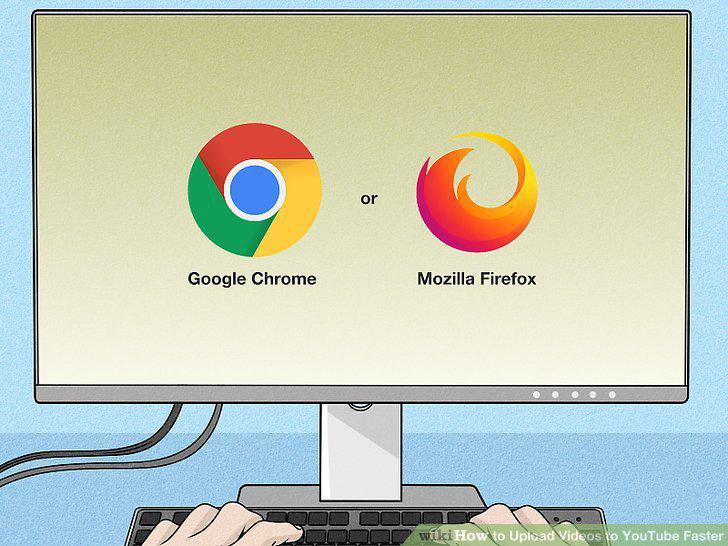
Make sure you are using the latest internet browser.
4
Use a wired connection.

Use a wired connection.
5
Limit your internet usage while uploading.
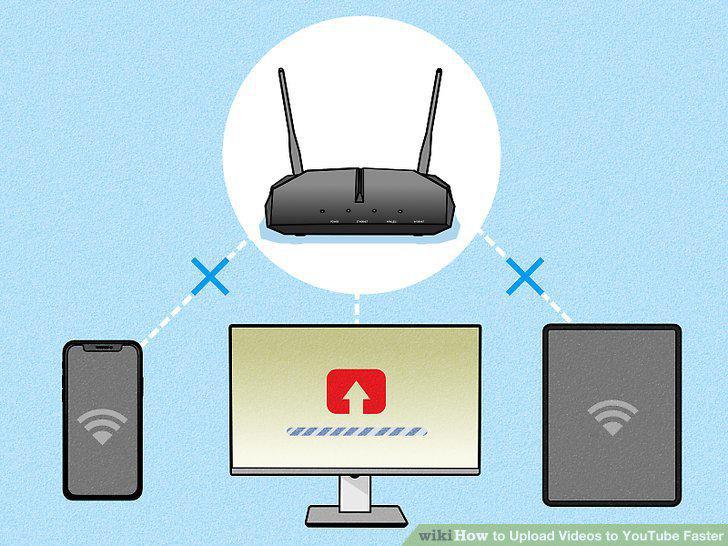
Limit your internet usage while uploading.
6
Try uploading later.

Try uploading later.
7
Improve your internet speed.
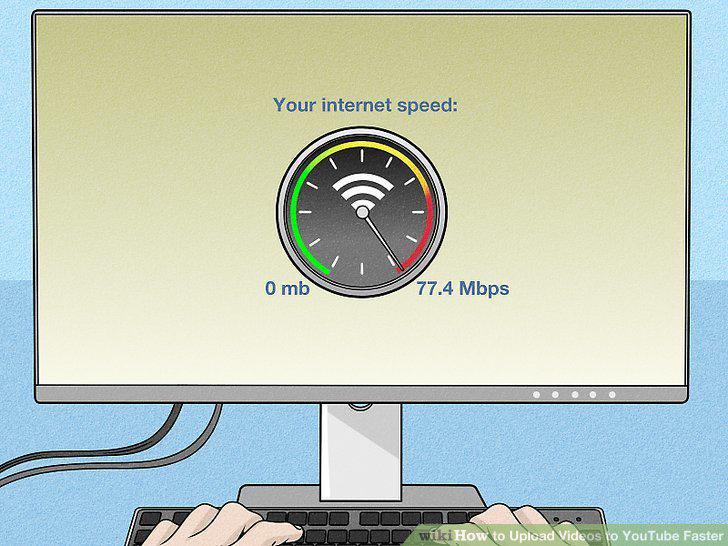
Improve your internet speed.
8
Make your videos shorter.
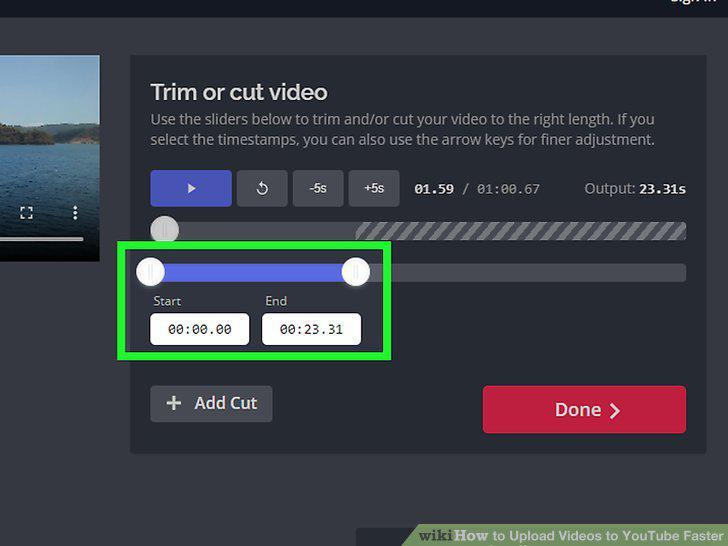
Make your videos shorter.
9
Reduce the quality of your videos.
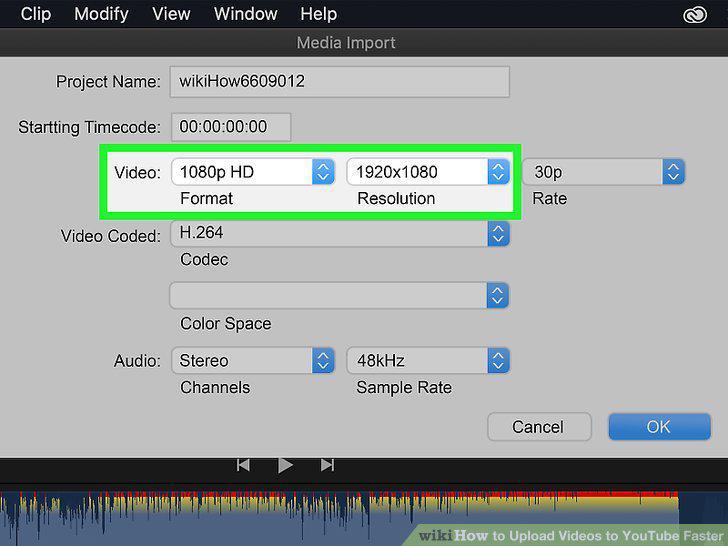
Reduce the quality of your videos.
Comments (0)
No comments yet. Be the first to share your thoughts!