How to Rent Books on Amazon
Go to https://www.amazon.com/b?node=17853655011.. Search for the book.. Click the correct book in the search results.
Steps
1
Go to https://www.amazon.com/b?node=17853655011.
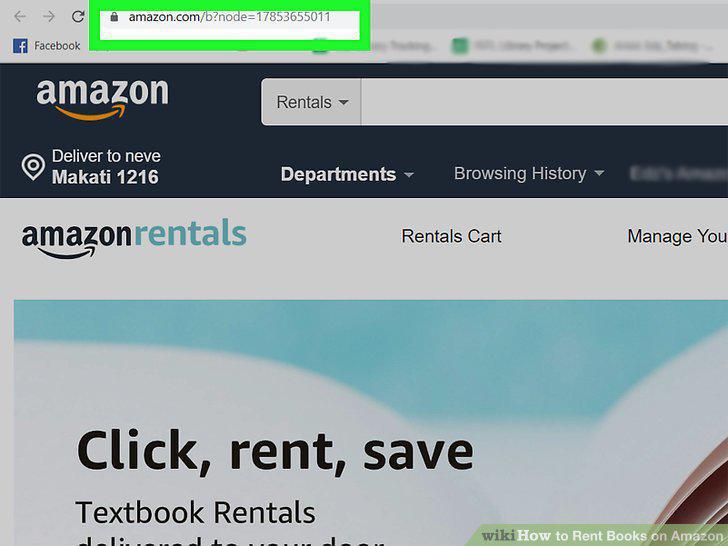
Go to https://www.amazon.com/b?node=17853655011.
2
Search for the book.
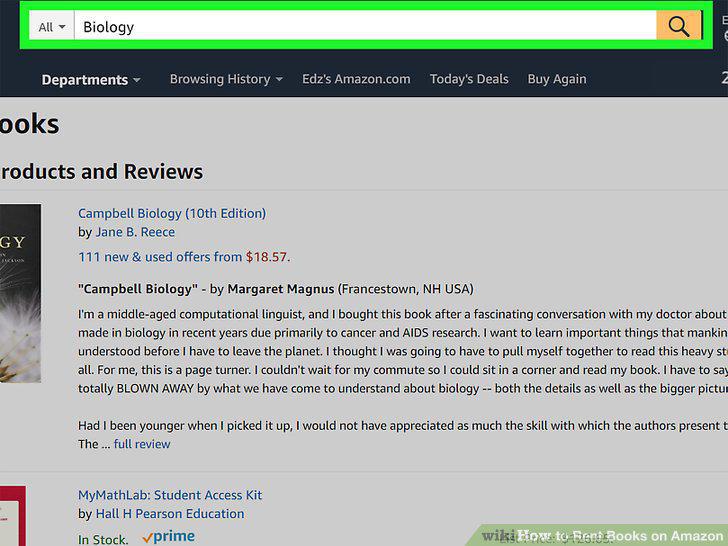
Search for the book.
3
Click the correct book in the search results.
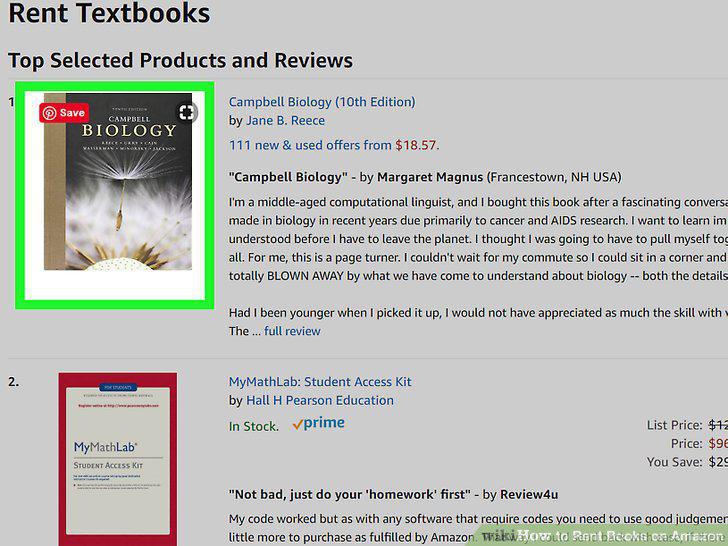
Click the correct book in the search results.
4
Click Add to Rental Cart.
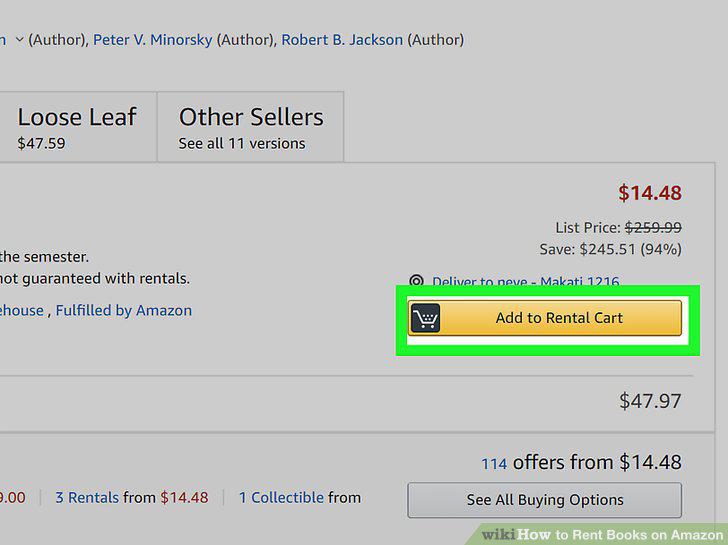
Click Add to Rental Cart.
5
Review your rental cart.
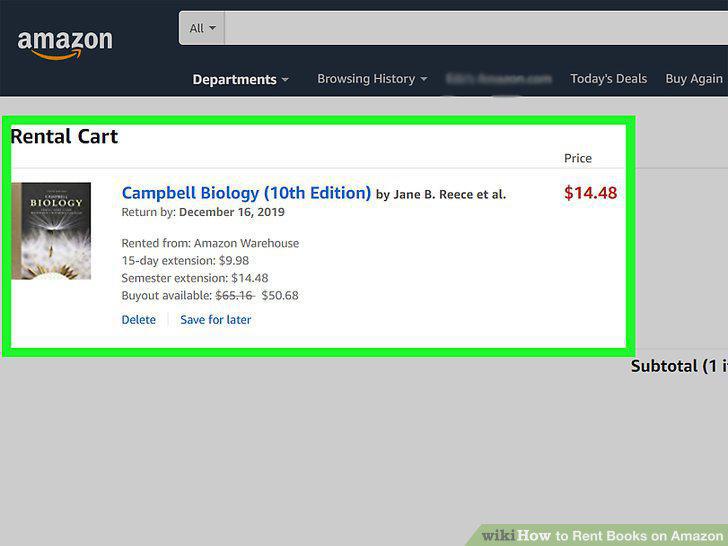
Review your rental cart.
6
Click the yellow Proceed to checkout button.
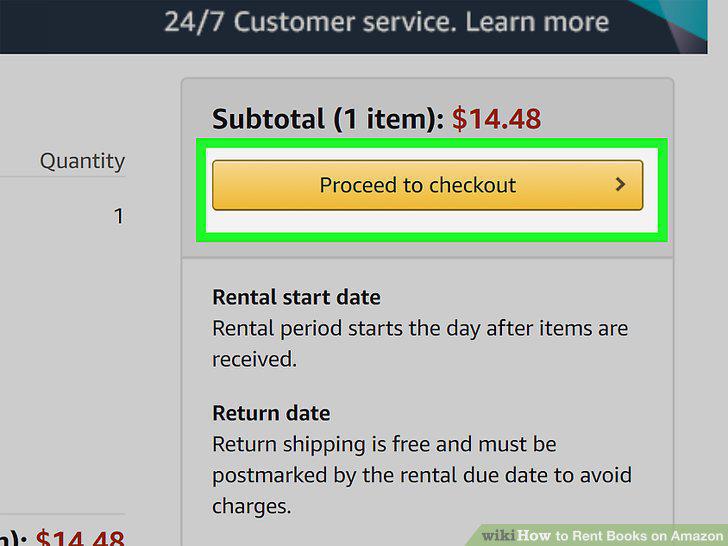
Click the yellow Proceed to checkout button.
7
Select your shipping and payment methods.
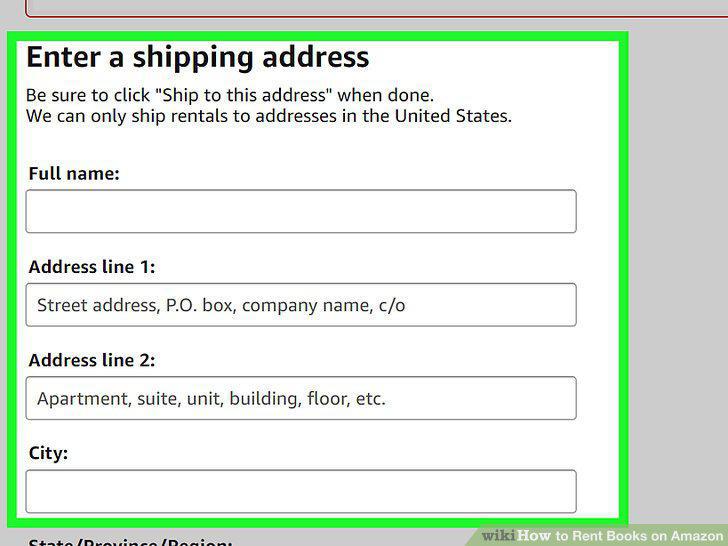
Select your shipping and payment methods.
8
Review the Rental Terms and Conditions.
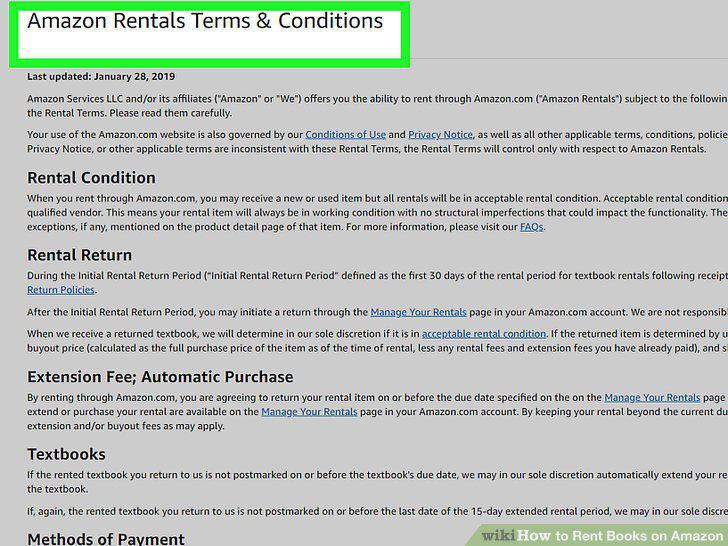
Review the Rental Terms and Conditions.
9
Click the Place Your Order button.
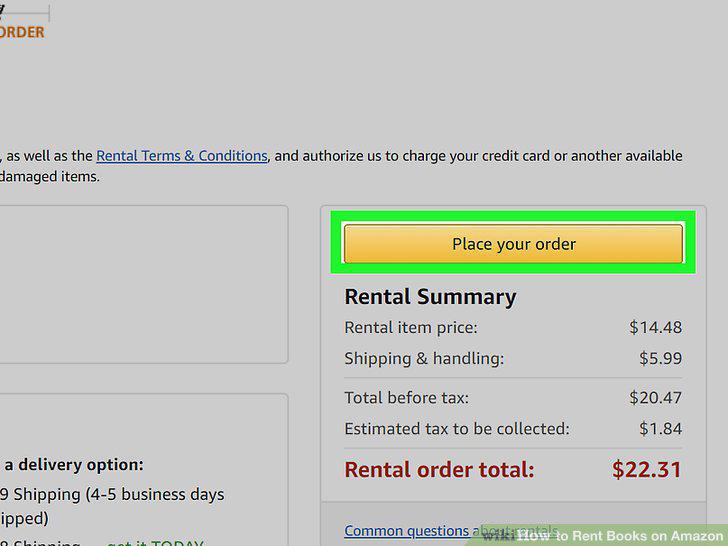
Click the Place Your Order button.
10
Manage your rental.
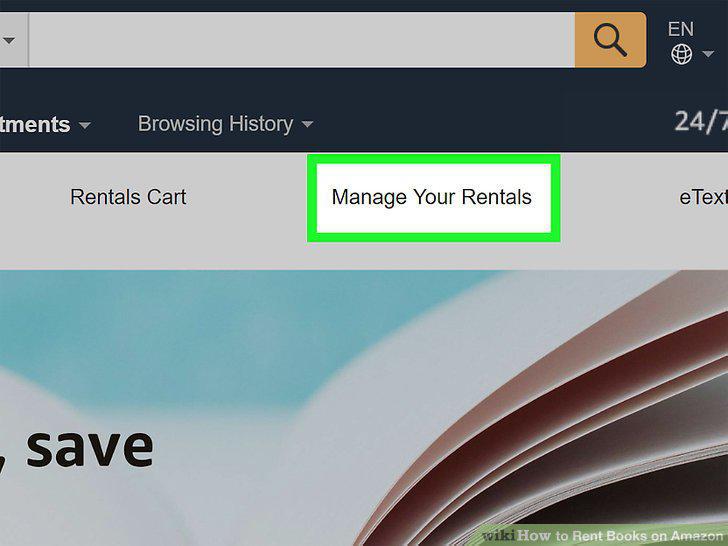
Manage your rental.
Comments (0)
No comments yet. Be the first to share your thoughts!