How to Reset a Nook HD
Find the power button.. Press and hold the power button.. Release the power button.
Steps
1
Find the power button.
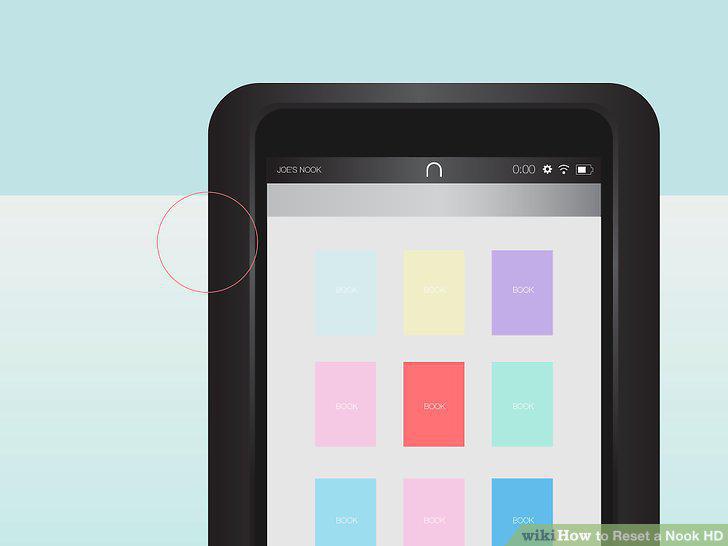
Find the power button.
2
Press and hold the power button.
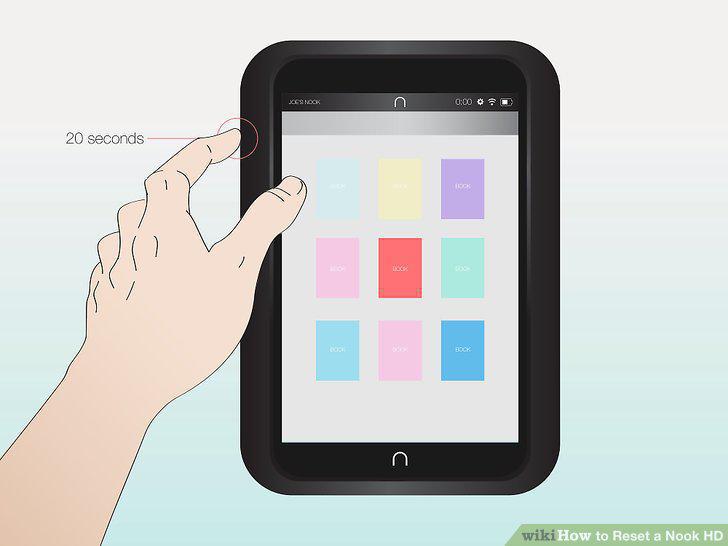
Press and hold the power button.
3
Release the power button.
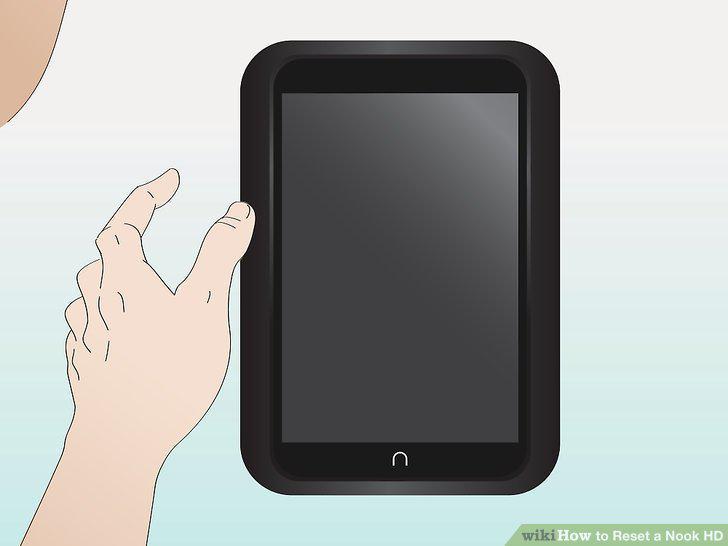
Release the power button.
4
Push the power button.
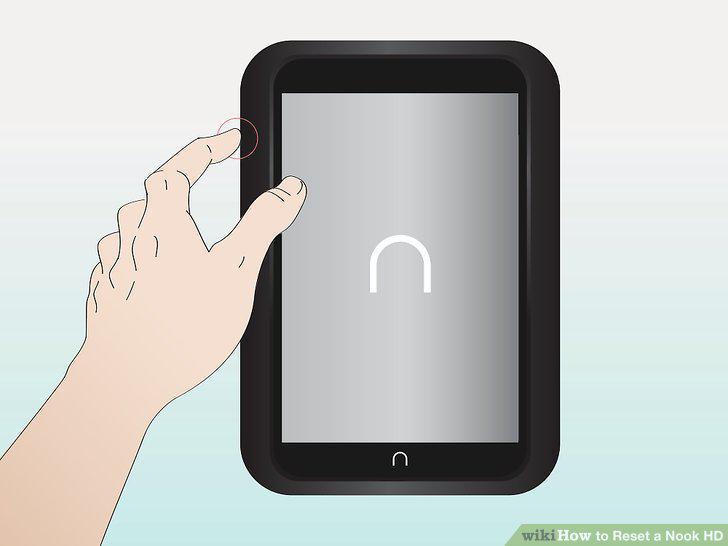
Push the power button.
5
Bring up the quick navigation menu.
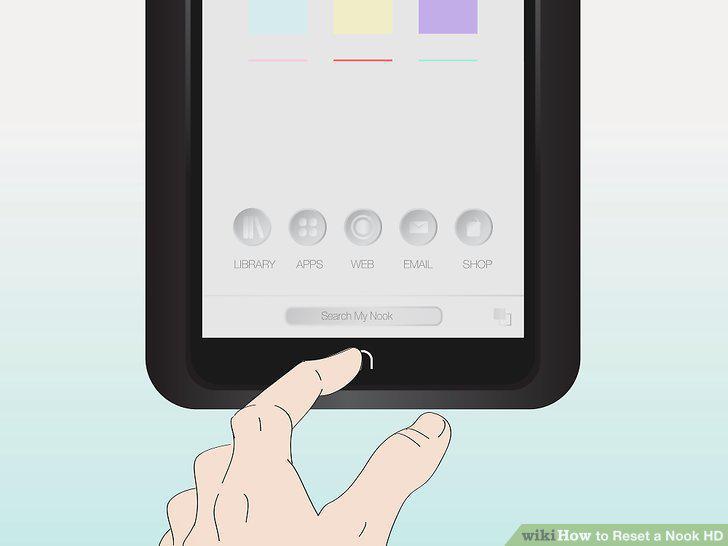
Bring up the quick navigation menu.
6
Find the icon for "Settings".
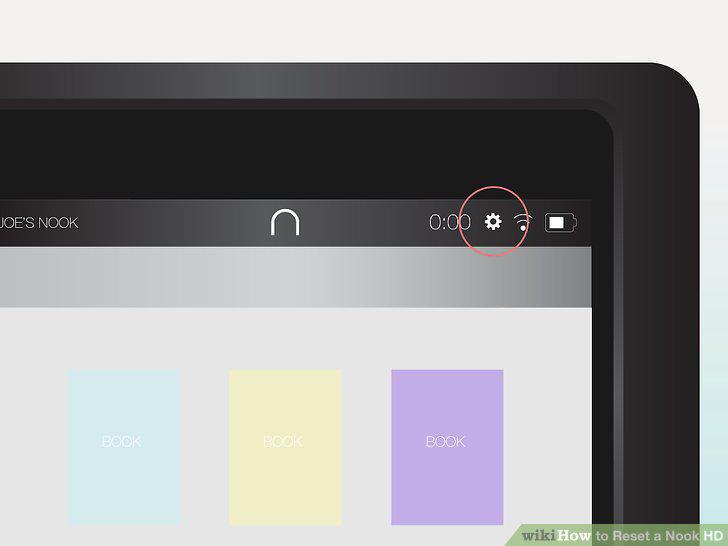
Find the icon for "Settings".
7
Locate "Device Info".
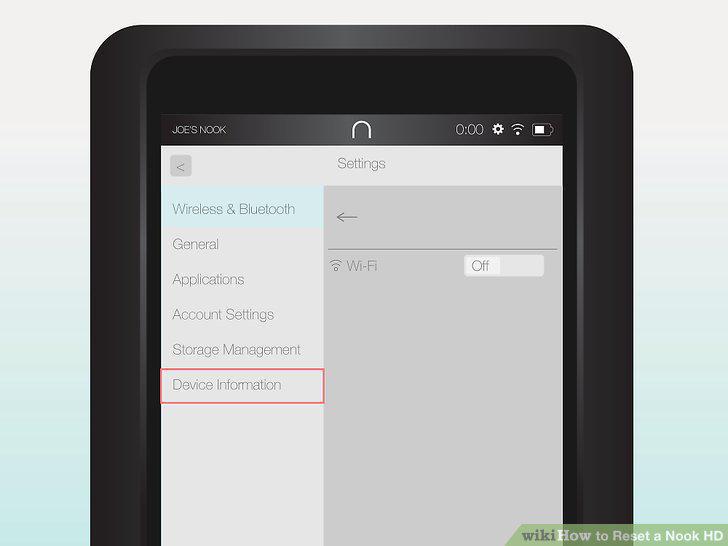
Locate "Device Info".
8
Find the "Erase & Deregister Device" icon.
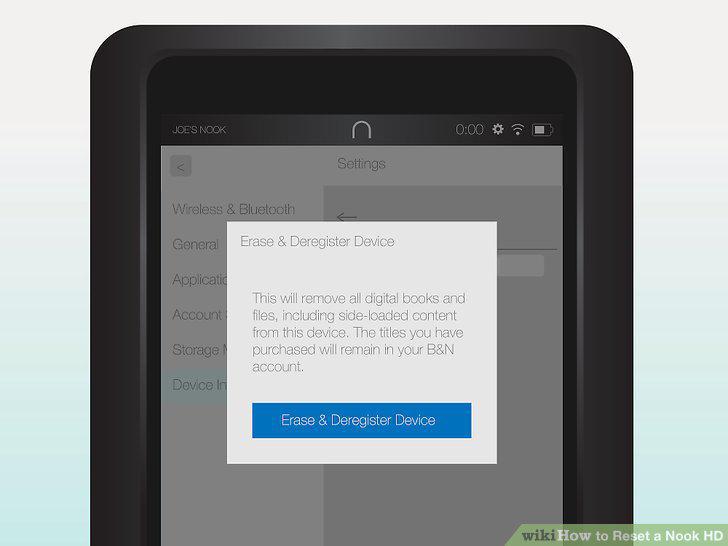
Find the "Erase & Deregister Device" icon.
9
Turn your Nook off.
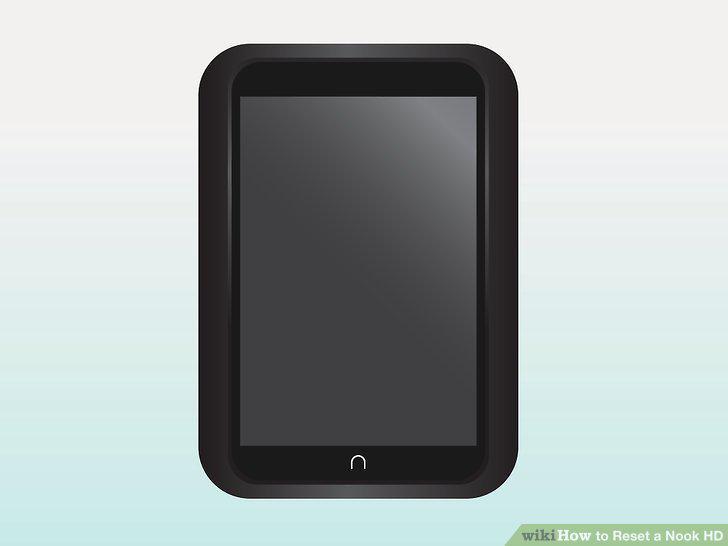
Turn your Nook off.
10
Hold the Power and Home buttons.
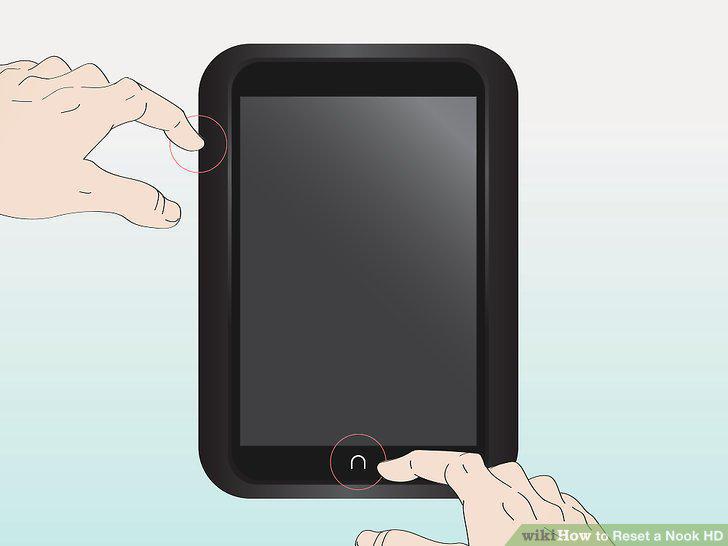
Hold the Power and Home buttons.
11
Wait for the Nook logo to appear.
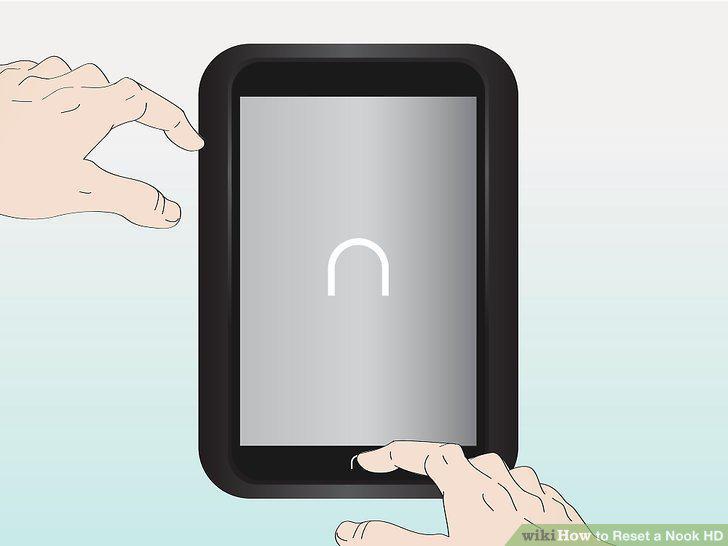
Wait for the Nook logo to appear.
12
Make sure the factory reset prompt has appeared.
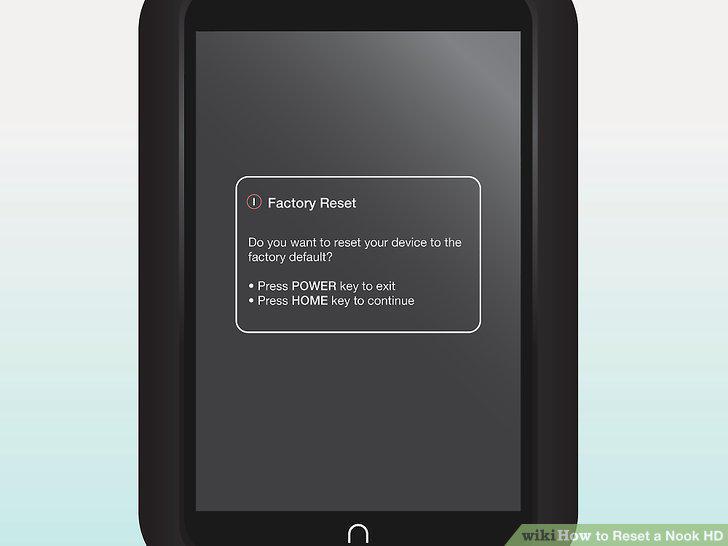
Make sure the factory reset prompt has appeared.
Comments (0)
No comments yet. Be the first to share your thoughts!