How to Cite Wikipedia
Open the article you're citing.. Click Cite this page.. Find your citation style.
Steps
1
Open the article you're citing.
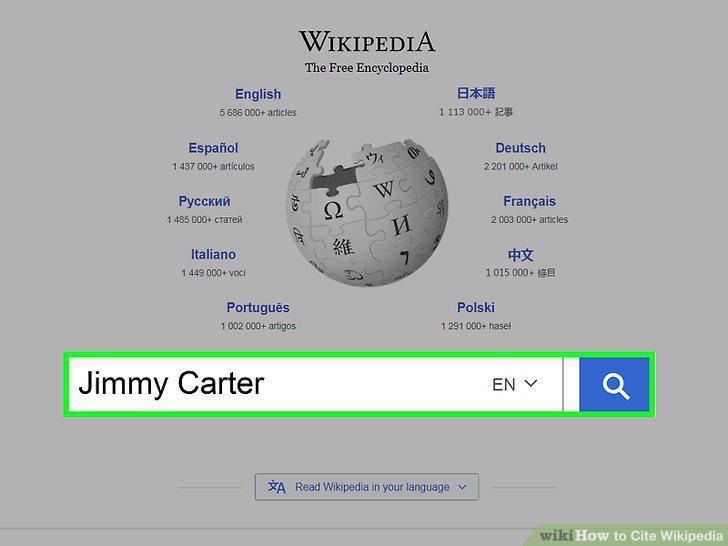
Open the article you're citing.
2
Click Cite this page.
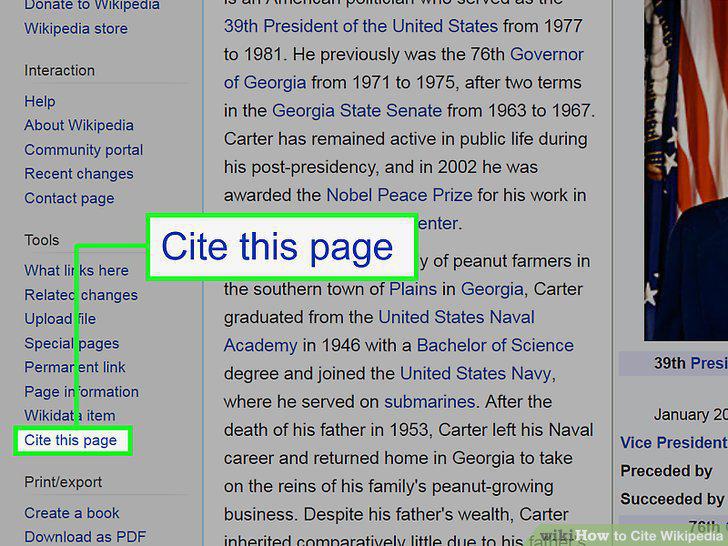
Click Cite this page.
3
Find your citation style.
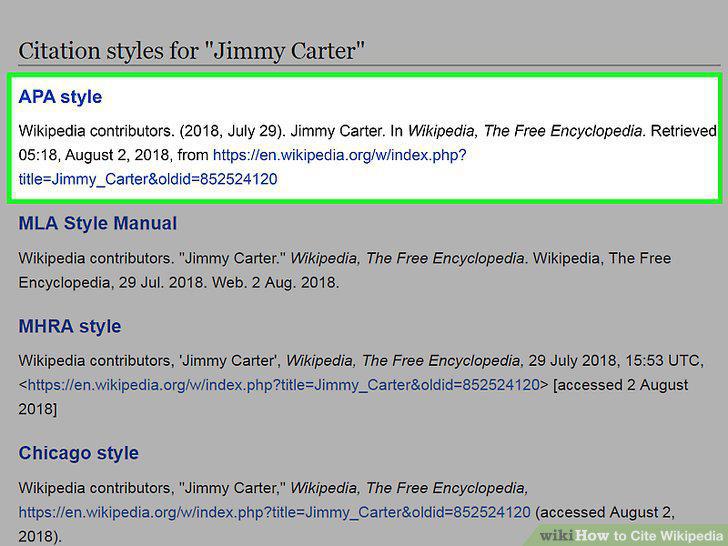
Find your citation style.
4
Select the whole citation.
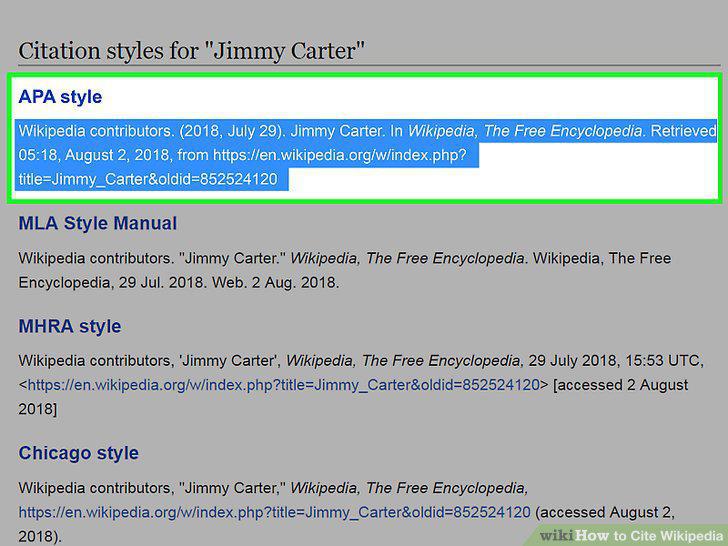
Select the whole citation.
5
Copy the citation.
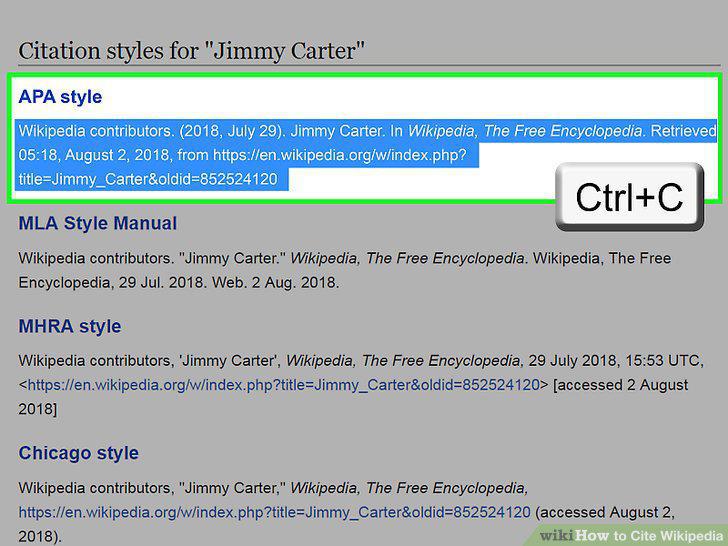
Copy the citation.
6
Open a rich-text editor.
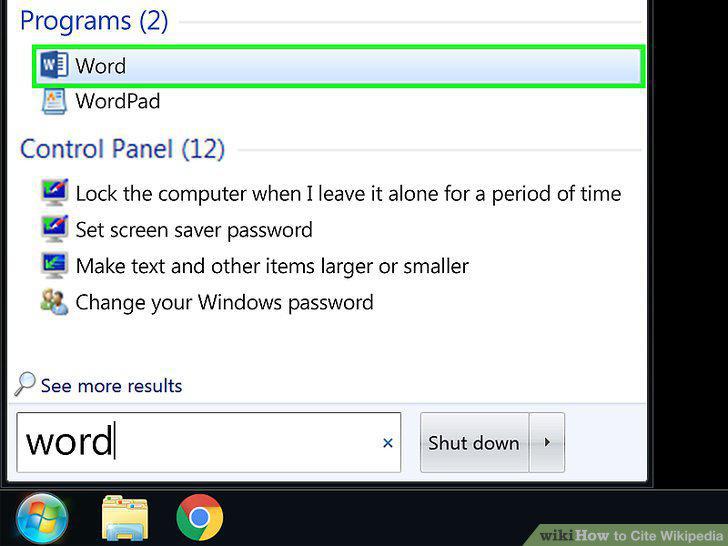
Open a rich-text editor.
7
Paste in your citation.
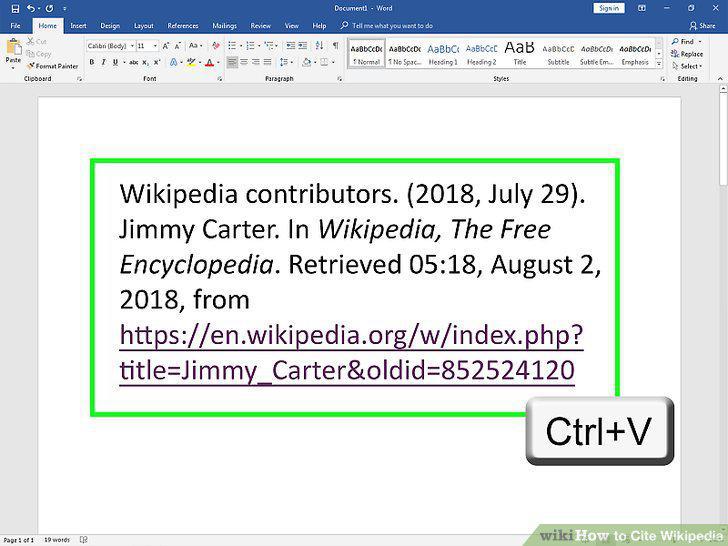
Paste in your citation.
8
Start your entry with the Wikipedia entry title.
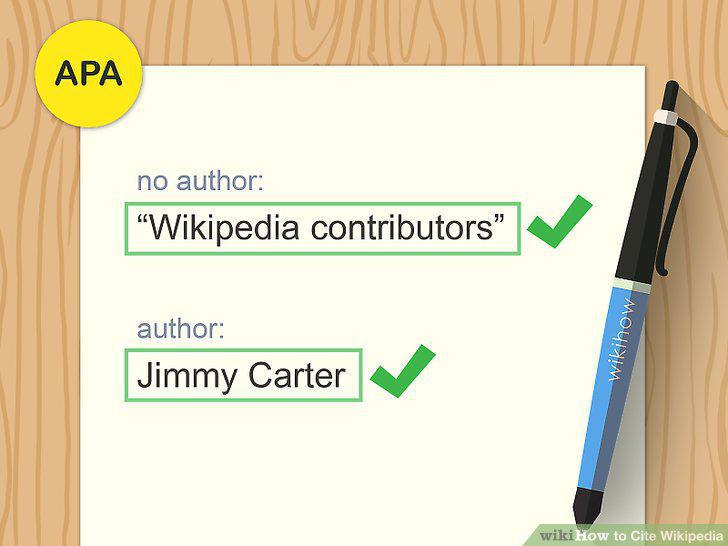
Start your entry with the Wikipedia entry title.
9
Include the date, if available.
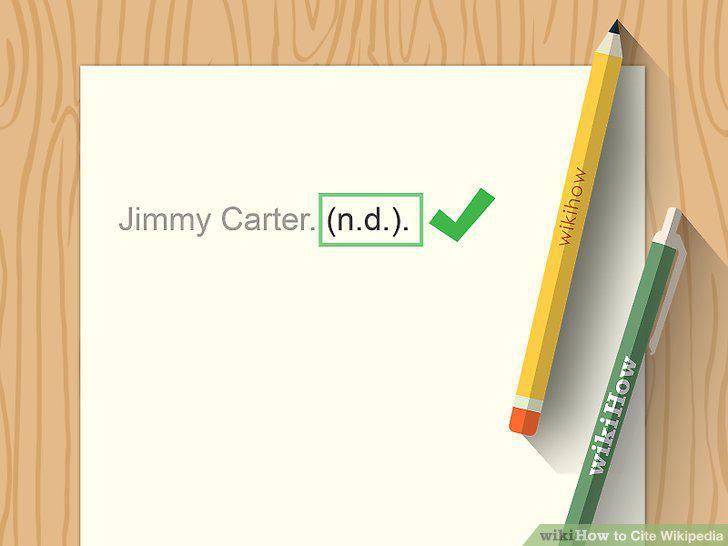
Include the date, if available.
10
Write the words "In Wikipedia".
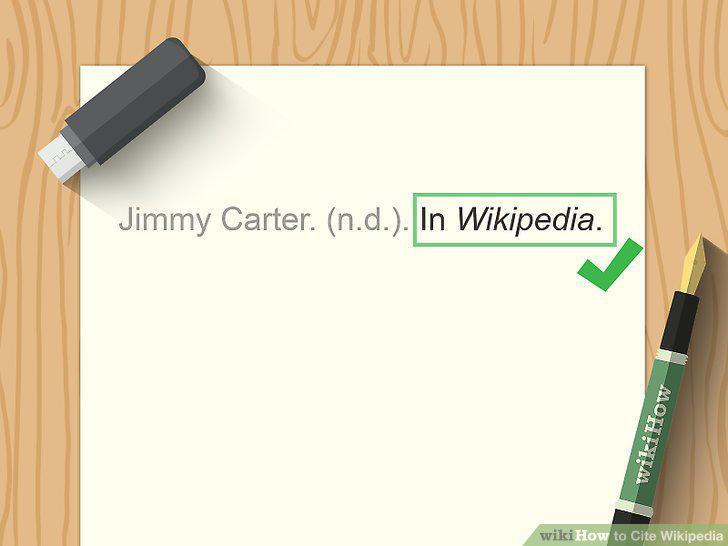
Write the words "In Wikipedia".
11
Follow with the retrieval date.
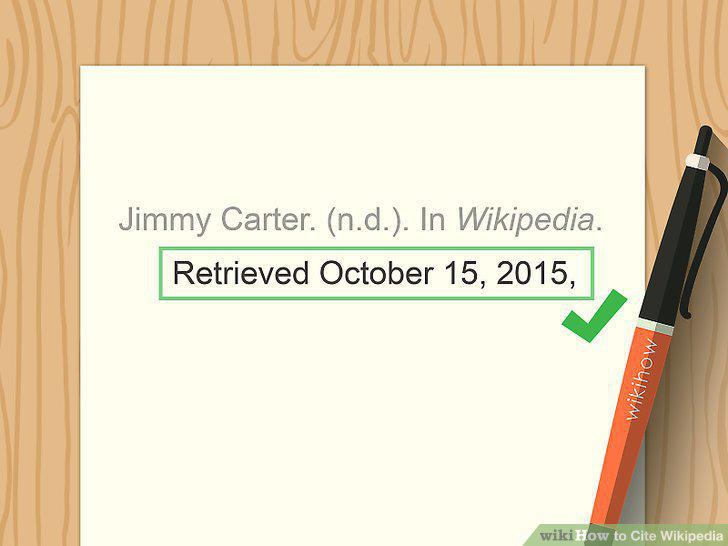
Follow with the retrieval date.
12
End with the URL.
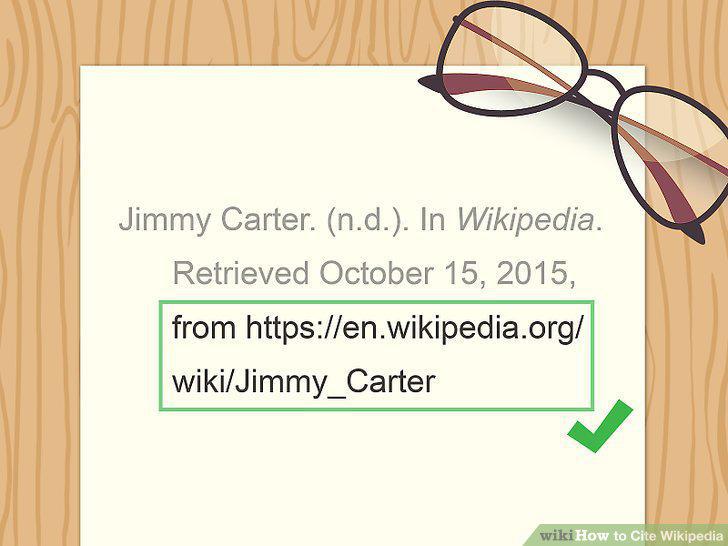
End with the URL.
13
Begin with the article title.
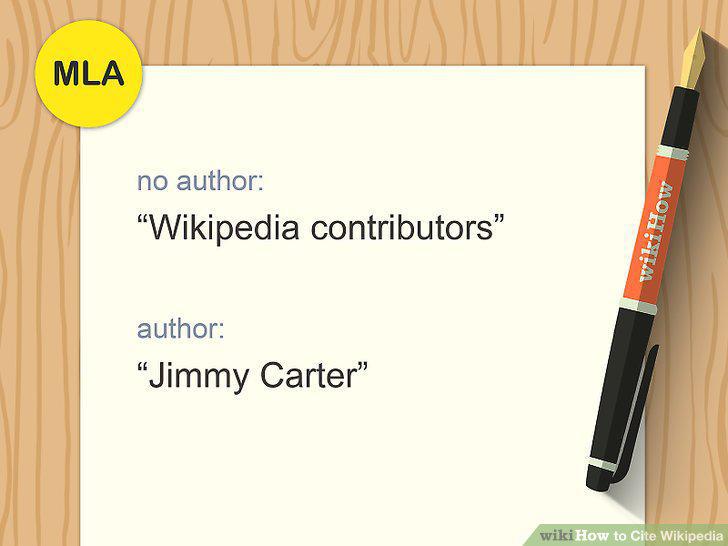
Begin with the article title.
14
Add the larger source.
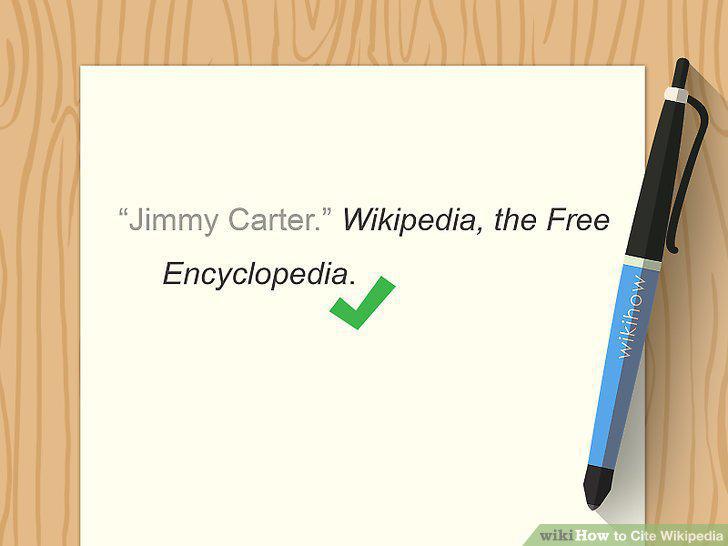
Add the larger source.
15
Include the publisher.
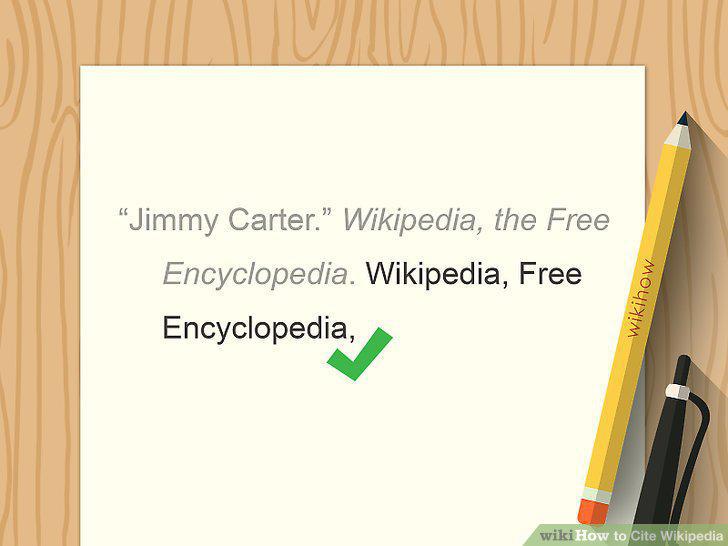
Include the publisher.
16
Add the date of publication, if possible.
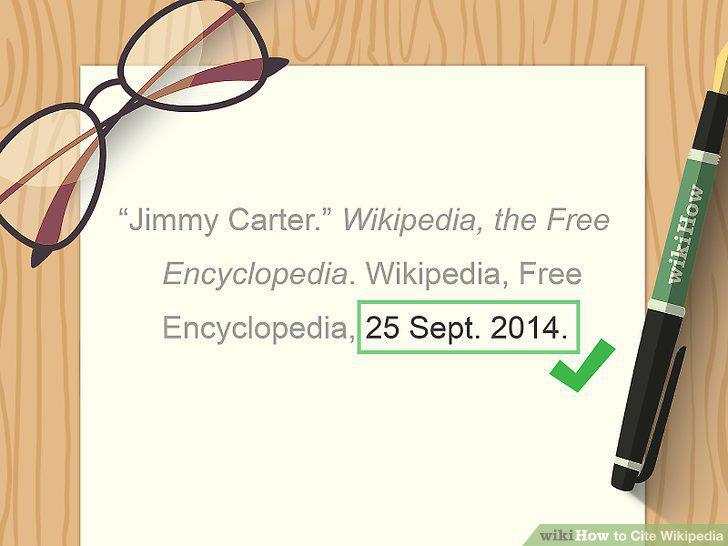
Add the date of publication, if possible.
17
Add the publication type.
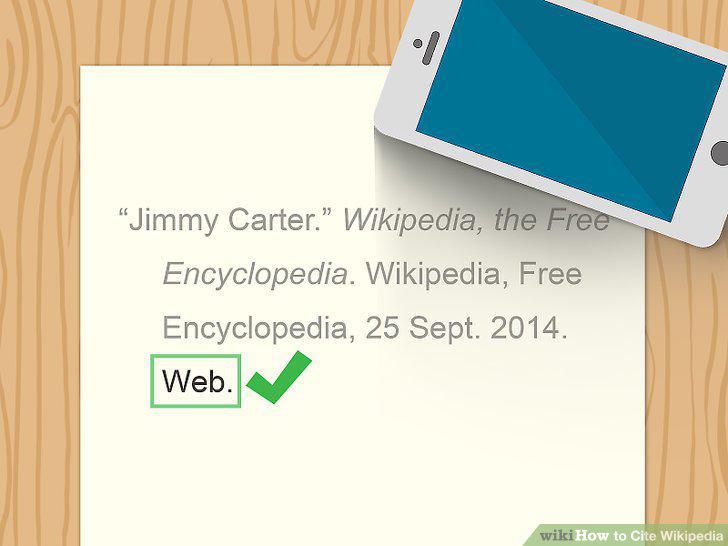
Add the publication type.
18
End with the date you found the source.
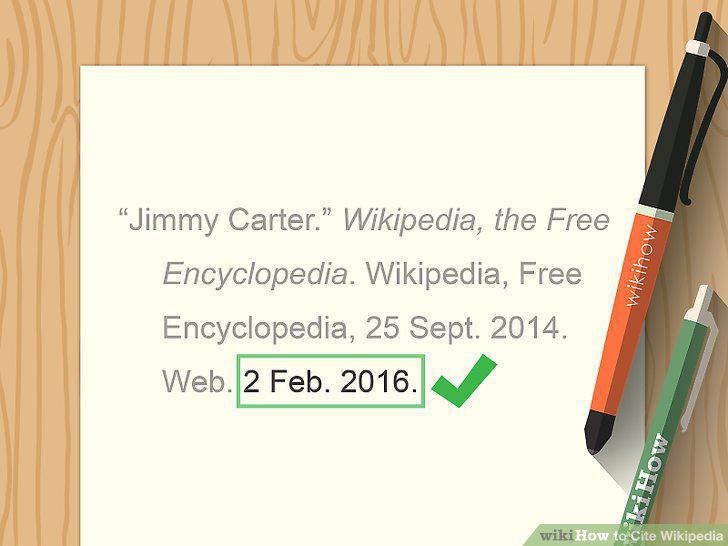
End with the date you found the source.
Comments (0)
No comments yet. Be the first to share your thoughts!