How to Watch Videos from Your Phone on Your TV
Open Screen Sharing app your smart TV or streaming device.. Open the Gallery .. Navigate to a video.
Steps
1
Open Screen Sharing app your smart TV or streaming device.
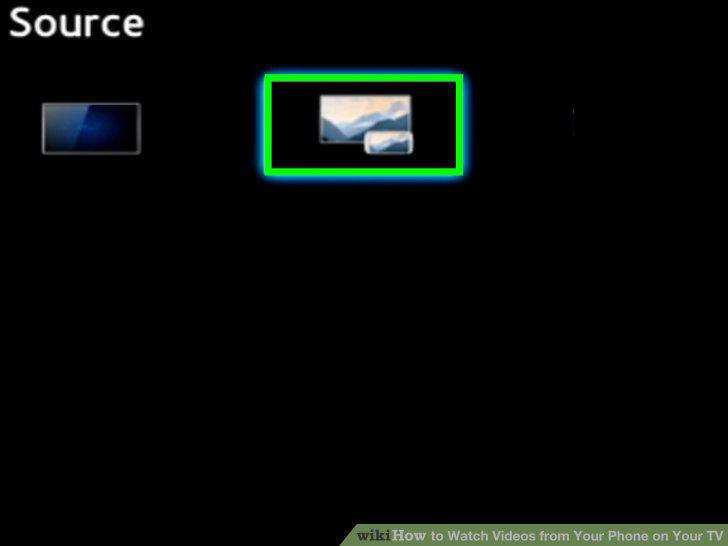
Open Screen Sharing app your smart TV or streaming device.
2
Open the Gallery .
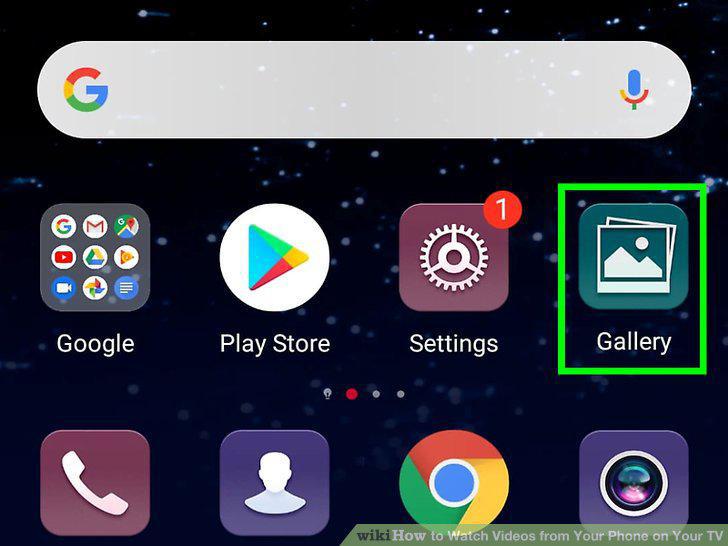
Open the Gallery .
3
Navigate to a video.
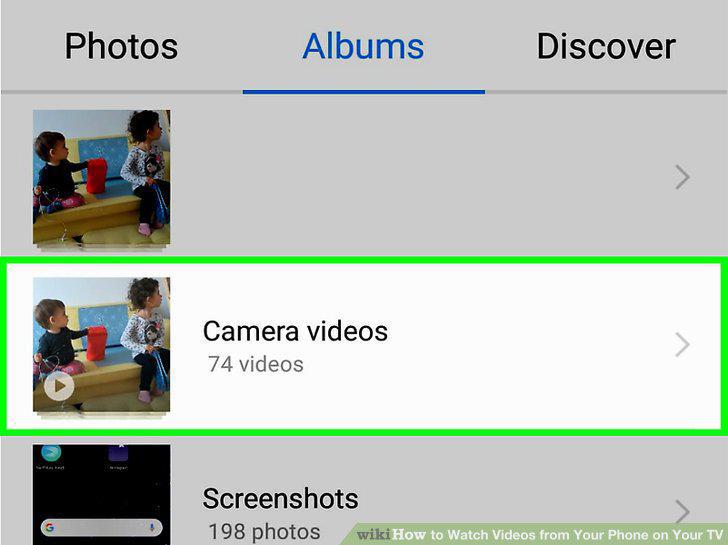
Navigate to a video.
4
Tap a video.
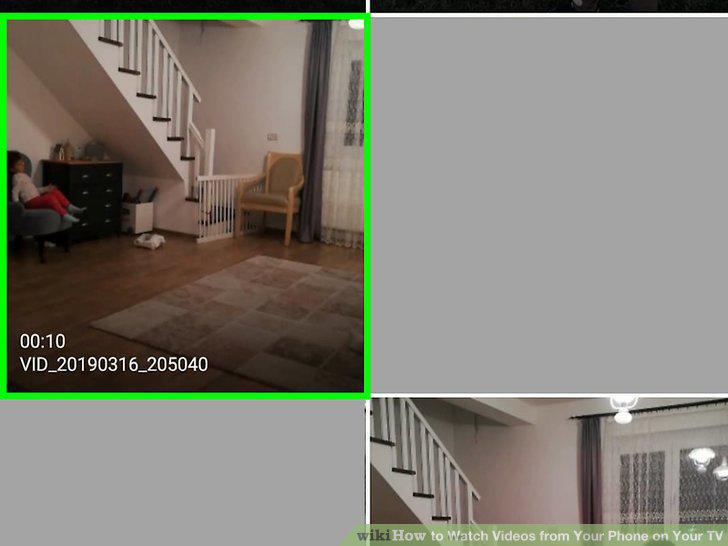
Tap a video.
5
Tap the share icon .
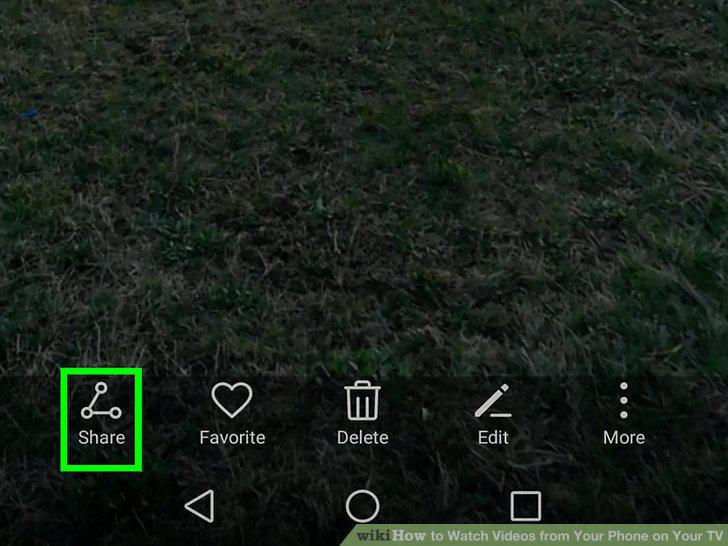
Tap the share icon .
6
Tap View Content On TV.
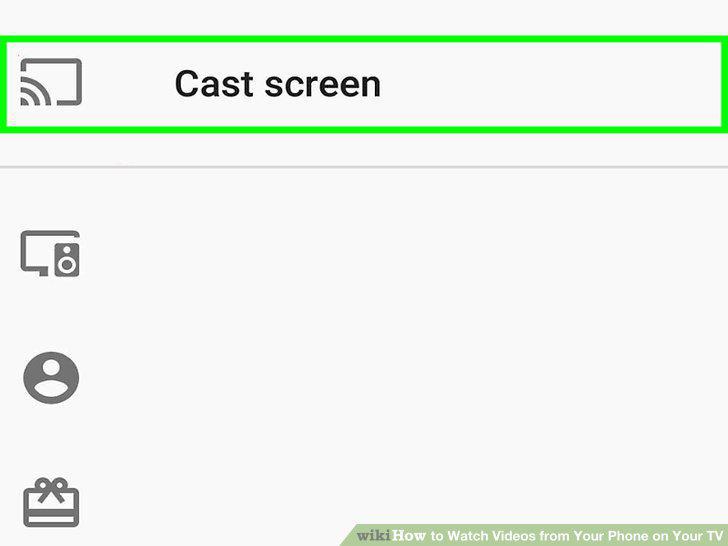
Tap View Content On TV.
7
Tap the device you want to cast to.
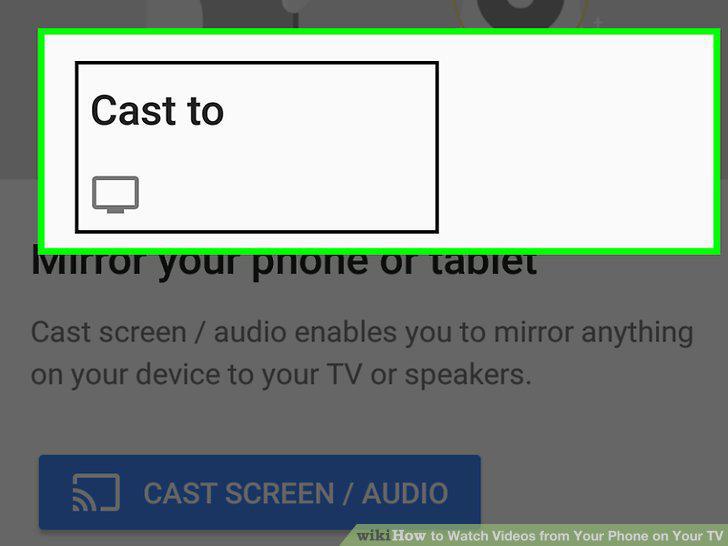
Tap the device you want to cast to.
8
Open a video streaming app on your phone.
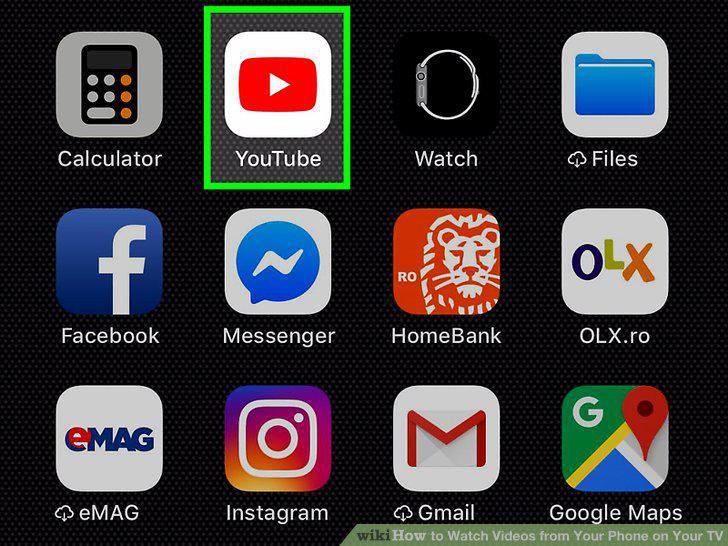
Open a video streaming app on your phone.
9
Open the same video streaming app on your TV.
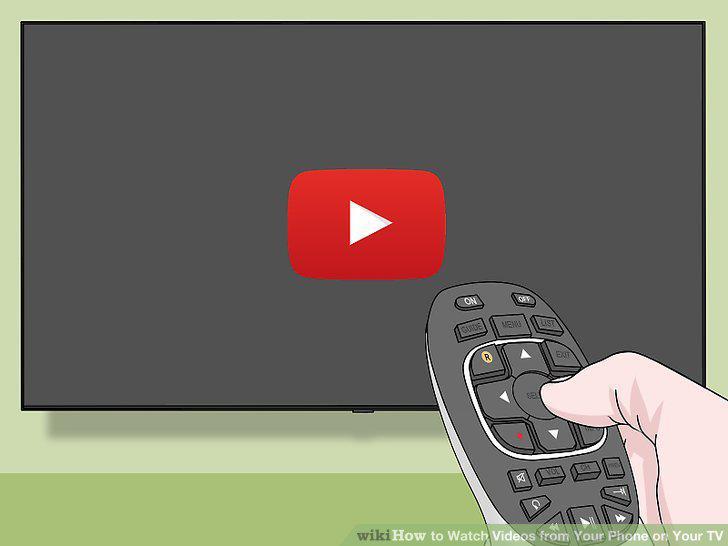
Open the same video streaming app on your TV.
10
Play a video.

Play a video.
11
Tap the cast button.

Tap the cast button.
12
Tap the device you want to cast to.
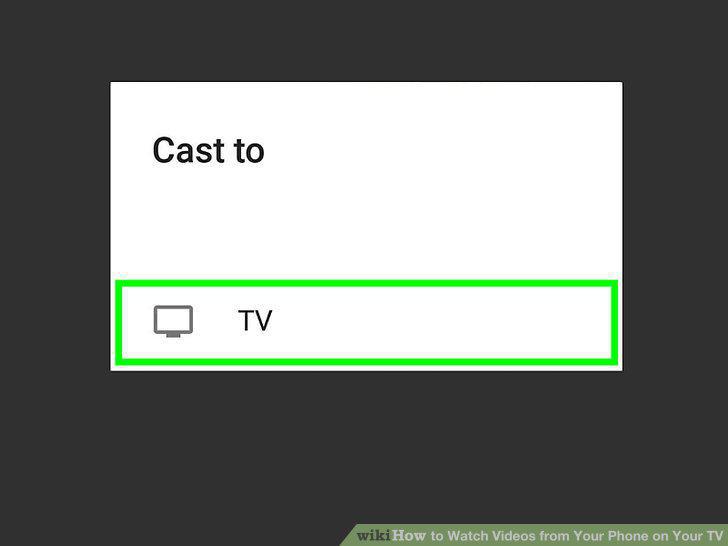
Tap the device you want to cast to.
13
Connect your Apple TV device to your TV.
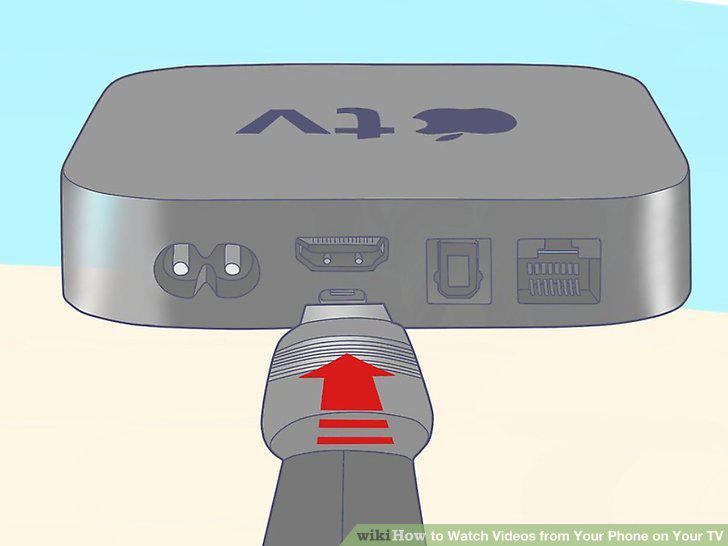
Connect your Apple TV device to your TV.
14
Open the App you want to cast video from.
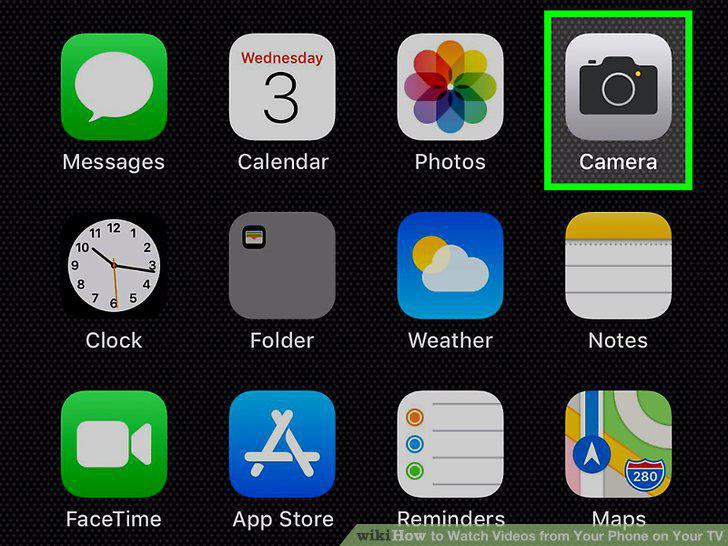
Open the App you want to cast video from.
15
Tap the Share icon.
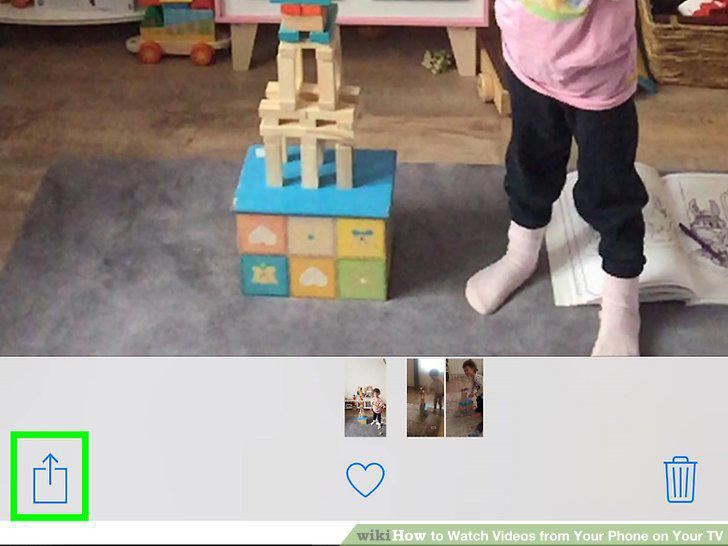
Tap the Share icon.
16
Tap AirPlay.
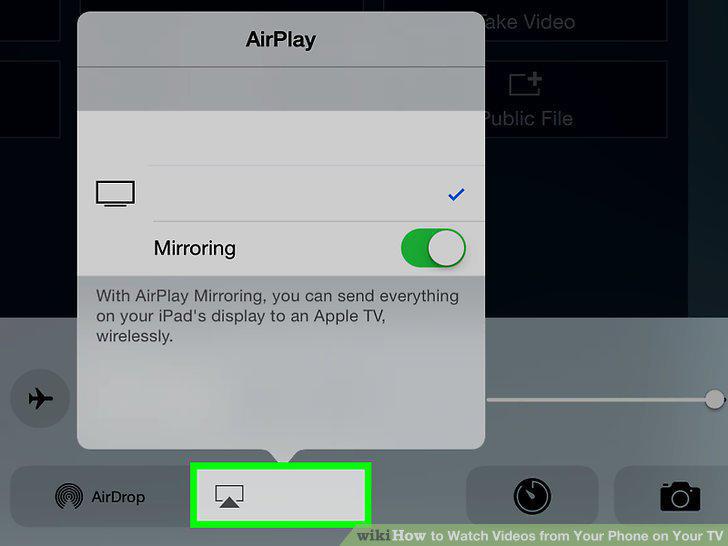
Tap AirPlay.
17
Tap the Apple TV device you want to connect to.
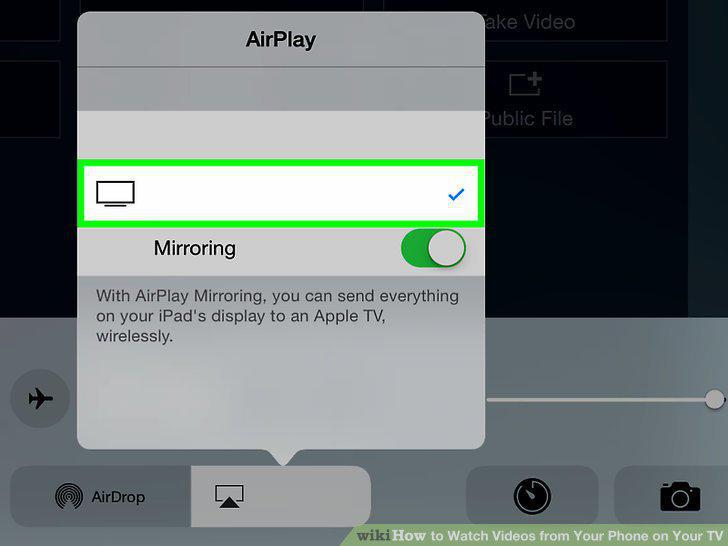
Tap the Apple TV device you want to connect to.
Comments (0)
No comments yet. Be the first to share your thoughts!