How to Confirm a Follow Request on Instagram
Open the Instagram app on your phone.. Tap the heart-shaped icon.. Tap Follow Requests.
Steps
1
Open the Instagram app on your phone.
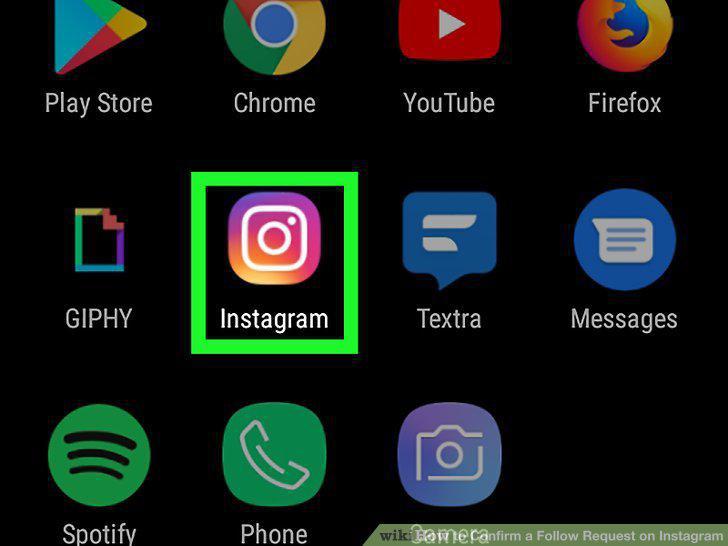
Open the Instagram app on your phone.
2
Tap the heart-shaped icon.
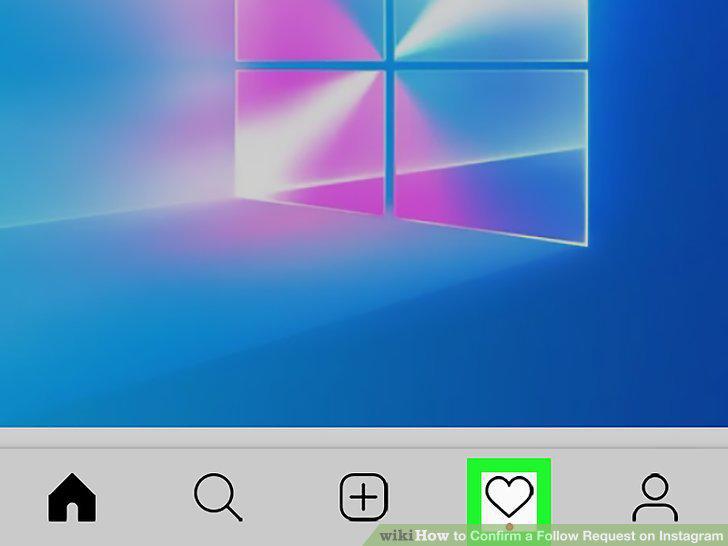
Tap the heart-shaped icon.
3
Tap Follow Requests.
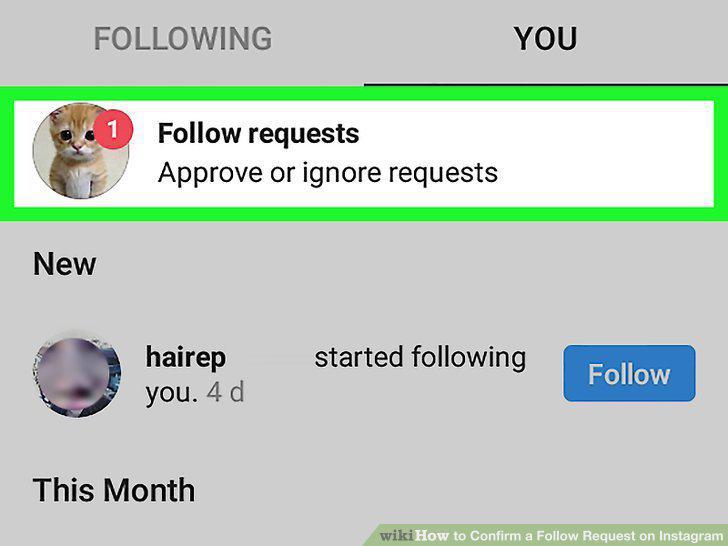
Tap Follow Requests.
4
Tap Confirm next to the person you would like to approve.
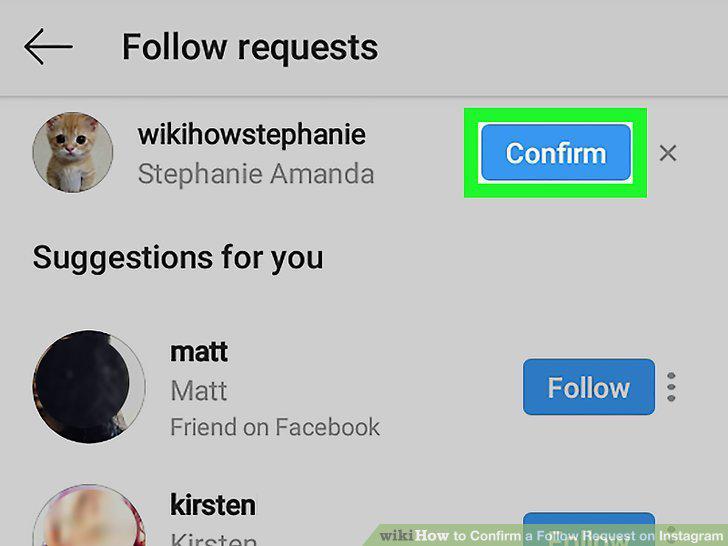
Tap Confirm next to the person you would like to approve.
Comments (0)
No comments yet. Be the first to share your thoughts!