How to Switch Spotify to a Family Plan
Go to https://spotify.com and sign in if prompted.. Click the account profile icon.. Click Account.
Steps
1
Go to https://spotify.com and sign in if prompted.
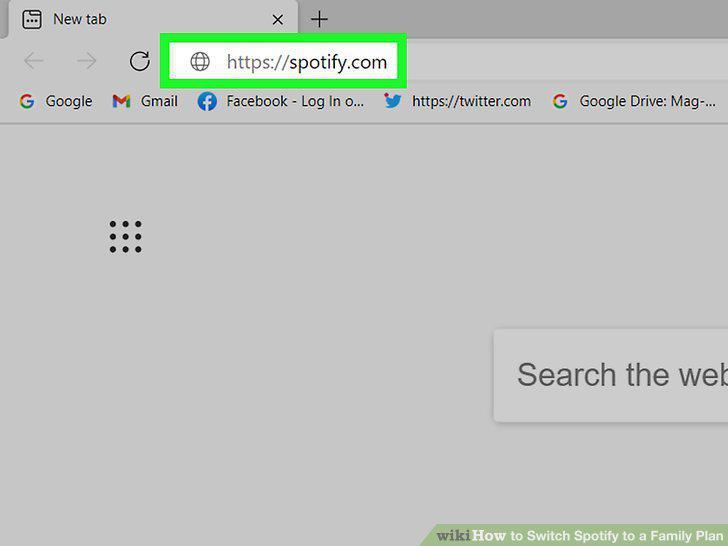
Go to https://spotify.com and sign in if prompted.
2
Click the account profile icon.
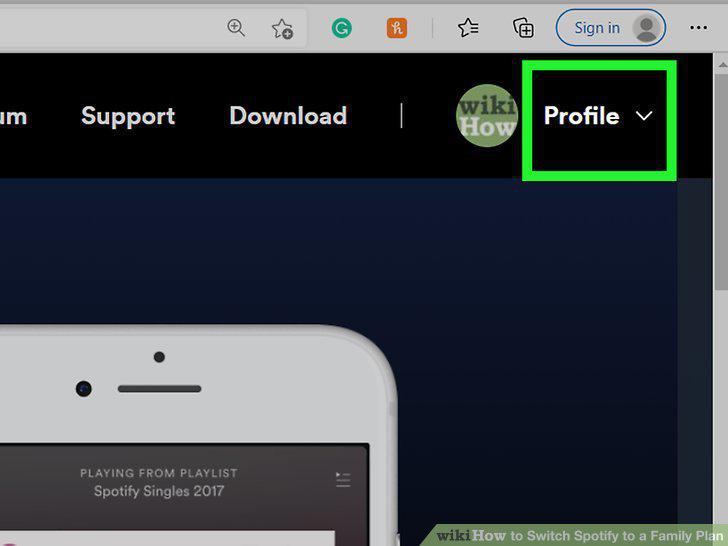
Click the account profile icon.
3
Click Account.
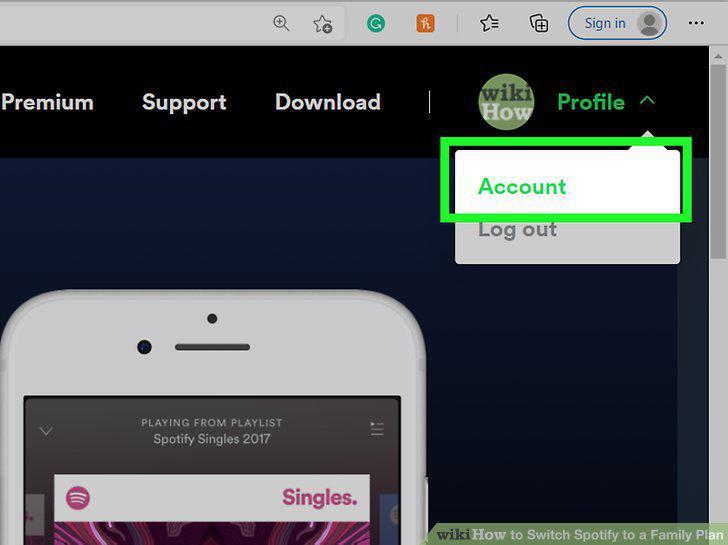
Click Account.
4
Click Change Plan.
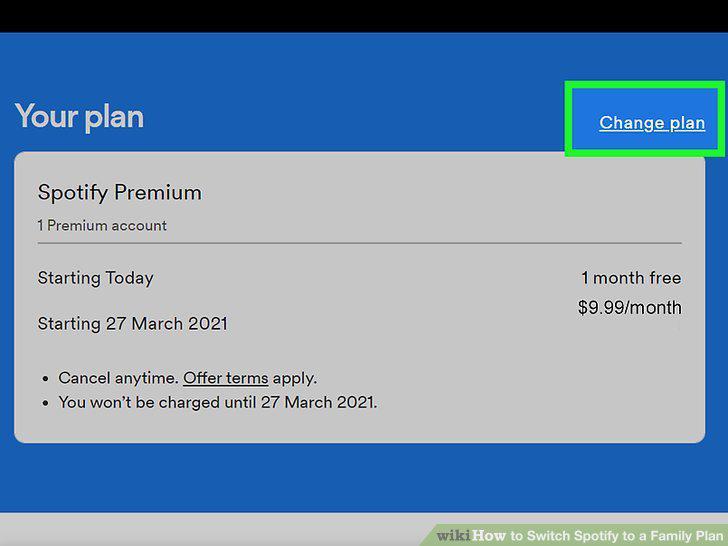
Click Change Plan.
5
Navigate to "Spotify Premium for Family" and click Select.
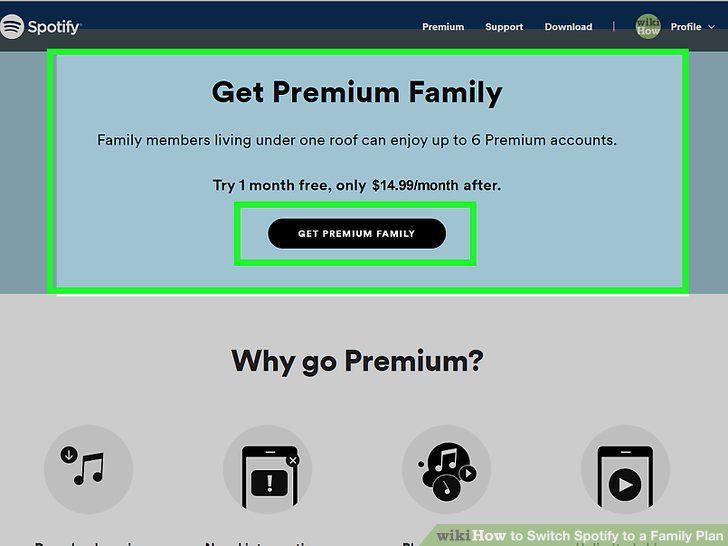
Navigate to "Spotify Premium for Family" and click Select.
Comments (0)
No comments yet. Be the first to share your thoughts!