How to Sign Up for Disney Plus
Go to https://www.disneyplus.com.. Click the blue Start Free Trial button.. Enter your email address.
Steps
1
Go to https://www.disneyplus.com.
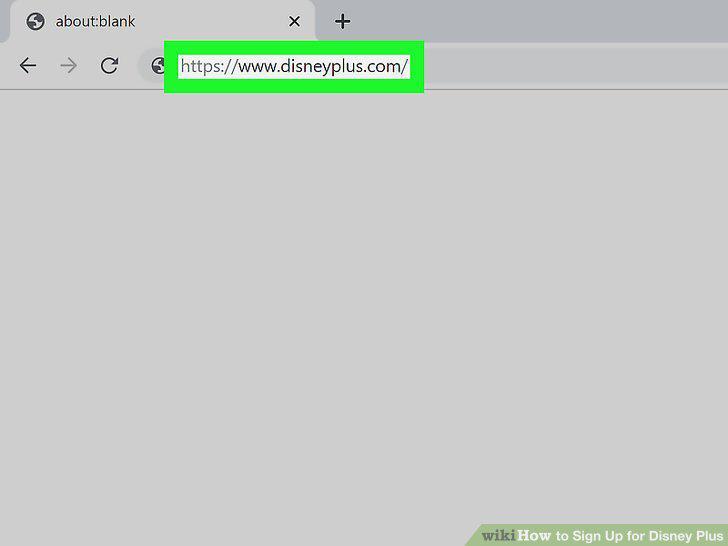
Go to https://www.disneyplus.com.
2
Click the blue Start Free Trial button.

Click the blue Start Free Trial button.
3
Enter your email address.
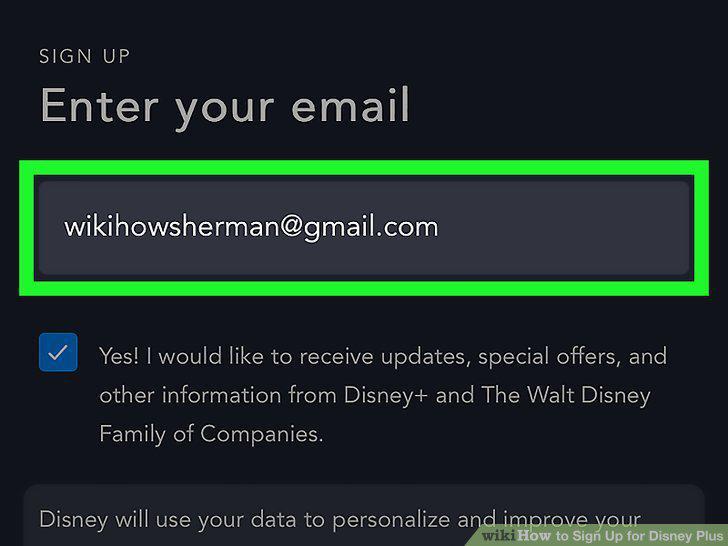
Enter your email address.
4
Review the terms and click Agree & Continue.
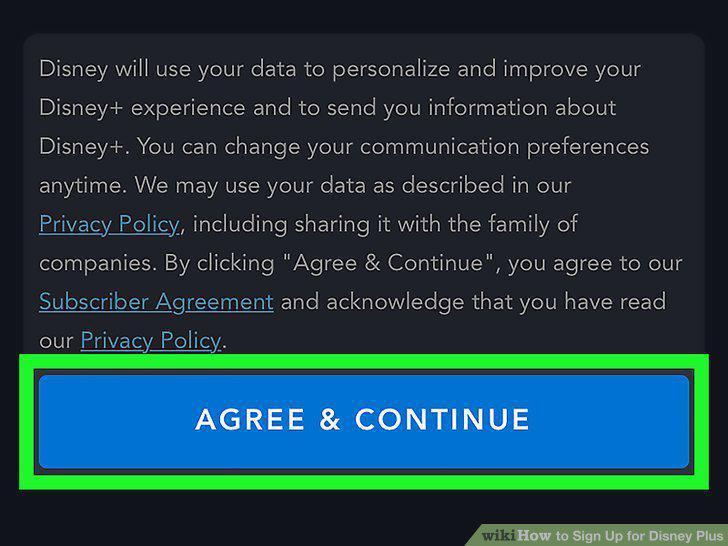
Review the terms and click Agree & Continue.
5
Create a password and click CONTINUE.
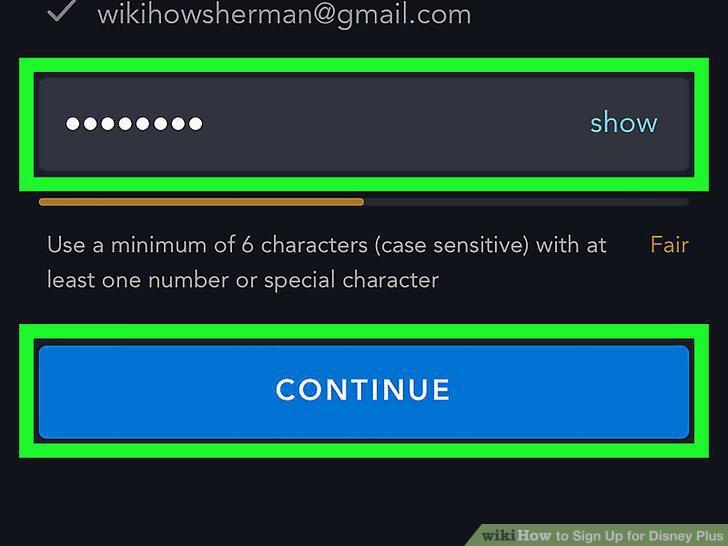
Create a password and click CONTINUE.
6
Select a billing option.
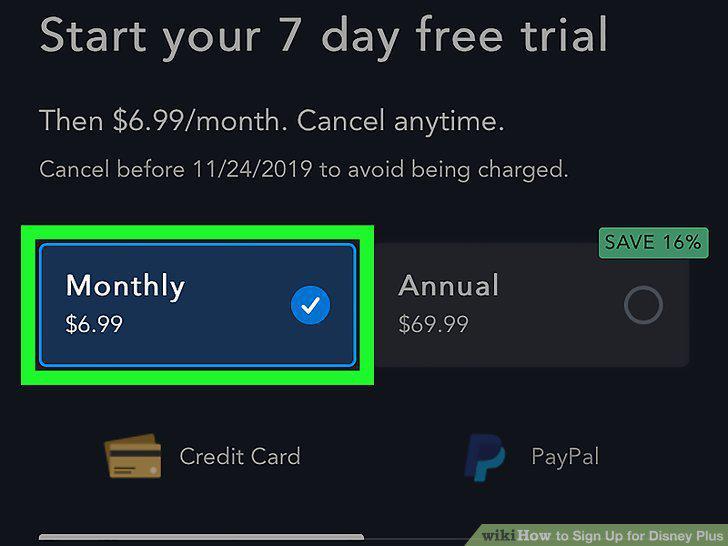
Select a billing option.
7
Enter your billing information.
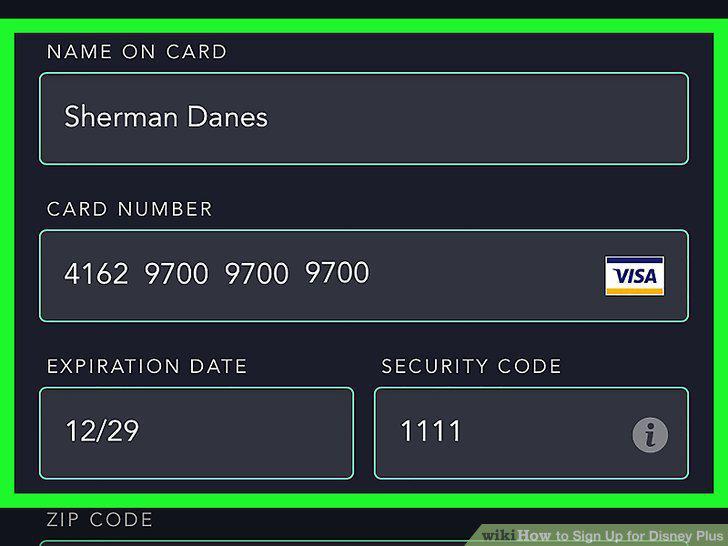
Enter your billing information.
8
Click the blue AGREE & SUBSCRIBE button.
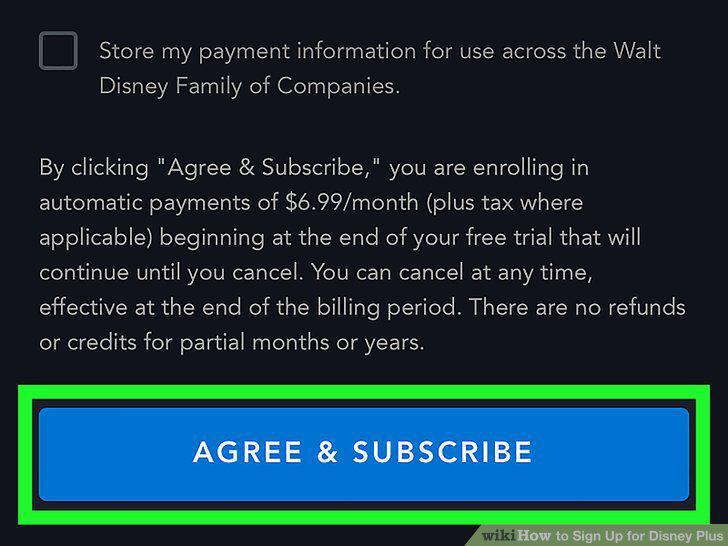
Click the blue AGREE & SUBSCRIBE button.
Comments (0)
No comments yet. Be the first to share your thoughts!