How to Learn Video Editing
Film footage to gather some practice material.. Import the footage into your software.. Add clips to the timeline.
Steps
Film footage to gather some practice material.
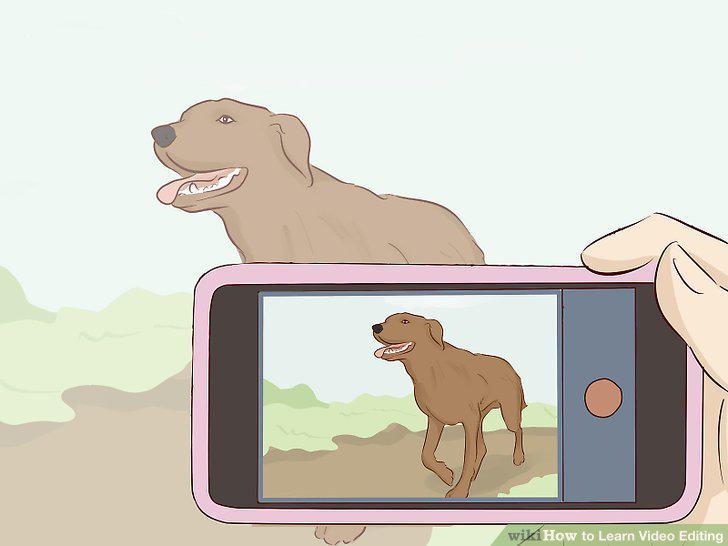
Film footage to gather some practice material.
Import the footage into your software.
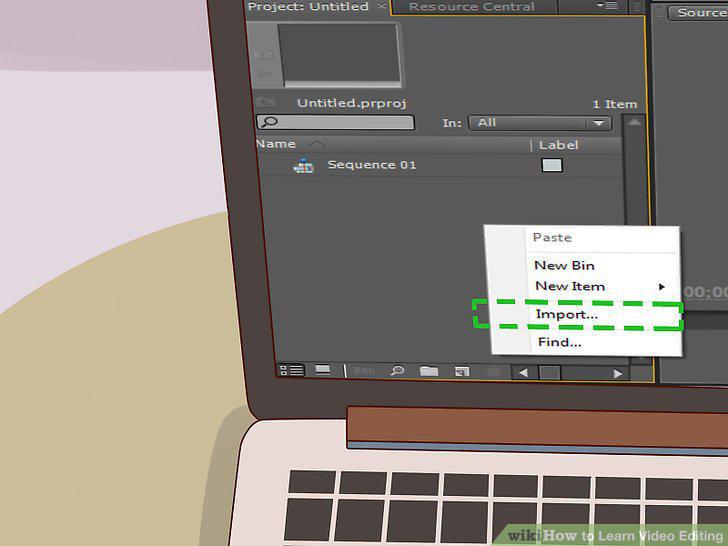
Import the footage into your software.
Add clips to the timeline.
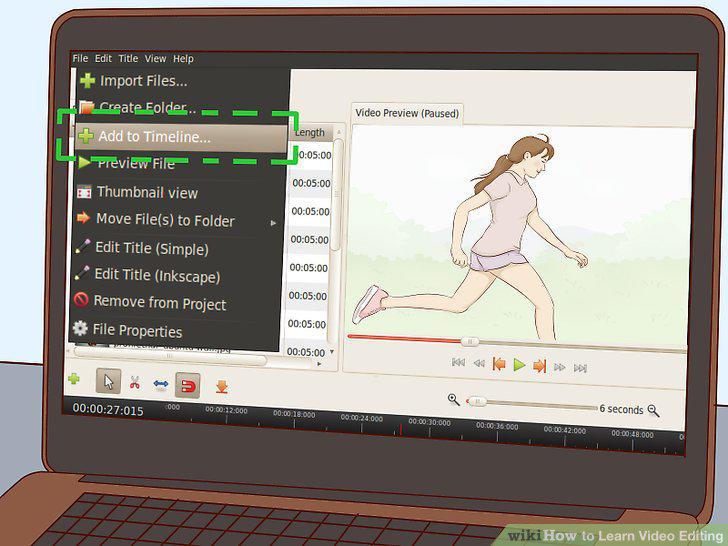
Add clips to the timeline.
Rearrange the clips on the timeline.
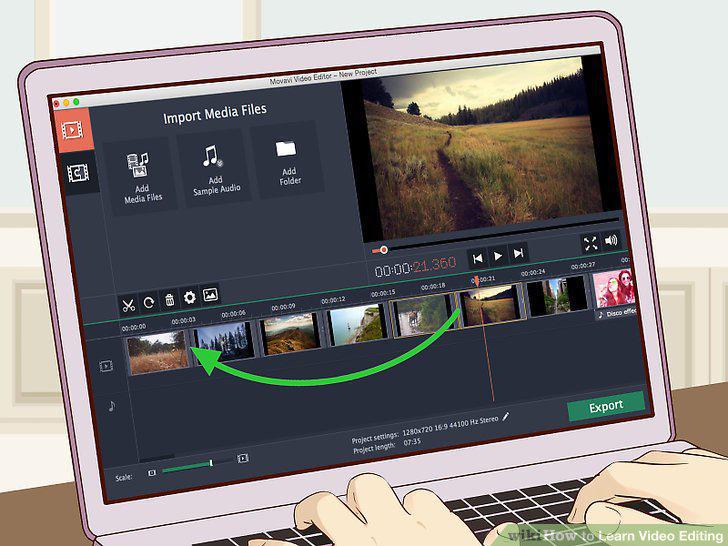
Rearrange the clips on the timeline.
Trim the video clips to change the pace of the video.
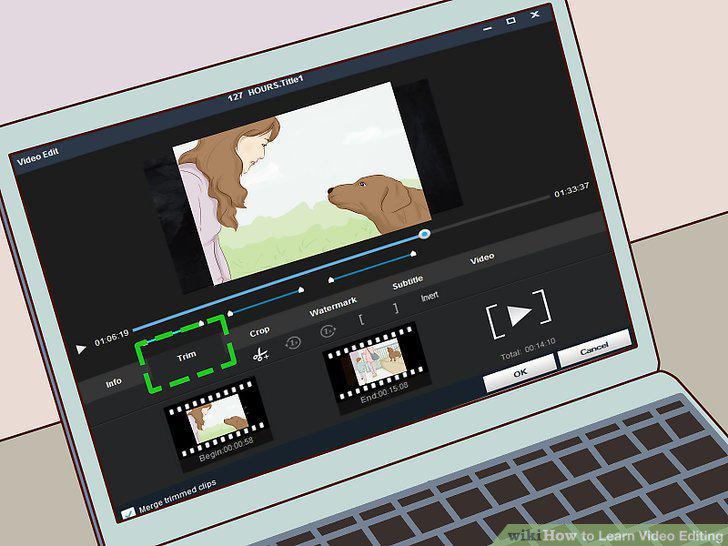
Trim the video clips to change the pace of the video.
Implement transitions to make cuts more appealing.
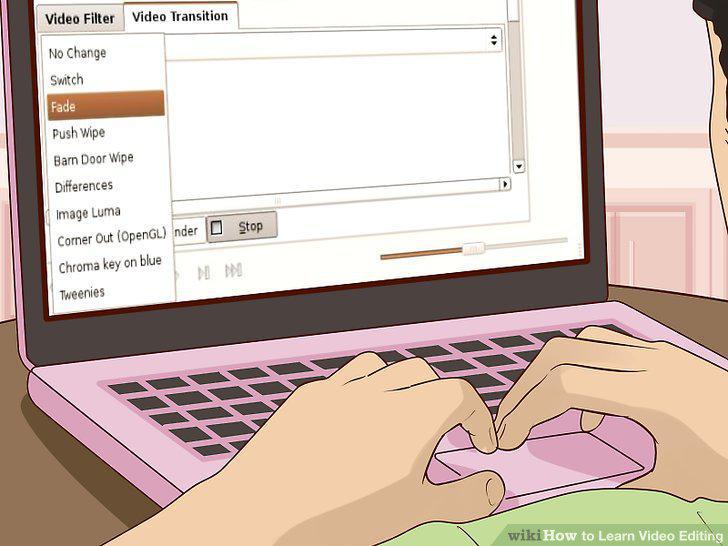
Implement transitions to make cuts more appealing.
Export the video from the editing software to save your edits.
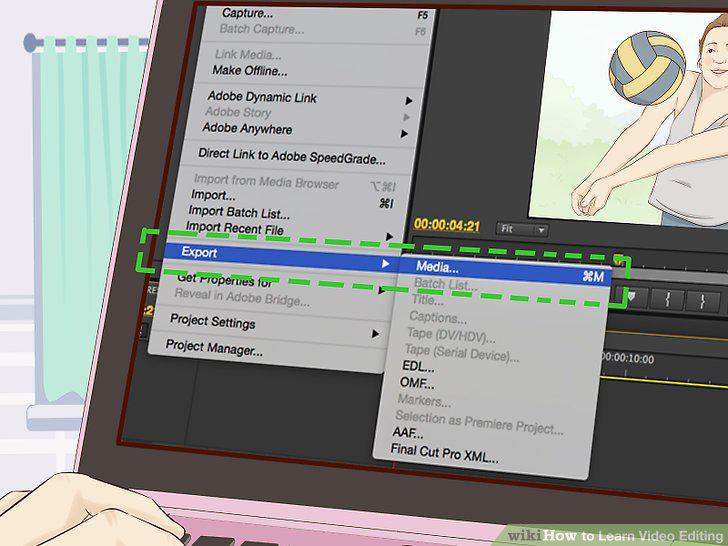
Export the video from the editing software to save your edits.
Learn how to cut clips.
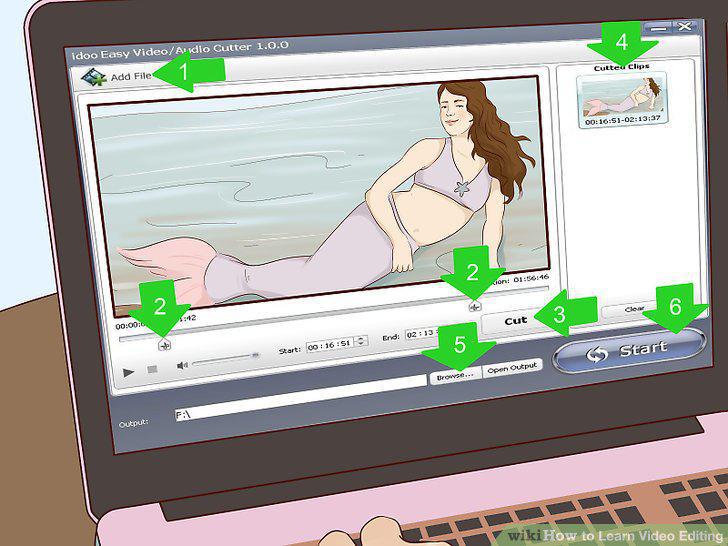
Learn how to cut clips.
Add music to your video by importing it into a 'bin'.
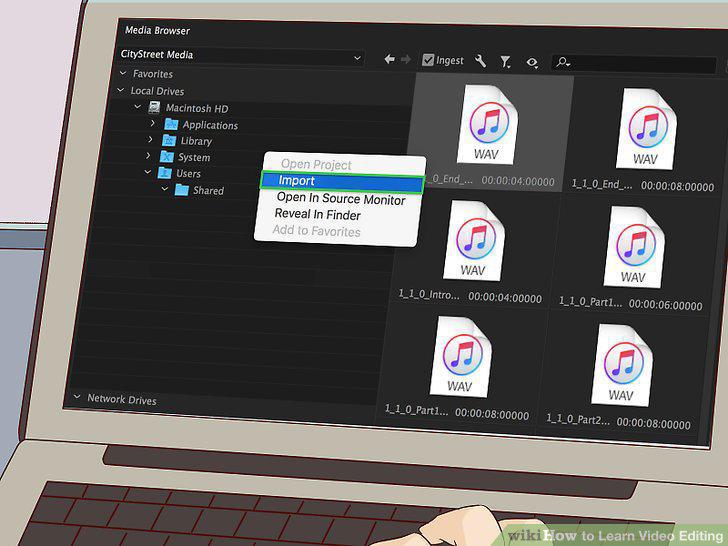
Add music to your video by importing it into a 'bin'.
Adjust the mix to make for higher quality audio.
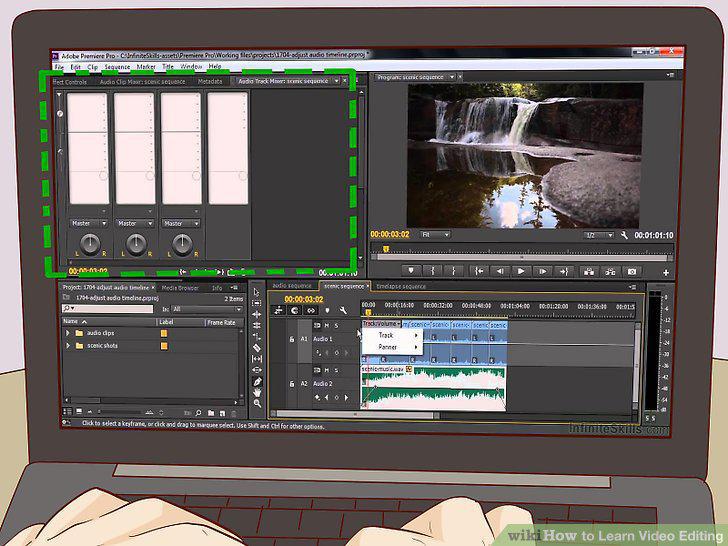
Adjust the mix to make for higher quality audio.
Try your hand at some color correction to make your video look professional.
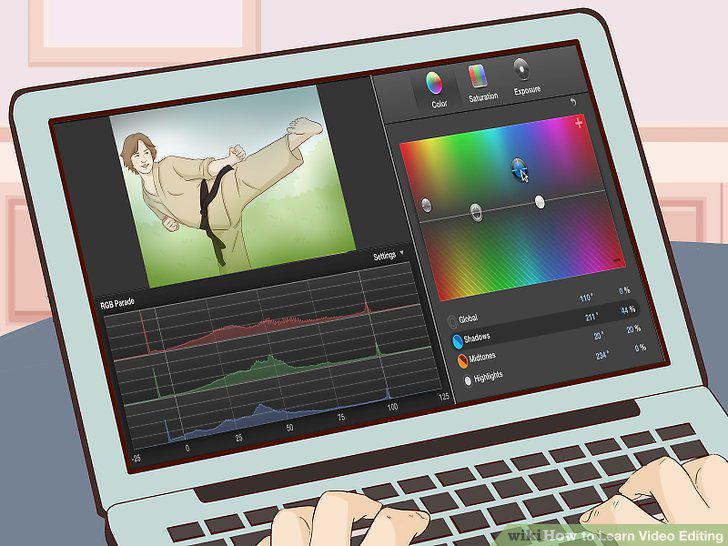
Try your hand at some color correction to make your video look professional.
Delete unnecessary footage.
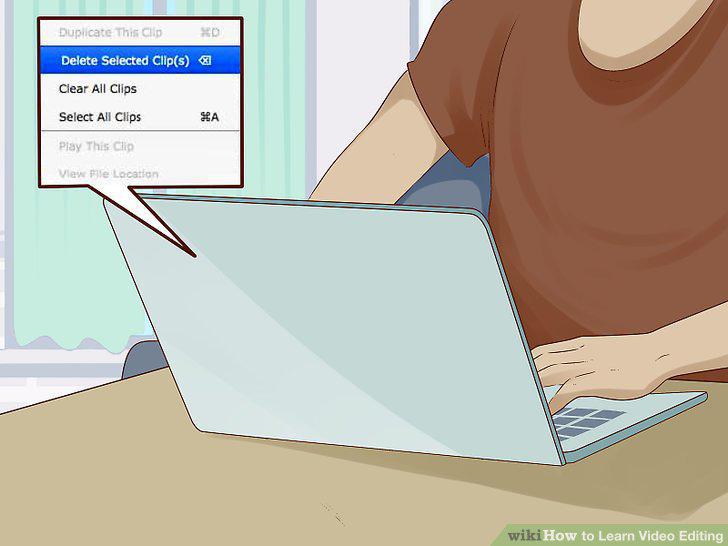
Delete unnecessary footage.
Work with Apple iMovie if you own an Apple device.
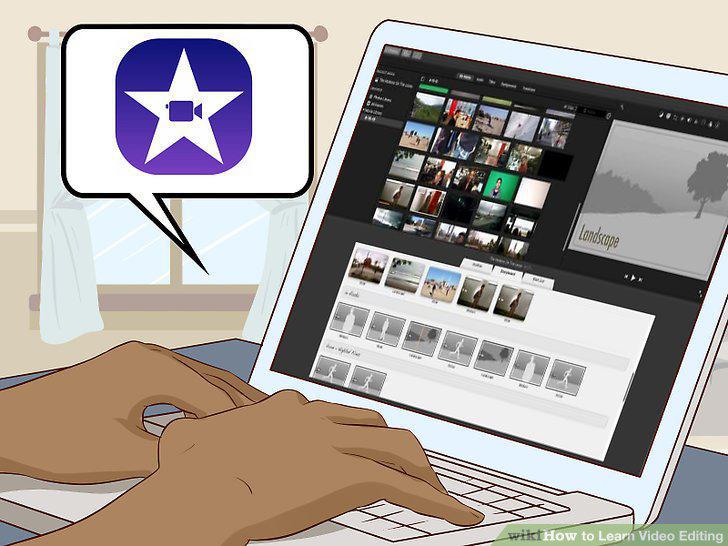
Work with Apple iMovie if you own an Apple device.
Use Adobe Premiere if you work on Windows.
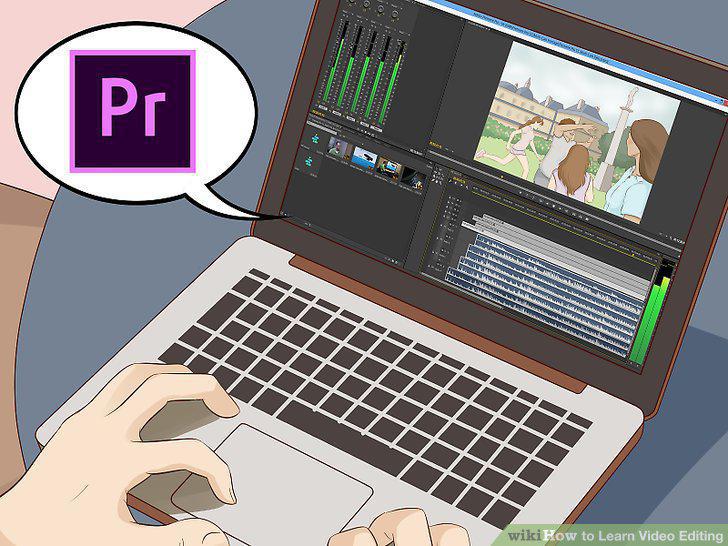
Use Adobe Premiere if you work on Windows.
Purchase Corel Videostudio for a cheaper option.
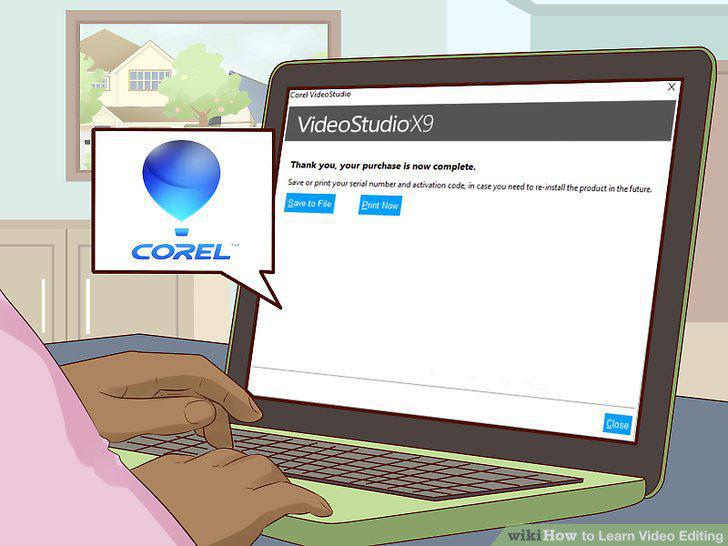
Purchase Corel Videostudio for a cheaper option.
Download Lightworks if you can't afford to spend.
Download Lightworks if you can't afford to spend.
Comments (0)
No comments yet. Be the first to share your thoughts!