How to Make an Angry Face Online
Open the app you want to use.. Tap the typing area.. Tap the smiley face next to the spacebar.
Steps
Open the app you want to use.
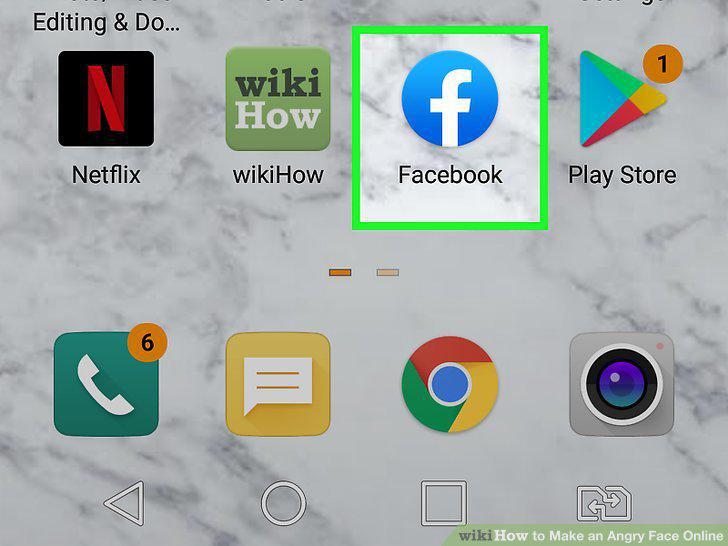
Open the app you want to use.
Tap the typing area.
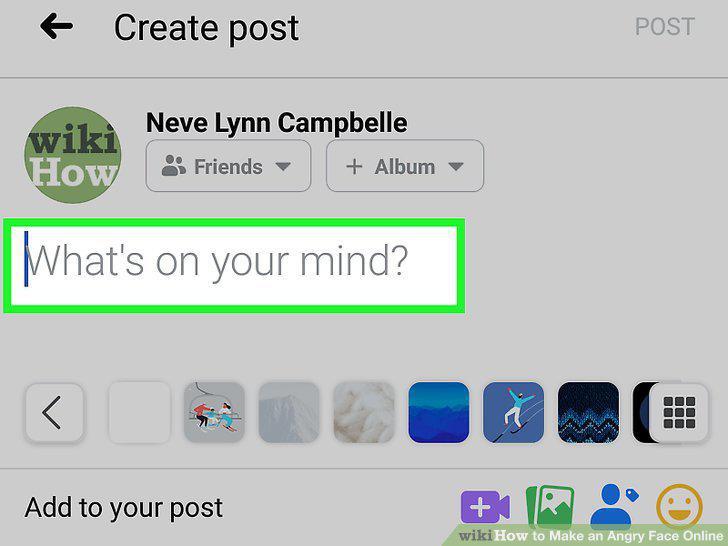
Tap the typing area.
Tap the smiley face next to the spacebar.
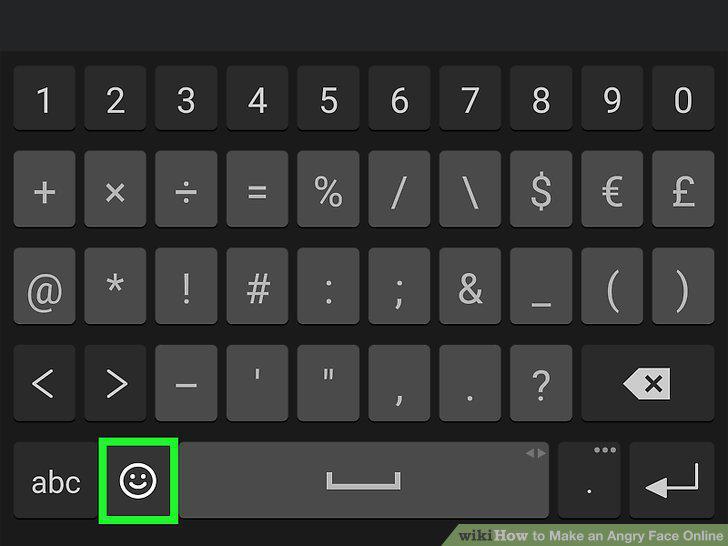
Tap the smiley face next to the spacebar.
Search for an angry emoji.
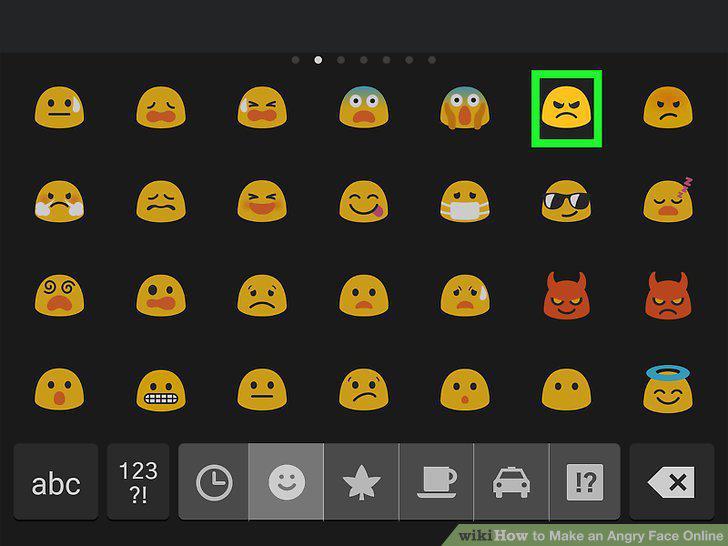
Search for an angry emoji.
Tap the emoji to insert it.
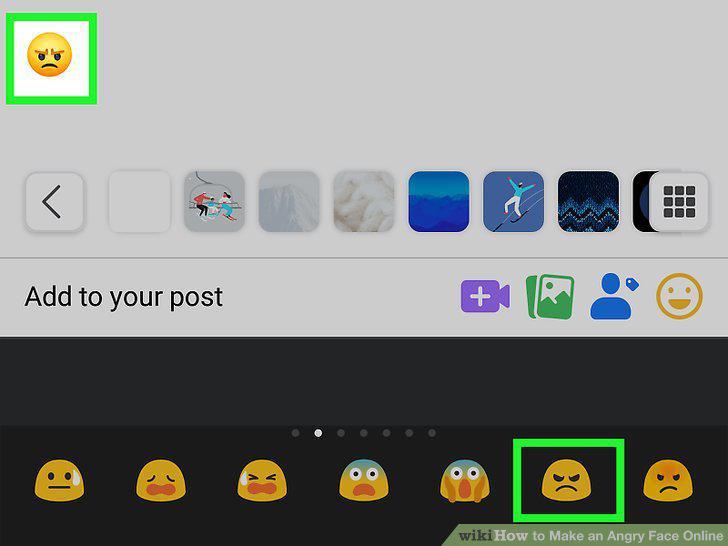
Tap the emoji to insert it.
Open the app you want to use.
Open the app you want to use.
Tap the typing area.
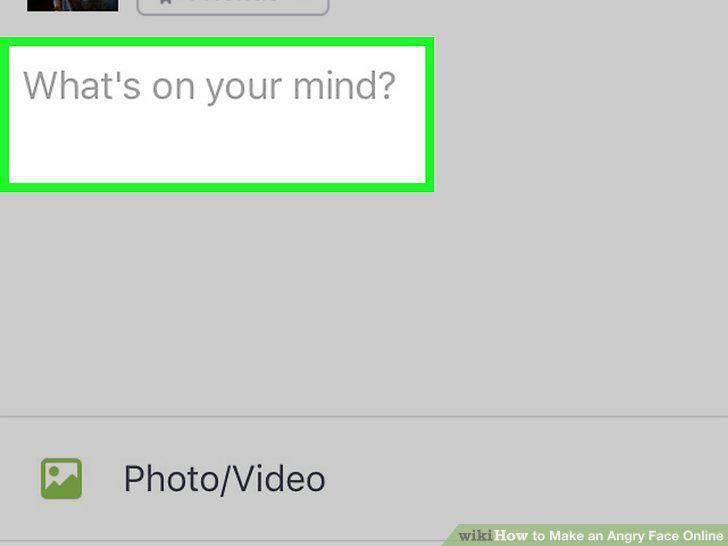
Tap the typing area.
Tap the smiley face or globe key.
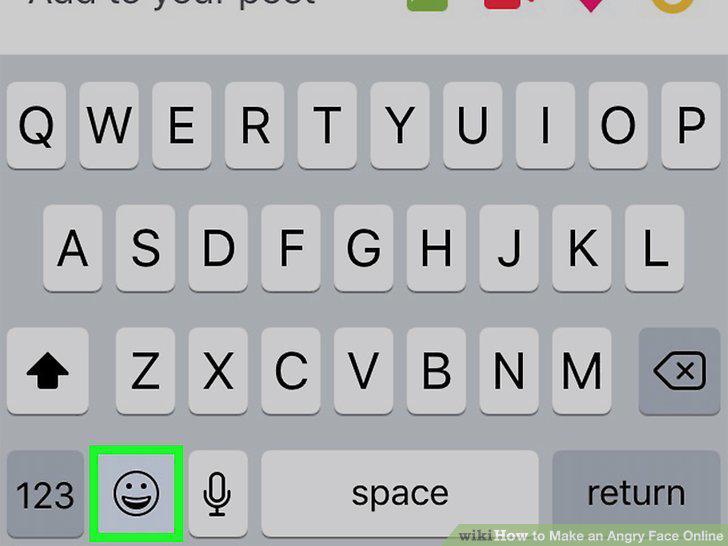
Tap the smiley face or globe key.
Type angry into the "Search Emoji" field.
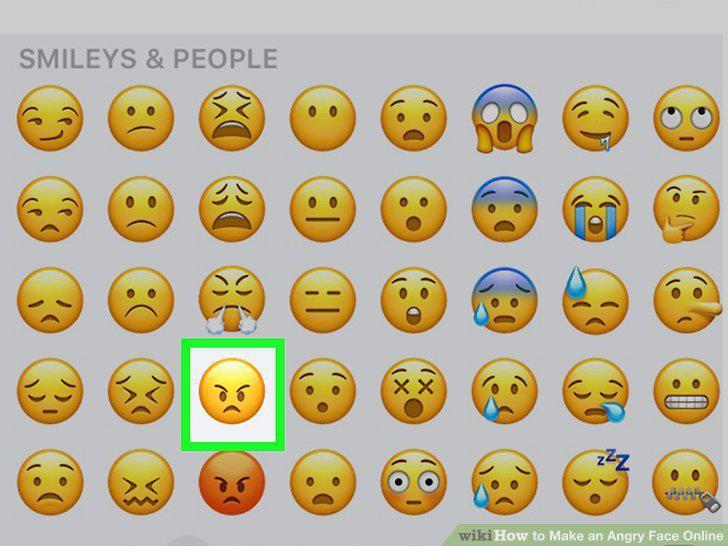
Type angry into the "Search Emoji" field.
Tap an angry emoji to insert it.
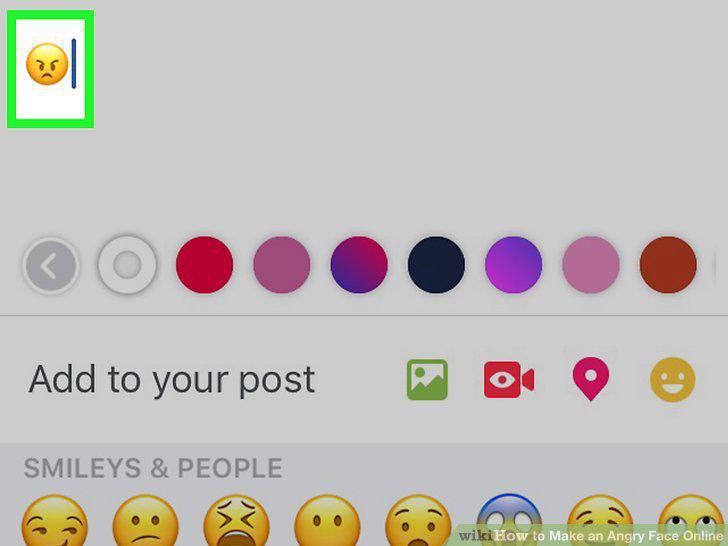
Tap an angry emoji to insert it.
Create horizontal angry faces.
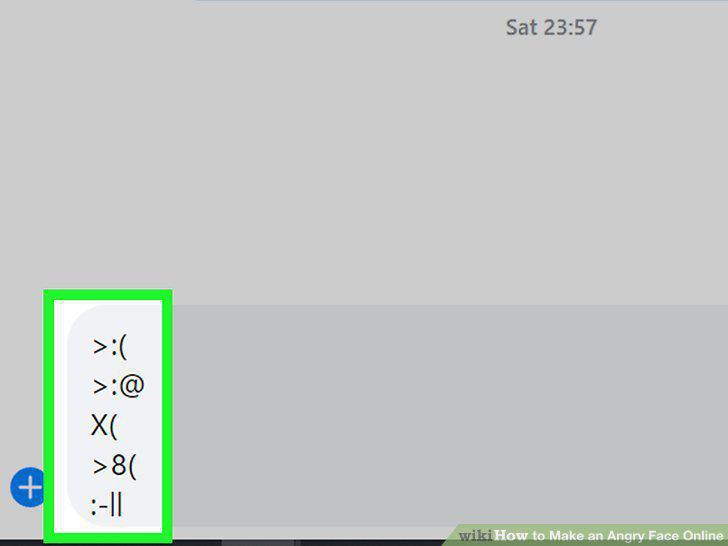
Create horizontal angry faces.
Create vertical angry faces.
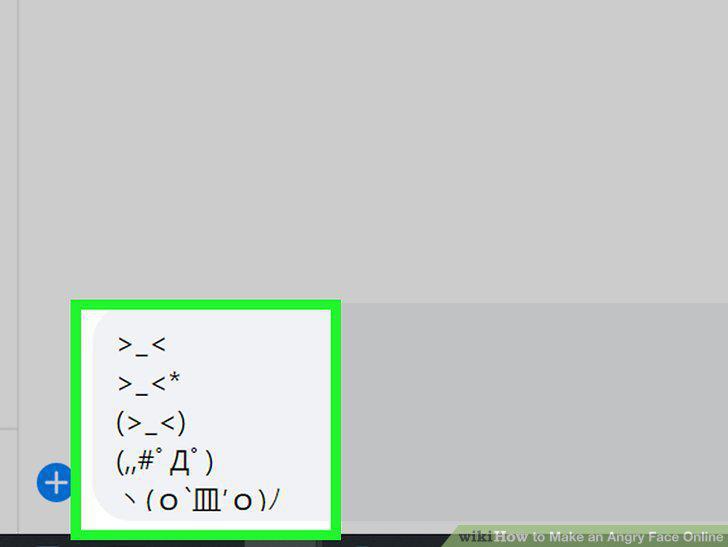
Create vertical angry faces.
Create a table-flipping emoticon.
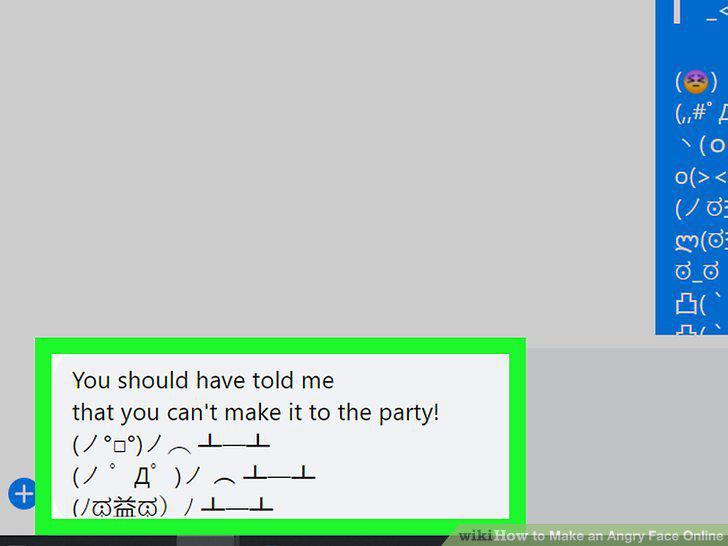
Create a table-flipping emoticon.
Open the app you want to use.
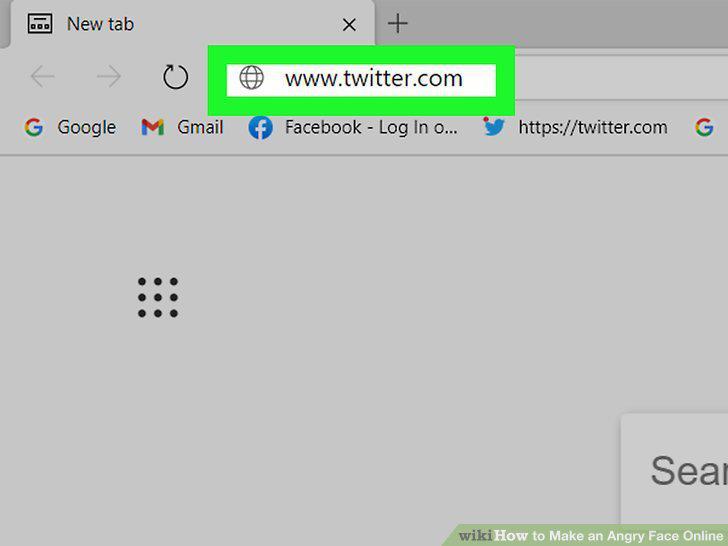
Open the app you want to use.
Press the Windows Key + the Period key.
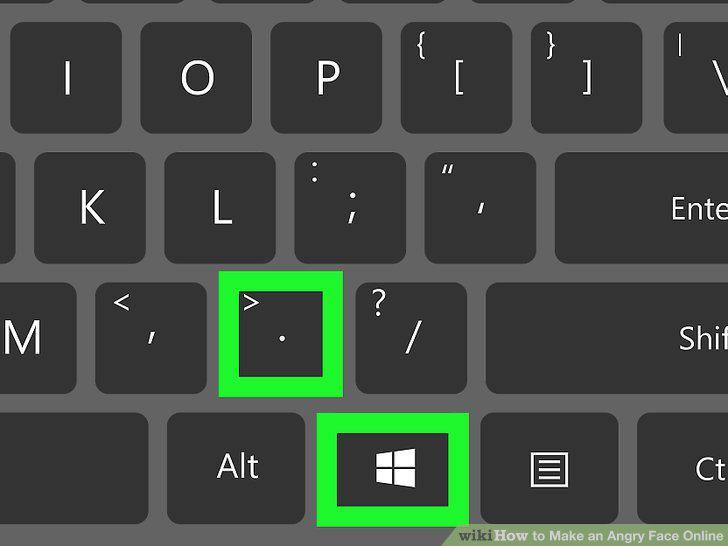
Press the Windows Key + the Period key.
Type the word angry.
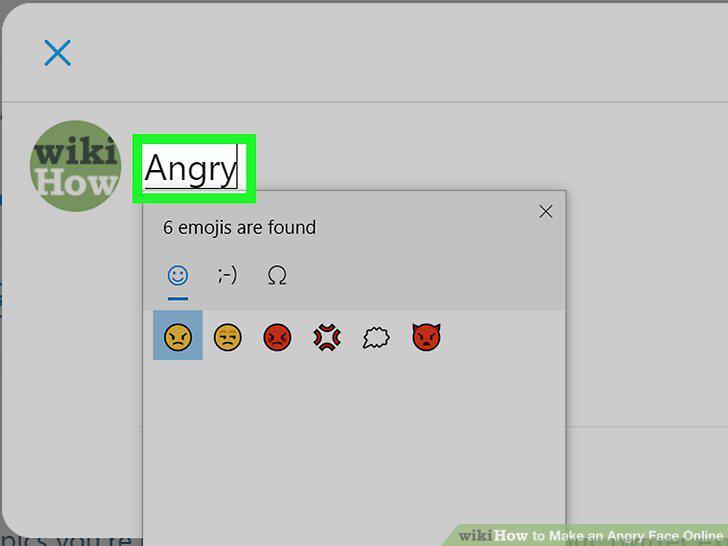
Type the word angry.
Click an angry emoji to insert it.
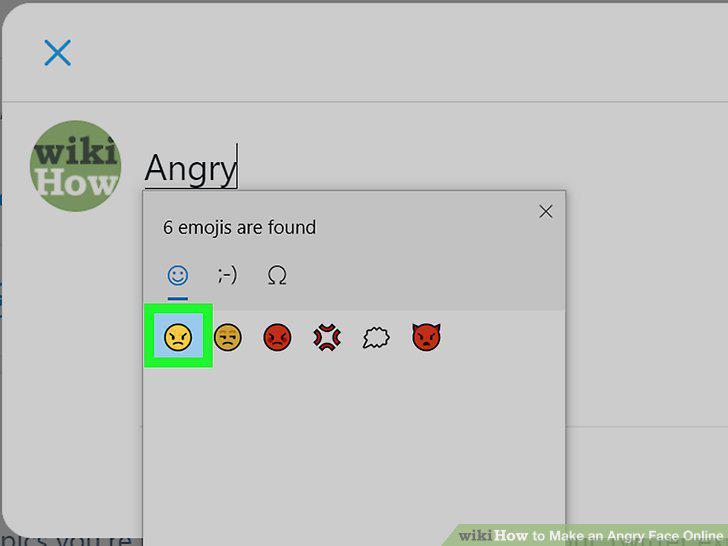
Click an angry emoji to insert it.
Open the app you want to use.
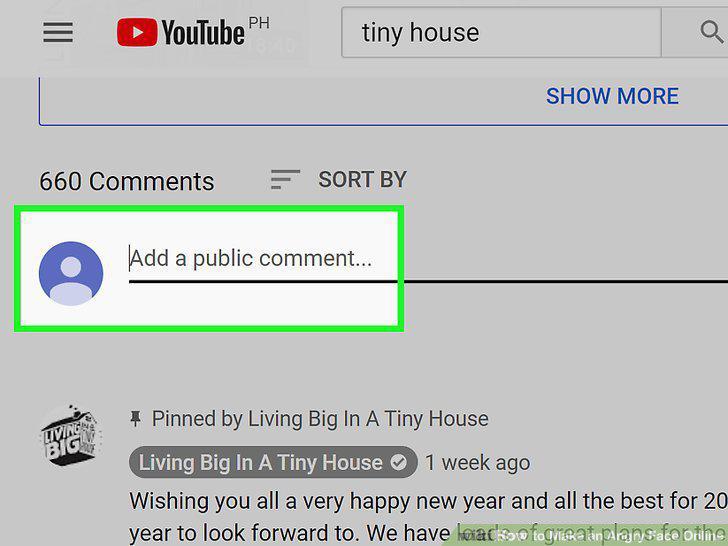
Open the app you want to use.
Click the Edit menu.
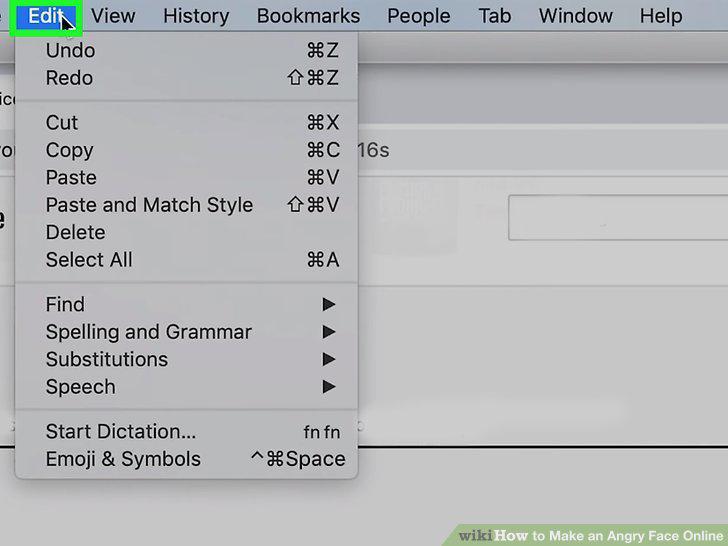
Click the Edit menu.
Click Emoij & Symbols on the menu.
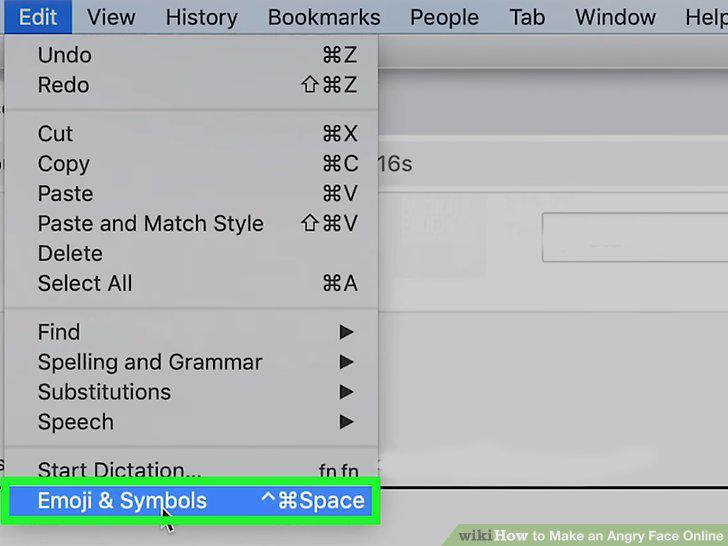
Click Emoij & Symbols on the menu.
Type angry into the Character Viewer search bar.
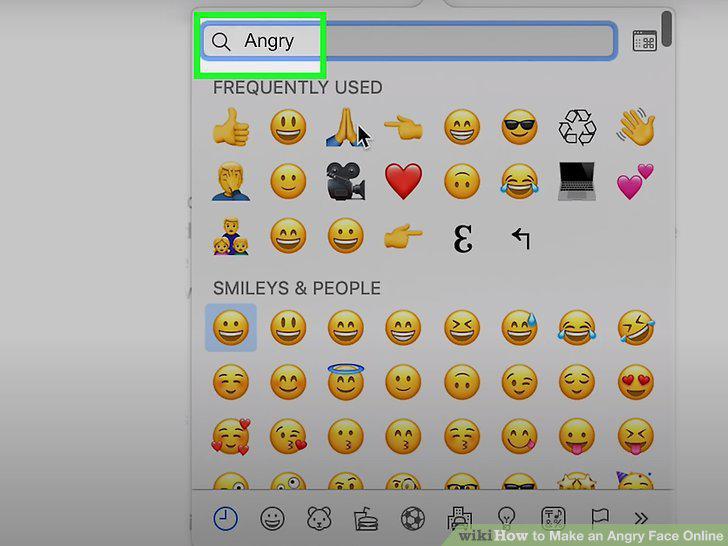
Type angry into the Character Viewer search bar.
Click an angry face emoji to insert it.
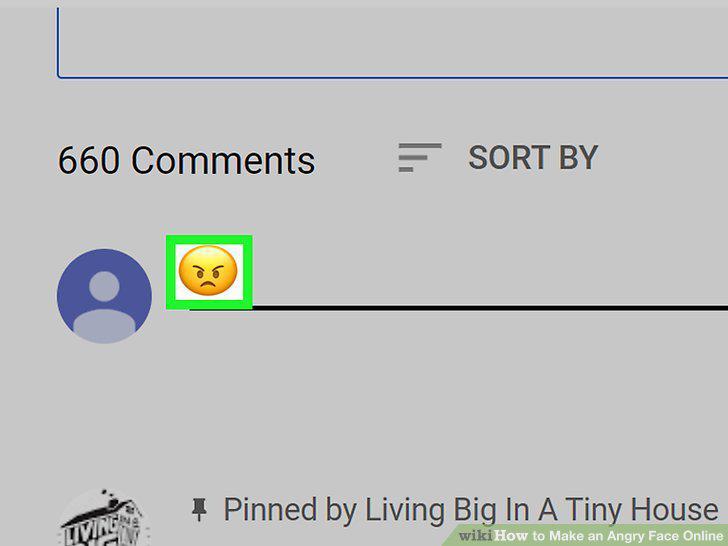
Click an angry face emoji to insert it.
Comments (0)
No comments yet. Be the first to share your thoughts!