How to List an Item in Your Etsy Shop
Make sure the item can be sold on Etsy.. Sign in to https://www.etsy.com.. Click Sell on Etsy.
Steps
1
Make sure the item can be sold on Etsy.
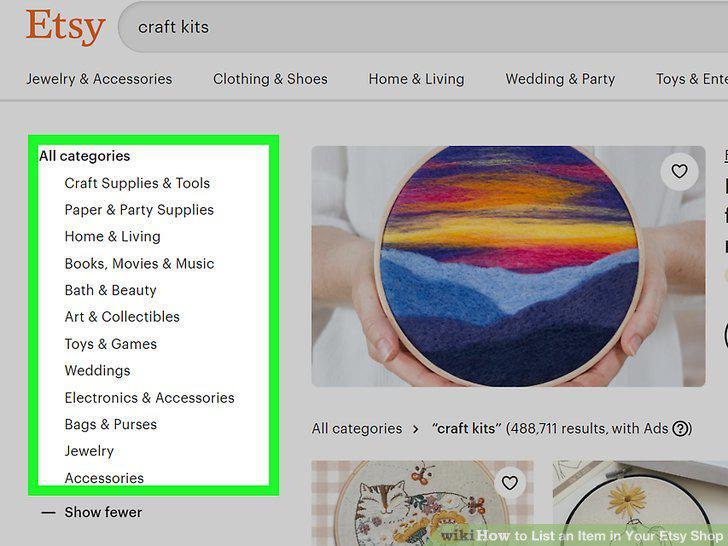
Make sure the item can be sold on Etsy.
2
Sign in to https://www.etsy.com.
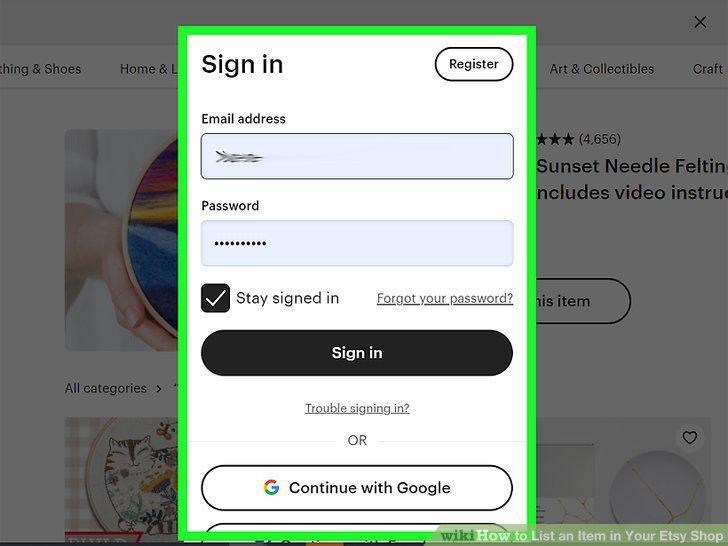
Sign in to https://www.etsy.com.
3
Click Sell on Etsy.
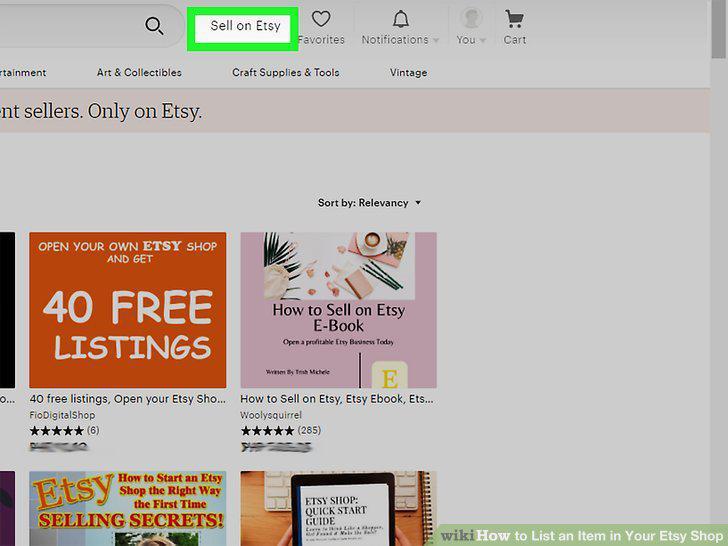
Click Sell on Etsy.
4
Click Open your Etsy shop.
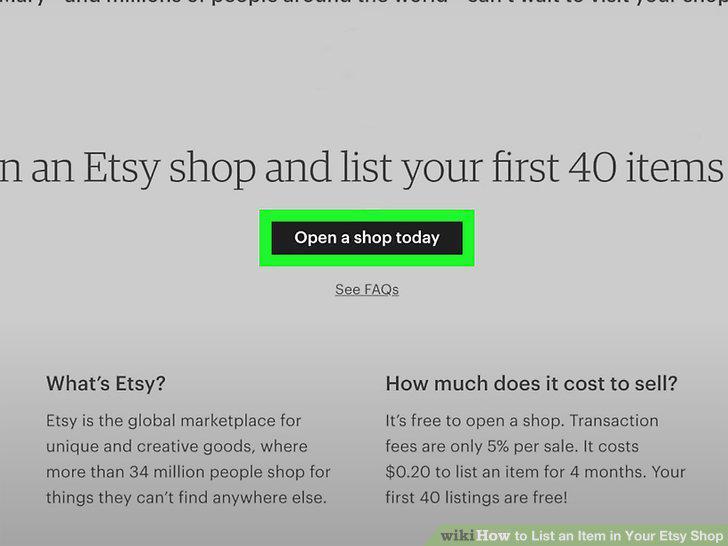
Click Open your Etsy shop.
5
Enter your shop details.
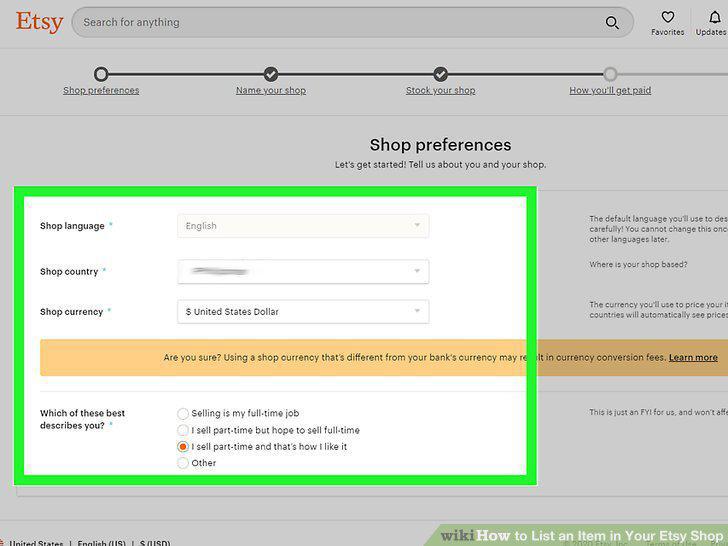
Enter your shop details.
6
Give your shop a name.
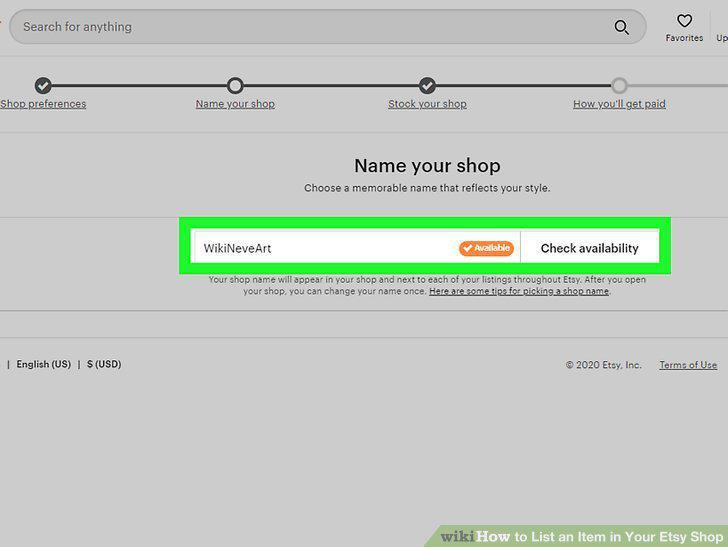
Give your shop a name.
7
Click Add a listing after naming your shop.
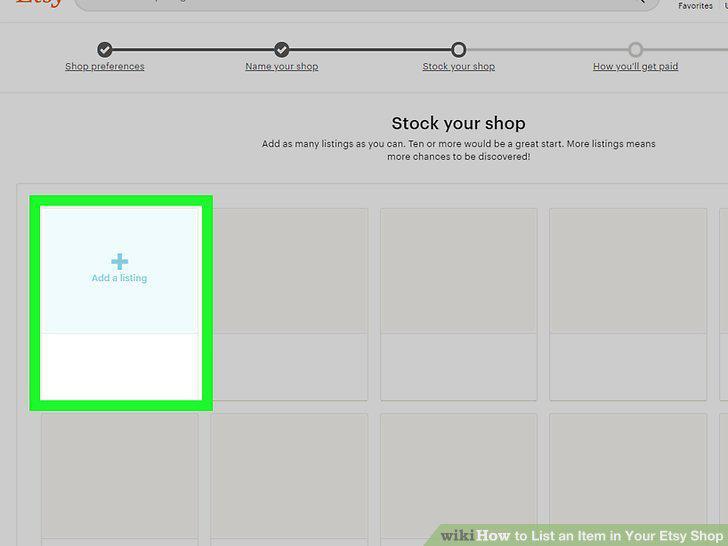
Click Add a listing after naming your shop.
8
Add at least one photo of the item you want to sell.
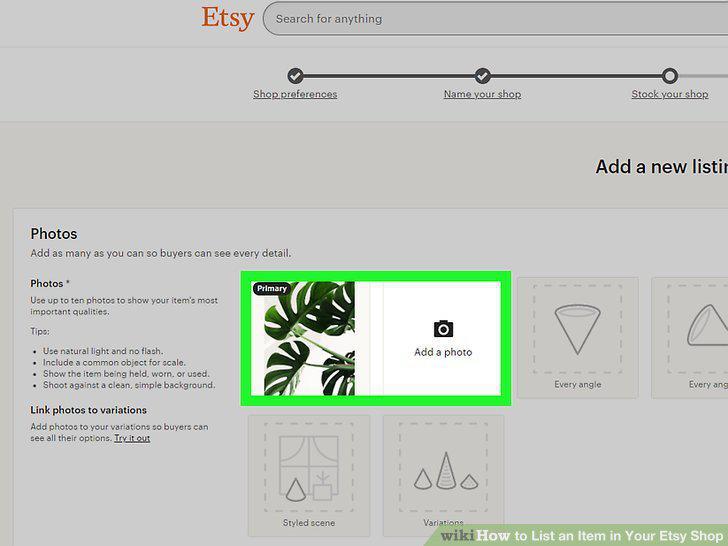
Add at least one photo of the item you want to sell.
9
Enter a descriptive but brief title.
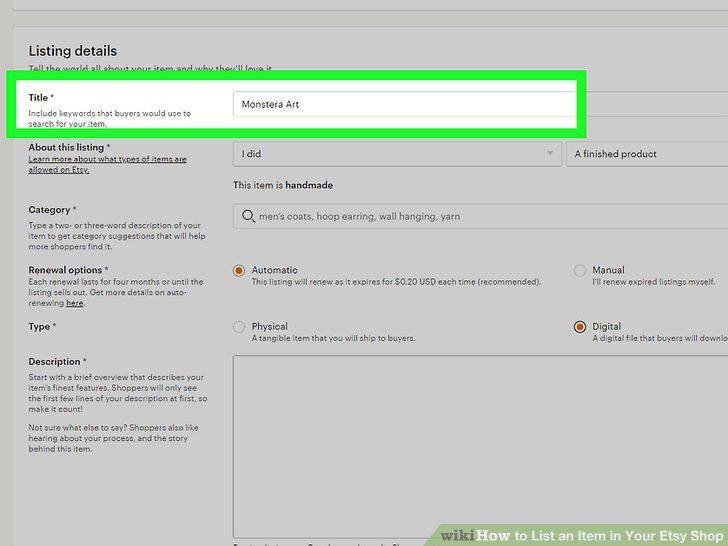
Enter a descriptive but brief title.
10
Categorize your listing.
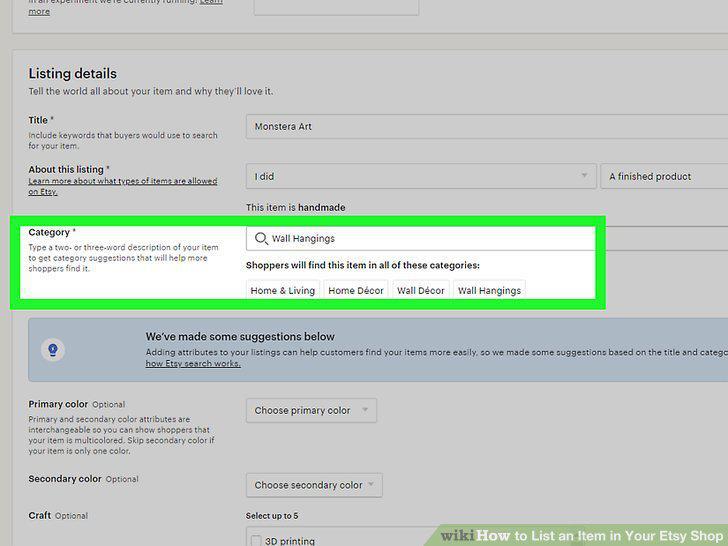
Categorize your listing.
11
Describe the item.
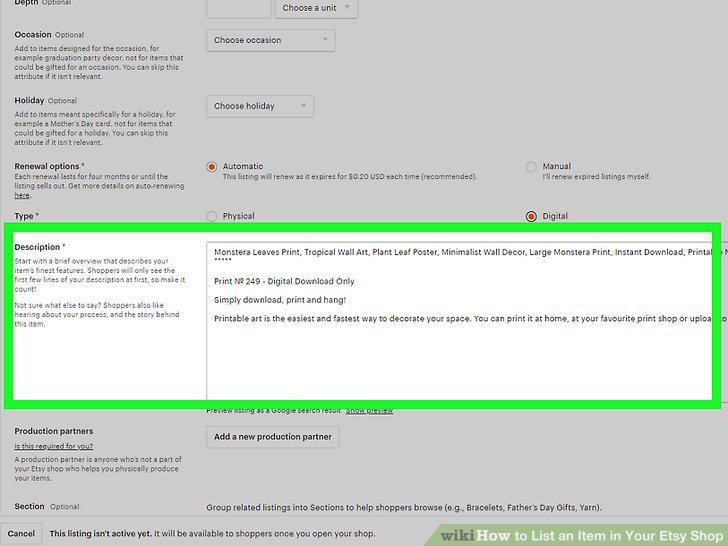
Describe the item.
12
Enter the item's inventory and pricing information.
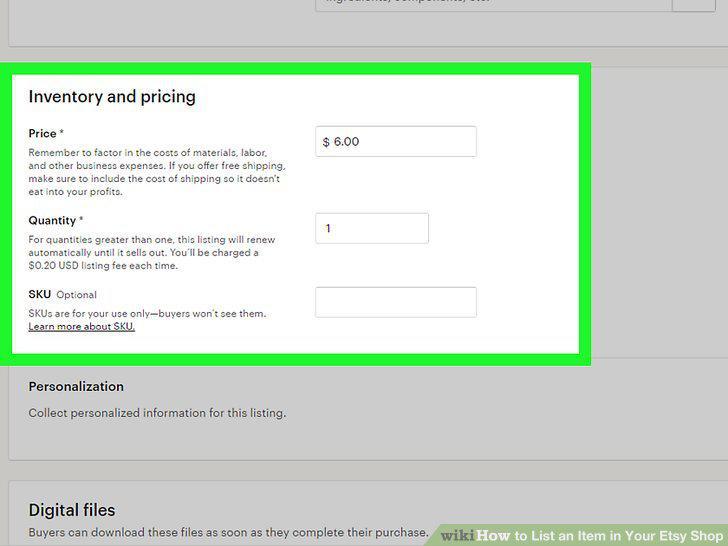
Enter the item's inventory and pricing information.
13
Enter your shipping preferences.
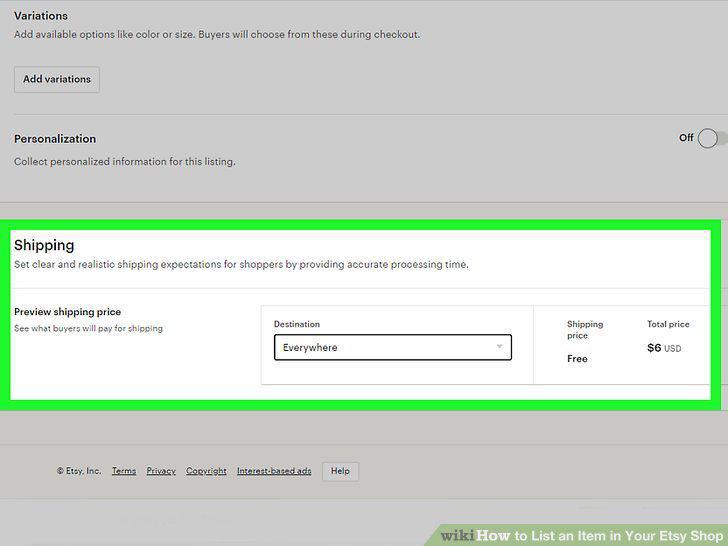
Enter your shipping preferences.
14
Click Save as draft to save your listing.
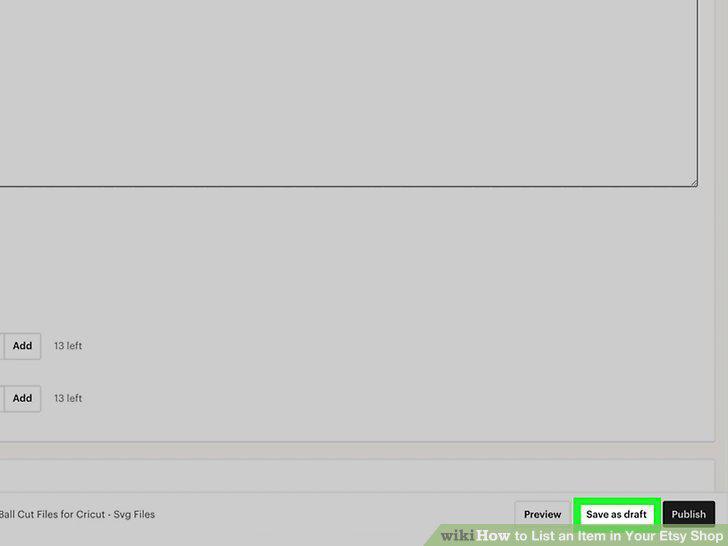
Click Save as draft to save your listing.
15
Click Preview to see your listing.
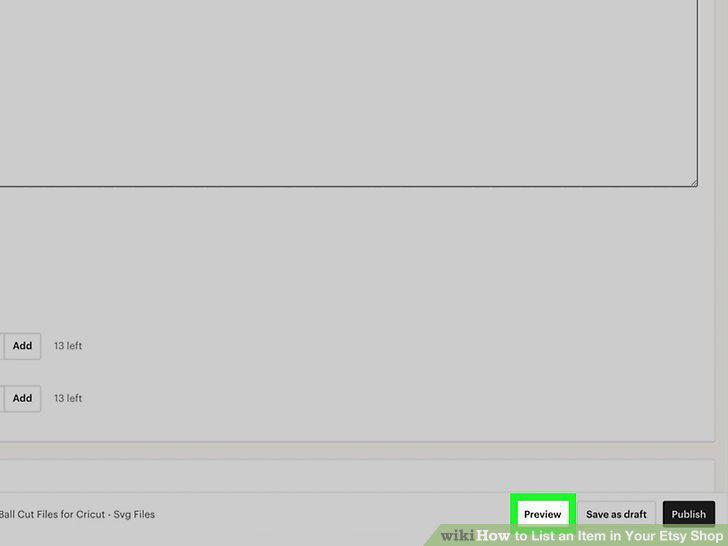
Click Preview to see your listing.
16
Click Publish to list the item.
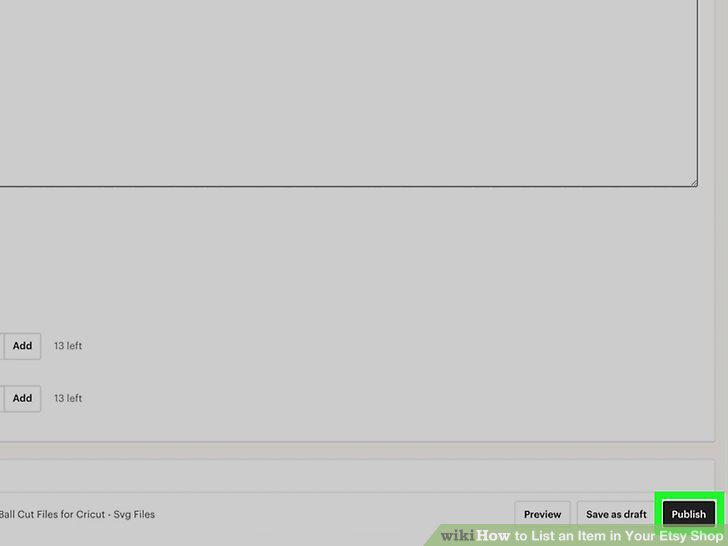
Click Publish to list the item.
Comments (0)
No comments yet. Be the first to share your thoughts!