How to Download Subtitles from Subscene
Open Subscene.. Click the search bar.. Enter a movie name.
Steps
1
Open Subscene.
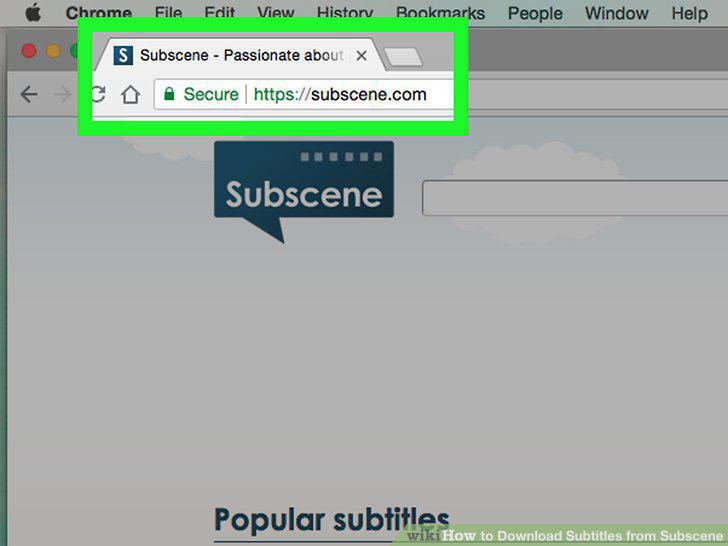
Open Subscene.
2
Click the search bar.
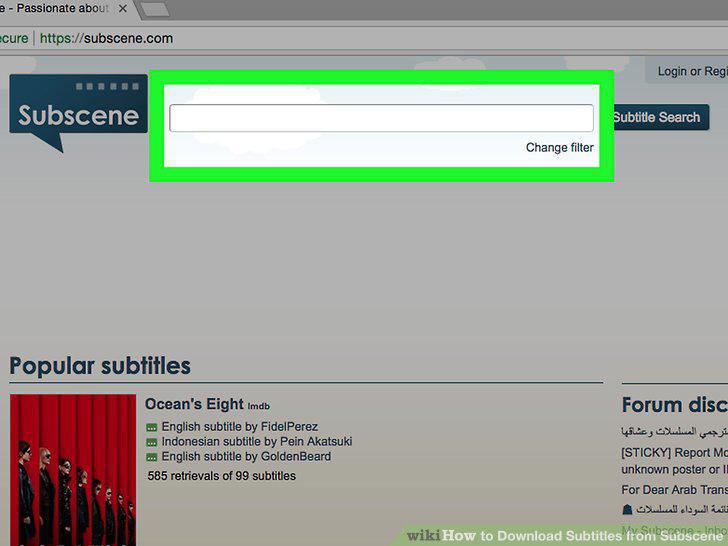
Click the search bar.
3
Enter a movie name.
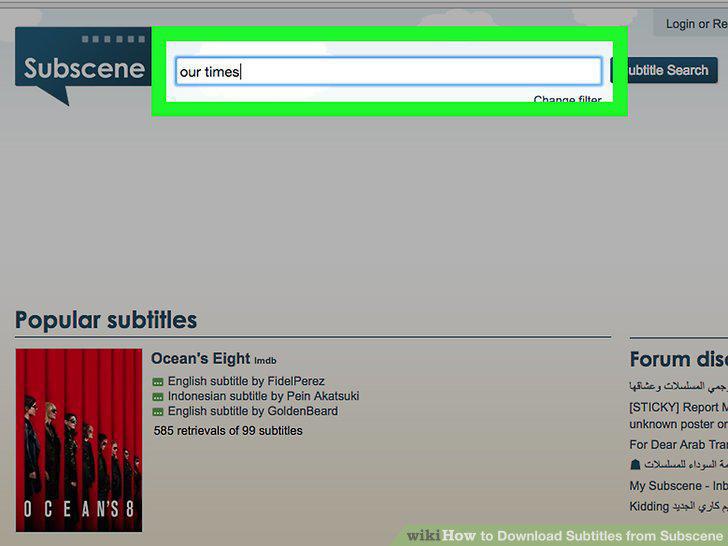
Enter a movie name.
4
Click Subtitle Search.
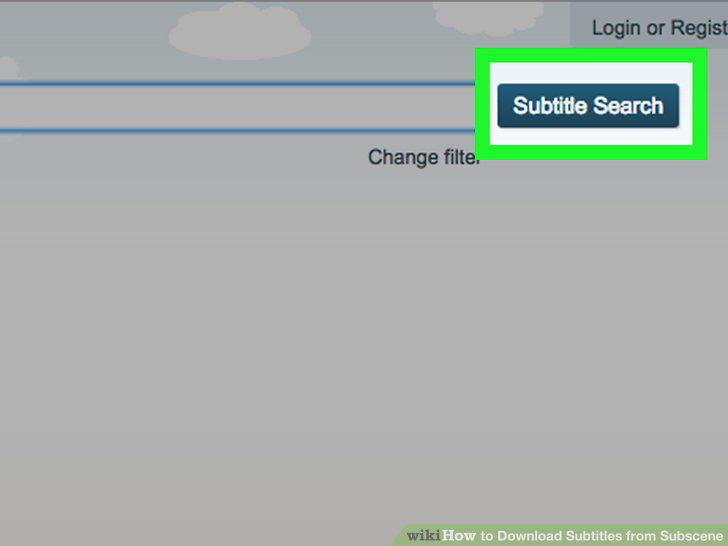
Click Subtitle Search.
5
Select a result.
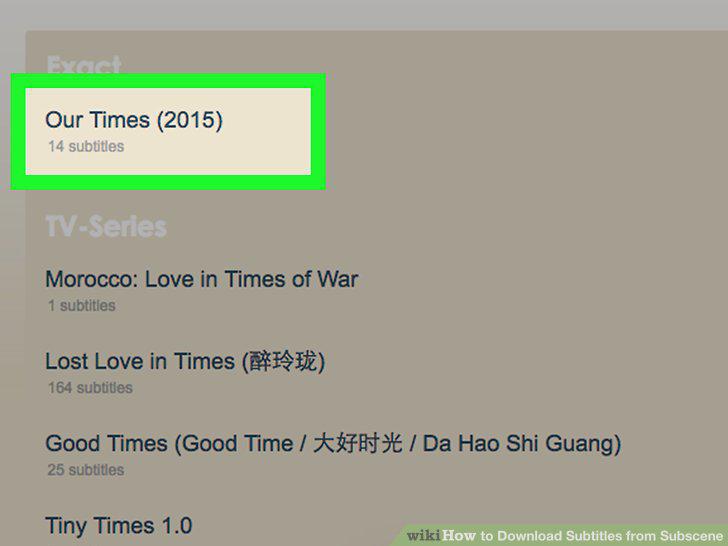
Select a result.
6
Find your language.
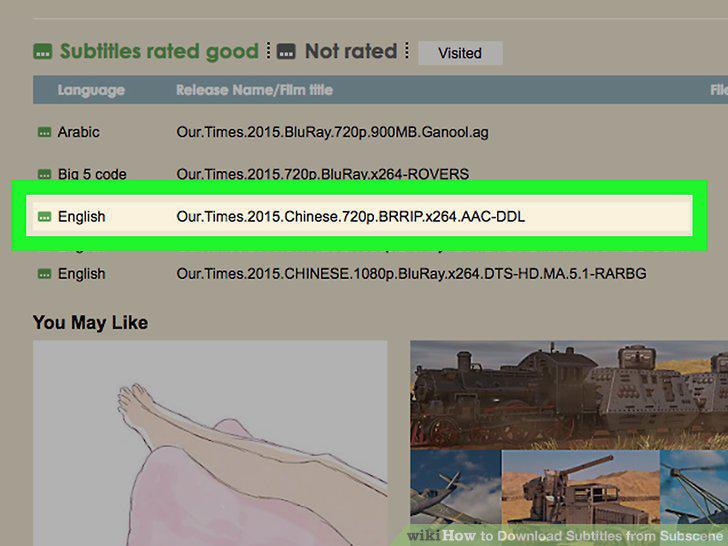
Find your language.
7
Select a subtitle file.
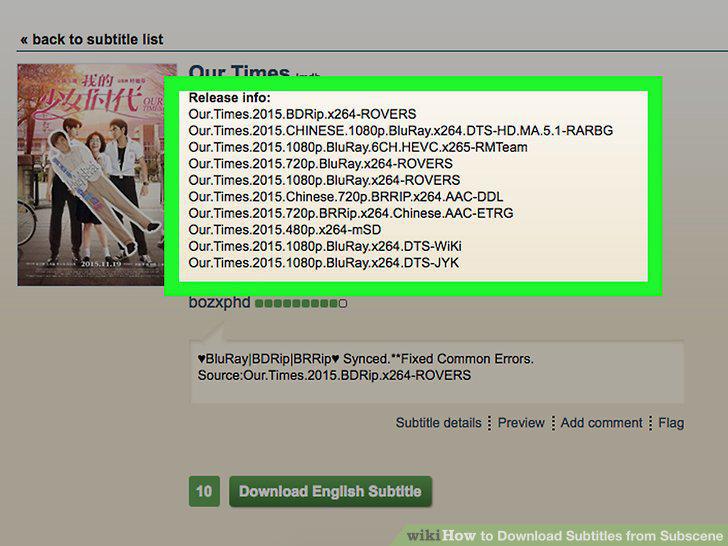
Select a subtitle file.
8
Click Download Language Subtitle.
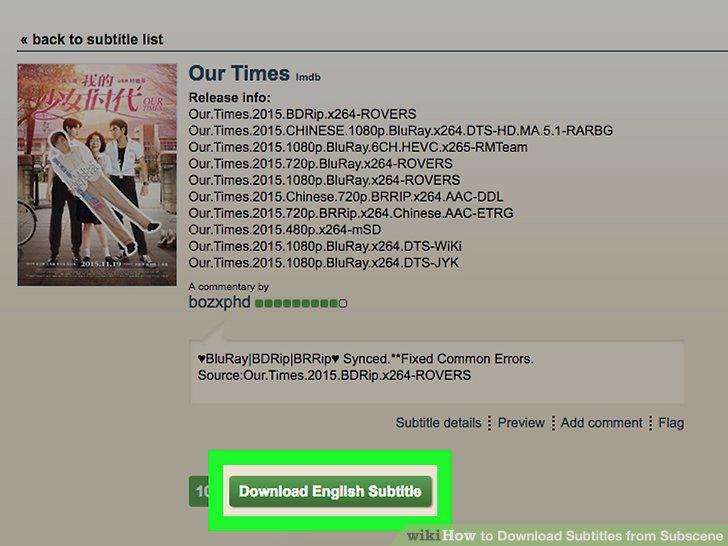
Click Download Language Subtitle.
9
Extract your subtitle file.
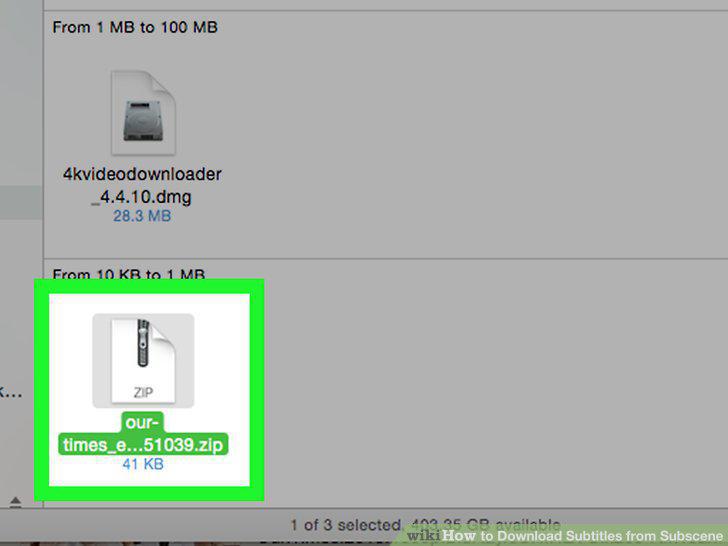
Extract your subtitle file.
10
Place the SRT file in the same location as your movie.
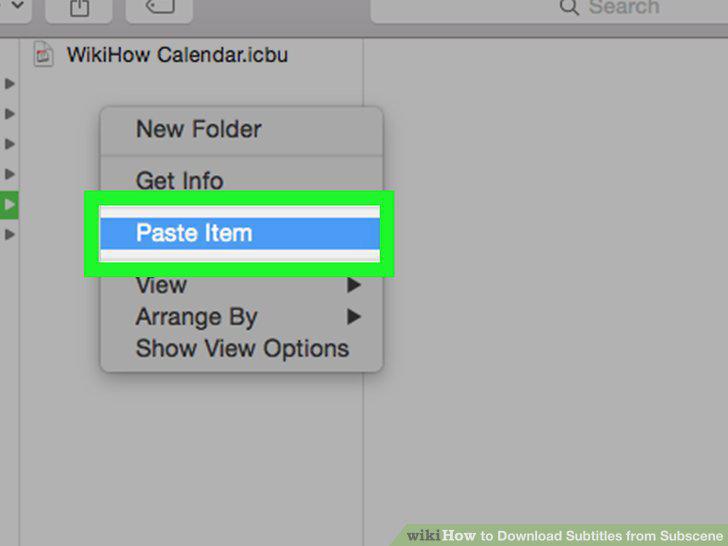
Place the SRT file in the same location as your movie.
Comments (0)
No comments yet. Be the first to share your thoughts!