How to See Who Follows Your Playlist on Spotify on Android
Open the Spotify app.. Tap Your Library at the bottom-right corner of the screen.. Tap your profile photo.
Steps
1
Open the Spotify app.
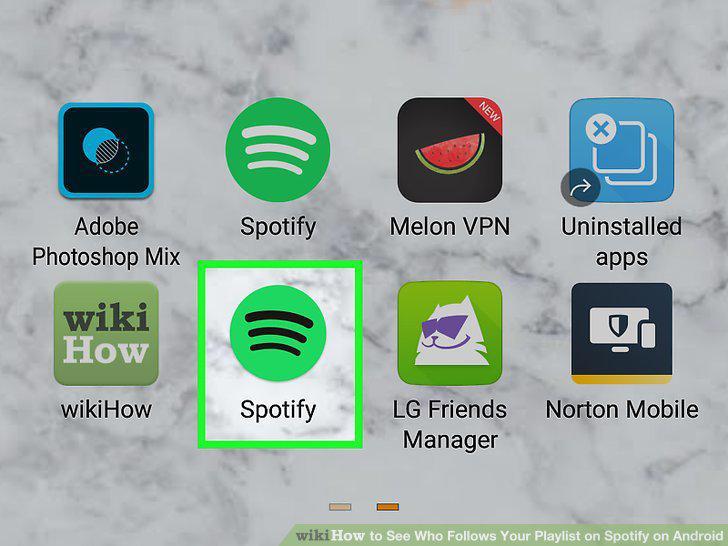
Open the Spotify app.
2
Tap Your Library at the bottom-right corner of the screen.
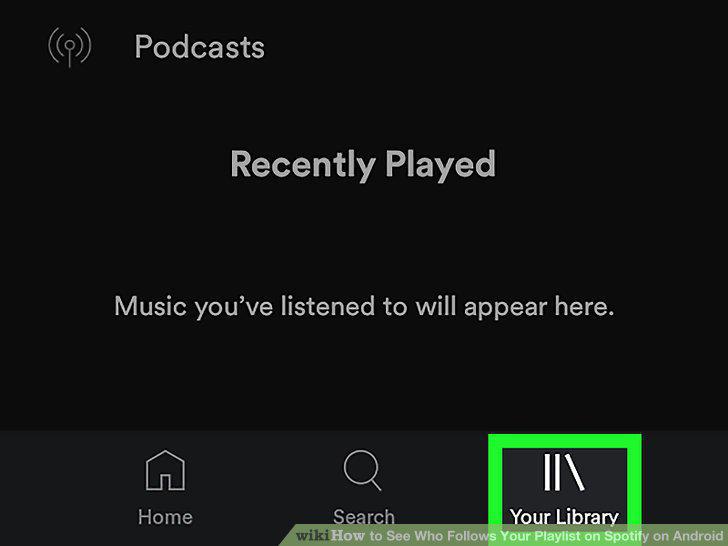
Tap Your Library at the bottom-right corner of the screen.
3
Tap your profile photo.
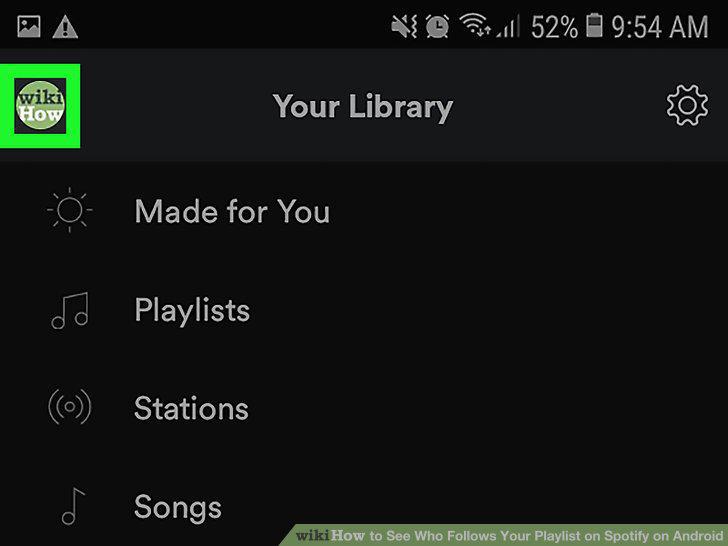
Tap your profile photo.
4
Tap Followers at the top-center part of the screen.
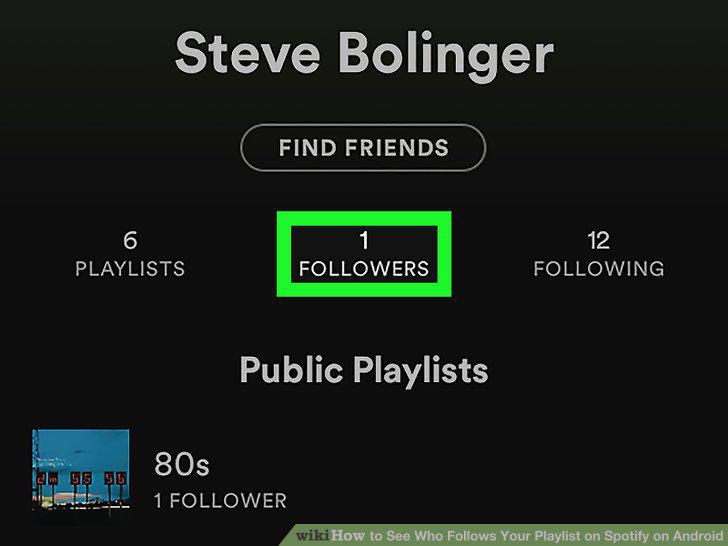
Tap Followers at the top-center part of the screen.
5
Tap a follower to open their public profile.
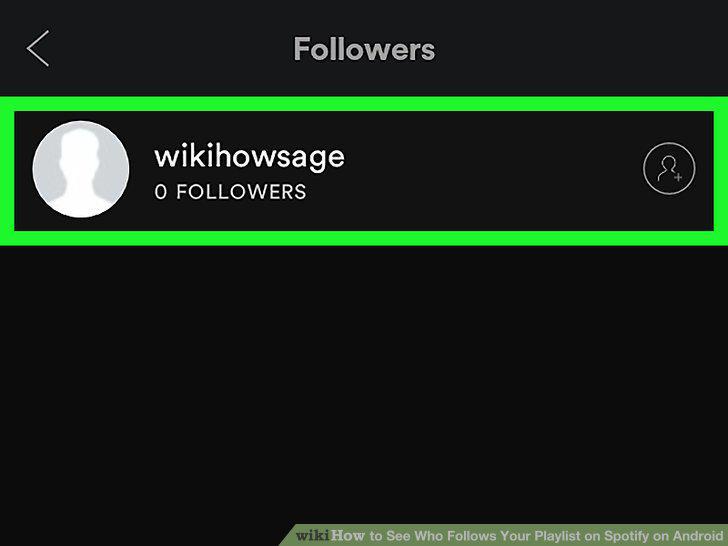
Tap a follower to open their public profile.
6
Tap Playlists at the top-left part of the profile.
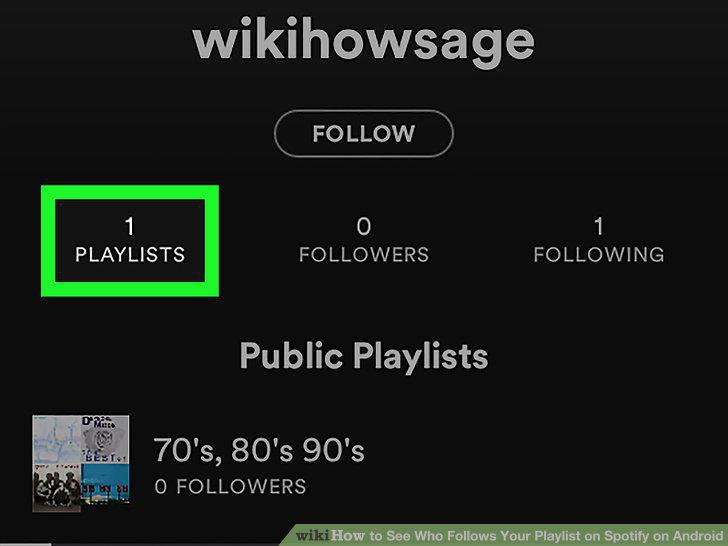
Tap Playlists at the top-left part of the profile.
7
Scroll through their playlists to see if they are following one of yours.
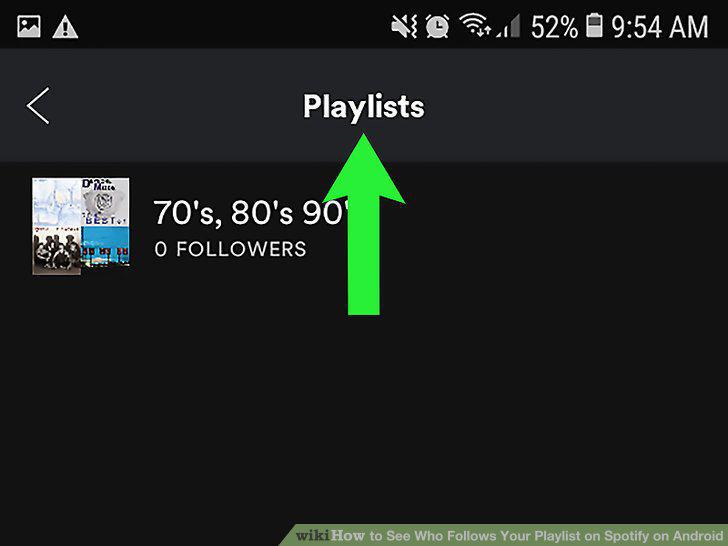
Scroll through their playlists to see if they are following one of yours.
8
Open the Spotify app.
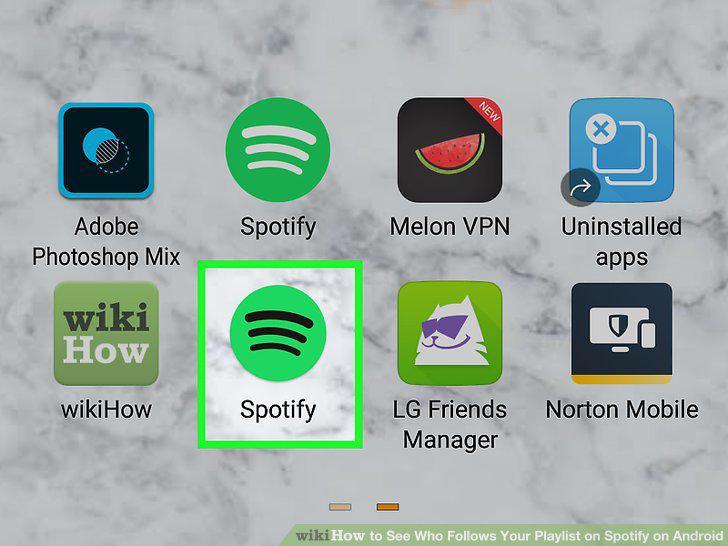
Open the Spotify app.
9
Tap Your Library at the bottom-right corner of the screen.
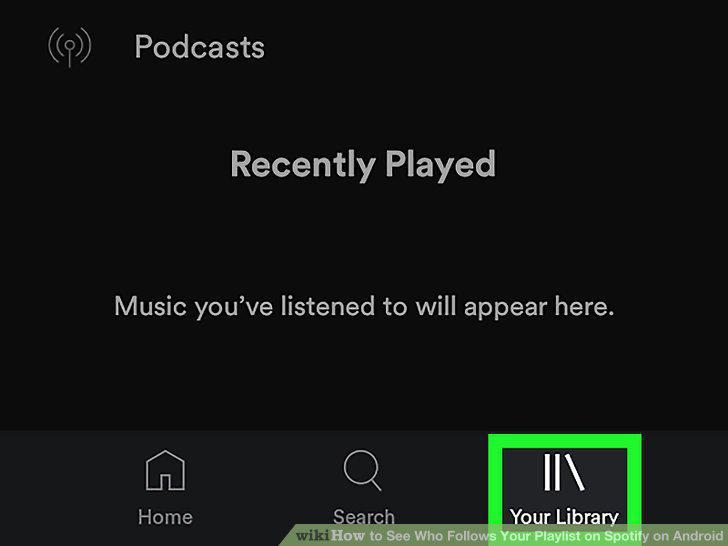
Tap Your Library at the bottom-right corner of the screen.
10
Tap your profile photo.
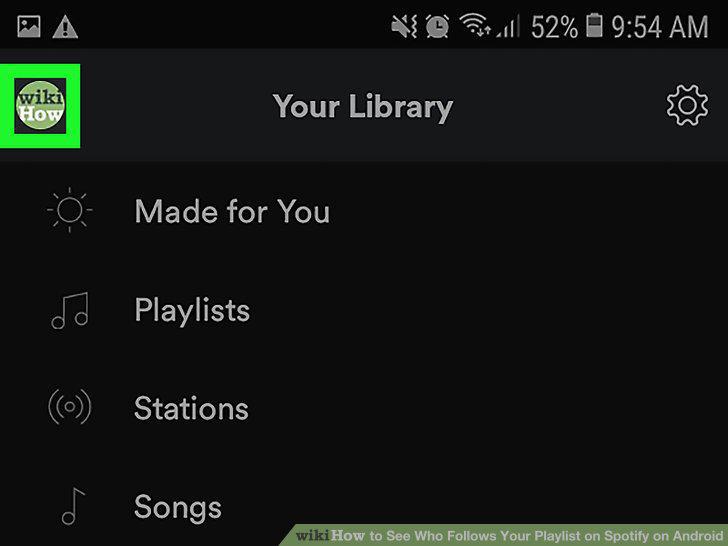
Tap your profile photo.
11
Tap Playlists.
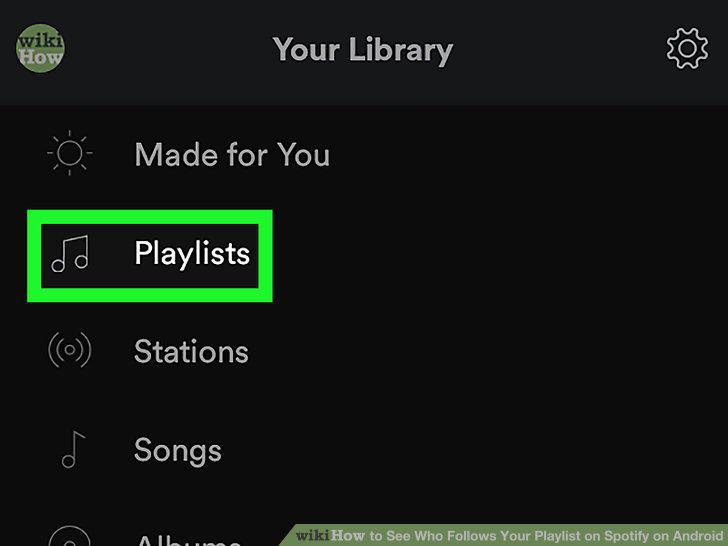
Tap Playlists.
12
Scroll down to view the number of followers for each playlist.
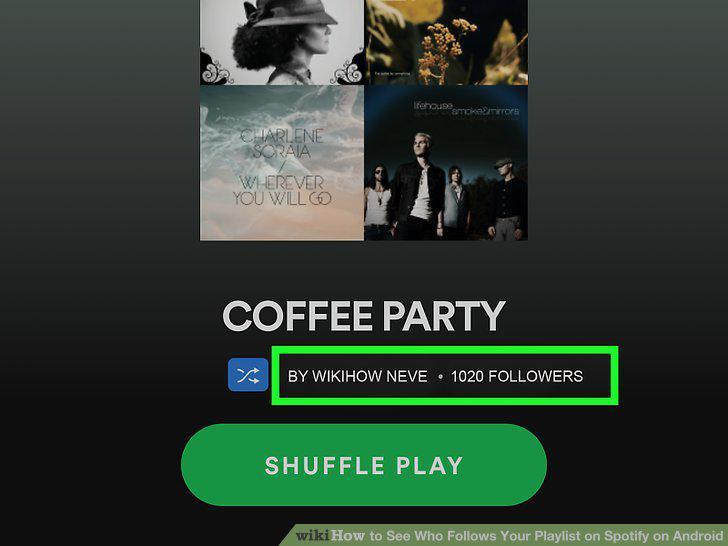
Scroll down to view the number of followers for each playlist.
Comments (0)
No comments yet. Be the first to share your thoughts!