How to Edit Videos
Choose the right editing software.. Learn the basics of your editing interface.. Know the essential tools for editing.
Steps
Choose the right editing software.
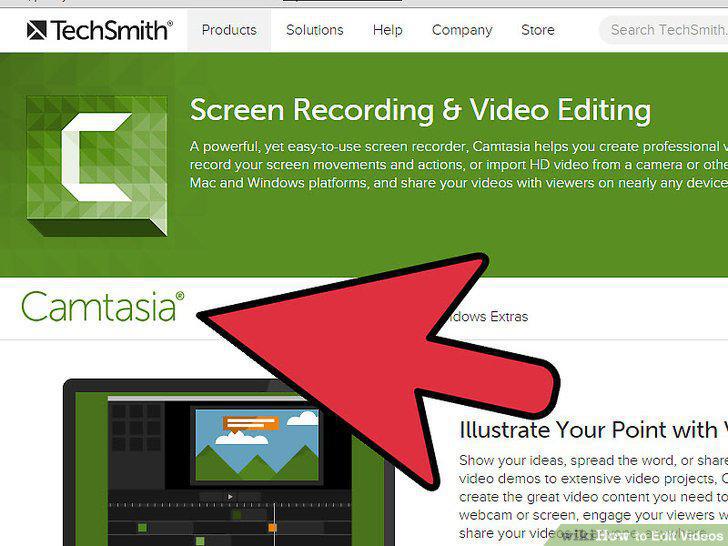
Choose the right editing software.
Learn the basics of your editing interface.
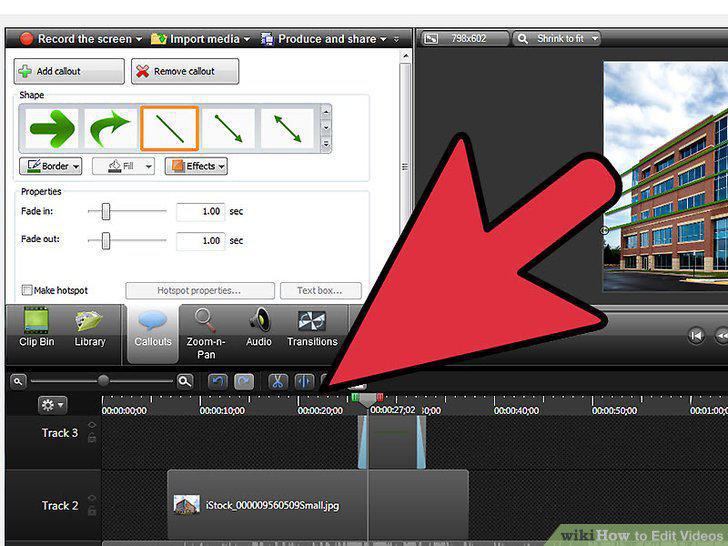
Learn the basics of your editing interface.
Know the essential tools for editing.
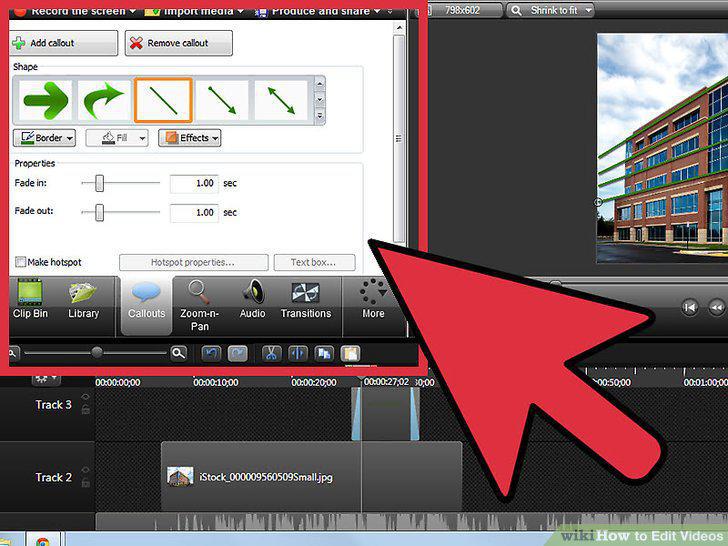
Know the essential tools for editing.
Play around with your program to learn about other features.
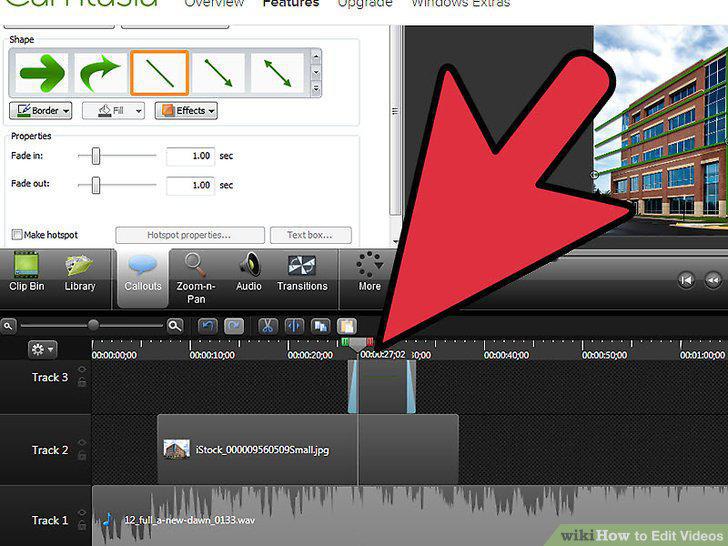
Play around with your program to learn about other features.
Organize your footage.
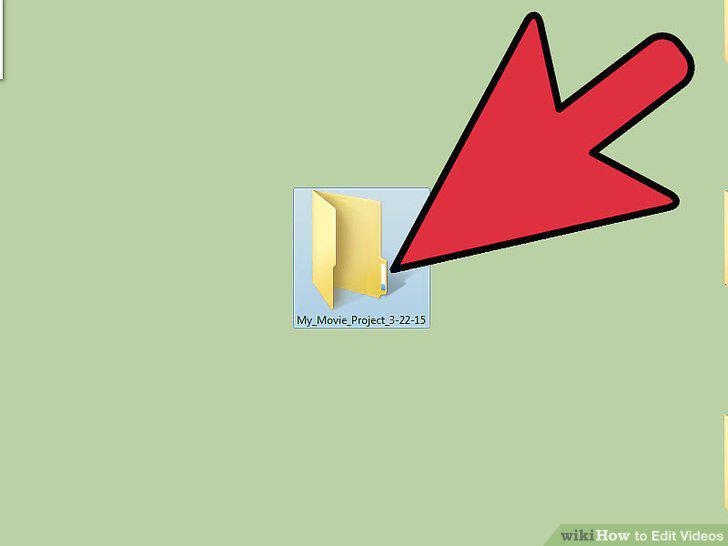
Organize your footage.
Open your editing software and create a new project.
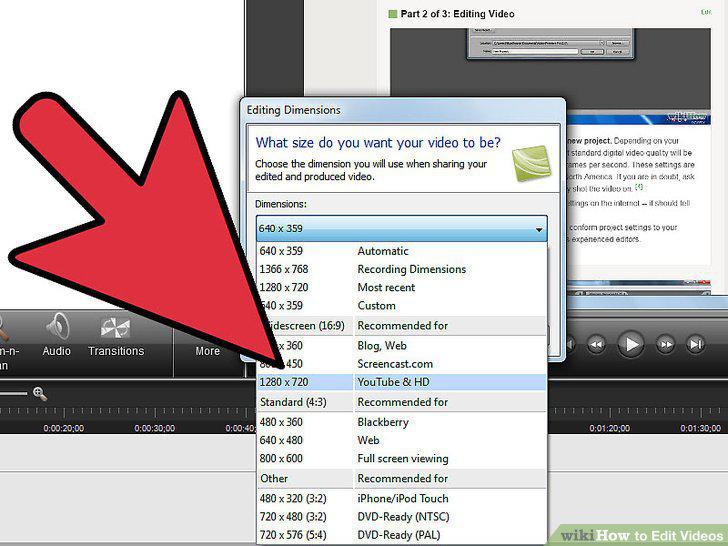
Open your editing software and create a new project.
Import your footage.
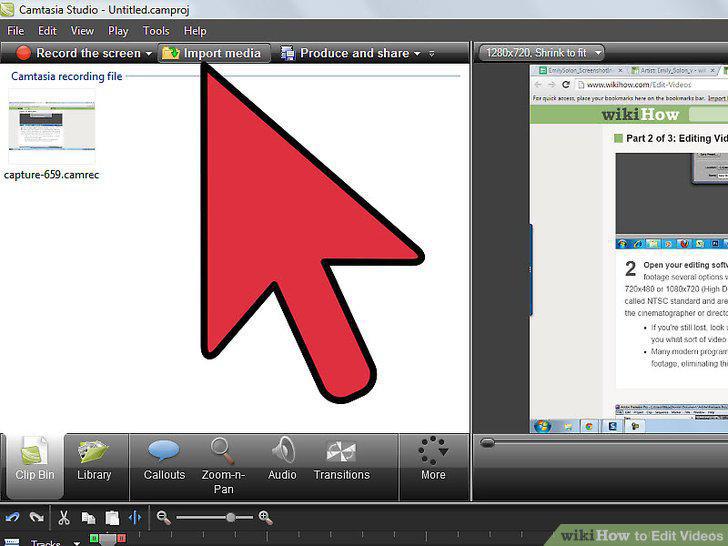
Import your footage.
Arrange clips by dragging and dropping them into your timeline.
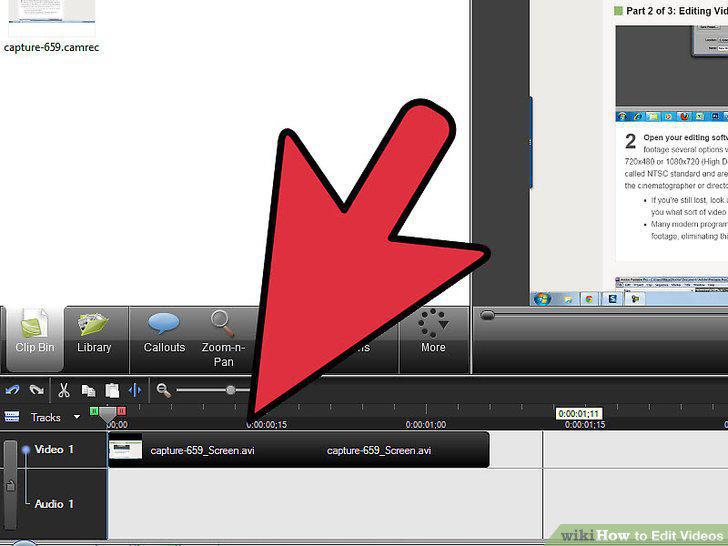
Arrange clips by dragging and dropping them into your timeline.
Splice the scenes together.
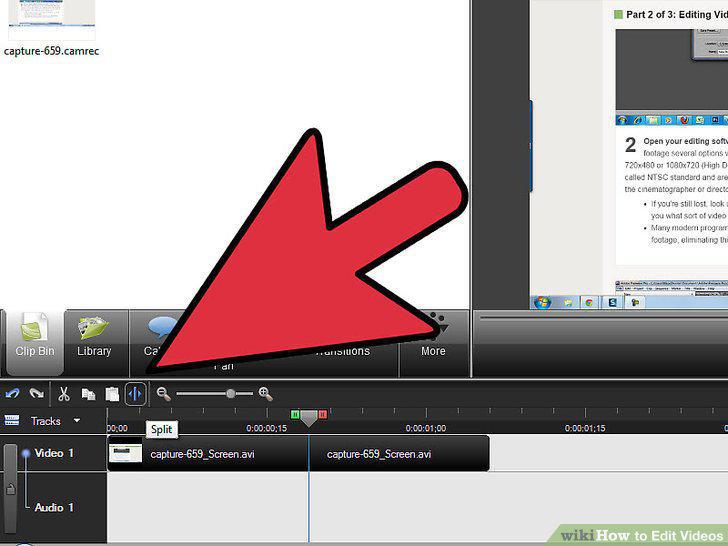
Splice the scenes together.
Add transitions, effects, and titles once you're happy with the footage.
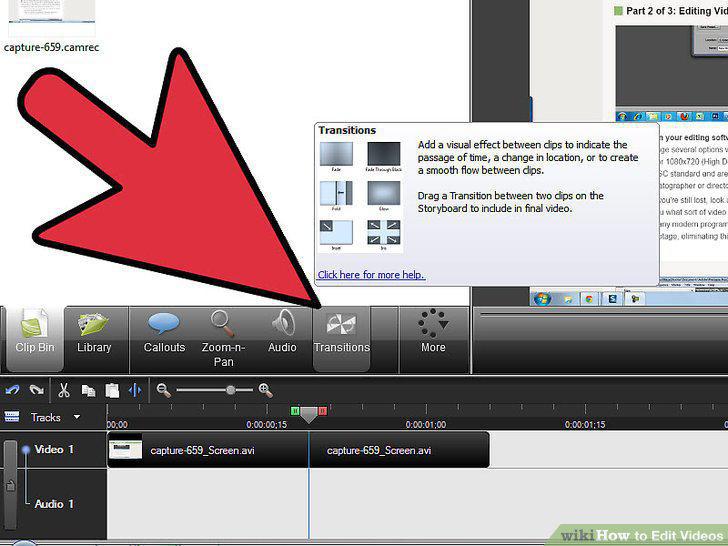
Add transitions, effects, and titles once you're happy with the footage.
Adjust the color and sound of your movie to your liking.
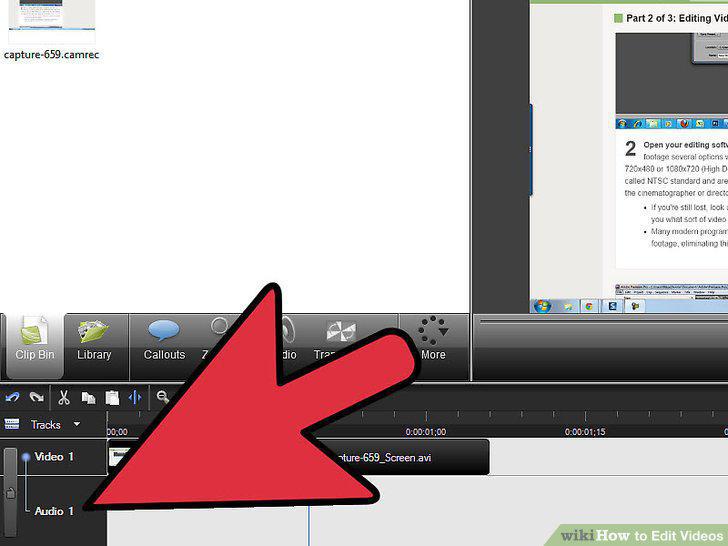
Adjust the color and sound of your movie to your liking.
Stop and watch your movie at various points.
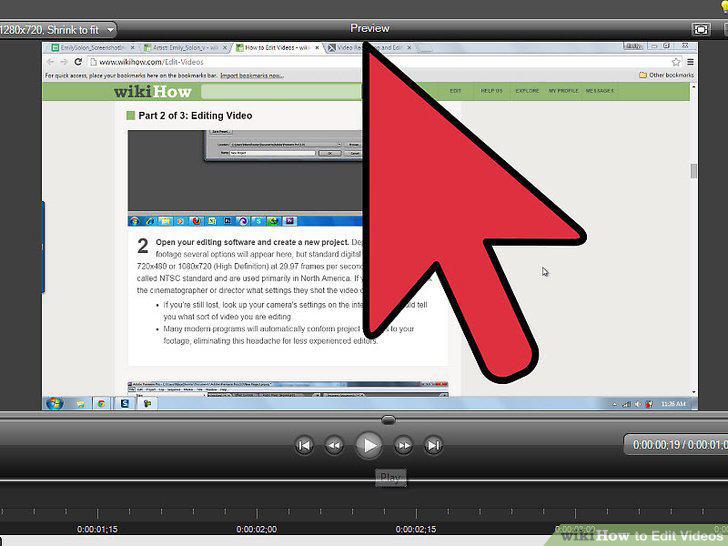
Stop and watch your movie at various points.
Streamline your workflow by learning hotkeys and shortcuts.
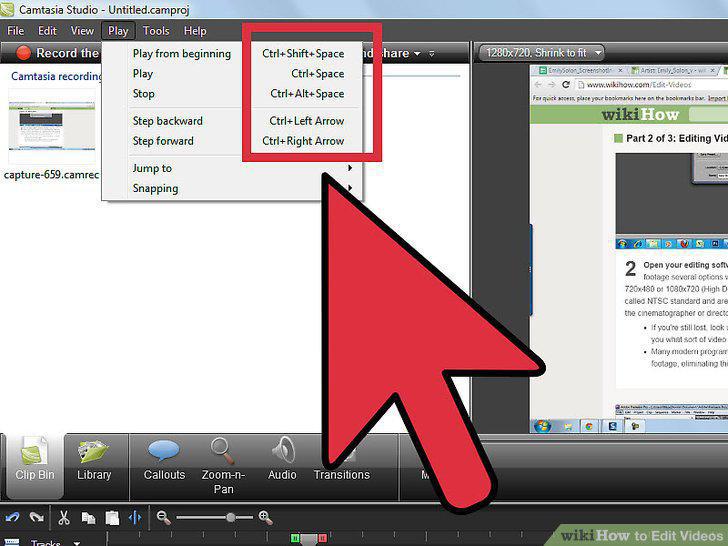
Streamline your workflow by learning hotkeys and shortcuts.
Know how to use different types of cuts.
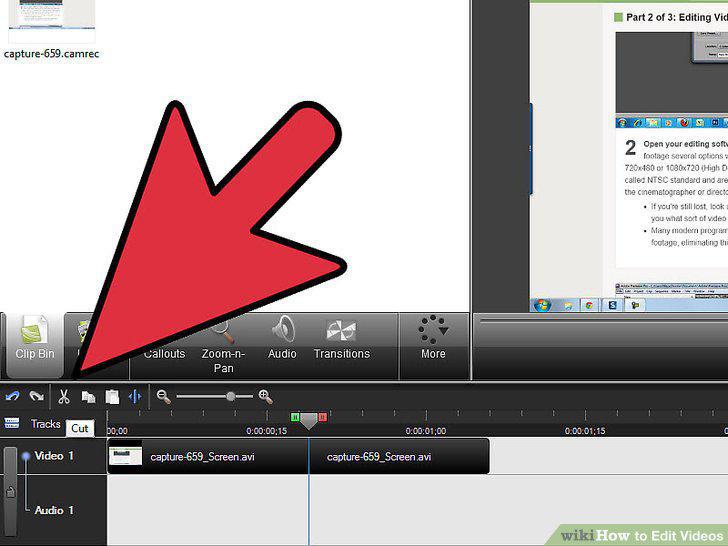
Know how to use different types of cuts.
Think about your creative goals while editing.
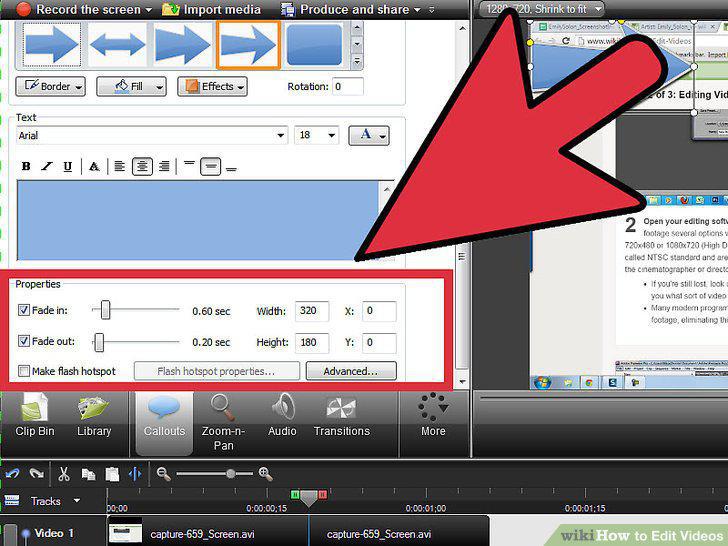
Think about your creative goals while editing.
Use longer shots and make less cuts to build tension or highlight key moments.
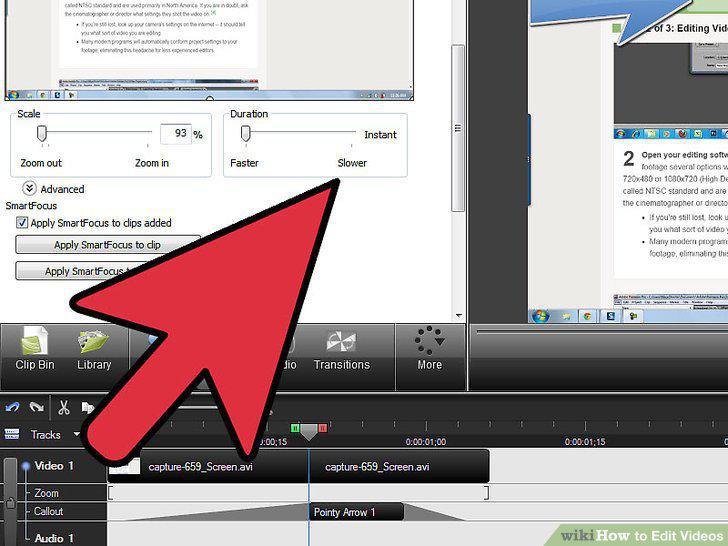
Use longer shots and make less cuts to build tension or highlight key moments.
Use shorter shots and frequent cuts to give a scene a quick pace and energy.
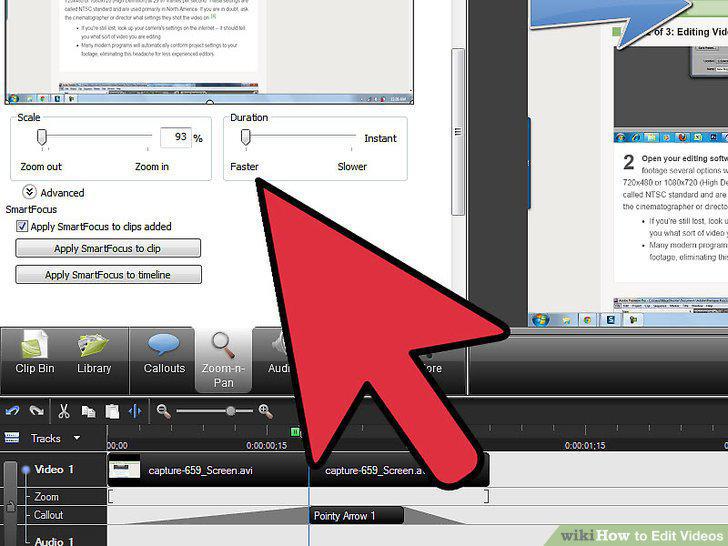
Use shorter shots and frequent cuts to give a scene a quick pace and energy.
Study other editors and films.
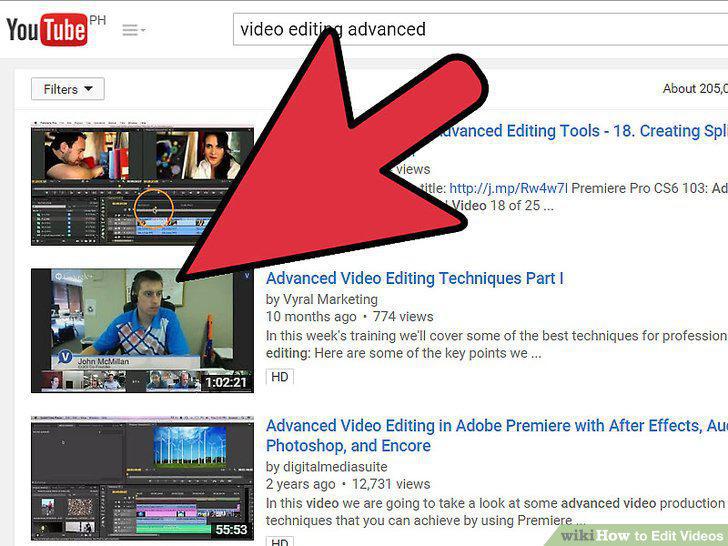
Study other editors and films.
Comments (0)
No comments yet. Be the first to share your thoughts!