How to Upgrade from Free to Premium on Spotify
Go to Spotify.com in a web browser.. Sign in to your account.. Click the Profile menu.
Steps
1
Go to Spotify.com in a web browser.
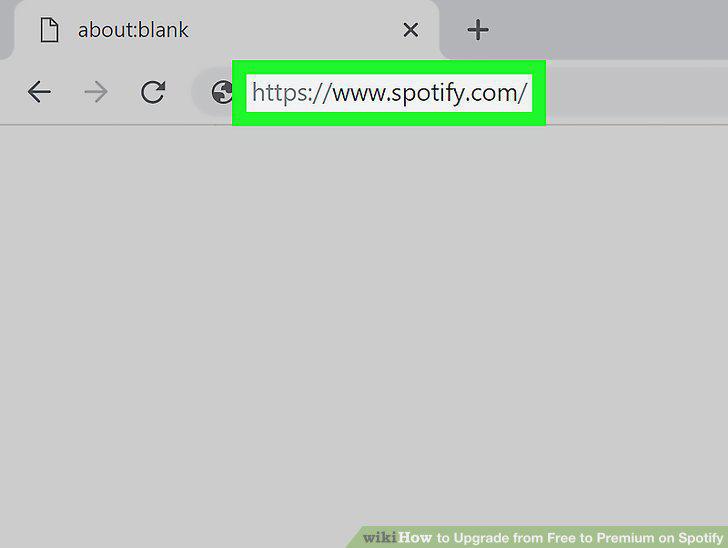
Go to Spotify.com in a web browser.
2
Sign in to your account.
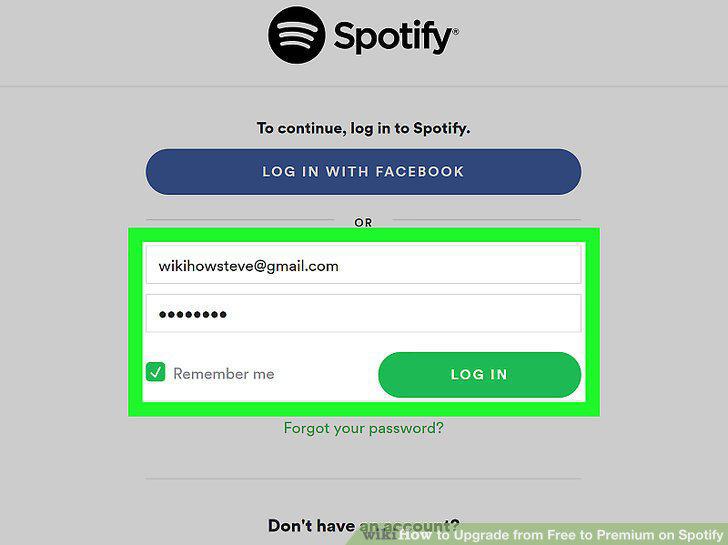
Sign in to your account.
3
Click the Profile menu.
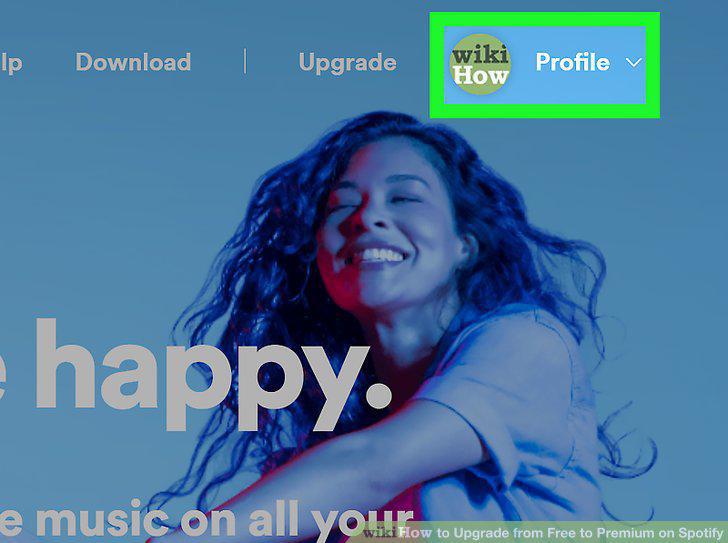
Click the Profile menu.
4
Click Account.
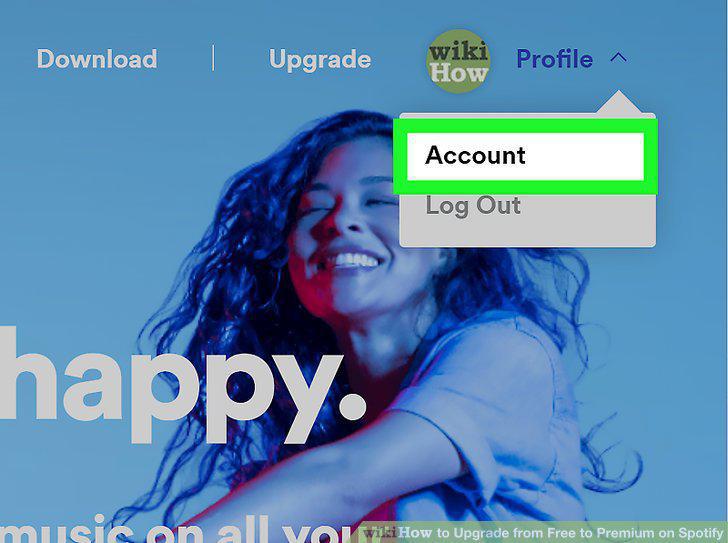
Click Account.
5
Scroll down and click Subscription.
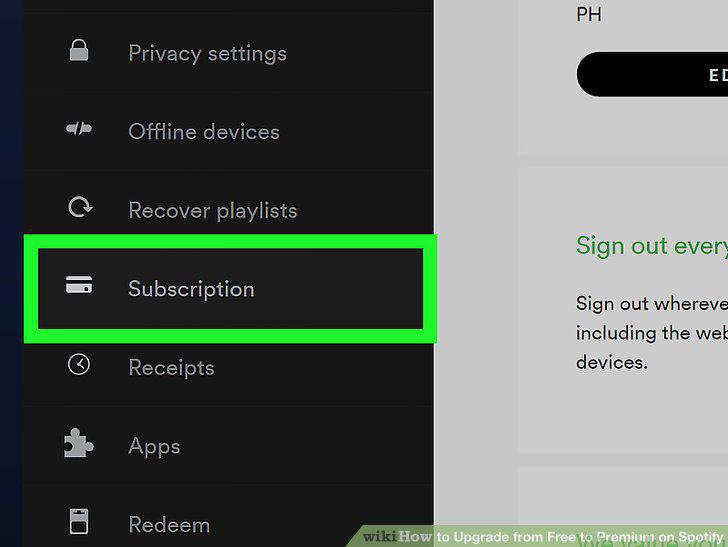
Scroll down and click Subscription.
6
Click TRY PREMIUM FREE or GET PREMIUM.
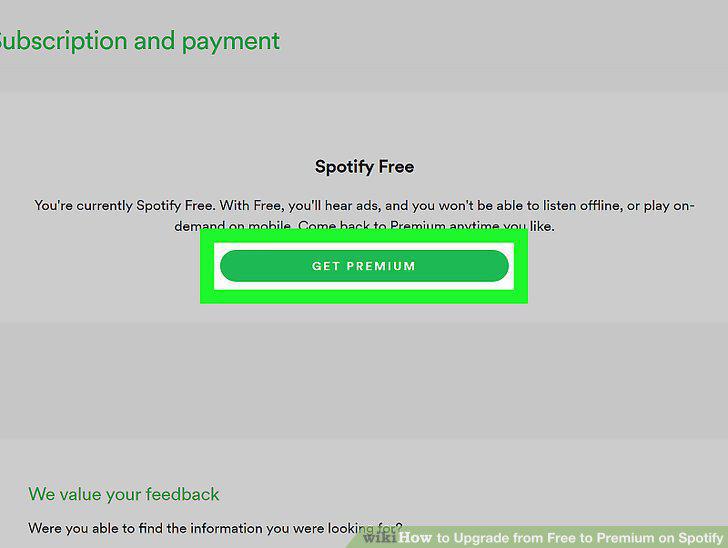
Click TRY PREMIUM FREE or GET PREMIUM.
7
Select a Premium option (optional).
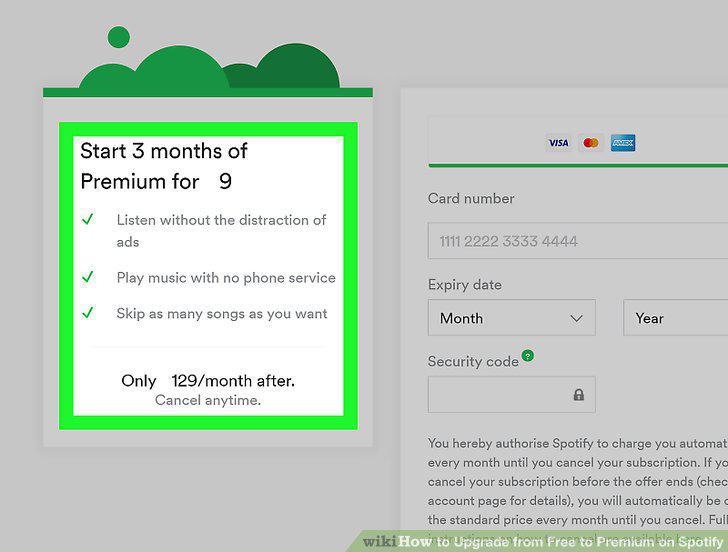
Select a Premium option (optional).
8
Enter your payment details.
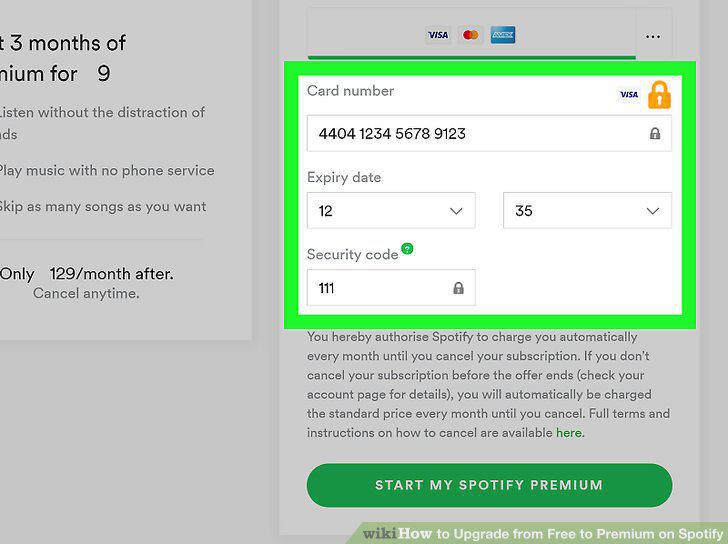
Enter your payment details.
9
Click the START MY PREMIUM button.
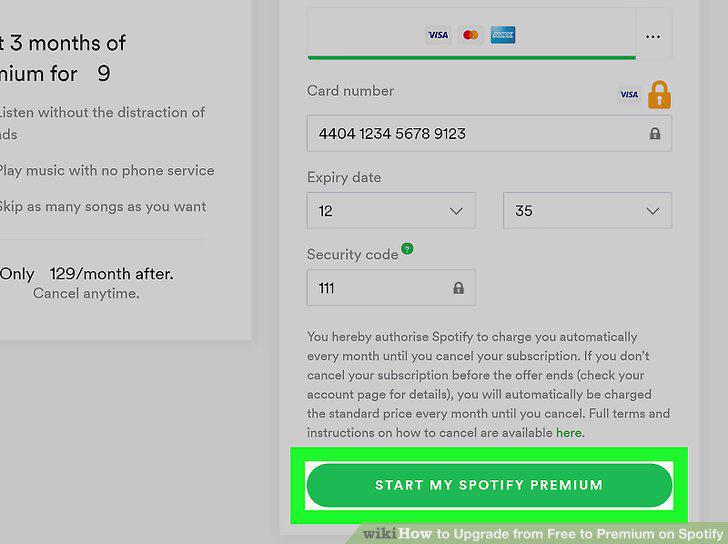
Click the START MY PREMIUM button.
Comments (0)
No comments yet. Be the first to share your thoughts!